A dead wedge in the middle of soundcheck, a monitor that rings the moment you open it, a level that collapses on the first song: these faults all have identifiable causes, and most are fixed in under a minute once you know where to look. The problem is almost never the gear — it is a setting, a tap point or a patch. This guide goes through the symptoms one by one, in the order they actually turn up. If what you need first is how to wire the thing, our guide to connecting a stage monitor to a mixing console gives the full diagram.
- Diagnose by working back up the chain, from loudspeaker to console, never the other way round.
- A dead monitor is nine times out of ten a bus master left at zero or a send set post-fader.
- A monitor that disappears mid-set is a post-fader send, or a VCA master pulled down.
- Feedback is not a fault: it is insufficient gain before feedback.
- Pre-fader listen on headphones, stage by stage, locates the fault in three moves.
The method that always works
Before touching a single control you need to know where the signal stops. The temptation is to start at the console because it is within reach; that is the mistake that wastes the most time, because it leads you to change settings that were correct. The right approach is to cut the chain in half and listen on either side.
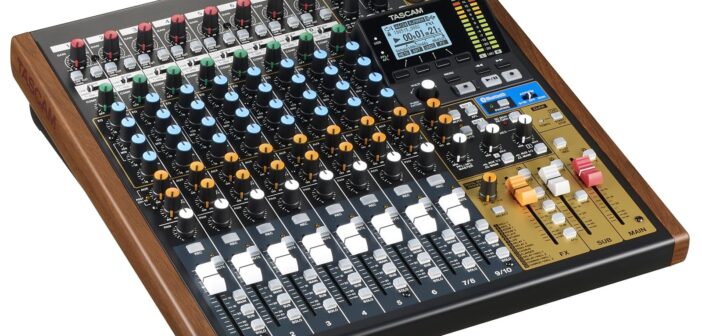
On a digital console, pre-fader listen on headphones speeds this up further: listen to the channel, then the auxiliary bus, then the output. Wherever the sound disappears identifies the faulty link beyond argument.
The monitor stays dead
This is the most common case, and the causes come up in roughly the same order of likelihood. The auxiliary bus master is still at zero: you have raised the channel sends, everything looks right there, but nothing leaves the bus. Next comes the send set post-fader while the fader is down, which produces exactly the same symptom. Then, on a digital console, the output patch: the bus exists and is working, but it is not assigned to any physical socket.
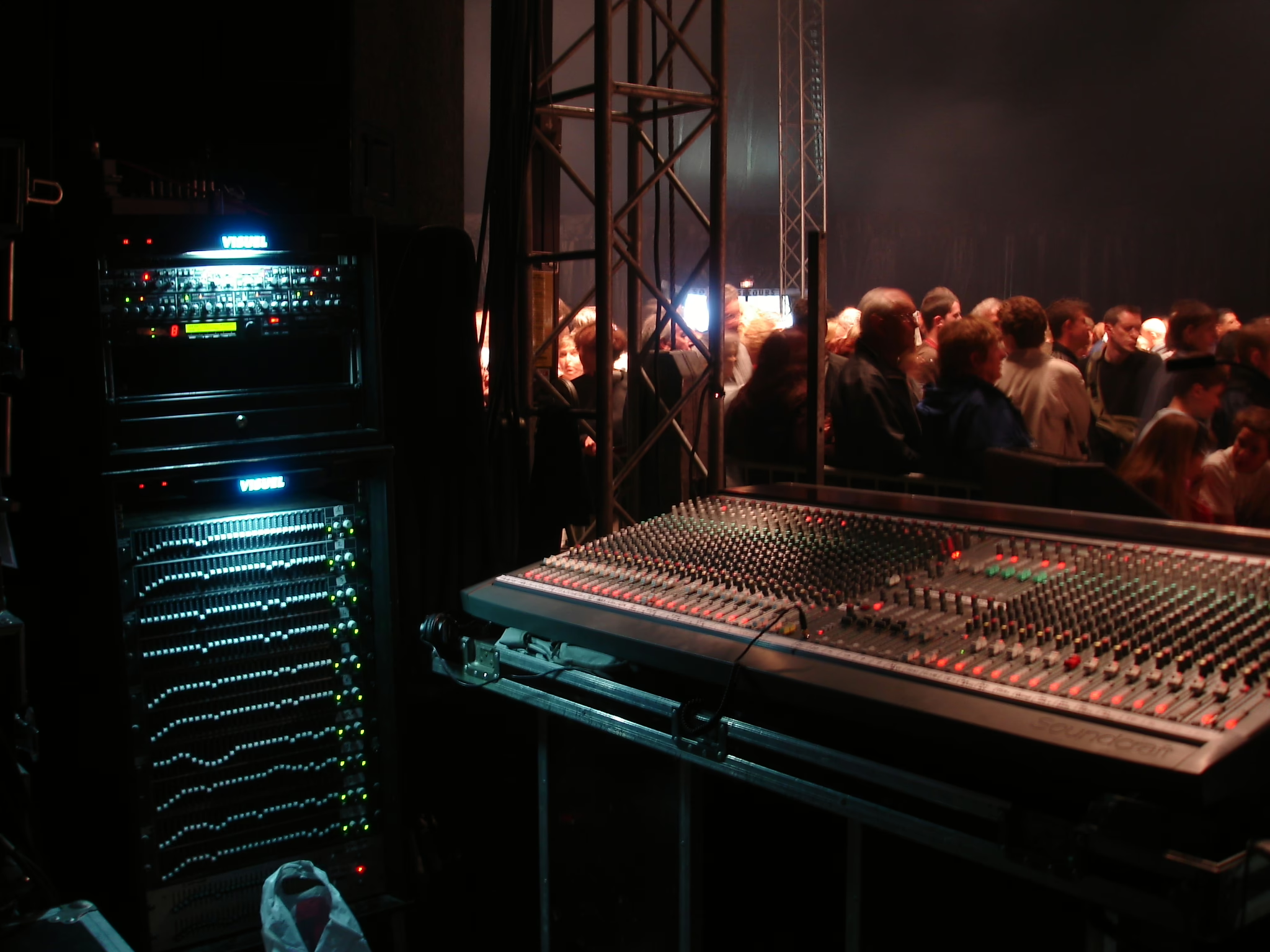
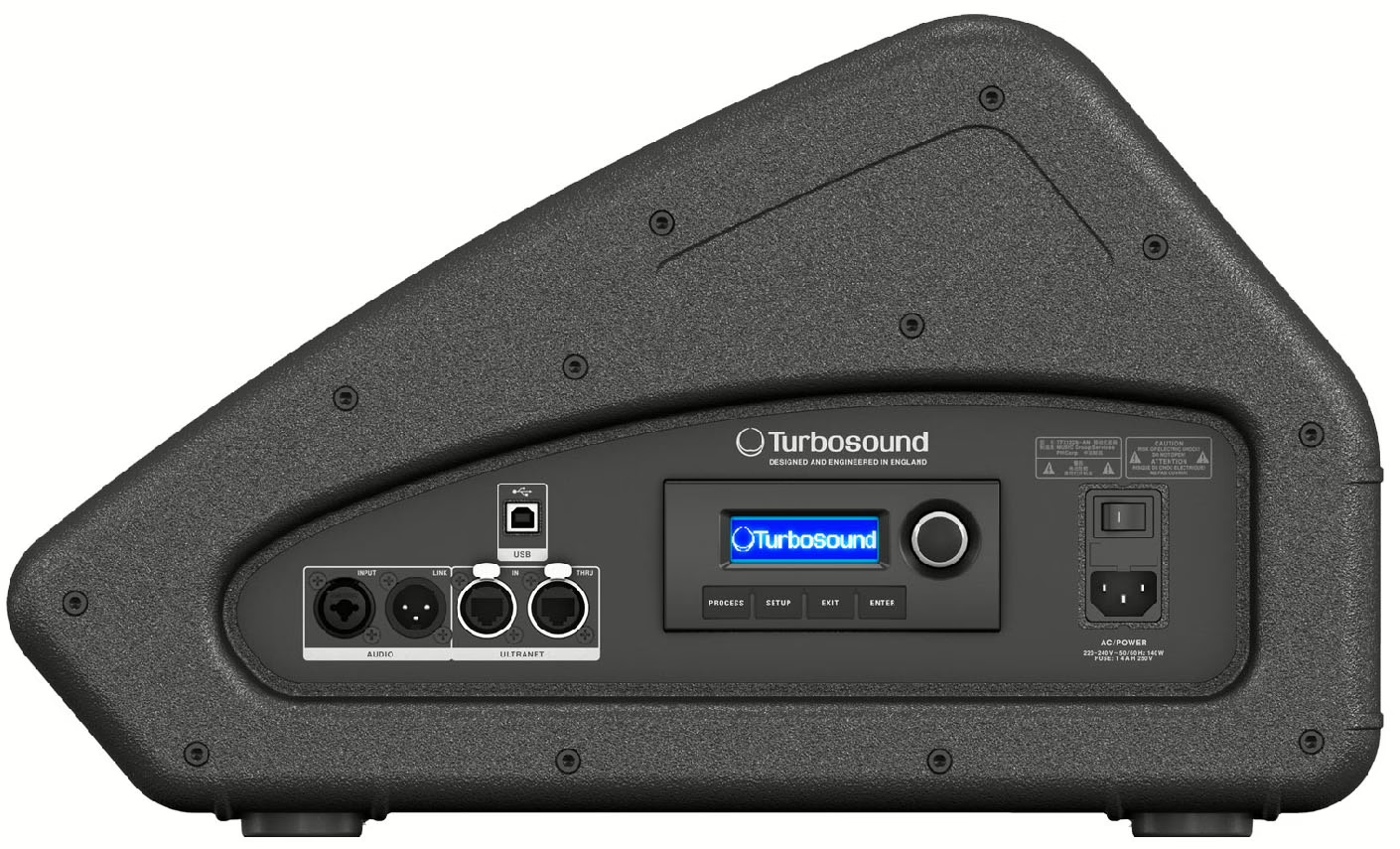
Hardware causes remain, rarer but real: a broken line cable, an amplifier in thermal protection, a powered cabinet with its input gain at zero. The decisive test is substitution — another cable, another output, another wedge. One substitution is worth ten hypotheses.
It was working, then it vanished
This symptom has a very clear signature: the wedge works through soundcheck and evaporates on the first song. In the overwhelming majority of cases the send is post-fader and you pulled the channel down at front of house. The musician waves at you saying it “worked earlier”, and they are right.
Second cause, more insidious: a VCA master pulled down. Because it acts upstream of the post-fader tap point, it takes everything heading to those sends with it. That is one of the traps detailed in our guide to running VCA groups. Third cause: a scene recall that reset the bus levels without you intending it — on a digital console, deciding what a scene carries is part of the prep work.
Before touching any level when a monitor behaves oddly, verify the pre/post state of that send. The check takes three seconds and eliminates the most frequent cause in this entire article. The tap point mechanism is explained in our article on auxiliaries on an audio mixing console.
The monitor rings
Feedback is not a fault: it is the mic-to-cabinet-to-mic loop whose gain has crossed unity at some frequency. The useful reaction is therefore never to pull the wedge down and hope, but to win back headroom. Check the geometry first: the wedge should sit in the microphone’s least sensitive axis, which for a cardioid capsule means directly behind it. A monitor moved thirty centimetres sometimes changes everything.
Then check what you are sending into that wedge: neighbouring microphones with no business being there contribute as much as the one that matters. Only after that should you correct the resonant frequencies.
There is sound, but it is bad
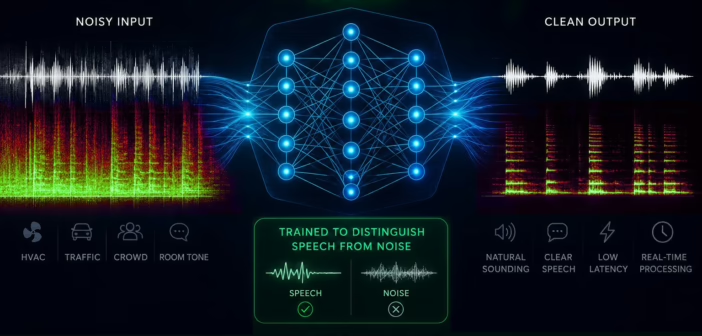
Three symptoms, three distinct causes. Weak and hissy sound that makes you turn everything up points to a staircase gain structure: the preamp is too low and you compensate downstream, which lifts the noise floor of every stage. The fix belongs at the preamp, not at the end of the chain.
Hard, squashed, aggressive sound on loud passages, with nothing clipping on the channels, means the bus or the powered cabinet’s input is overloading. Look at the auxiliary bus meters, which nobody ever looks at.
A hum at mains frequency, or hiss appearing the moment you connect the monitor, almost always comes from a ground loop — two devices tied together both by the audio cable and by different mains outlets. The reflex is to bring everything onto the same supply before considering anything else.
The discipline that changes everything is to change one thing at a time and put it back if it did not help. When you are under pressure and the room is waiting, the temptation is to move everything at once — and you end up with a system nobody knows the state of, including the settings that were fine to begin with. A fault gets solved in three methodical minutes, or in forty minutes of improvisation.
The checklist before calling for help
In order, in under two minutes: the cabinet is powered up and its input gain is open. The bus master is at its mark. The channel send is open and pre-fader. The channel is not muted and its preamp is working. On a digital console, the bus is actually assigned to a physical output. No VCA master is dragging it down. And the cable has been substituted at least once.
If all seven check out and nothing comes out, the fault is hardware and outside the scope of settings. That is the moment to swap the wedge.
Frequently asked questions
My monitor works at soundcheck then stops — why?
The send is post-fader and follows the channel fader you pulled down at front of house. Switch it to pre-fader — but at soundcheck, never mid-song: the level jumps at the moment of the switch.
The wedge hisses badly, should I replace it?
Rarely. Excessive hiss almost always signals a staircase gain structure: preamp too low, compensated by levels pushed downstream. Revisit the gain at the input before suspecting the gear.
How do I know whether the problem is the console or the cable?
By substitution. Plug the same cable into another output, or another cable into the same output. Two tests isolate the culprit, where an hour of theorising gets you nowhere.
Is a monitor that rings defective?
No. Feedback is an acoustic loop phenomenon, not a fault: it depends on where the wedge sits relative to the microphone, how much gain is applied, and how the room responds. A perfectly healthy wedge will ring if you ask too much of it.