Assigning a few channels to a master fader takes thirty seconds and has never troubled anyone. What separates a useful VCA plan from a decorative one is something else: choosing what you group, and knowing what moves when you pull the fader. This article is about running them on a real stage.
- A VCA plan is built around the moves you will actually make during the song, not around the instrument families on the rider.
- Six to eight masters is plenty: beyond that you hunt for the right fader instead of mixing.
- A channel assigned to two VCAs sums both offsets, in decibels.
- Pulling a VCA takes everything sent post-fader with it: reverbs and delays follow, pre-fader monitors do not.
- A VCA creates no processing point: compressing an ensemble still needs a subgroup.
Group by intent, not by instrument family
The most common mistake is copying the rider: one VCA for drums, one for bass, one for guitars, one for keys, one for vocals. It looks logical on paper and turns out close to useless in practice — because that split matches no real gesture. During a show you never think “I should bring the keys up”; you think “the vocal has to cut through”, or “the chorus needs to land”, or “we’re too loud, everything down except the singer”.
So the right question is not “what belongs together?” but “what will I need to move in one gesture?”. A VCA labelled “everything but the lead” is often worth more than three instrument VCAs, because it matches a decision you will take twenty times a night. A VCA covering “the electric wall” — saturated guitars and pads together — earns its place in a way no family-based split ever will.
How many masters, and which ones to keep
Current consoles offer sixteen or twenty-four. That is a reserve, not a target. Beyond six to eight masters actually in use, you spend more time hunting for the right fader than mixing, and the plan stops fitting in your head — which was its only reason to exist.
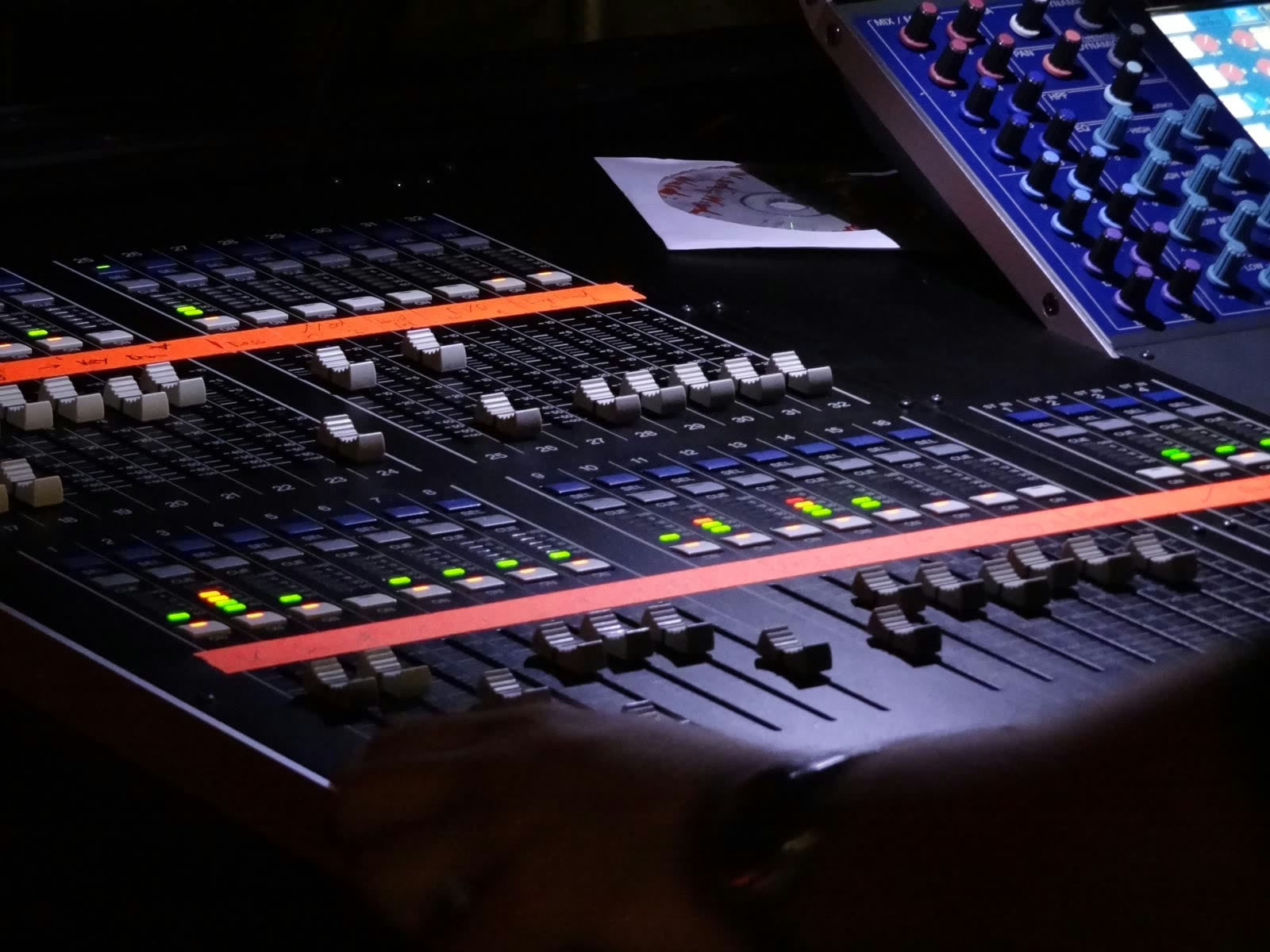
Three choices come back in every plan that works. A whole-stage master, which is not redundant with the main fader: it lets you pull the sources down without touching effect returns or system calibration. A master reserved for the lead, isolated from everything else, because that is the most frequent move of the night. And at least one master left free, because a stage will always surprise you: a guest, an instrument added at the last minute, a section that comes apart.
Multiple assignment: offsets add up
Nothing stops you assigning a channel to several masters, and that is what makes the mechanism powerful. But you need to know what the console computes: offsets accumulate in decibels. A channel whose fader sits at minus two, assigned to a VCA pulled down three and to a whole-stage master pulled down one, comes out at minus six. It is arithmetic, with no surprises — provided you remember it.
The traps that cost you money live
First and most expensive: post-fader sends follow the master. Pull a VCA down 6 dB and you pull down by 6 dB whatever is heading to your reverbs and delays, because their tap point sits after the fader. Pre-fader sends do not move — which is precisely why stage monitors are fed pre-fader. The mechanism is covered in our article on auxiliaries on an audio mixing console.
Second, mutes. Muting a master mutes every channel assigned to it, but each channel’s own mute stays independent: a channel muted individually will not come back when you reopen the master. On a stage where several people touch the console, that is confusion source number one — the thirty seconds spent wondering why one mic stays silent.
A VCA master left down during soundcheck makes its assigned channels inaudible even though their faders are up and their meters are moving normally. You will suspect the preamp, the patch, the gain — and every one of them is fine. The reflex that saves fifteen minutes: before suspecting anything else, check that every master is at unity. It is also why you return the VCAs to their mark before saving a scene.
Three less spectacular but real points remain. Spill — deploying a master’s channels onto the surface — is genuinely useful, but people forget to leave it and end up working on the wrong layer. The gain ceiling: a master pushed to plus ten brings every assigned channel to the edge of bus clipping, and the fact that no individual channel is clipping proves nothing. And the persistent illusion that a VCA lets you process an ensemble: it offers no insert point, and compressing a drum kit still requires a subgroup.
VCA, subgroup, mute group: which does what
| What you need | The right tool | Why |
|---|---|---|
| Drop the drums 3 dB without breaking their internal balance | VCA | Offsets the gains without touching internal proportions |
| Compress the drums in one move | Subgroup | The only object that creates a processable summing point |
| Kill the whole stage between two speeches | Mute group | Acts on mutes, not on levels |
| Send the horns to a shared reverb | Auxiliary or subgroup | A VCA carries no audio at all |
| Ride channels spread across several layers | VCA | Gathers on one fader what the surface splits apart |
These objects are not competitors: a touring console uses all of them at once, and the full picture — which channel goes where, which bus feeds what — follows the logic described in our guide to routing and buses on a digital console.
In the studio: the VCA preserves your automation
The use changes nature in front of a workstation. The problem is no longer speed but protecting work already done: when a whole section is automated note by note and the mix calls for three decibels less overall, editing every curve is a reliable route to disaster. A control fader applied on top offsets the lot without rewriting a single automation line.
Two habits are worth adopting. Automate the master rather than the tracks for anything structural — the chorus arriving, the bridge falling away — and leave track automation for fine corrections. And remember that the master acts upstream of post-fader sends, so pulling a section down also reduces how much effect it feeds. That is almost always what you want, but it is better known than discovered.
Three plans that work
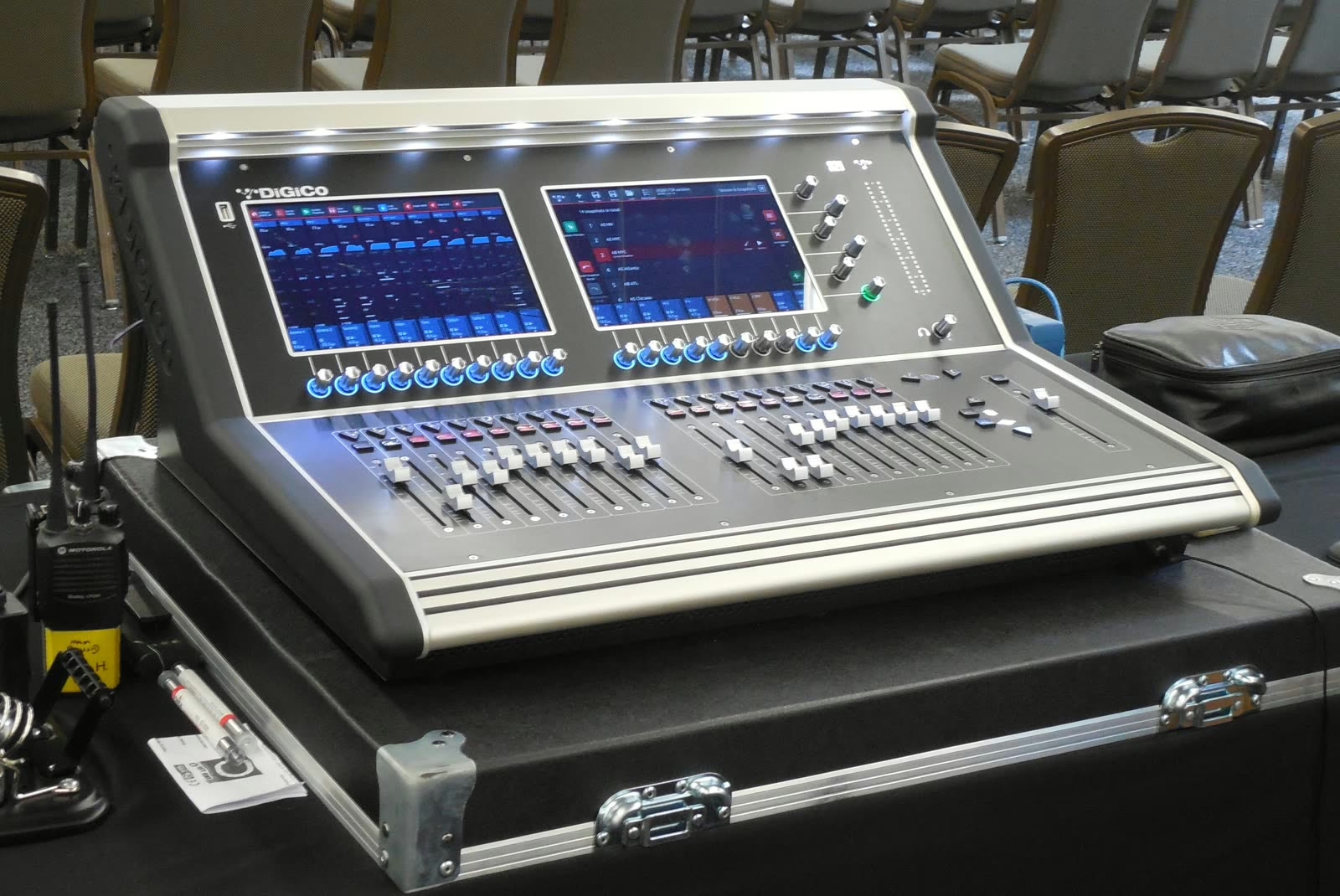
On a club rock stage, six masters are enough: lead vocal, backing vocals, rhythm section, guitars and keys, effect returns, and a whole-stage master. Keeping the lead out of the “all but the lead” master gives you the single most useful move of the night in one gesture.
For a conference or a worship service, the logic inverts: speech comes first and the moves are rarer but more critical. One master per microphone zone — lectern, platform, floor —, one for music and one for playback sources will do, with mute groups handling the transitions. This is also the context where readability matters most, because whoever is at the console changes often.
In theatre and musical theatre, the plan follows the cast: one master per character group or per scene, and one for the pit. Scene recall does most of the work, with masters handling whatever the scene did not anticipate. If building the stage mixes themselves is your concern, our guide to mixing stage monitors for a band approaches it from the musician’s side.
The best test of a VCA plan is not whether it is elegant, but whether someone else can take the console from you. A readable plan can be explained in one sentence per fader; a bad one requires explaining the logic. On stages where soundchecks run back to back and several people take turns, that constraint weeds out the too-clever constructions on its own — and rightly so. A console does not have to be a personal design pleasure.
Frequently asked questions
How many VCA groups should I plan for?
Six to eight actually in use, whatever the console offers. The limiting factor is not the machine but your ability to find the right fader without thinking, in the middle of a show.
Can a channel belong to two VCA groups?
Yes, and both offsets add up in decibels. That is useful for combining a thematic master with a whole-stage one, but past two assignments per channel the actual level becomes hard to predict.
Should VCA masters be included in scene recall?
It depends on the use. In theatre, yes: master positions are part of the cue. In concert work, engineers often exclude them, so a scene recall does not move a level you had just set by ear.
Can a VCA replace a subgroup?
Not once processing is involved. A VCA creates no summing point, therefore nowhere to insert a shared compressor or equaliser. For pure level control, though, it is preferable: it adds no stage to the signal path.
Do VCA groups exist on analogue consoles?
Yes, and that is where they were born. On digital consoles the function is usually called a DCA, because the gain is a calculation rather than a circuit — but the behaviour in use is identical.