


Description
Where to buy


Behringer X Air XR18 chez Thomann
See offer
Technical
Specifications
Inputs / Outputs
| Total inputs | 18 |
|---|---|
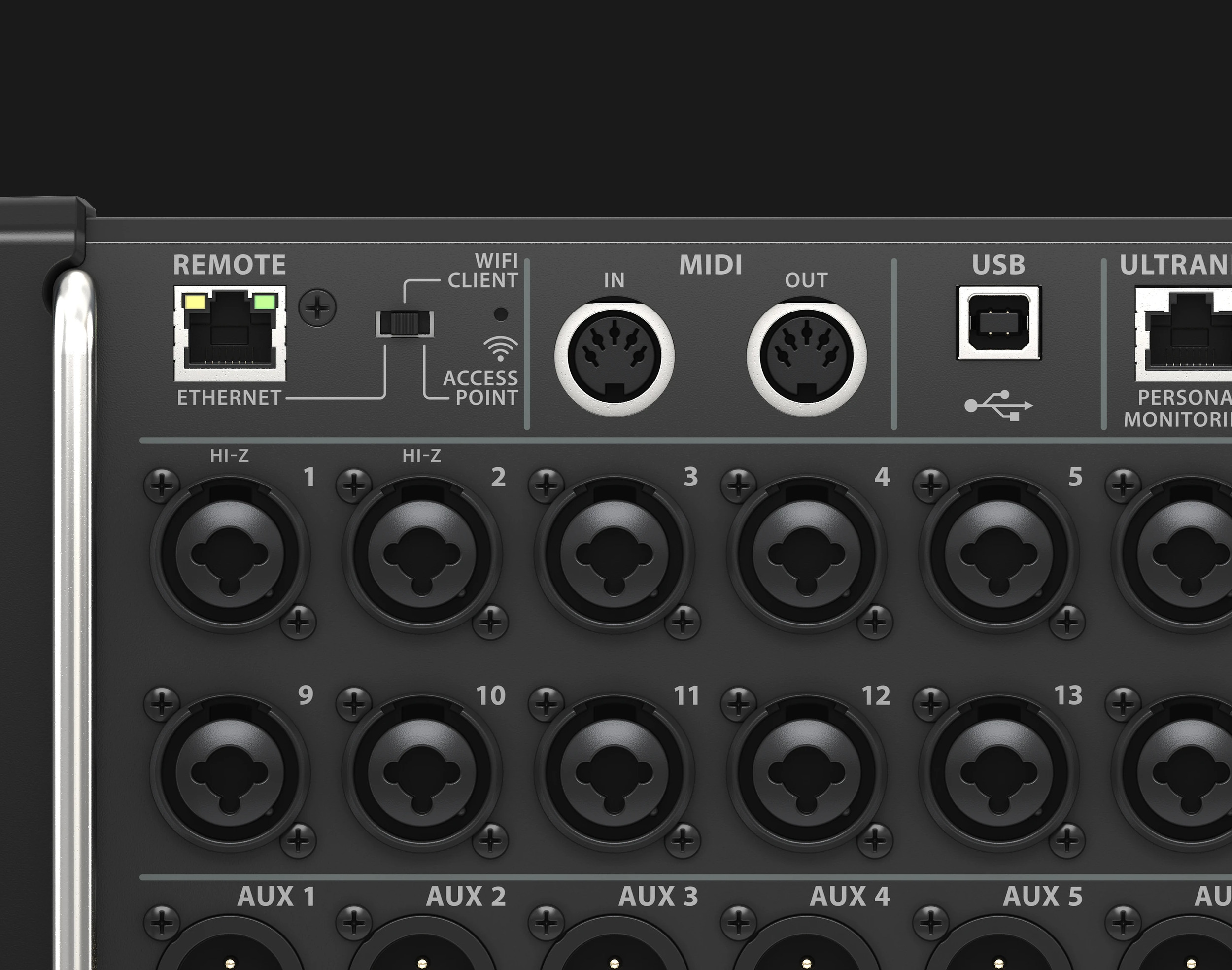
| Mic inputs | 16 |
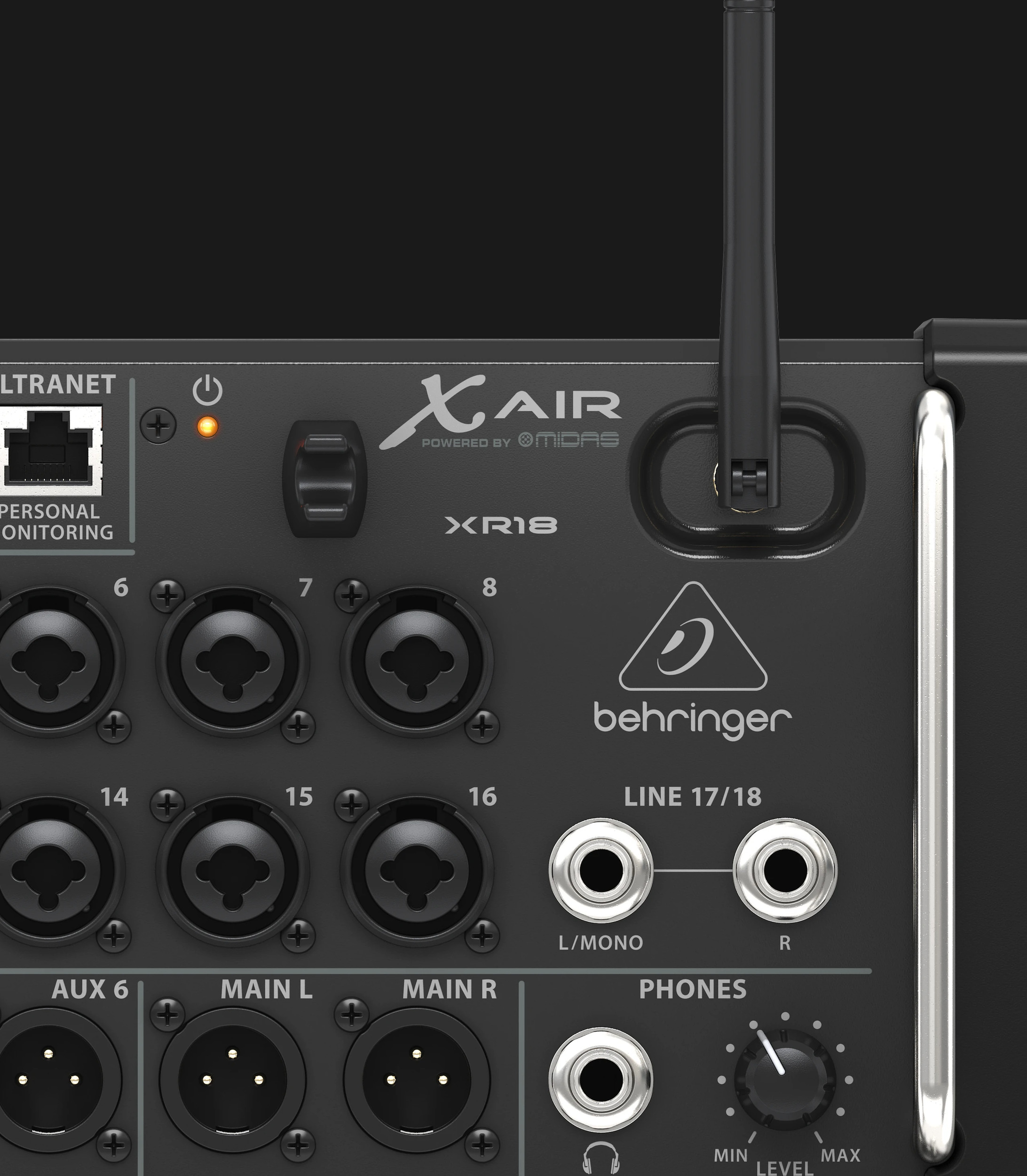
| Line inputs | 2 |
| Mic preamps | 2 inputs switchable to high-impedance (instrument) · Programmable Midas mic preamps |
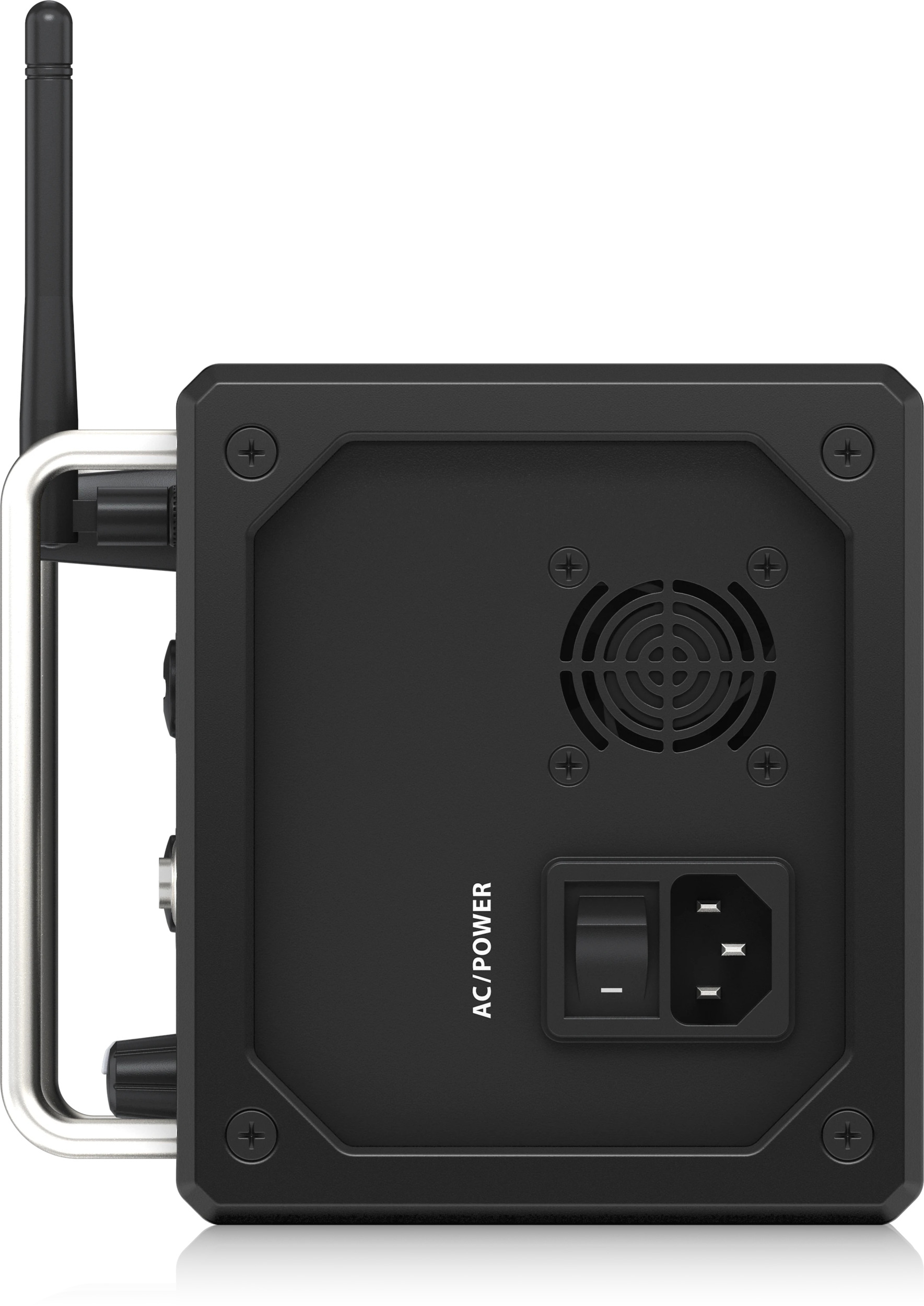
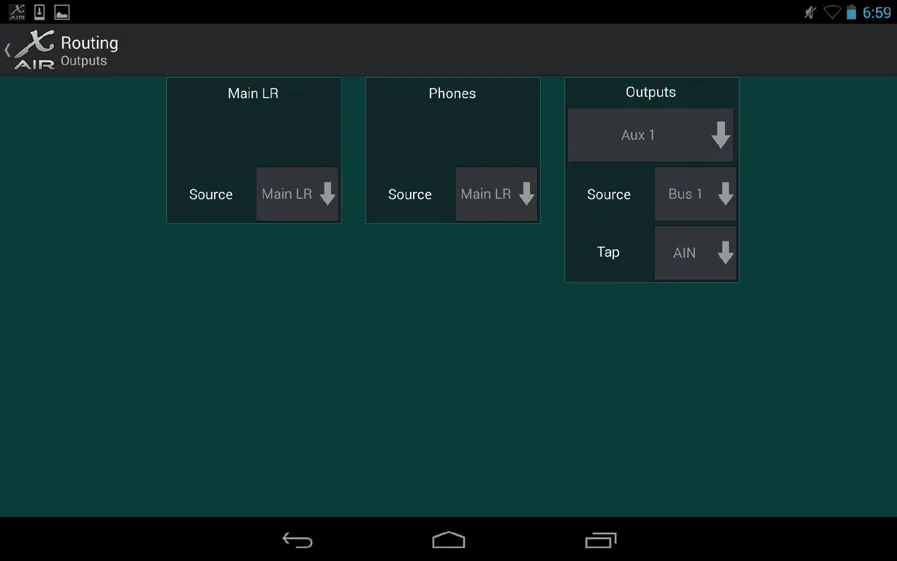
| Outputs | 6 aux + 2 main outputs on XLR, headphone output |
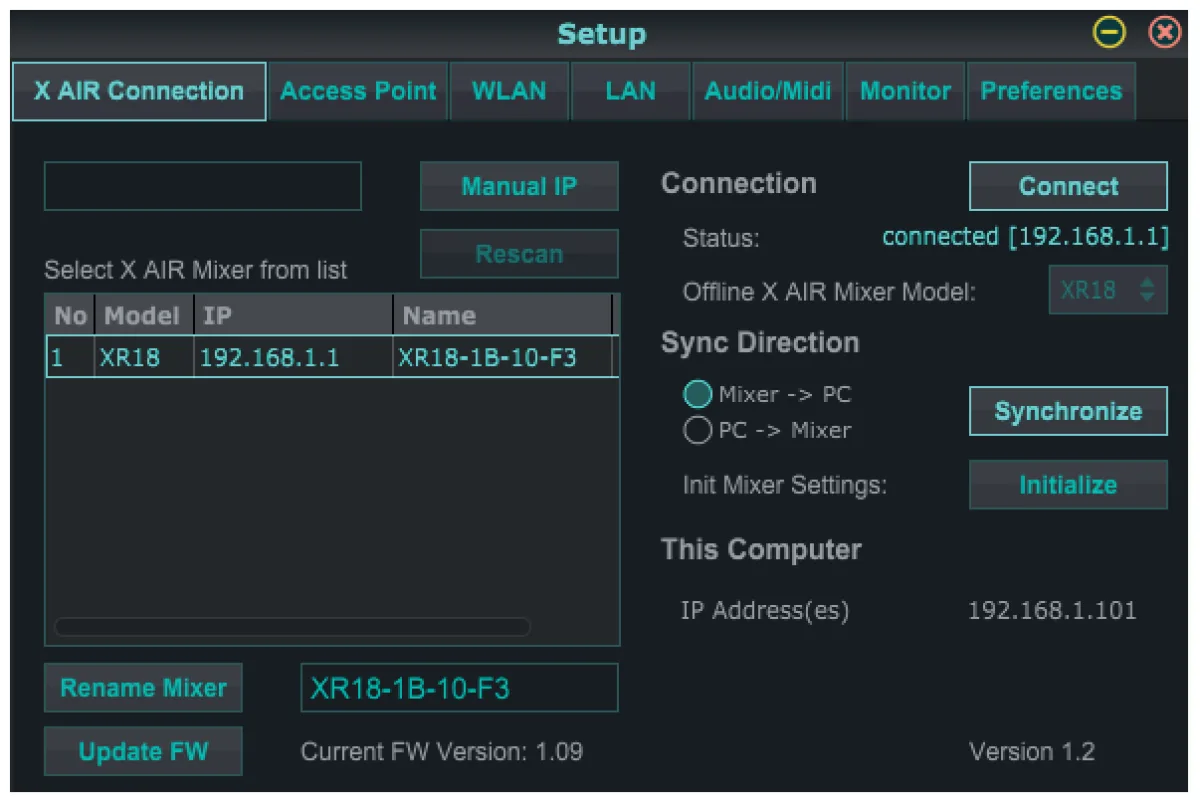
| Computer interface | Built-in tri-mode WiFi router, up to 4 clients · USB: 18×18 interface to DAW + stereo recorder to flash drive |
Processing
| Mix buses | 12 |
|---|---|
| Aux sends | 6 |
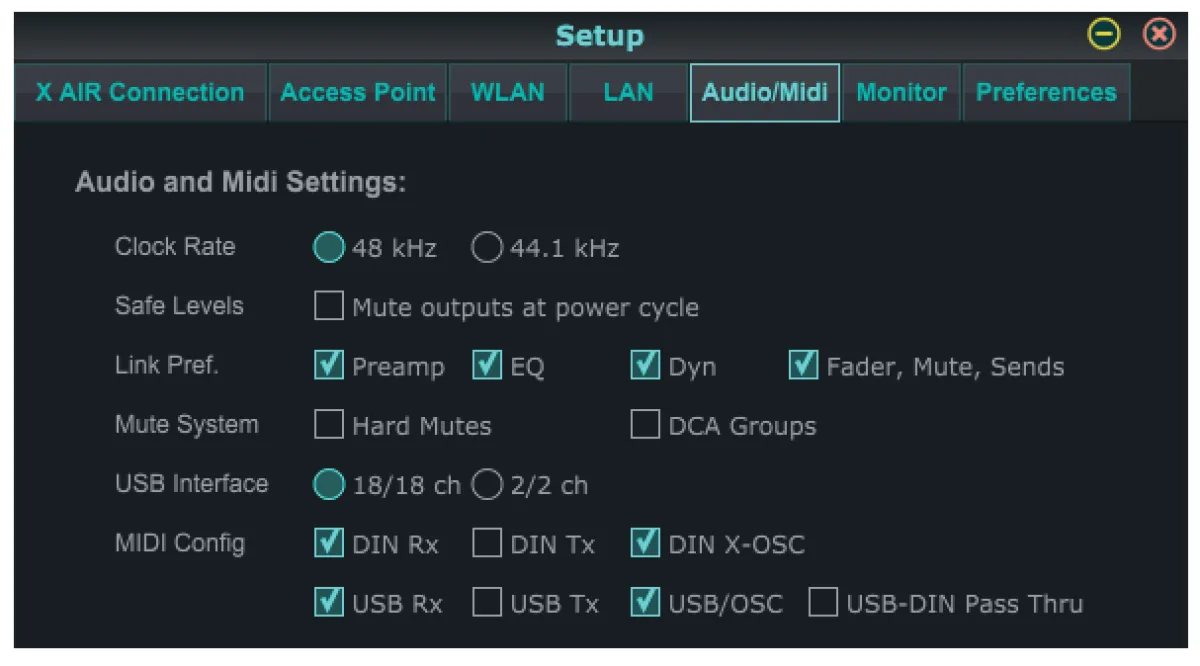
| Max sample rate | 48 kHz |
| Processing resolution | 40 bits |
| Channels | 16 mic inputs (Midas preamps) + 2 line inputs |
| Processing engine | Processing architecture derived from the X32 series |
| Sample rate | 48 kHz |
| Architecture | Compact chassis, rackmountable (ears supplied) |
Surface
| Physical faders | 0 |
|---|---|
| Motorized faders | No |
| Touchscreen | No |
Recording
| Onboard recording | Yes |
|---|---|
| Recording type | Stereo recorder/player on USB stick; 18×18 USB interface to DAW |
Networking
| Networking & protocols | USB |
|---|---|
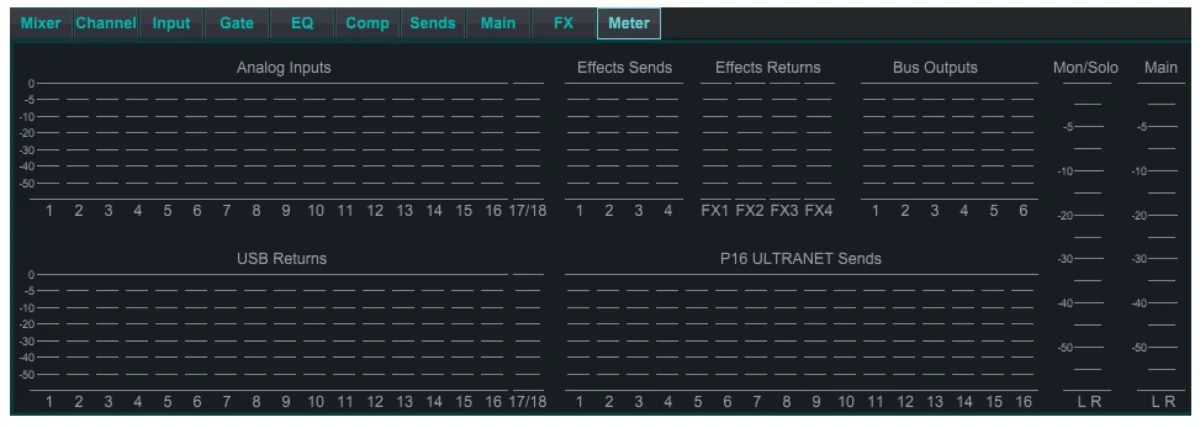
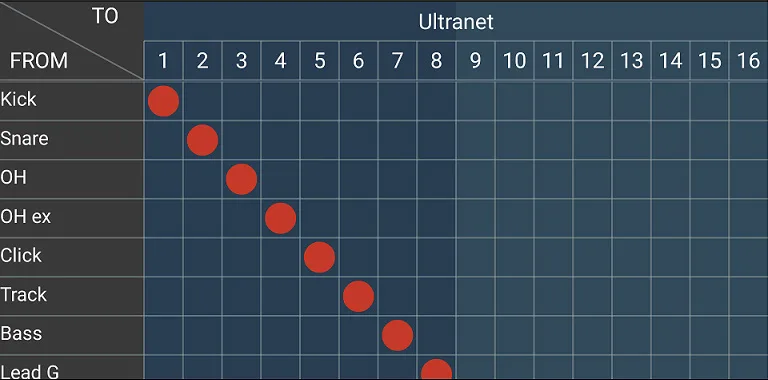
| Audio networking | 16-channel Ultranet output (P16 personal monitoring / Turbosound iQ) |
Strip & details
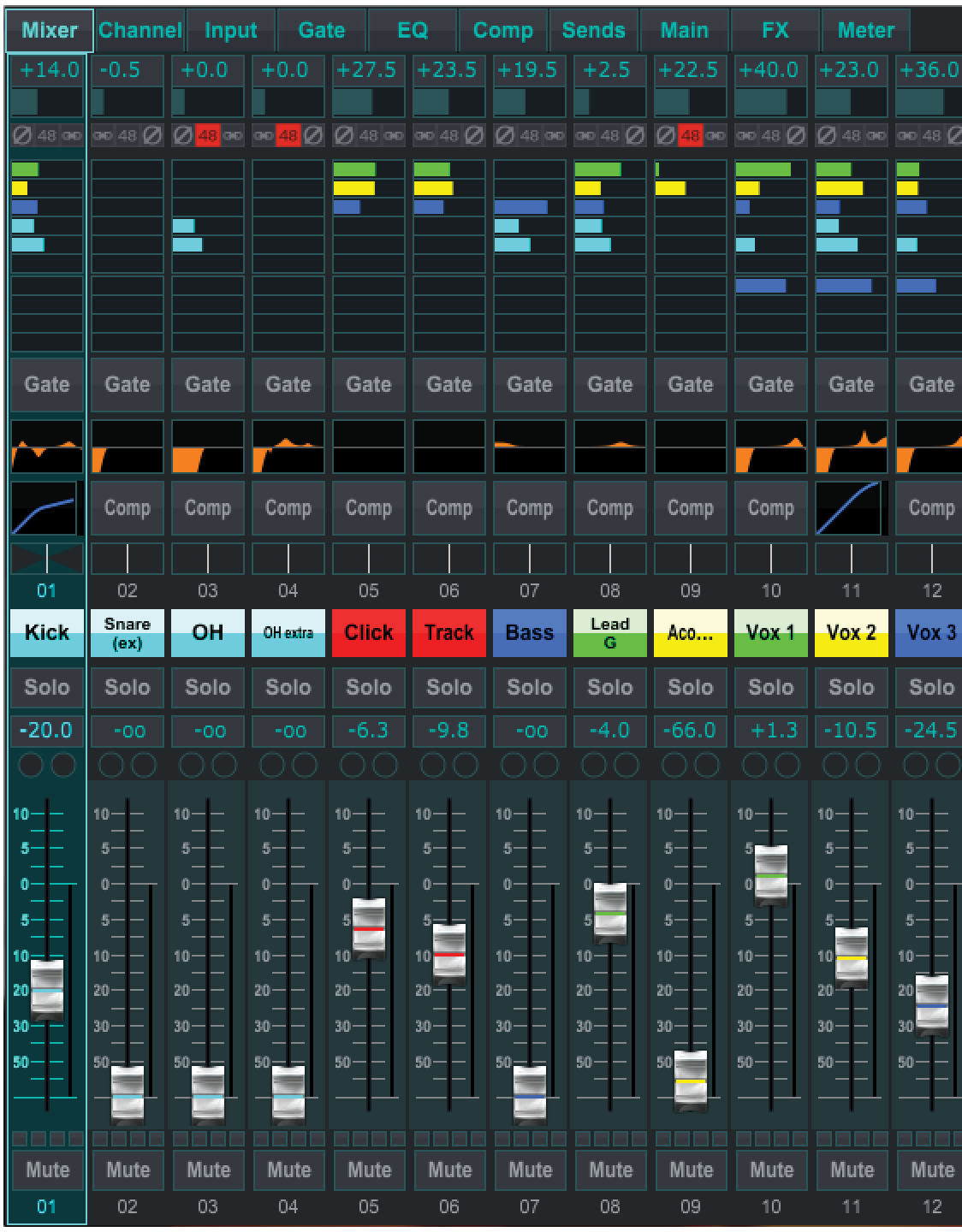
Rotate your phone to landscape for a better view of the strip.
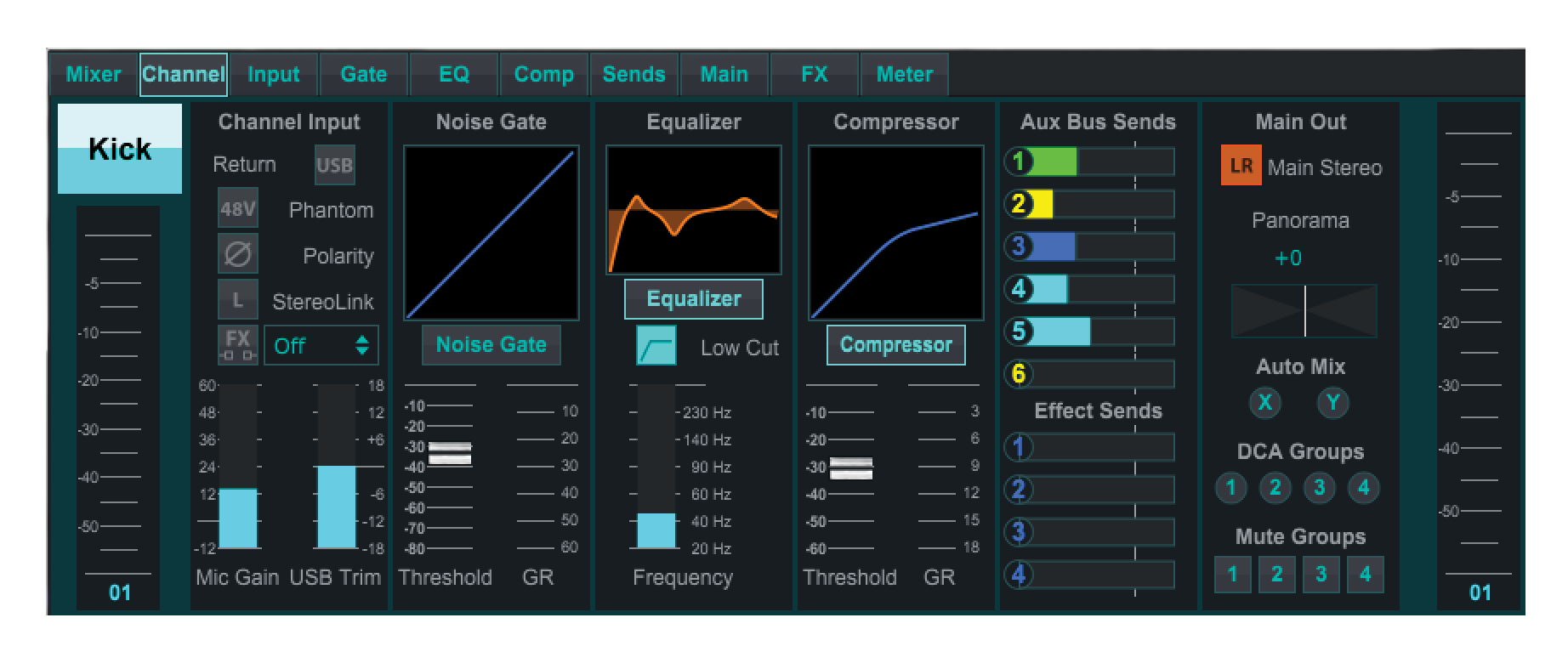
Rotate your phone to landscape for a better view of the strip.
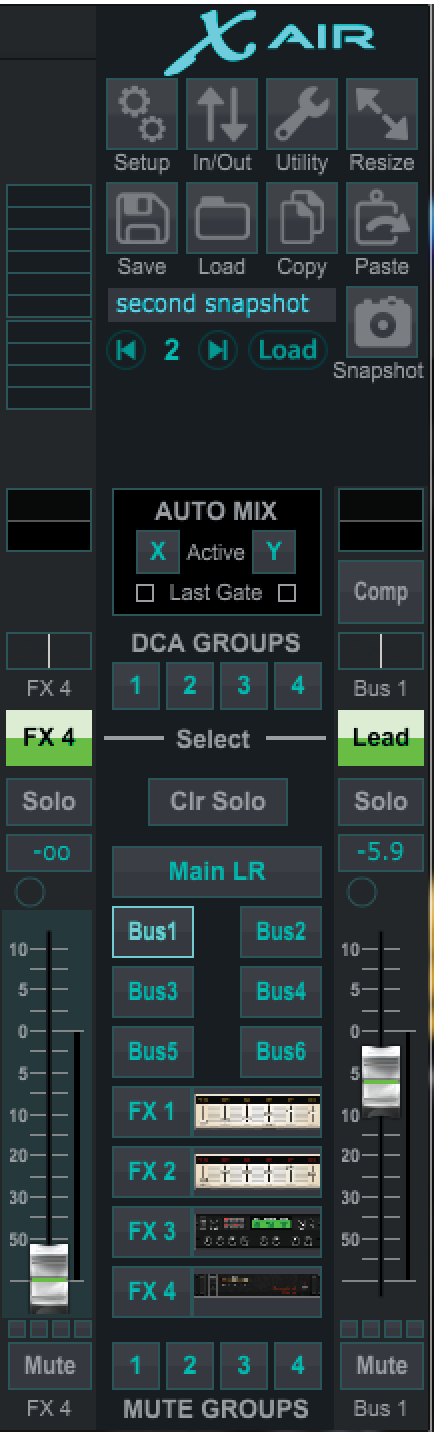
Rotate your phone to landscape for a better view of the strip.
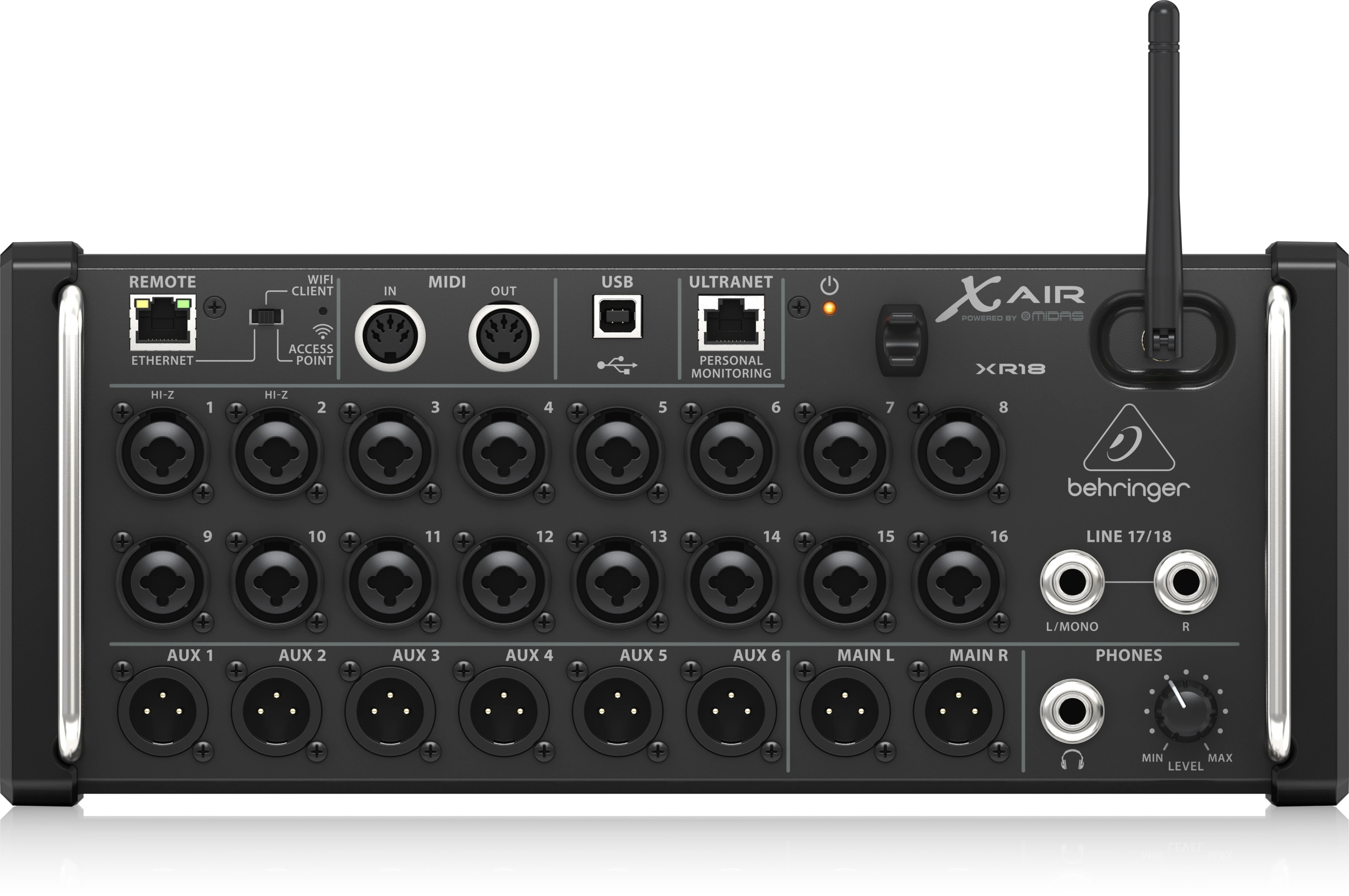
Rotate your phone to landscape for a better view of the strip.
Rotate your phone to landscape for a better view of the strip.
Rotate your phone to landscape for a better view of the strip.
Rotate your phone to landscape for a better view of the strip.

Rotate your phone to landscape for a better view of the strip.
Software
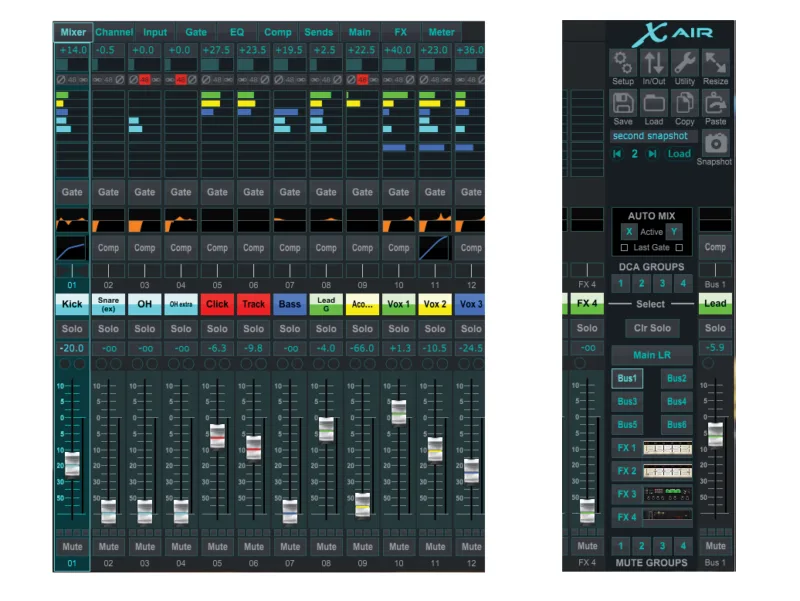
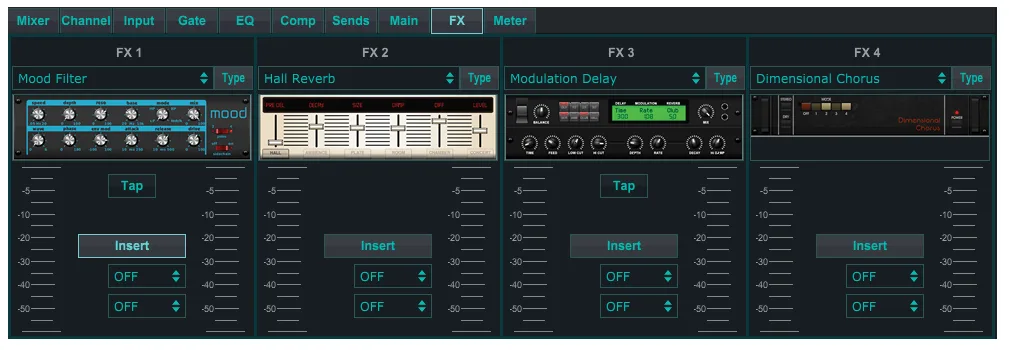
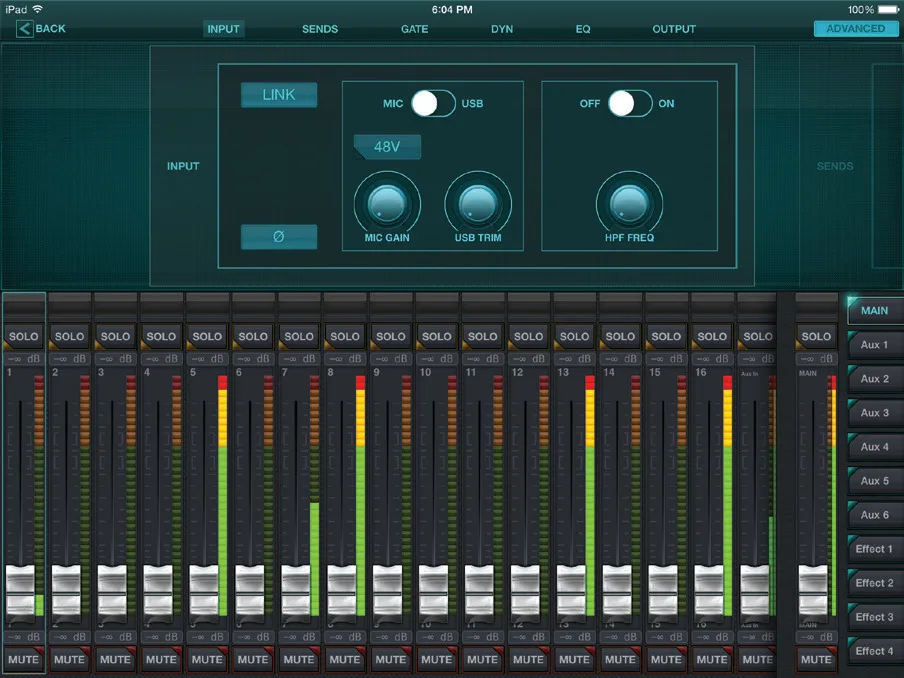
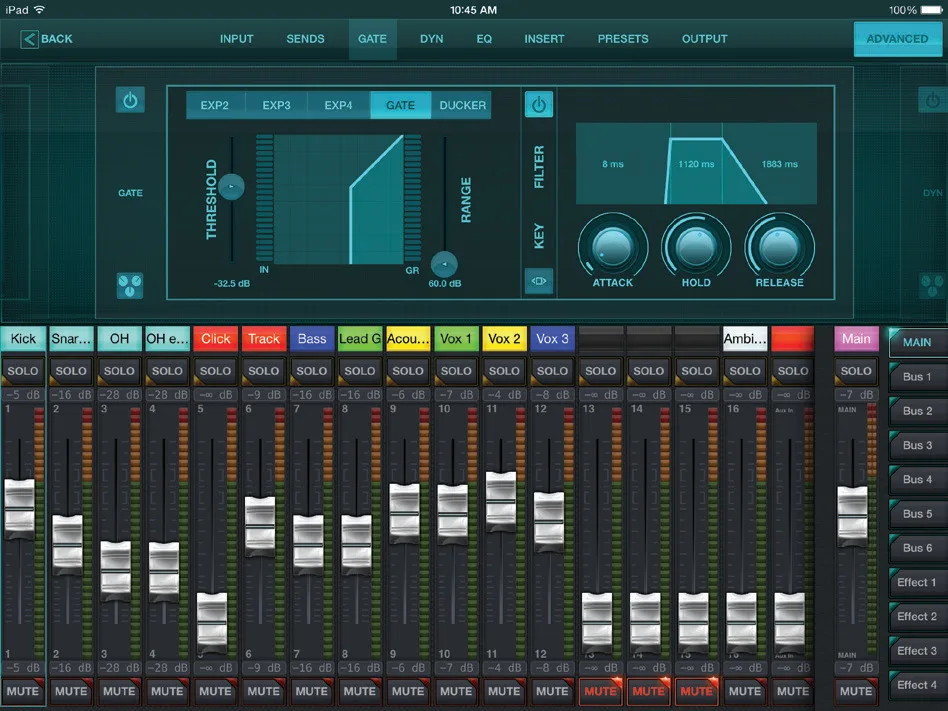
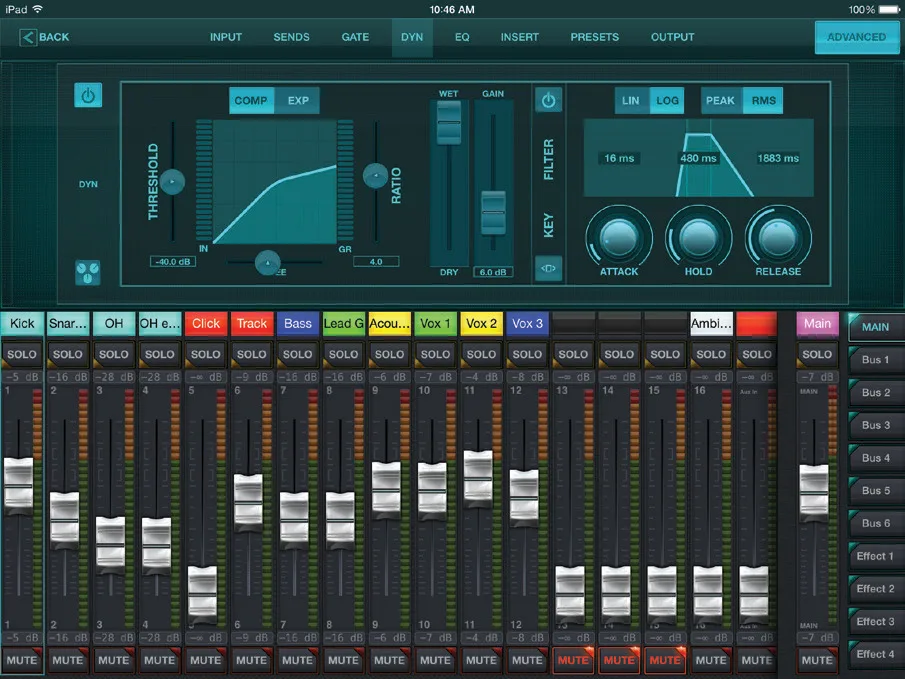
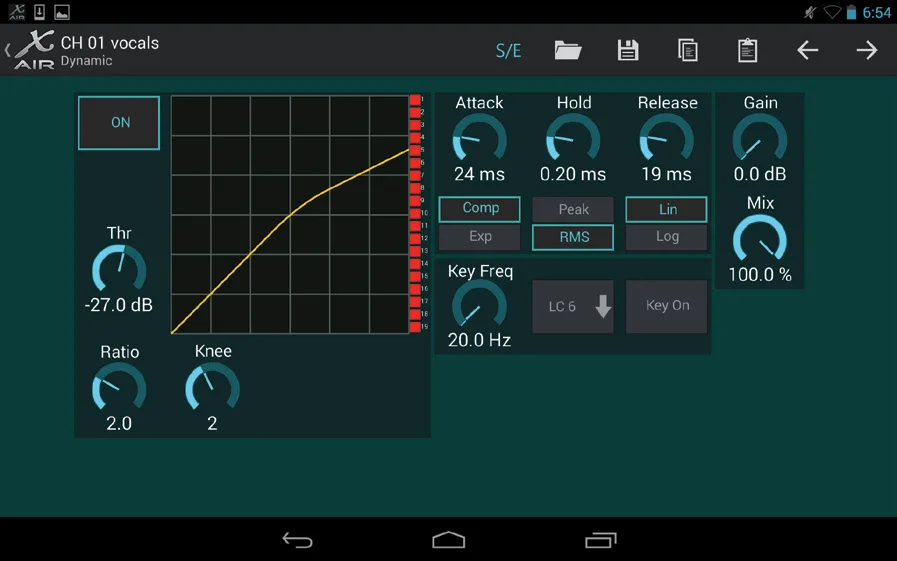
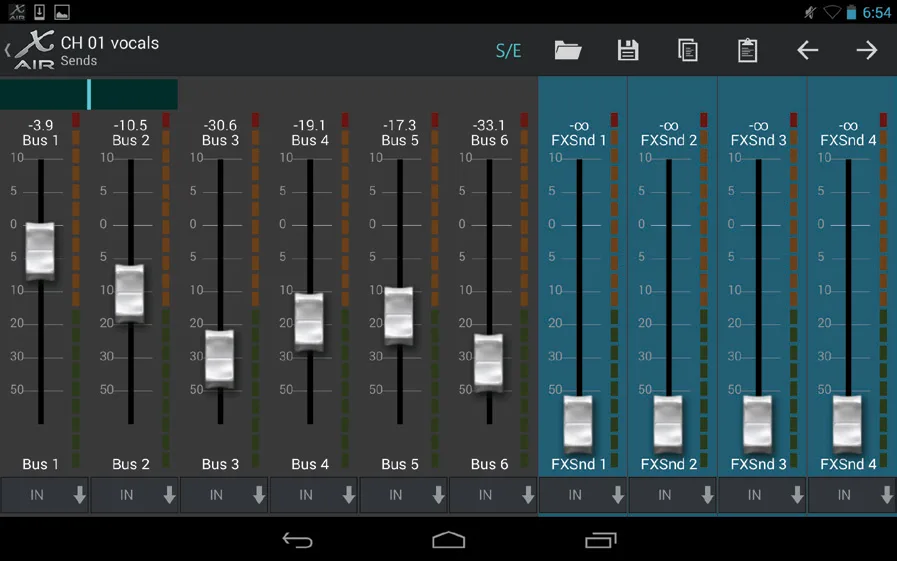
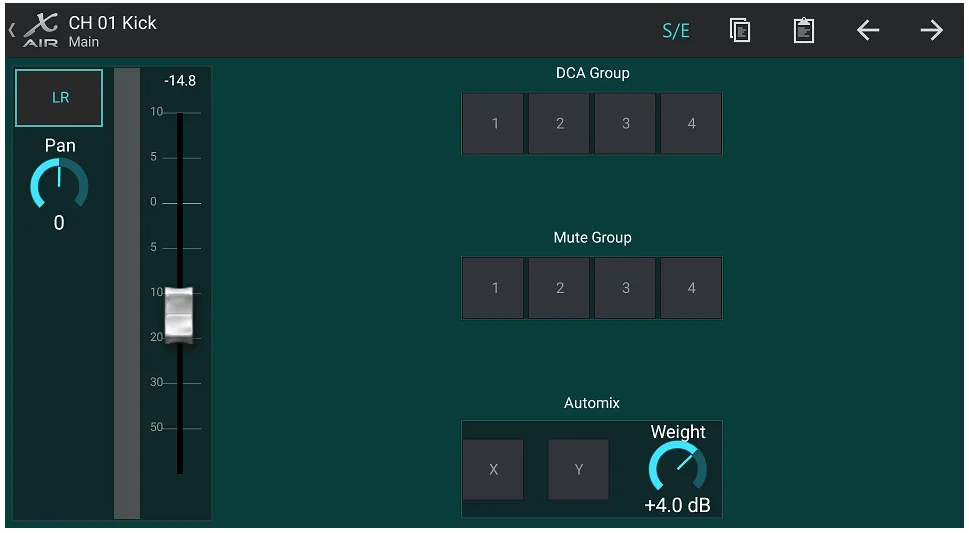
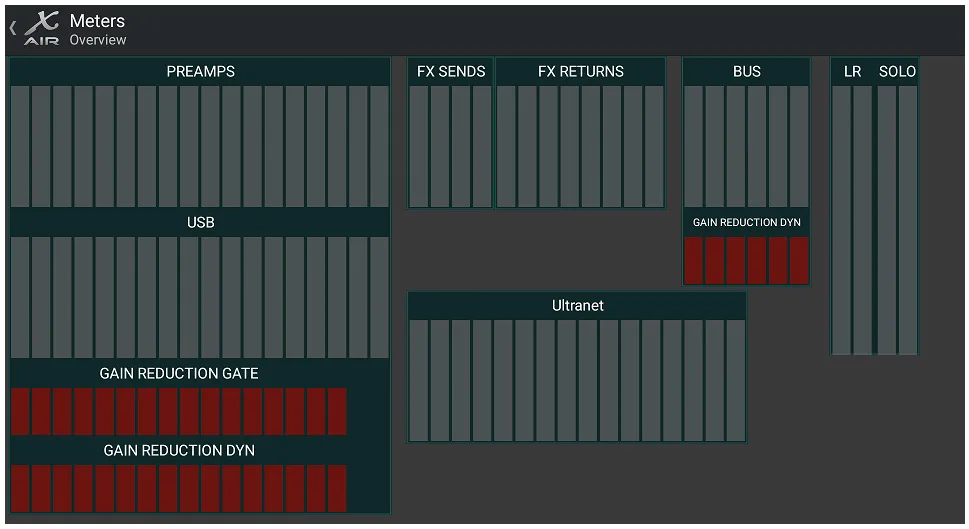
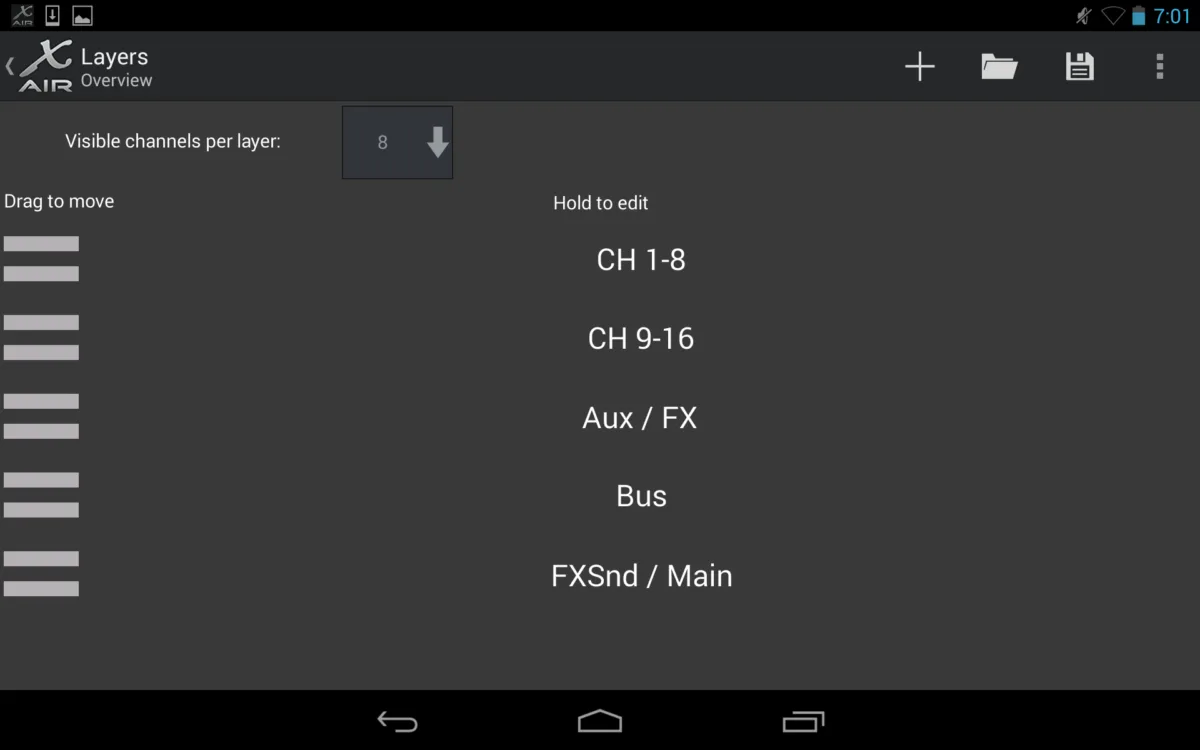
 X AIR EDIT v1.8.1Control and editing app for the XR18: channels, buses, effects, scenes, on tablet or computer.Download
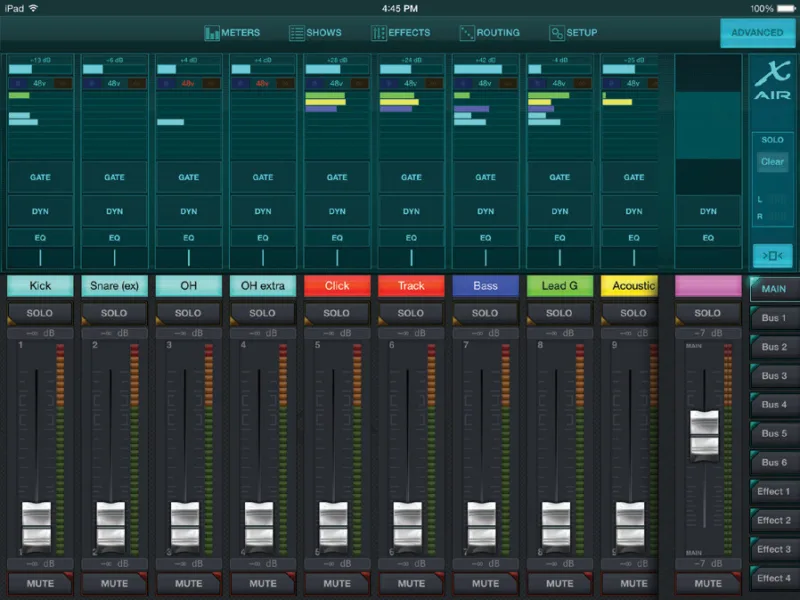 X AIR pour iPadDownload
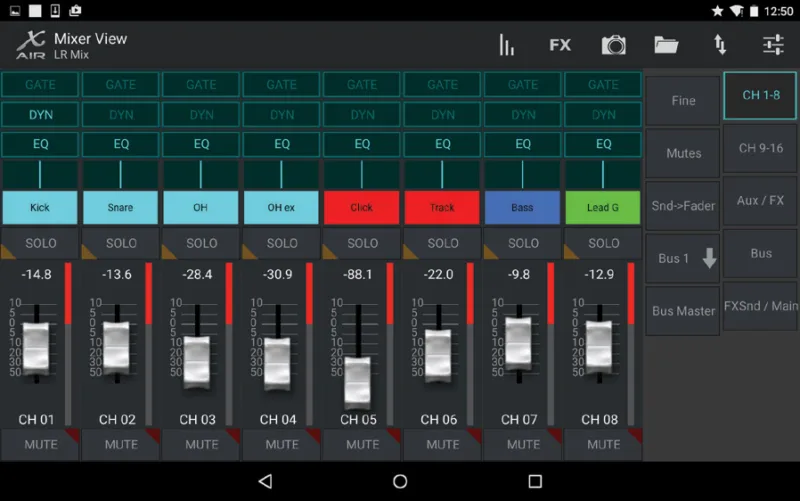 X AIR pour AndroidDownload
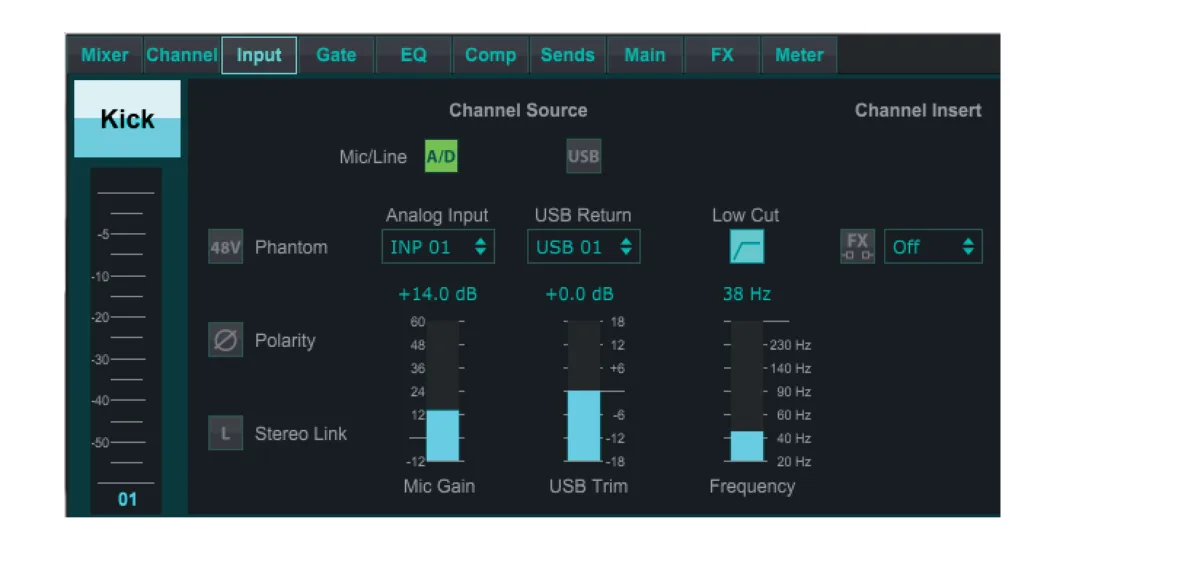
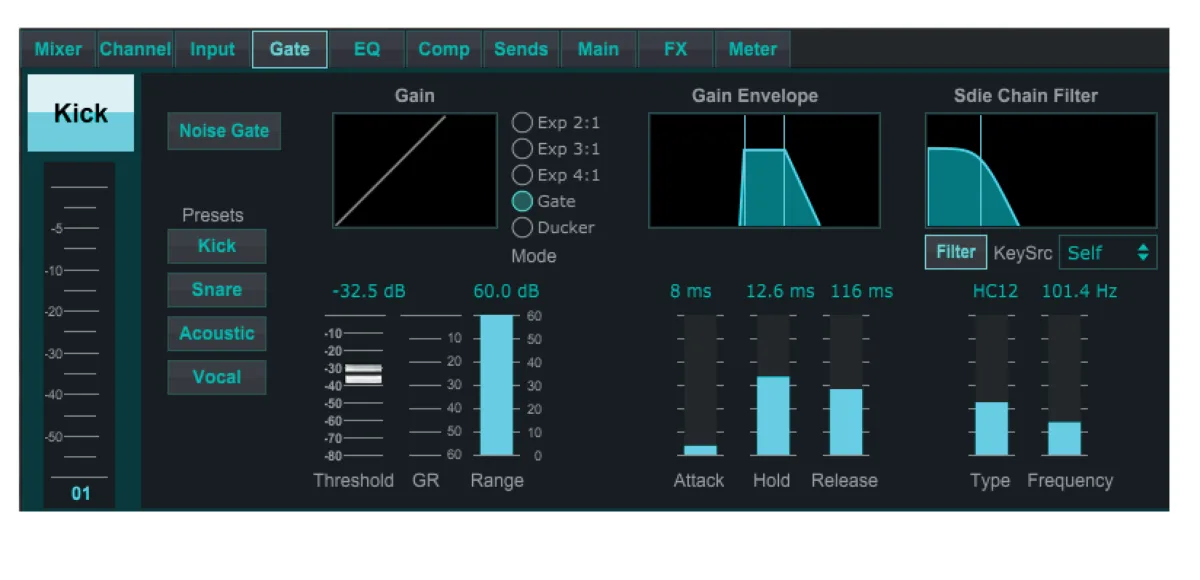
Other screenshots
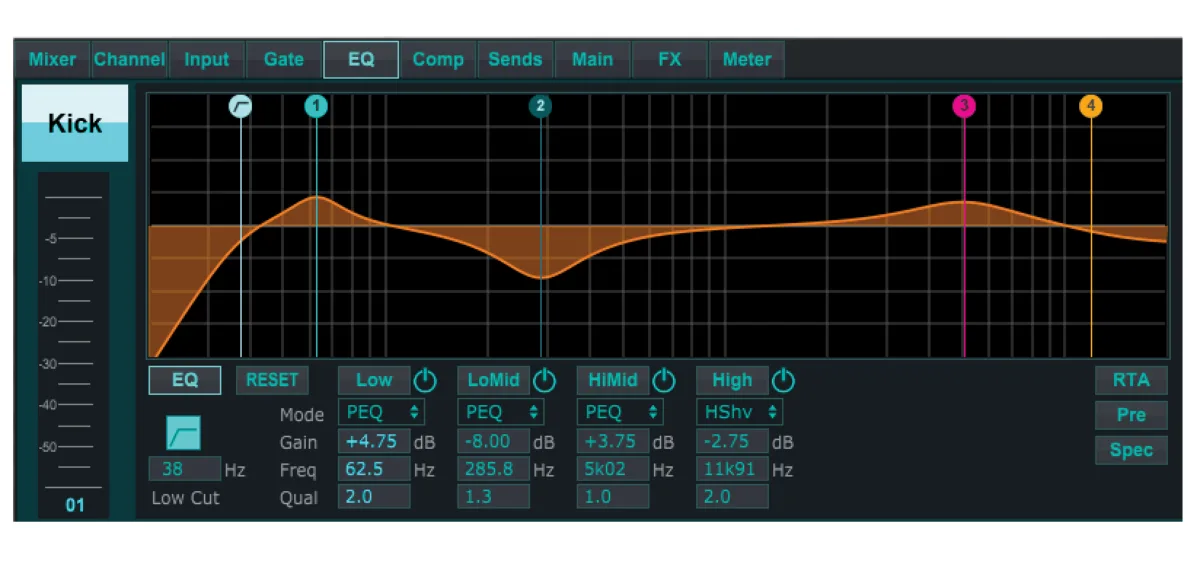
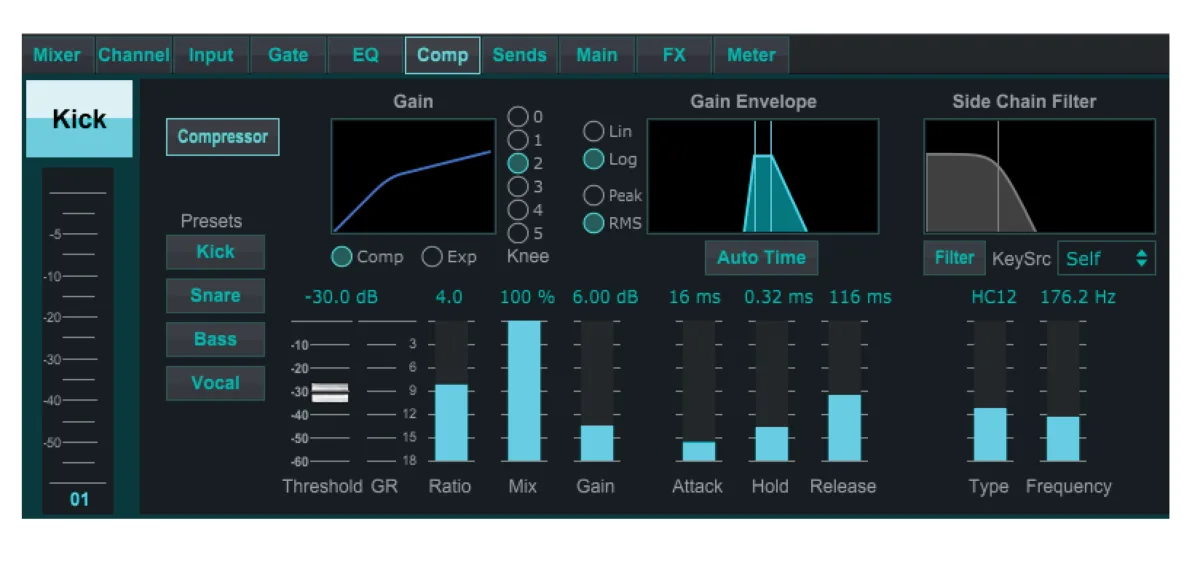
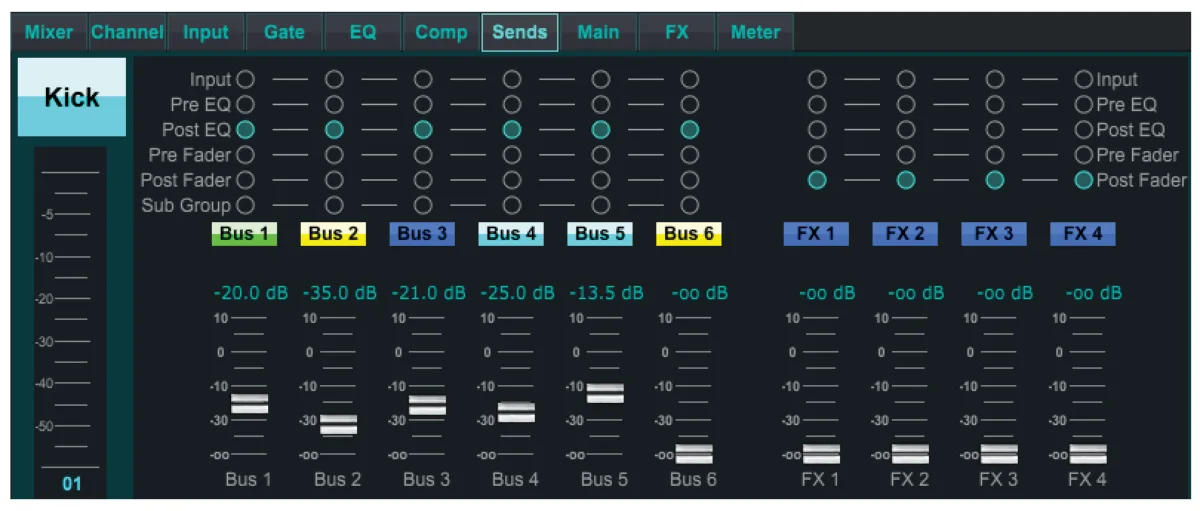
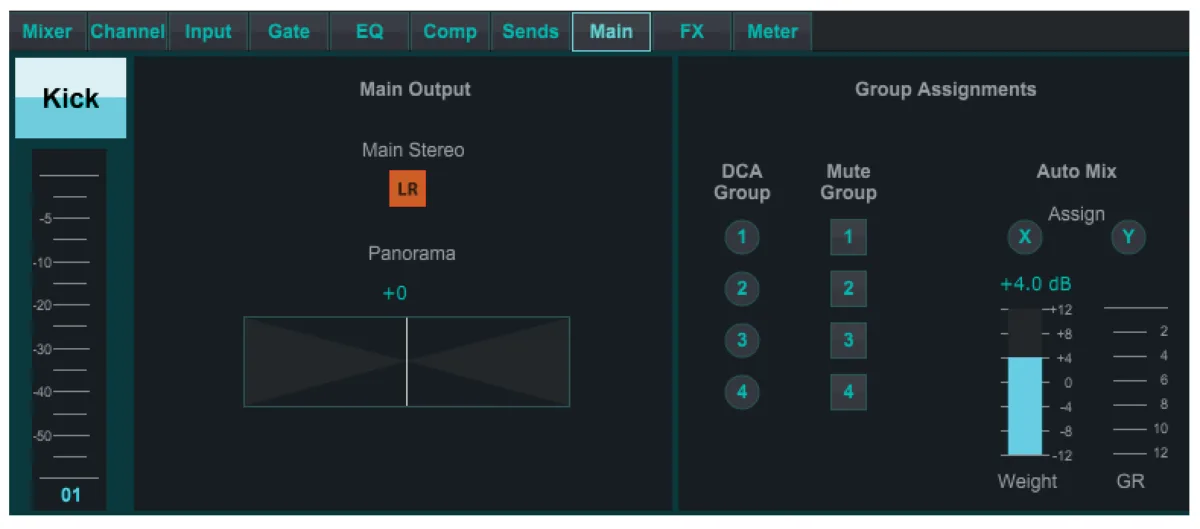
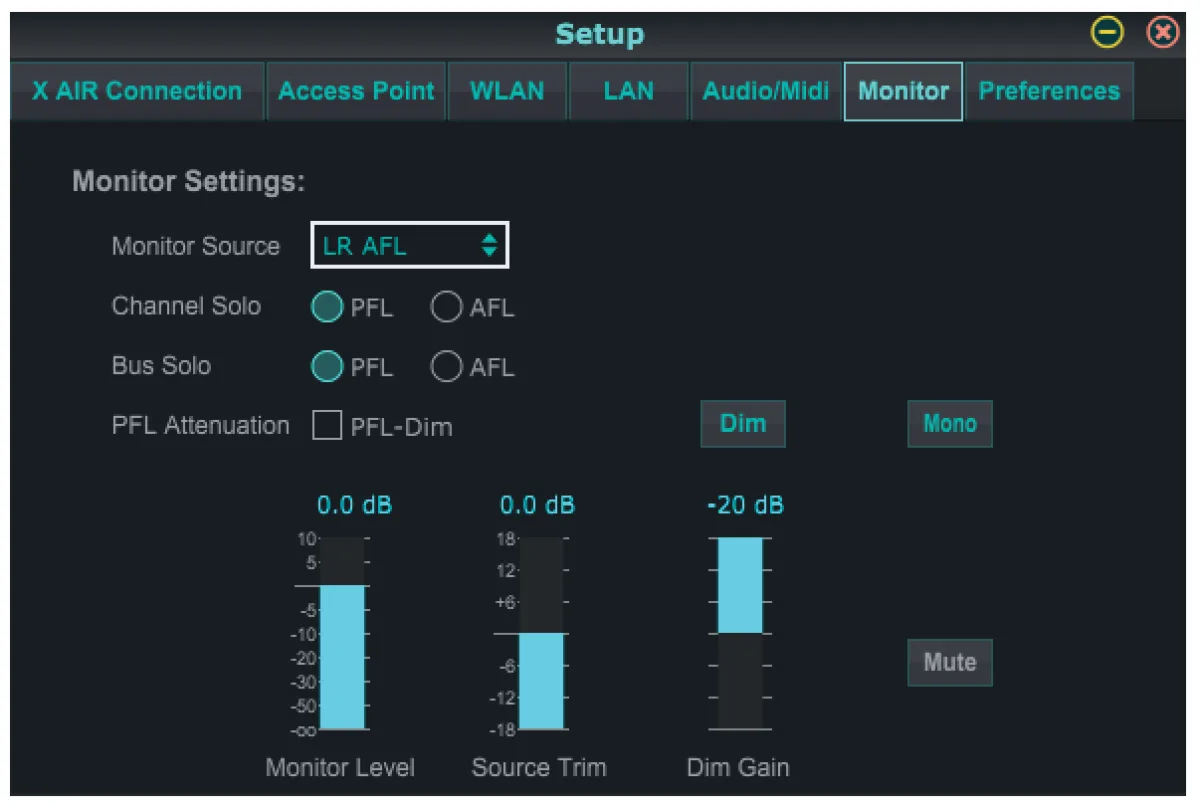
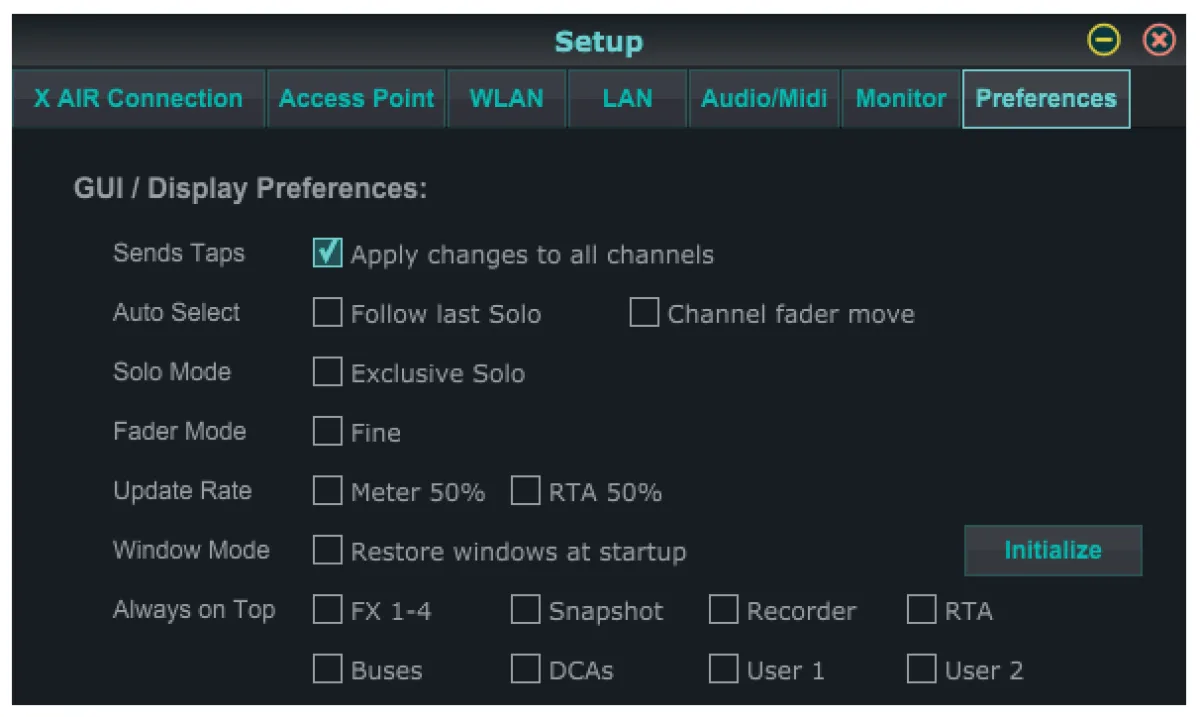
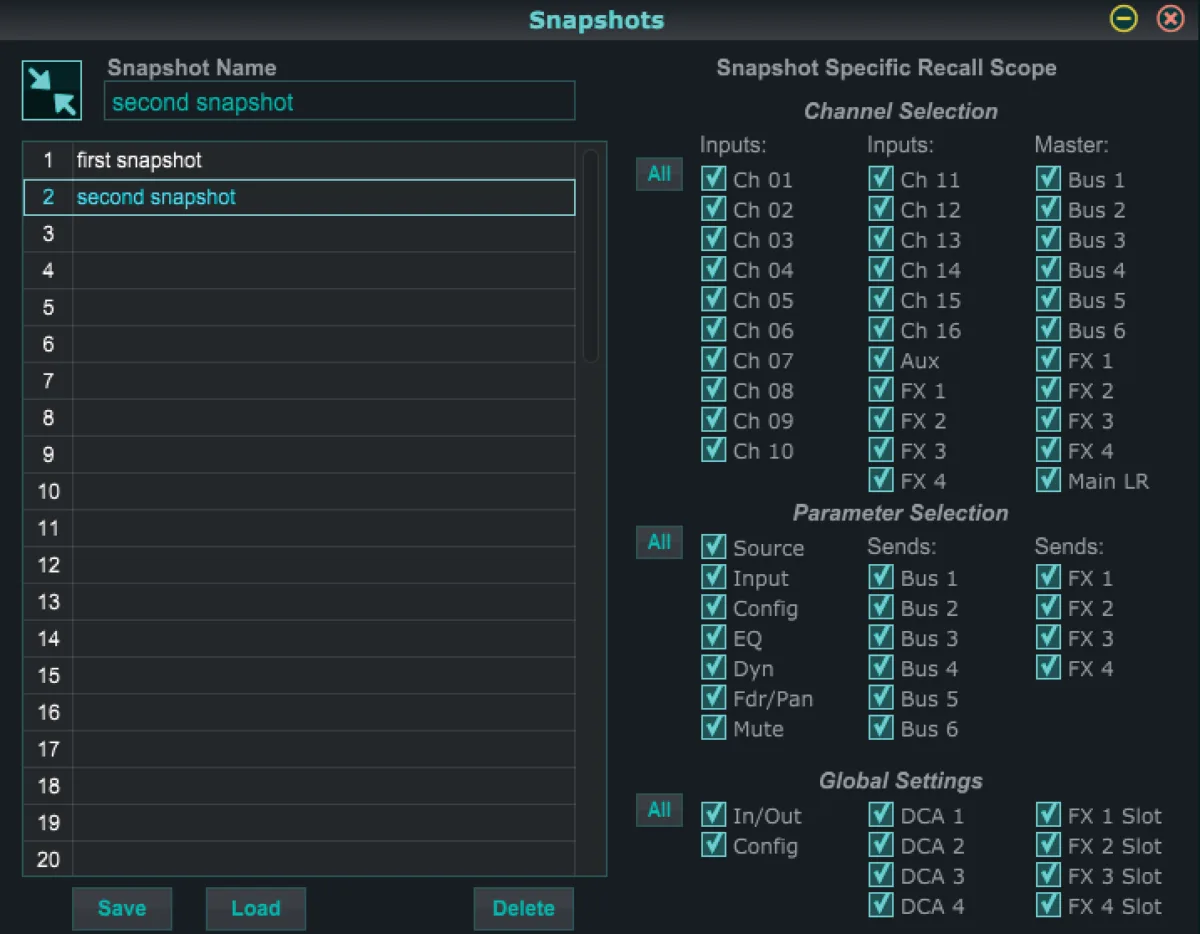
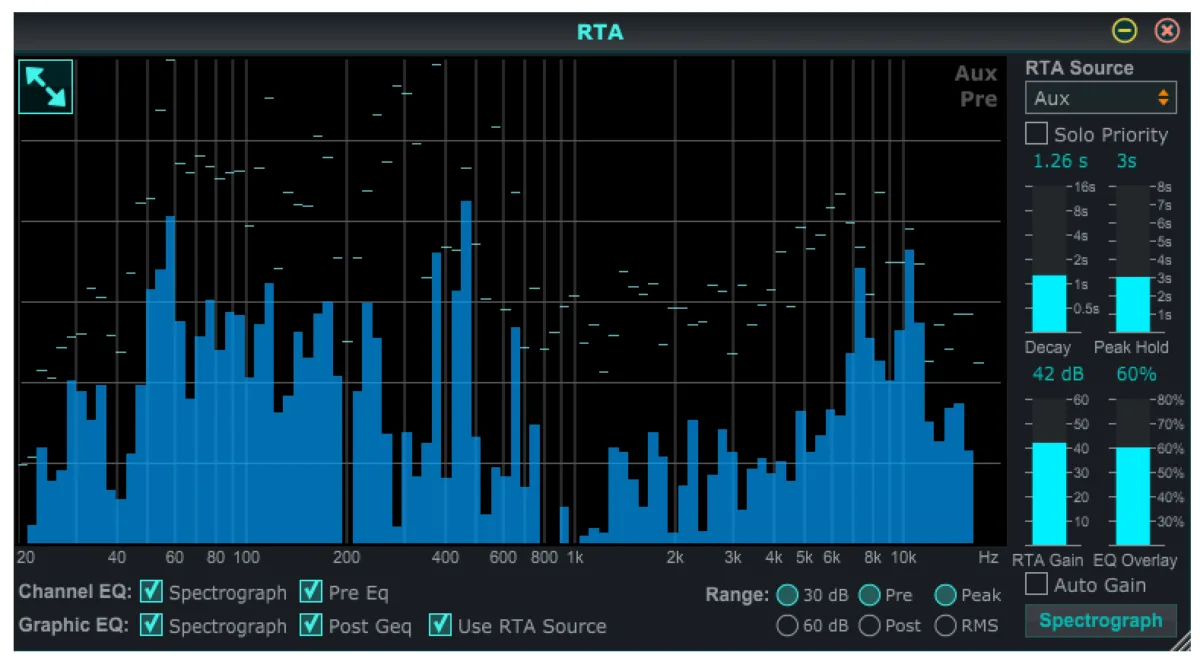
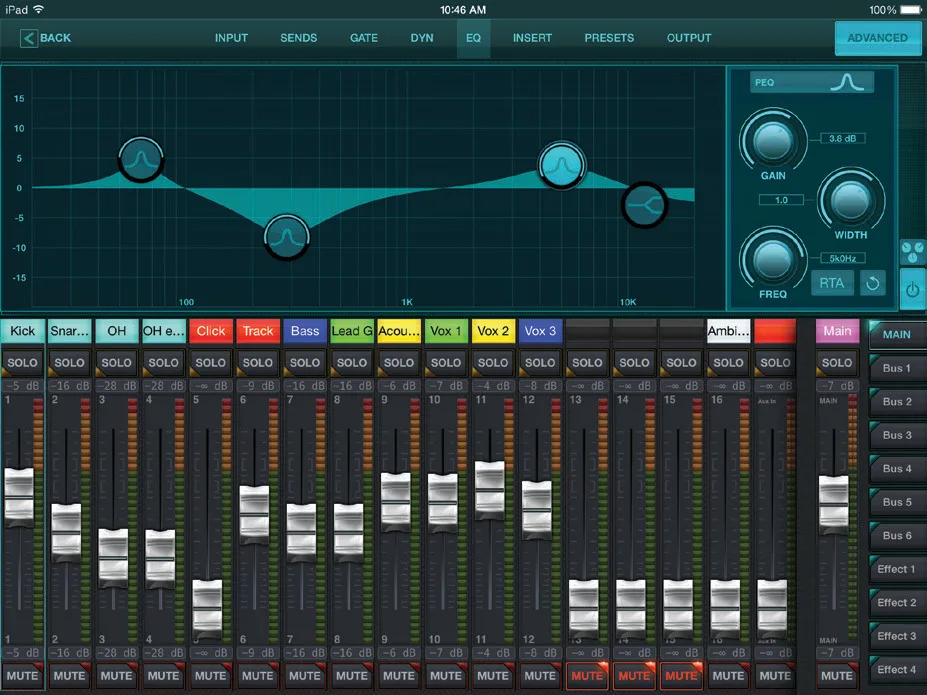
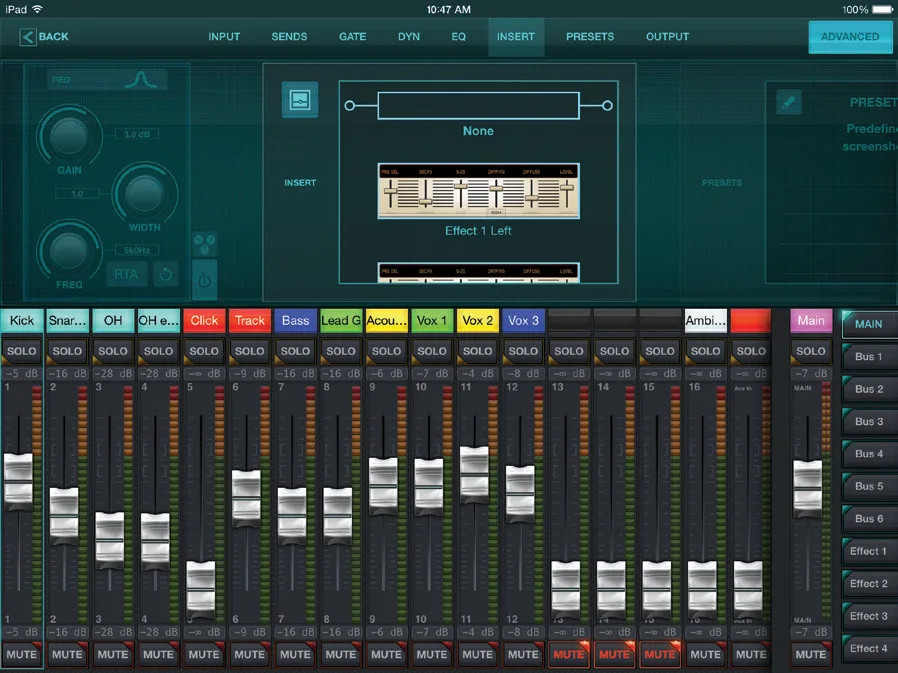
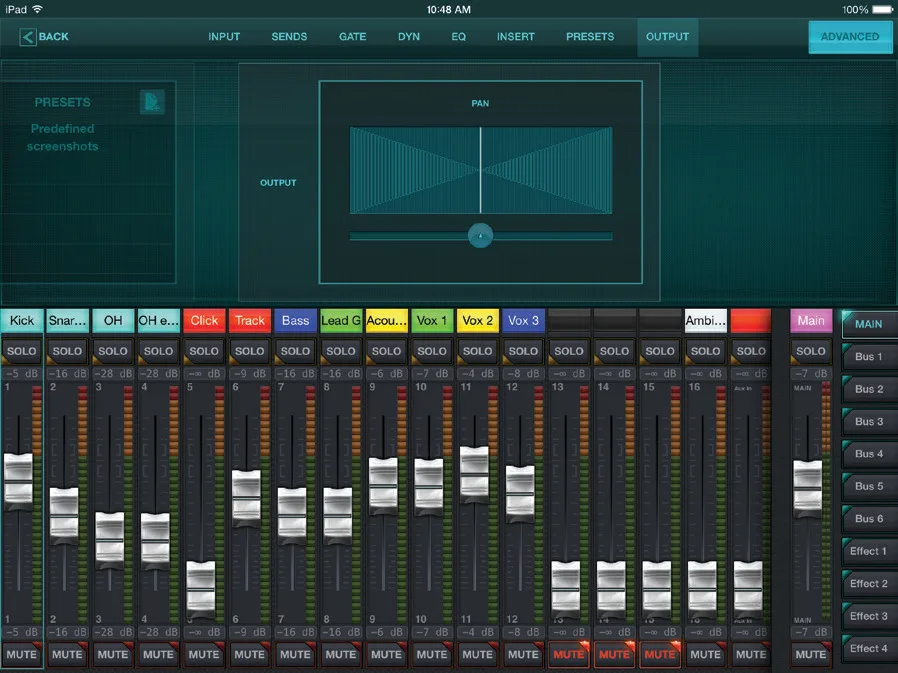
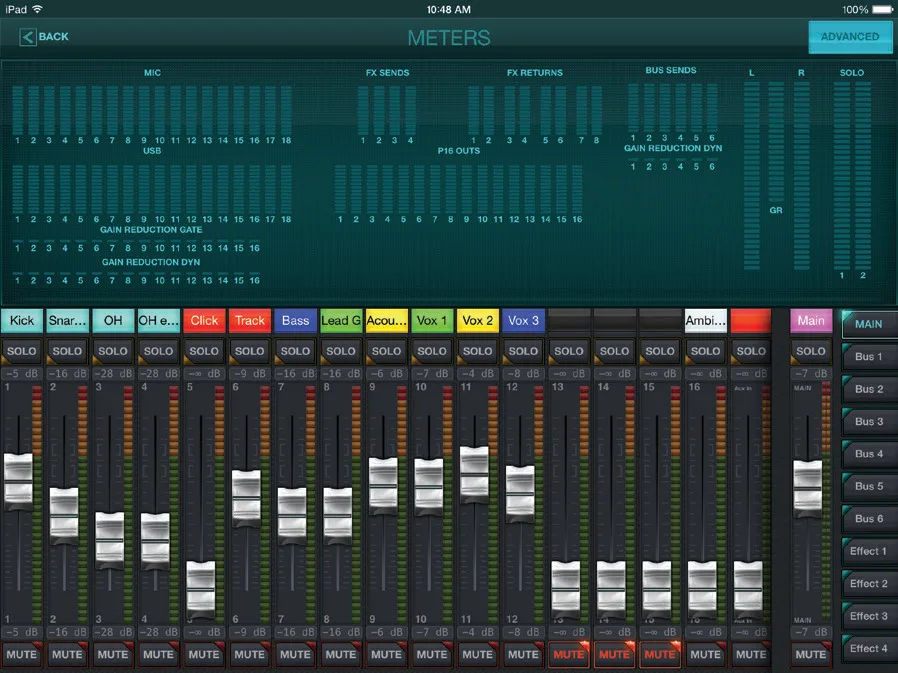
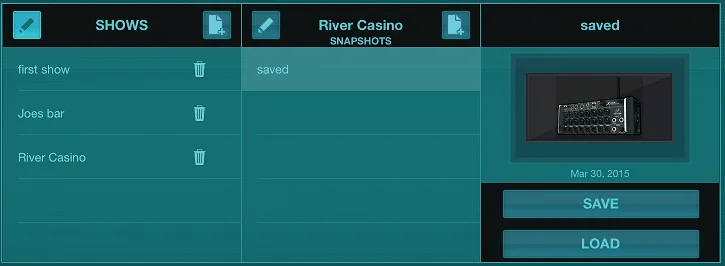
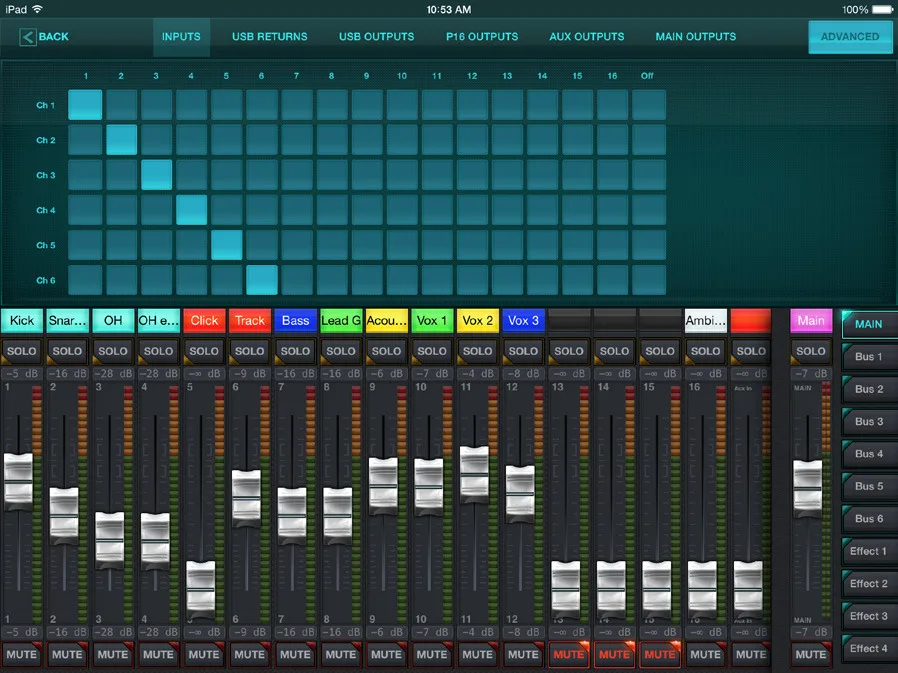
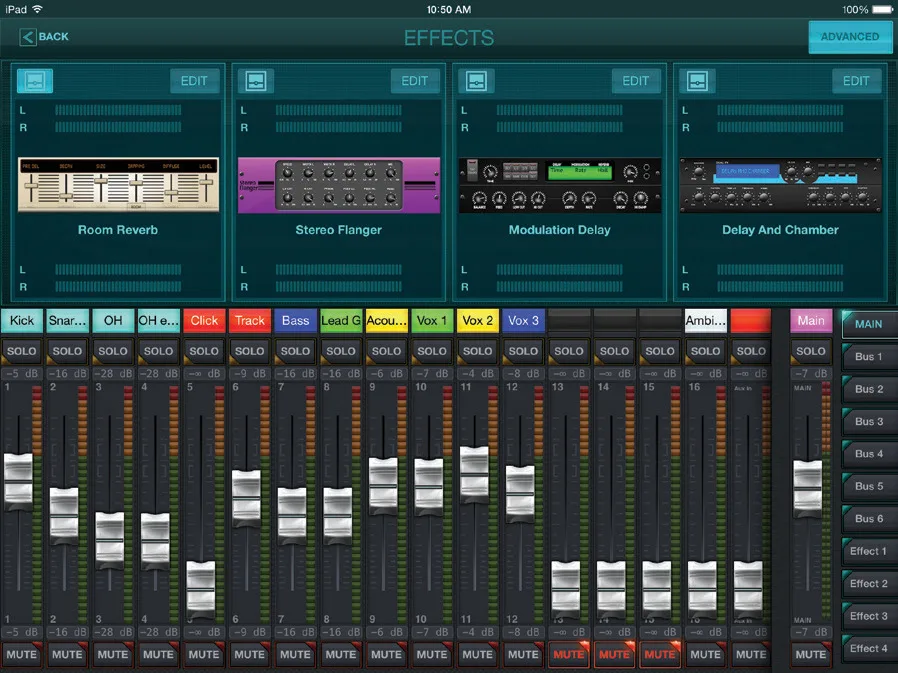
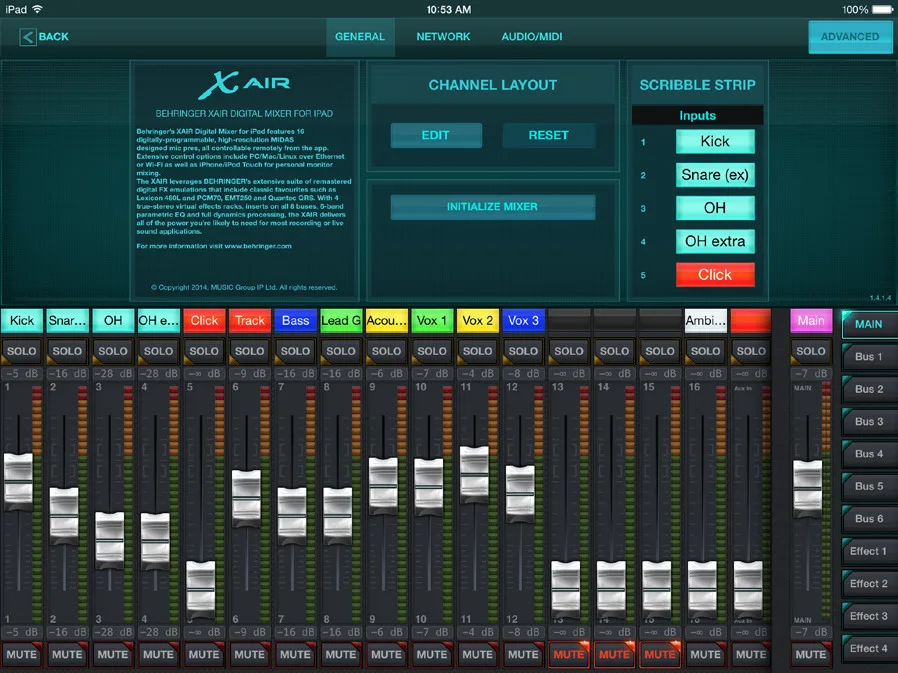
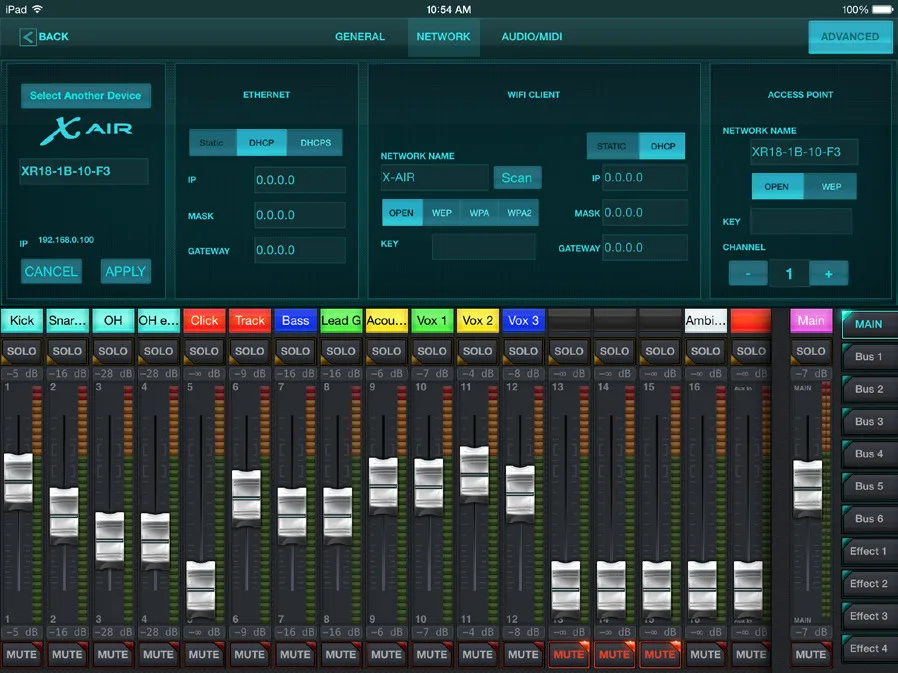
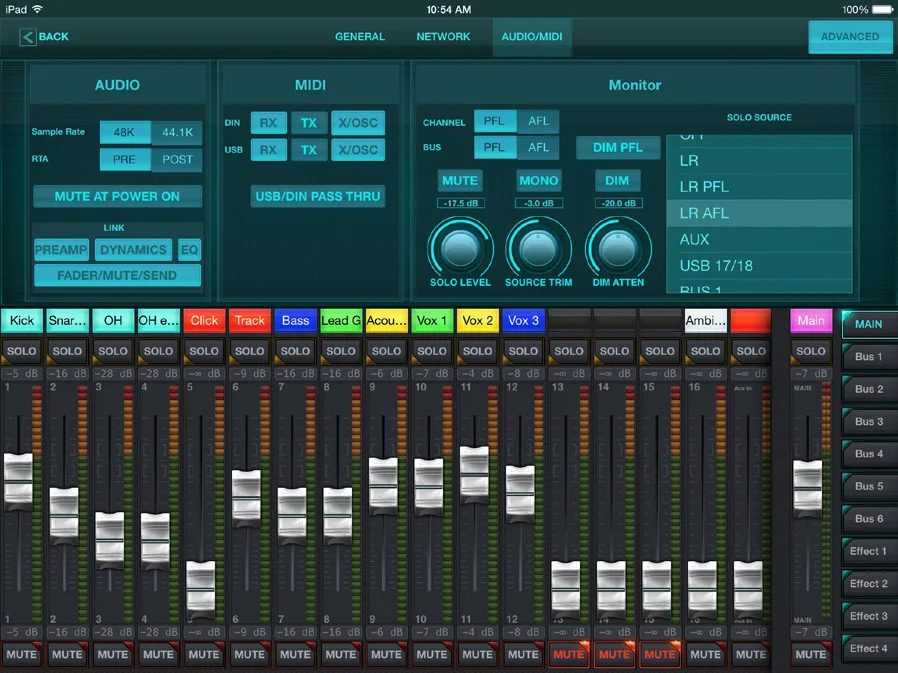
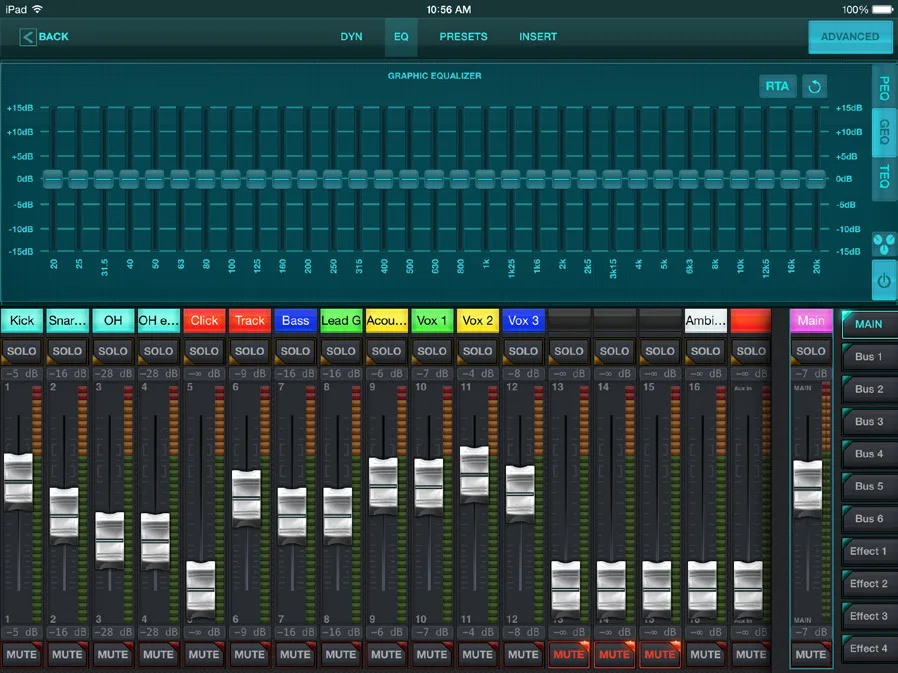
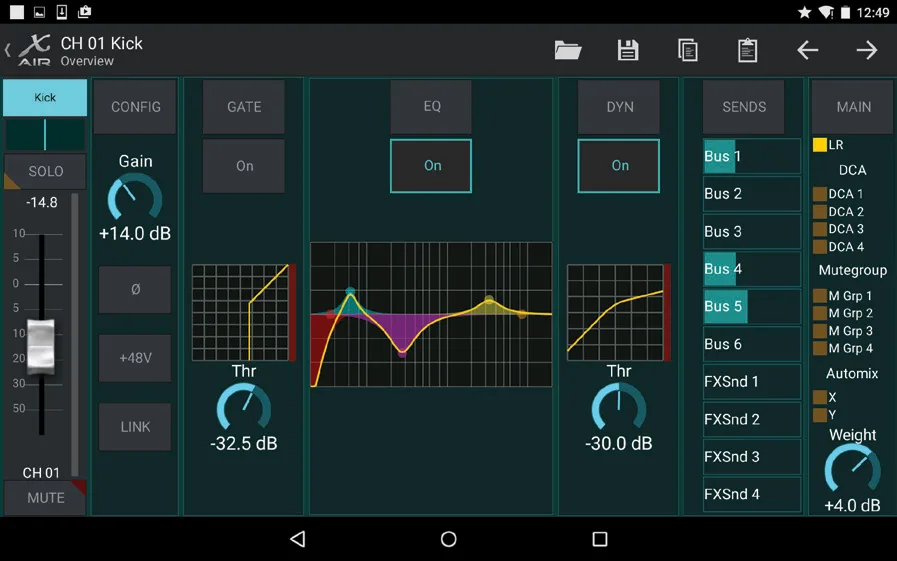
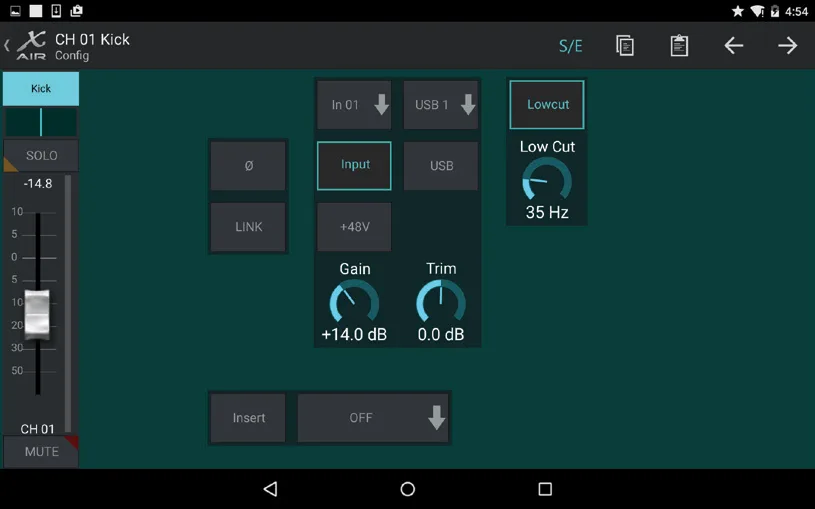
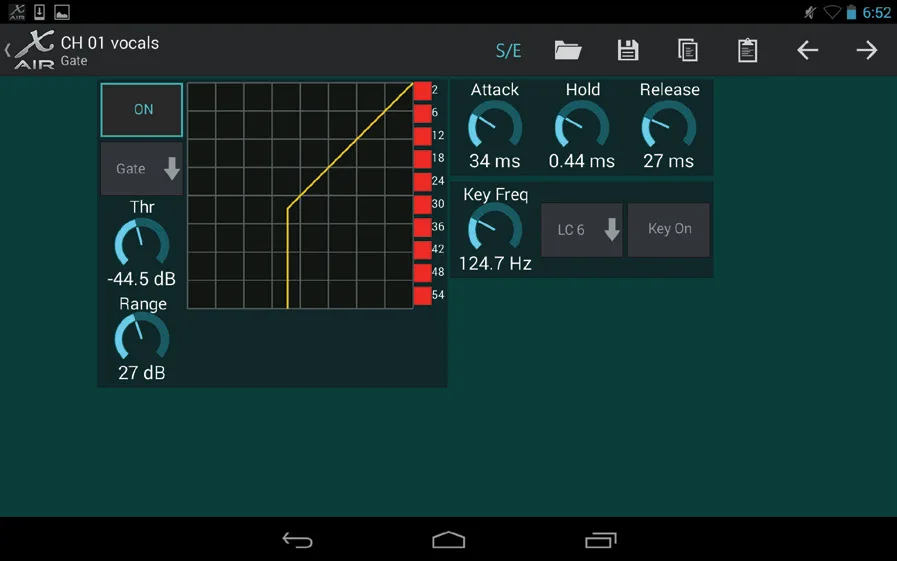
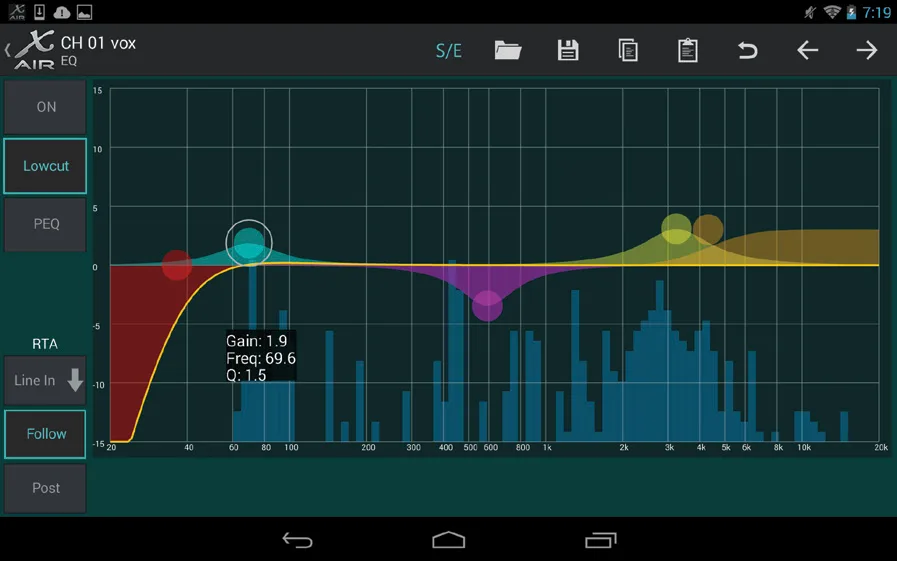
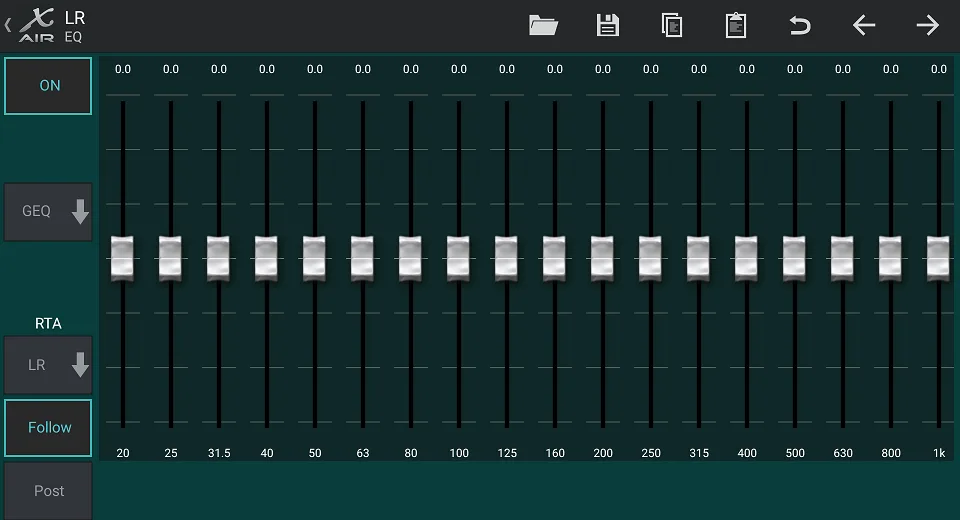
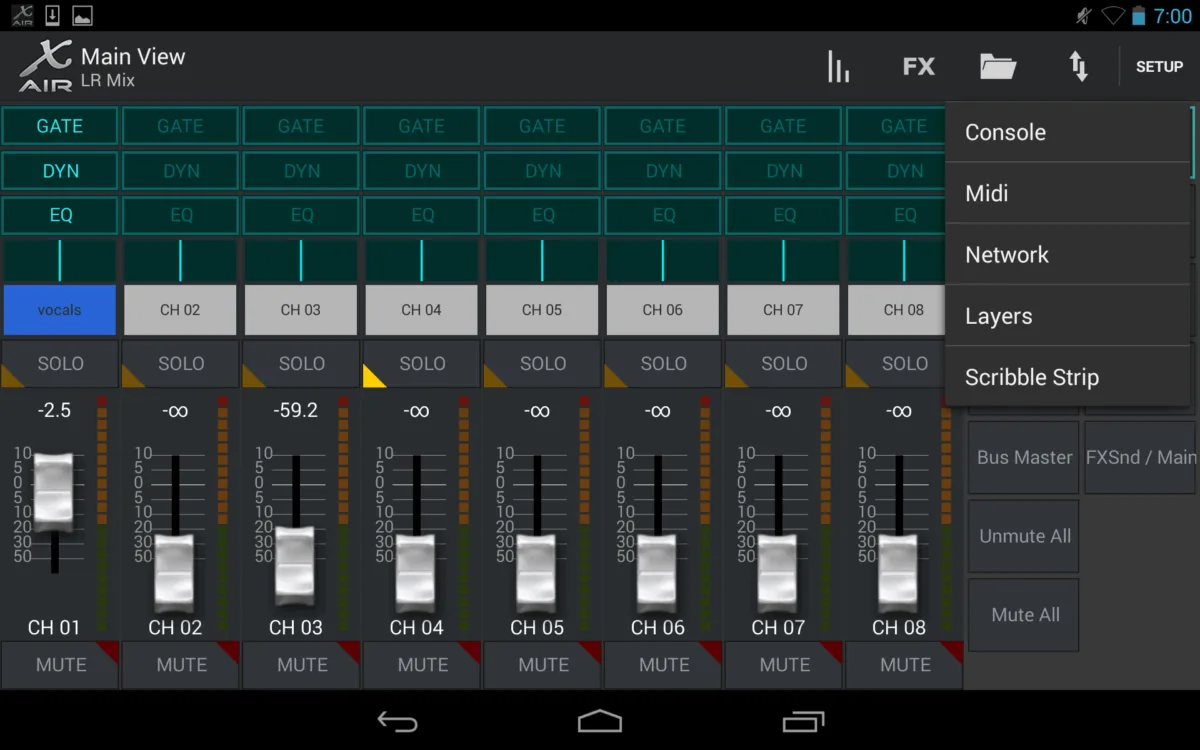
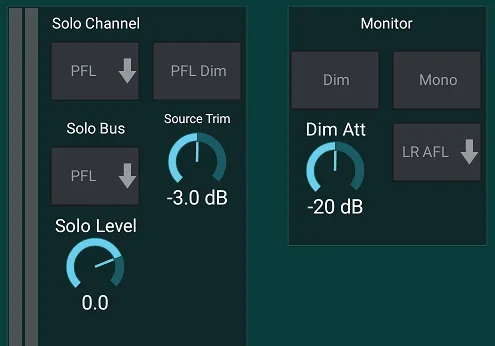
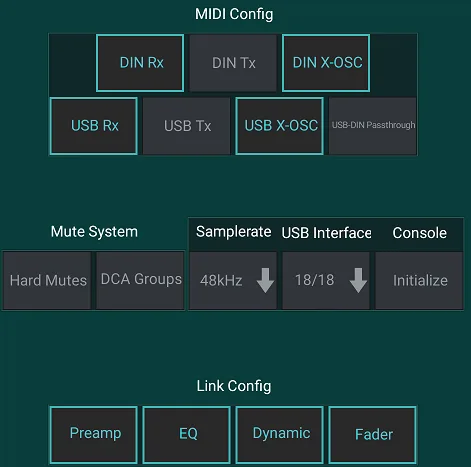
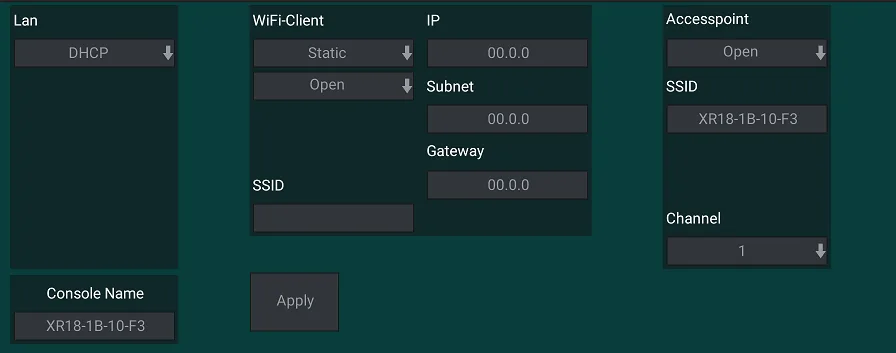
Documents
Editorial & artists
Our take
History & design
The Behringer X Air XR18 is a compact surface-less digital mixer designed to be controlled remotely from a tablet or computer. It offers eighteen inputs: sixteen mic inputs with programmable Midas preamps (two switchable to high impedance for instruments) and two line inputs. Outputs include six aux sends and two main outputs on XLR, plus a headphone output.
A built-in tri-mode WiFi router supports up to four simultaneous clients. The Ultranet output carries sixteen digital sources to Behringer P16 personal monitoring mixers or Turbosound iQ systems. The USB port doubles as an 18×18 bidirectional interface for multitrack recording to a computer, and as a stereo record/playback engine to a USB stick.
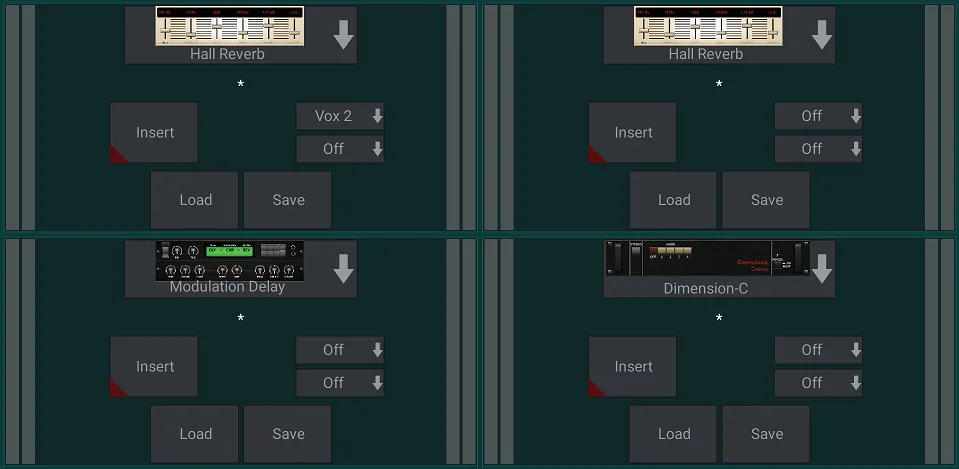
Processing (channels, buses, effects) inherits the X32 series architecture: parametric EQs, dynamics and a set of studio-grade effects. The XR18 sits on a desk or mounts in a rack with the supplied ears.
Links
Related consoles
Some merchant links are affiliate links. Purchases may support Digital Mixing at no extra cost.
Documents are archived locally for preservation. Source credited. Takedown requests: [email protected]