On a big show, the hard part of wireless is not making a mic sound good: it is keeping control of forty channels spread across several racks, sometimes in several rooms. That is exactly what Shure targets with version 1.6 of the Axient Digital software, its reference wireless system. No new box here, but two features that reshape how large rigs are run day to day: Channel Linking and a Preferred Access Point. The update is free.
Channel Linking: one primary channel, the rest follow
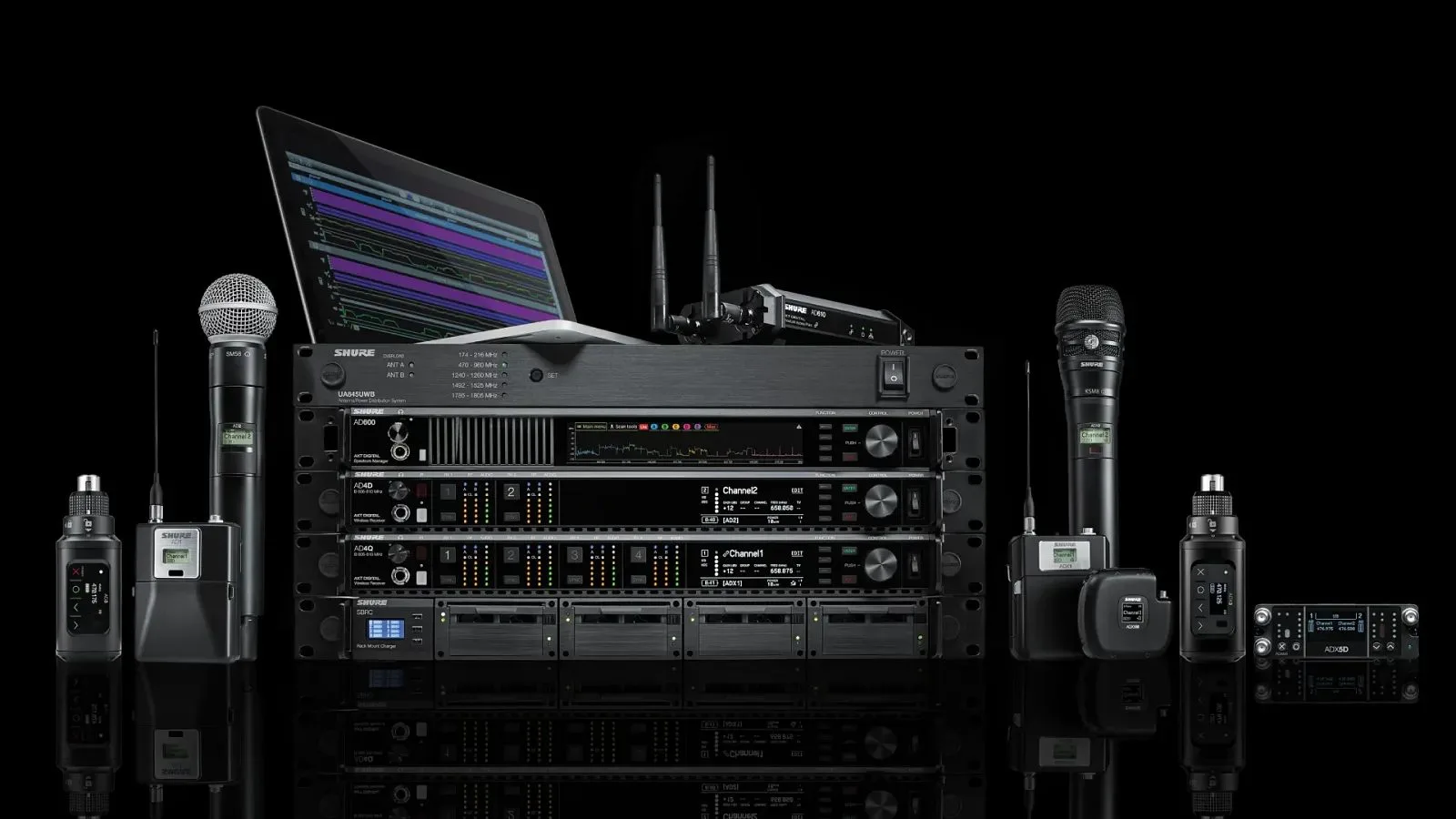
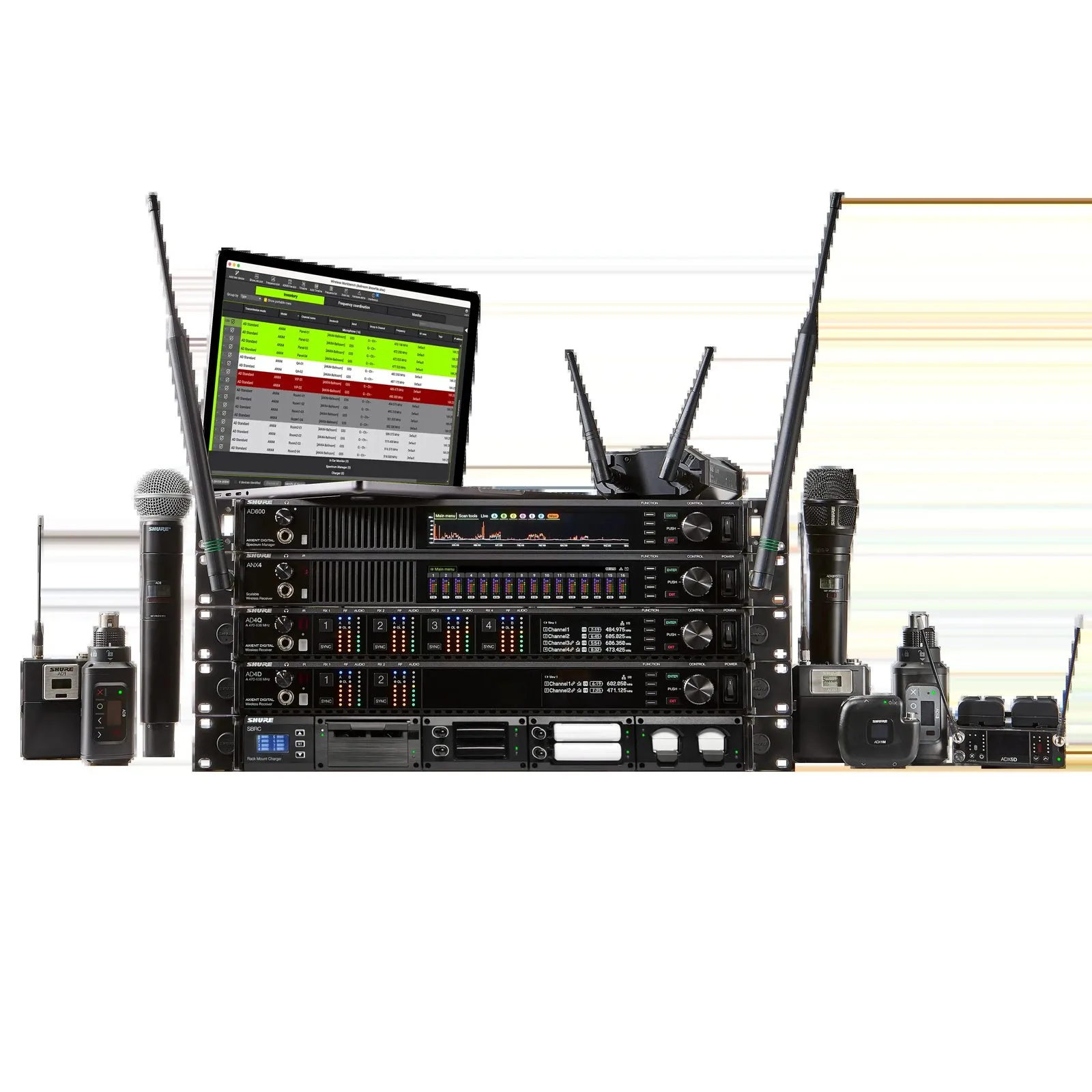
Channel Linking lets you tie receiver channels together across compatible Axient Digital units: the four-channel AD4Q, the two-channel AD4D, the portable ADX5D, and the scalable ANX4 when it runs in Axient Digital mode. Once a link is set, secondary channels automatically inherit the primary channel’s settings: frequency, transmitter registration, encryption information and channel name.
In practice, that removes a large chunk of the repetitive data entry that wastes time and, more importantly, multiplies mistakes on redundant or distributed setups. You set it once, then propagate. For a production that mirrors its receivers for safety, or splits antennas across a wide site, the configuration grind simply collapses.
Preferred Access Point: taking control of ShowLink
The second feature is for installs that line up several AD610 access points. These small units carry ShowLink, the two-way control link that drives transmitters remotely (frequency and gain changes, interference detection). Until now, a transmitter latched onto whichever access point looked best at that moment. Version 1.6 adds the option to assign a preferred access point for supported transmitters.
The payoff is predictability. Over wide coverage or a complex antenna distribution, you decide which transmitter talks to which AD610, instead of living with automatic handovers. It is the kind of control the audience never sees, but it is the difference between a system you own and a system you hope for.
Who it is for
Shure is upfront about the target: deployments where geography becomes the problem. Parade routes and city runs, stadiums, arenas, convention centers, and more broadly any production that needs to place receivers where the antenna hears best, not where the rack is convenient. These are situations where channel counts explode and where keeping settings consistent across receivers becomes a reliability issue, not a comfort one.
It follows the thread running through pro wireless lately: bringing RF closer to networks and their configuration flexibility, the way Sennheiser does by pushing wideband wireless into ST 2110. Axient Digital does not move to IP here, but the intent is the same: turn a fleet of transmitters and receivers into something you manage centrally. For the rest of the chain, the good habit stands: prepare your setup offline so you reach the stage with a frequency plan already thought through, and treat monitoring, wedges or in-ears, with the same rigor.

How to install it
Version 1.6 is downloaded through the Shure Update Utility desktop app, the usual tool for updating Shure gear. Both features are then set up and managed from the Axient Digital receivers or from Wireless Workbench. Nothing changes in hardware: this is a comfort and reliability gain delivered by firmware to a system already in the field.
My take
This is the classic update that makes no headlines but shows up on the night of the big show. Channel Linking goes after the real pain of large-scale RF: duplicate data entry, the source of errors when you rack up under pressure. Preferred Access Point puts determinism back where ShowLink used to leave things on auto. Nothing flashy, and that is the compliment: Shure refines how a solid system is run rather than chasing a gimmick. The question that actually matters on site, and no release note settles it, is link stability when the venue’s RF goes thick.