Soundcheck time is always too short. The gap between a calm show and a race against the clock is often decided the night before, on a laptop, far from the stage. Every major digital console can be programmed offline: you build your whole session on your computer, then load it onto the surface when you arrive. Patch done, channels named, groups set, scenes ready. Here’s how to go about it — and above all how to avoid the transfer pitfalls.
What is offline preparation?
Most manufacturers provide an offline editor: software that reproduces the console’s environment on a computer, with no console connected. You get the same routing, the same processing, the same scene logic. Everything you build there exports to a show file the console reads back identically. The point isn’t to “mix at home” — you don’t mix without hearing the room — but to prepare the structure so that once on site you only have to refine the sound.
What you actually prepare
Anything that doesn’t depend on hearing the venue can be done ahead:
- Patch and routing: which physical input lands on which channel, which buses feed the PA, the monitors, the effects sends. It’s the show’s skeleton, straight from your tech rider and input list.
- Names and colours for channels: “Kick”, “SnTop”, “LeadVox”… A well-labelled surface saves huge amounts of time and prevents live mistakes.
- Starting settings: a high-pass on vocals, a basic EQ and dynamics per instrument family, sensible starting points instead of a blank page.
- Groups, VCAs and scenes: the surface layout and the show structure, covered in our guides to groups and VCAs and scenes, snapshots and safes.
- Effects and monitor buses: reverbs, delays, the structure of ear or wedge mixes.
The template, your best ally
The real time saver isn’t starting from scratch at every gig, but keeping one or two house templates. A “rock band” template with its drums patched, VCAs per section and go-to effects; a “conference” template with wireless mics, a presentation computer and recording. You duplicate, adapt to the day’s line-up, and 80% of the work is done. A good template captures your habits: that’s where experience compounds.
The tools, brand by brand
Every maker has its software, but the logic is the same everywhere.
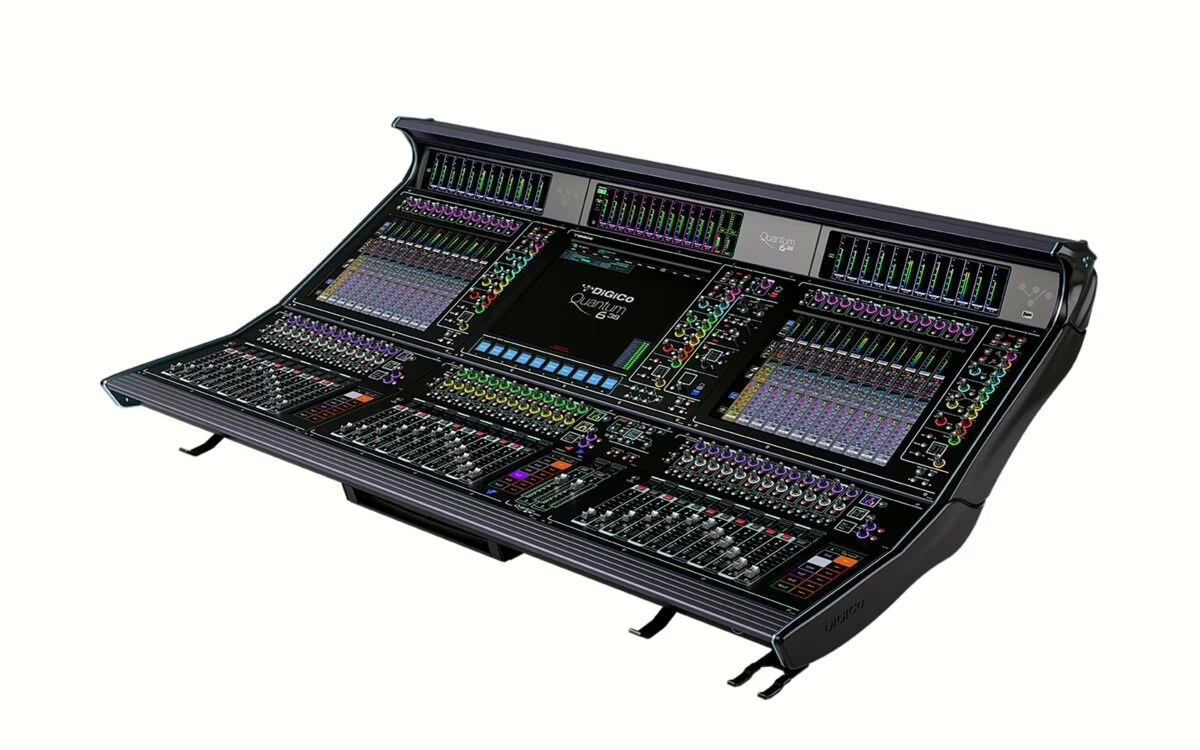
- DiGiCo offers offline software that reproduces each model in the range; you prepare a full show for an SD12 or a Quantum before loading it onto the surface.
- Allen & Heath covers its ranges with its editors (Director for dLive and Avantis, the dedicated app for SQ and Qu): offline editing then sync.
- Yamaha lets you build a session for a QL or CL in its editor, then control it over Wi-Fi via the supervision app.
- Midas and Behringer share the M32-Edit / X32-Edit editors, identical to the console screen, to prepare a show on a computer or tablet.
In every case the show file transfers on a USB stick (or over the network), loads onto the console, and you get your work back identically.
The method, step by step
- Start from the template closest to the project.
- Enter the real patch from the tech rider: inputs, stageboxes, buses.
- Name and colour every channel, create your groups and VCAs.
- Lay down sober starting settings and your main scenes.
- Check the firmware version: the file must match the console on site, or it will refuse to load or drop settings.
- Export to two media (a backup costs nothing), then load onto the console and check methodically before the line check.
The classic pitfalls
Pitfall number one is firmware: a show prepared on a different version from the console’s can be refused or altered. Find out the exact model and version before preparing. Second pitfall, the I/O configuration: if your offline stageboxes don’t match the ones actually present (number, type, layout), your patch will land in the wrong place. Third pitfall, assuming you’re off the hook: offline prep saves time, it doesn’t replace a proper line check or hearing the room. And once on site, run a virtual soundcheck if you can: it’s the ideal complement to an already-programmed console.
Finally, a prepared console doesn’t remove the listening work: tuning the PA system and adapting to the venue still happen on site, with ears and measurement. Offline prep simply frees up the time for it.
My take
Preparing your console offline is the pro move that separates those who endure their day from those who run it. The comfort is real: you arrive with a surface that speaks your language, and you spend what little soundcheck time you have on what truly matters, the sound in the room. The only real danger is overconfidence — a mismatched firmware and it all collapses at the worst minute. Two habits are enough to sleep easy: check the version before preparing, and keep a backup on a second stick. The rest is pure time saved.