The day you move from a small desk to a 32- or 48-channel digital console, a problem shows up fast: how do you keep control of the whole when half the channels live on a second fader layer? The answer comes down to two tools every live console shares, sometimes under different names: groups and VCAs (called DCAs by some makers). Used well, they turn an intimidating surface into a fluid mixing instrument. Misunderstood, they are the source of the finest live mistakes.
Audio group versus VCA: the distinction that changes everything
Let’s start with the most common misunderstanding. An audio group (or subgroup) is a bus: audio from the assigned channels actually flows through it, sums there, and you can insert processing — a bus compressor on the drums, for instance. Pulling a subgroup fader changes the signal passing through that bus.
A VCA (Voltage Controlled Amplifier, inherited from the analog world) carries no audio. It is a remote control: it drives the fader gain of its assigned channels at once, as if an invisible hand moved them together. The signal itself keeps following its original routing to the master or the buses. On digital consoles the term is often DCA (Digitally Controlled Amplifier): same principle, different electronics.
The practical consequence is decisive. If you want to process a set of channels (sum them, compress them, send them as a block to a reverb), that’s a group. If you only want to control their level without touching routing or summing, that’s a VCA. Mix the two up and you end up with a reverb that fails to follow the vocal when you pull the wrong fader.
Build your VCAs before line check
An effective VCA plan is prepared upstream, ideally in the console’s offline setup. The most common live logic groups by instrument family: a drums VCA, a bass VCA, a guitars VCA, a keys VCA, a backing-vocals VCA, and a lead-vocal VCA often left on its own to keep the voice under your fingers at all times. You drive a whole group from a single fader while keeping access to individual channels on other layers.
Name and color every VCA. On stage, by the light of a screen in the dark, a blue “DRUMS” VCA saves you hunting. That preparation discipline echoes the one behind a patch plan and stagebox: a well-named console mixes twice as fast. It is the kind of detail you prepare just as well on a Behringer X32 as on an Allen & Heath SQ or a DiGiCo Quantum, with the same payoff.
Spill: unfold a VCA in one gesture
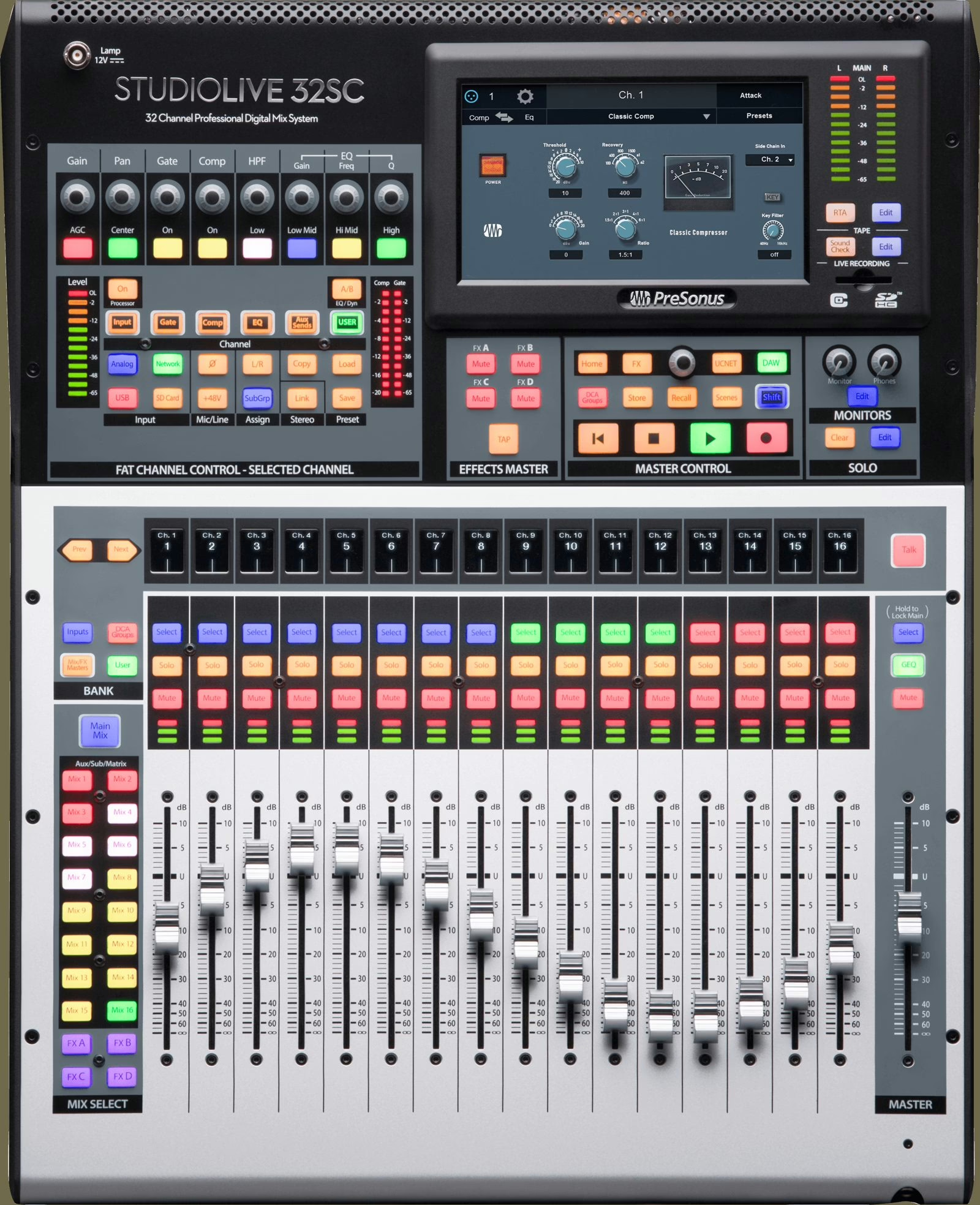
Most recent consoles offer a spill (or unfold) function: press a VCA key and its member channels instantly spread across the surface. You tweak the hi-hat inside the drums VCA, then fold back and recover your overview. That back-and-forth between the big picture and the detail is what makes digital mixing as fast as a large analog desk — provided you built your VCAs cleanly.
Mute groups: don’t confuse them with VCAs
A third tool, often blended with the first two: the mute group. One button cuts a set of channels — typically everything unused during interludes, or ambient mics between songs. Careful: a VCA mute and a mute group behave differently across consoles, especially toward aux sends. On some, muting a VCA also cuts pre-fader sends; on others, it does not. Check this behavior at soundcheck, never during the show.
VCAs, buses and monitors: pitfalls to know
A few reflexes prevent nasty surprises. First, a VCA has no business on an output matrix: it drives input channels, not final sums. Second, watch the interaction between VCAs and aux sends to the monitors: if your in-ears are fed by pre-fader auxes, a VCA move will not change the monitor mix — usually what you want, but surprising at first. Keep that in mind when you set monitor level and EQ to win gain before feedback.
Finally, don’t overuse audio subgroups where a VCA would do. Every extra sum is a chance to introduce phase or gain issues. A subgroup earns its place when you want shared processing; otherwise the VCA does the job without adding anything to the signal path. That routing economy is the same hygiene as a clear connection diagram for a console: fewer nodes, fewer failures.
Scenes, snapshots and show consistency
On a multi-cue show, your VCAs live inside scenes (or snapshots). Nothing stops you from changing VCA assignments from song to song, but caution favors a stable structure: constant VCAs across the whole set, whose levels alone change, beat a plan that reshuffles every scene and loses your bearings. A stable surface is a mixing comfort — and a safety net when the night speeds up. It is planned alongside system tuning and the general FOH prep.
My take
VCAs are the handover between analog logic and the digital reflex: a handful of faders to drive a whole orchestra, without ever touching the signal. The golden rule fits in one line: process with groups, control with VCAs. The rest — spill, mutes, scenes — is just comfort that flows from clean preparation. The real gain isn’t technical, it’s mental: a well-organized surface frees your ears to listen to the music rather than hunt for a fader. That is where the difference lies between surviving a show and mixing it.