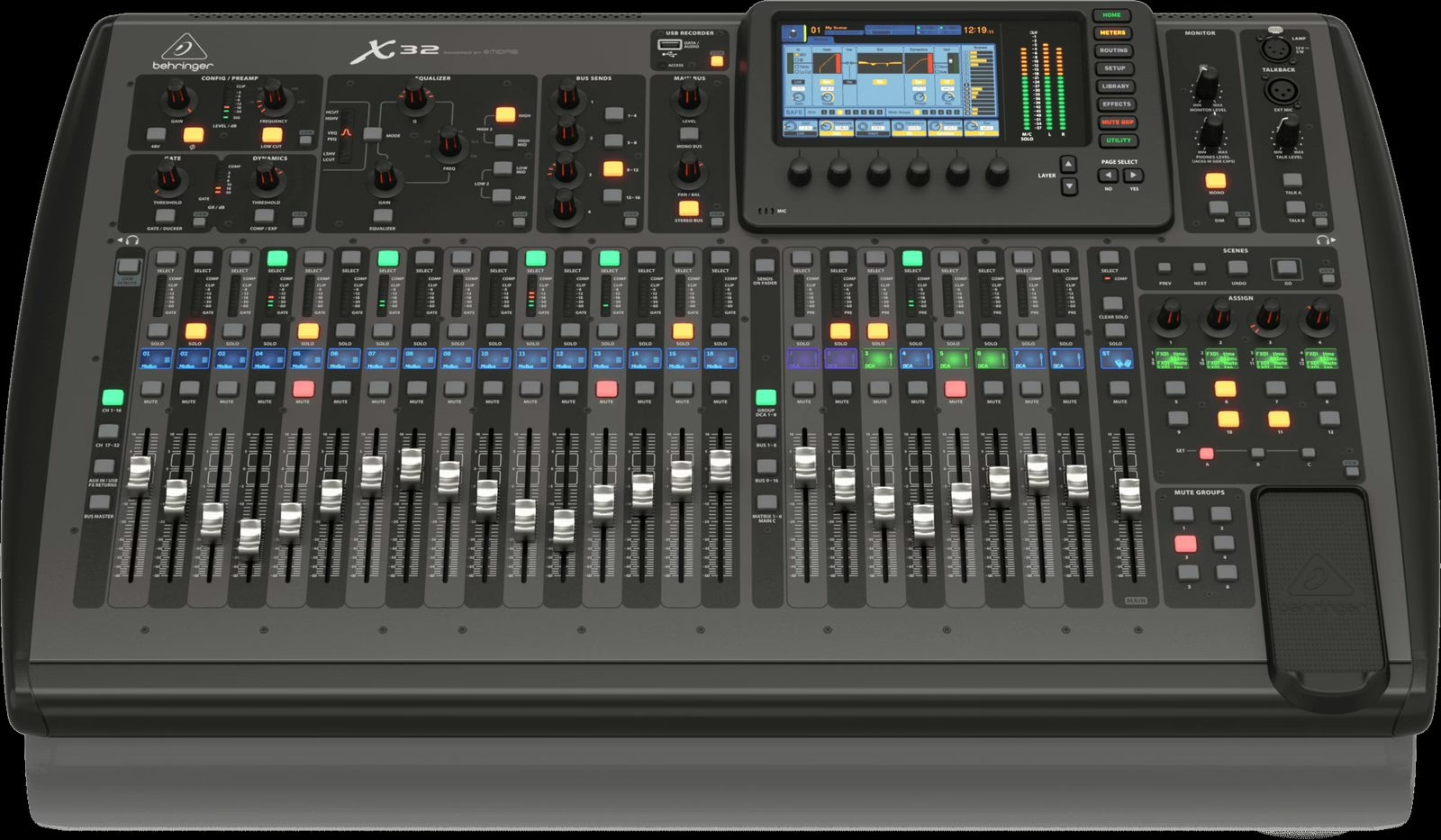
Walking away from a gig with every track split out is the best insurance you can buy: a mix you can redo in peace, a virtual soundcheck to dial in the room before the crowd arrives, a live show that becomes a record. The Behringer X32 and its Midas M32 twin — same audio engine, same cards — do all of this natively. You just need the right method and clean routing. Here is how.
Two ways to record, depending on your hardware
The X32/M32 offers two multitrack paths, and they are not mutually exclusive:
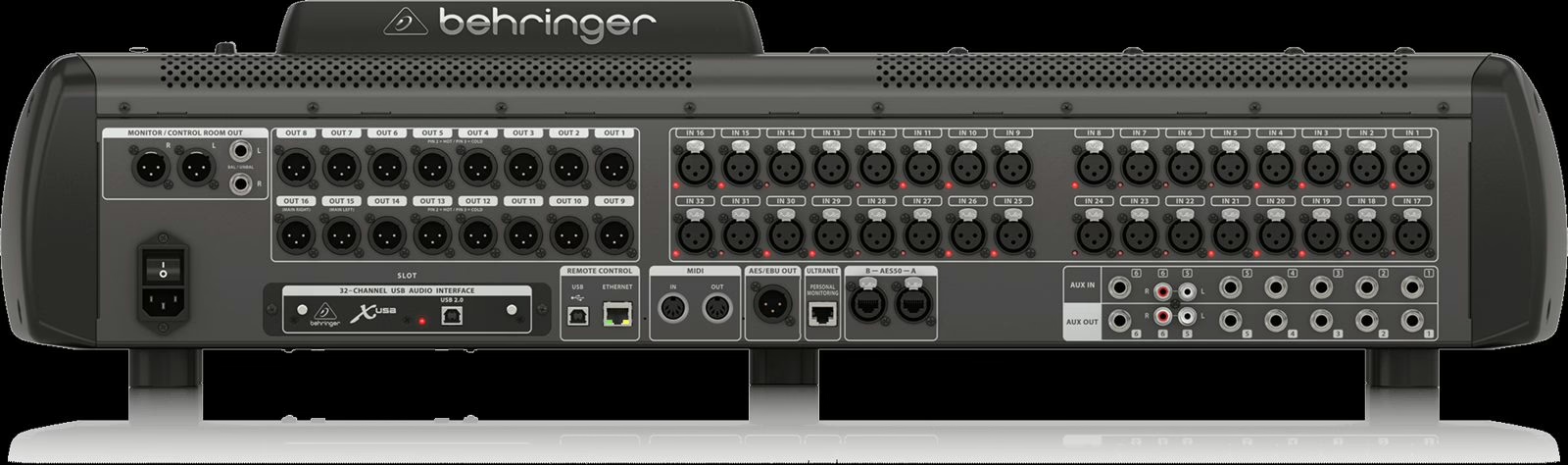
- To a computer, via the factory-fitted X-USB card: up to 32 channels in and 32 out over a single USB cable, captured by any DAW (Reaper, Pro Tools, Logic, Cubase…).
- Without a computer, via the optional X-LIVE card: it records 32 tracks straight to two SD cards, switching automatically from one to the other so the take never stops. It is the most rugged option in the field, where perching a laptop can be a balancing act.
A third card, X-ADAT, adds ADAT/AES to feed an external recorder. In every case the console runs at 48 kHz: lock the whole rig to that clock.
Which card for which job
| Card | What it does | Who it’s for |
|---|---|---|
| X-USB (stock) | 32 in / 32 out USB to a DAW | Virtual soundcheck, capture to computer |
| X-LIVE (option) | 32-track recorder to SD cards, no PC | Reliable live captures, computer-free control |
| X-ADAT (option) | Extra ADAT / AES50 to an external recorder | Integration with an existing rig |
Routing the 32 tracks: the choice that decides everything
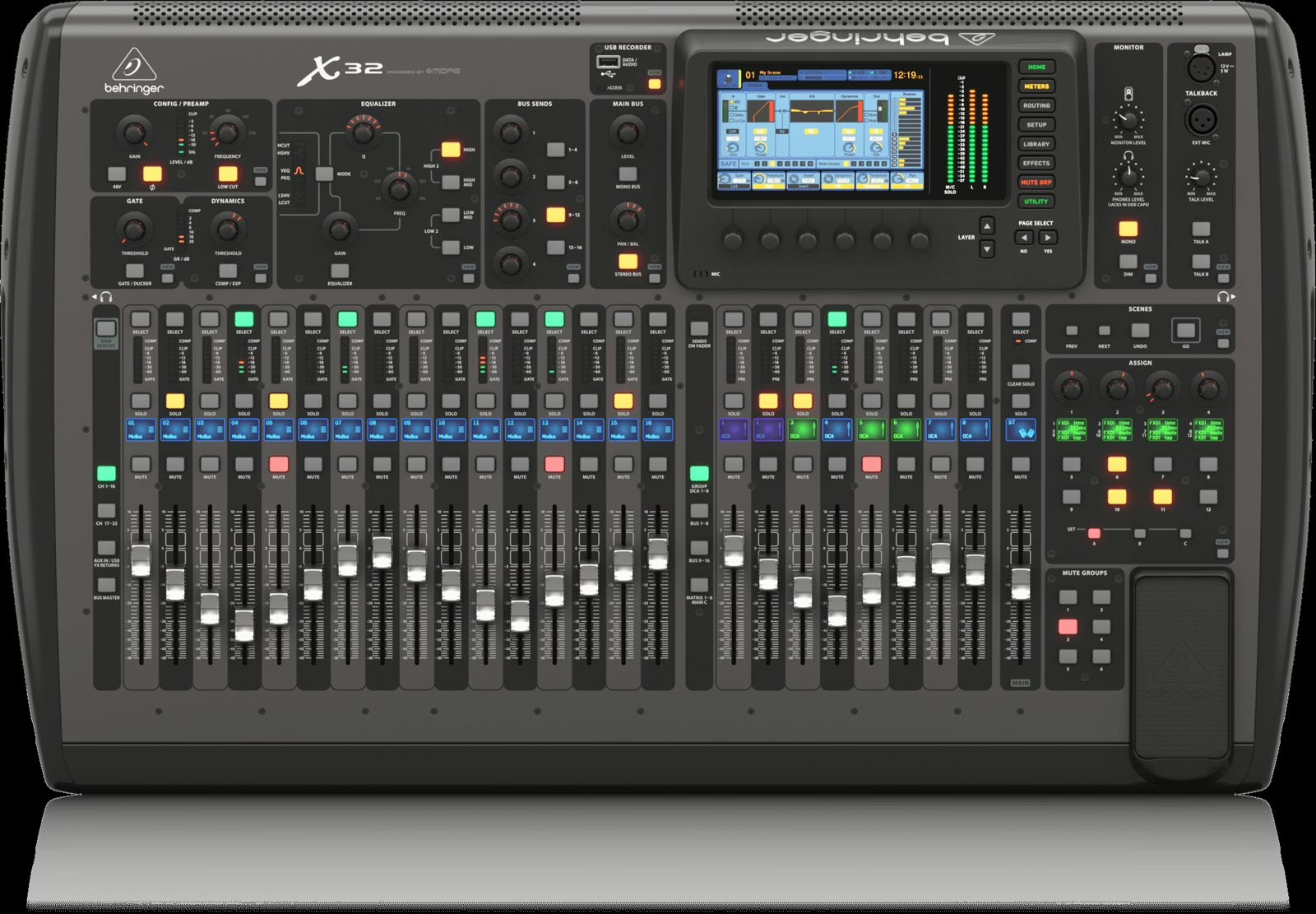
The most common trap is recording channels after the EQ and compressor: you then freeze tonight’s settings into the file and lose all latitude at mixdown. The golden rule is to send the card pre-processing tap points — right after the preamp and gain, optionally after the high-pass filter. The X32 lets you choose, in banks of eight, exactly where you tap the signal (inputs, card returns, and so on).
In practice: open the routing page, assign the physical inputs (local or via the stagebox’s AES50) to the channels, then send the channels to the card in the pre position. Get your patch plan right first and it all falls into place — the same groundwork covered in patch and stageboxes in live sound.
Virtual soundcheck: dial in the room without the band
This is the killer feature of consoles like these. Once a show is recorded, feed the 32 tracks back from the card (USB, or X-LIVE on playback) in place of the mic inputs: the console replays the night exactly, and you refine EQ, compression and effects at your leisure in an empty room. On the day, you start from a mix that is already roughed in. Just remember to switch the input source from local to card, then switch it back before doors — the classic slip that has you chasing a phantom signal five minutes before line check.
Prepping your capture, step by step
- Gain first. Set the preamps for healthy headroom: aiming for peaks around -12 to -6 dBFS leaves room without clipping on a snare transient.
- Tap points pre. Check, bank by bank, that channels feed the card before EQ/dynamics.
- Name and label. Rename channels and DAW tracks at the patch stage: finding “SM57 snare” instead of “Ch 07” at 2 a.m. is a life-changer.
- Redundancy. With X-LIVE, two SD cards run as a relay; format them on the console and keep spare space. Over USB, watch the disk throughput and close idle apps.
- Full-scale test. Record the soundcheck: it is the best way to validate the chain before the real show.
Organizing the surface to run the show
Recording does not excuse you from mixing live. While the capture runs, your surface has to stay readable: group your sources under DCAs and keep your safes clean for scene recalls. That is exactly the logic in our guide to groups and VCAs on a digital live console — and it also helps to understand routing and buses on a digital console so the signal path stays clear.
X32 or M32: the same craft
Everything above applies identically to the Midas M32: same expansion cards, same engine, same routing points. The differences are in the preamps and the ergonomics, not the recording method. Anyone comfortable capturing on an X32 will feel at home on an M32, and vice versa. The same holds for the rack-format sibling, whose workflow we detailed in the XR18 / MR18 multitrack guide.
My take
Capturing a show in multitrack on an X32 or M32 should be a reflex, not a special operation: the hardware is there, the X-LIVE costs little for what it saves, and a virtual soundcheck transforms how you prep a gig. The real work happens upstream, at the routing stage: pre-processing tap points and a clean patch plan are all it takes to guarantee usable tracks months later. The rest is discipline — name, check, test. Do it properly once, and you will never load in a rig again without hitting record.