Dante (Digital Audio Network Through Ethernet), developed by Audinate, replaces multicore and point-to-point links with a standard computer network. Over one Ethernet cable travel hundreds of uncompressed audio channels, synchronised to the sample. It is now the common language of thousands of products, from broadcast consoles to studio interfaces.
The principle: audio inside packets
Every compatible device (console, stagebox, interface, amplifier) becomes a node on the network. Audio travels as flows between a transmitter and one or more receivers, in unicast (one to one) or multicast (one to many). The benefit is immediate: instead of running a cable per link, you share a single infrastructure and route signals in software rather than at a patchbay.
Dante Controller: the patchbay becomes software
The heart of the system for the operator is Dante Controller, Audinate’s free application. It shows a grid: transmitters as columns, receivers as rows. Clicking an intersection creates a subscription — you connect an output to an input. The routing is stored in the devices themselves: power the network back up and the patch returns. Dante Controller also names channels, sets sample rates and monitors clock status.
Clock and latency: the two parameters that matter
Like any digital system, Dante needs a shared master clock. The network elects one automatically (you can force it) and synchronises over PTP. This is so central it deserves its own article: we covered it in PTP and clocking in AES67, ST 2110 and Dante networks.
Latency, meanwhile, is set per device: Dante offers steps, typically from 0.25 ms to 5 ms. The larger the network and the more switches it crosses, the more margin you take.
| Dante latency | Typical use |
|---|---|
| 0.25 ms | Direct link or very small network, a single switch |
| 0.5 ms | Everyday network, a few switches (a common default) |
| 1 to 5 ms | Large networks, many hops, complex topologies |
Redundancy, interoperability and tools
For critical work — a live radio or TV show — Dante offers a redundant mode: two separate physical networks (primary and secondary) carry the same audio, and the receiver fails over with no dropout. On openness, Dante interoperates with the AES67 standard, letting gear from different brands and ecosystems talk to each other. For large estates, Dante Domain Manager (DDM) adds user management, segmentation into domains and logging.
There are also software gateways (to route a computer’s audio with no dedicated hardware) and small adapters that make a standalone analogue or USB device ‘Dante’.
Deploying well: field habits
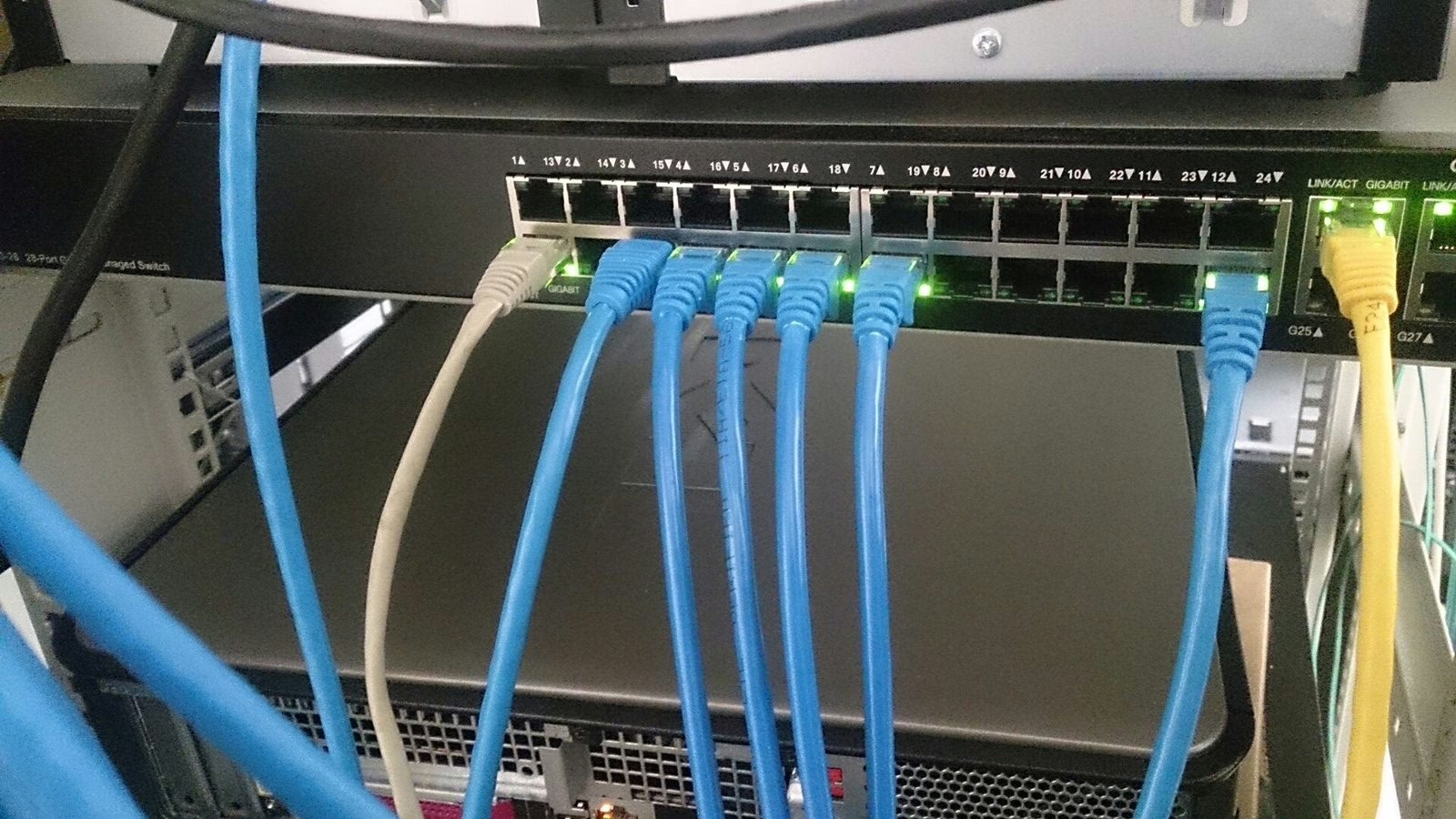
A Dante network is not magic: it obeys network rules. A few principles hold up. Dedicate the network to audio (or segment it cleanly) so office traffic does not disturb the flows. Use managed switches with QoS to prioritise PTP and audio. Avoid Wi-Fi for transport. And mind your documentation: well-named channels save precious time on rig day, exactly like a good patch plan in the analogue world — see our guide to patch and stageboxes and, for team comms over IP, our piece on intercom in broadcast production. Downstream, everything eventually passes through loudness management. A concrete example of recent gear embracing these standards: the Sennheiser Spectera moving into ST 2110.
Dante versus MADI and analogue
The analogue multicore has one virtue: it never fails subtly. A cable works or it does not. Its limits are weight, cost and a fixed number of links. MADI brought 64 channels over a coax or fibre, but it is still a point-to-point link: to route, you need a matrix. Dante changes the logic by making every point on the network reachable from any other, with software routing and shared infrastructure. You gain enormous flexibility; you lose the reassuring simplicity of ‘one cable, one link’. Hence the importance of good network habits.
The pitfalls that keep coming back
Three causes explain most trouble. First, mismatched sample rates between two devices: no sound, even though everything looks routed. Second, unmanaged or misconfigured switches: with no priority for the clock, PTP drifts and audio drops; and poorly handled multicast can flood the network if IGMP snooping is off. Third, Energy Efficient Ethernet (the ‘green ethernet’ of some consumer switches), which idles ports and introduces micro-dropouts: turn it off on an audio network. The golden rule stays the same: a dedicated or cleanly segmented network, managed switches, and a master clock you choose rather than inherit.
My take
Dante won because it makes the network invisible: you route with a click, and it works. The real mental shift is accepting that the critical link is no longer the cable but the switch and the clock — two areas long underrated. The good news: a well-planned network, managed switches and cleanly named channels are enough to sleep well the night before a live show. Audio-over-IP is not a luxury for giant installs; it is also what simplifies a two-room studio.