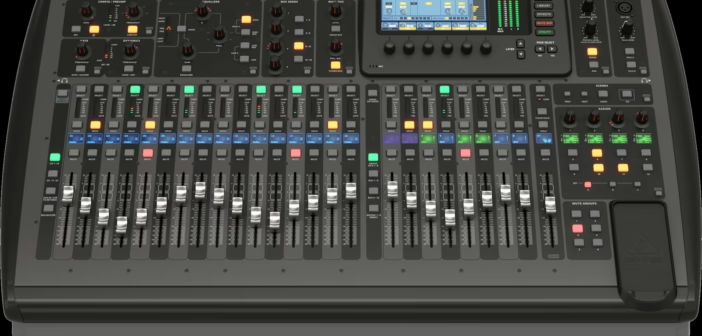
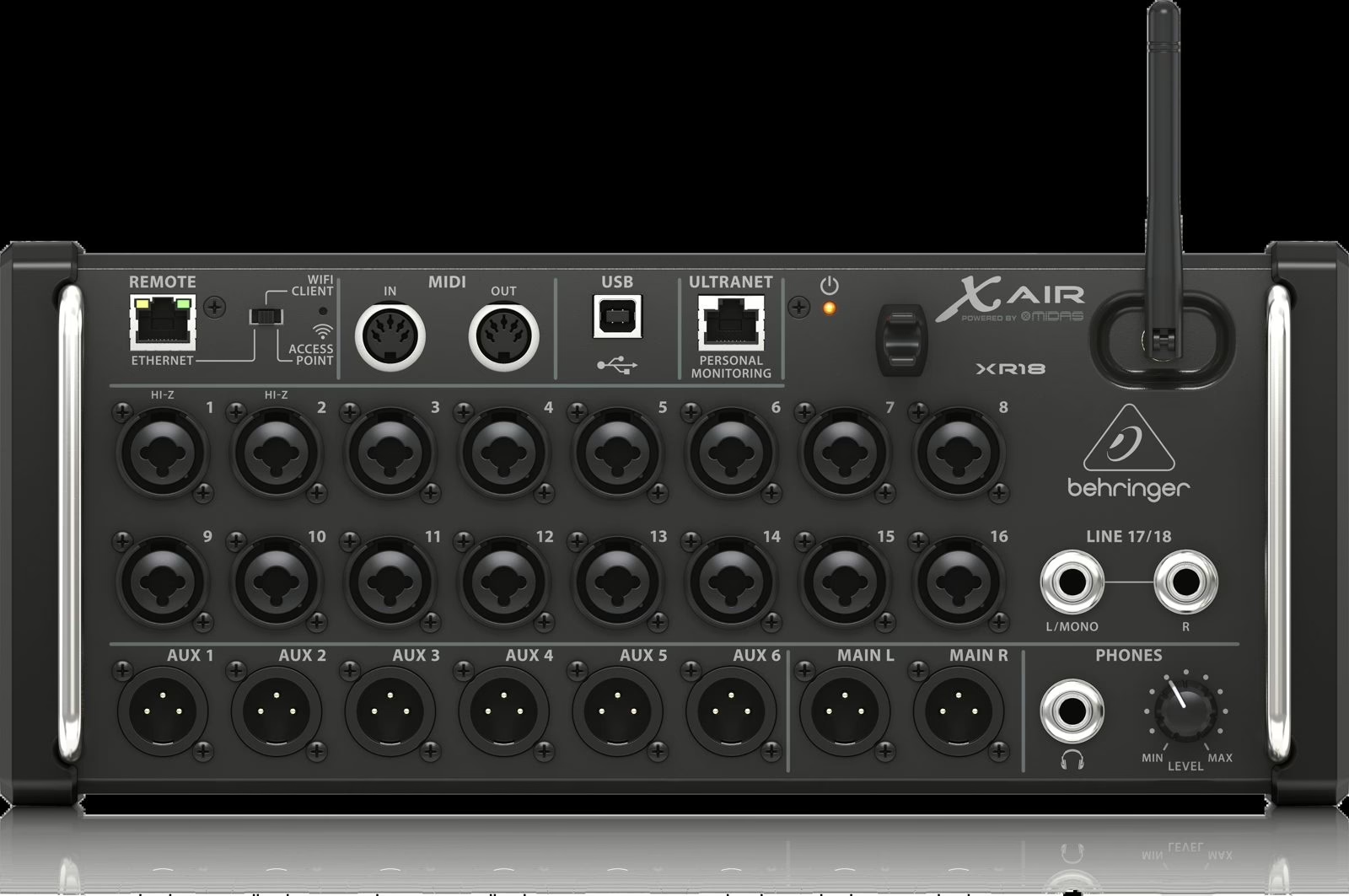
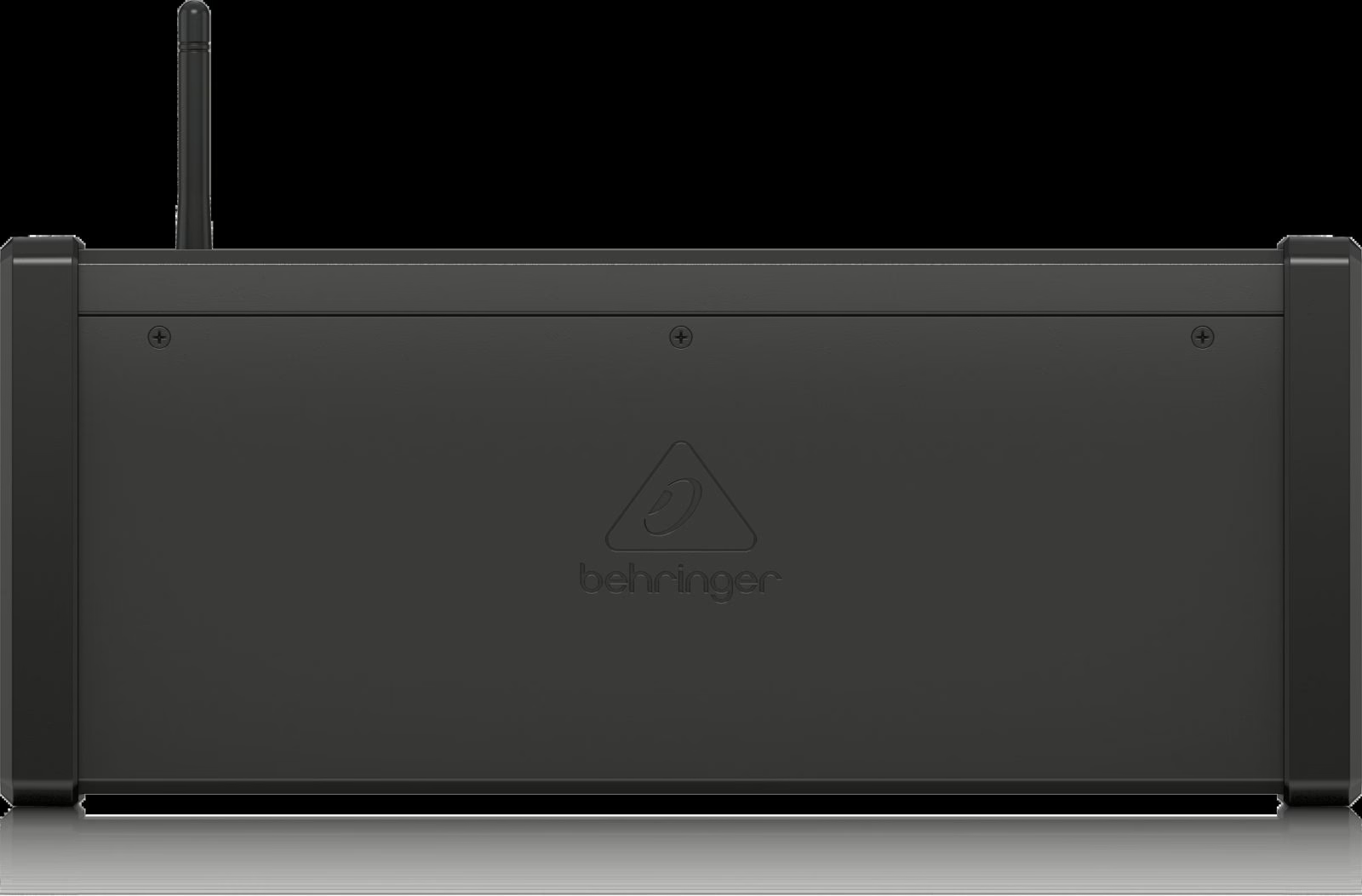
The Behringer XR18 (and its Midas-preamp cousin the MR18) is an unusual rackmount digital mixer: no faders, no screen, everything driven from a phone or tablet. But under the hood sits an 18 x 18 USB audio interface that makes it a formidable recording machine. Over a single USB cable you capture a whole gig — 16 mic/line inputs plus two aux channels — then replay the lot as a virtual soundcheck. It is the same engine as the Behringer X32, in a format that fits in a bag.
What you need
- An XR18 (or MR18, or the desktop X18: same principle).
- A good, reasonably short USB cable to a computer.
- A computer and a DAW (Reaper, Tracktion, Logic, Live… it doesn’t matter).
- A tablet or phone for the X AIR EDIT app (or Mixing Station), to set preamps and routing.
Understanding the 18 x 18 interface
“18 x 18” means 18 channels to the computer and 18 return channels. In practice, the console sends its 16 mic/line inputs plus the aux pair to the DAW, and receives 18 channels back from the computer. Those returns are what make the virtual soundcheck possible, more on that below. It all runs at 48 kHz over one USB cable: no extra sound card, no external converter.
Recording, step by step
1. Driver and connection
On Windows, install Behringer’s X-AIR ASIO driver: it exposes the 18 channels at low latency. On macOS the device is class-compliant, so recognised with no driver. Connect the XR18 to the computer via USB (the dedicated port, not the power one) and check it shows up as an audio device.
2. Routing, the real key
This is where it all happens. In the app, open Routing > USB Sends and choose what the console sends to the DAW. The decisive setting is the tap point: prefer a pre-fader and, if possible, pre-processing send (before channel EQ and compression). That way you record the raw mic signal, independent of your live mix moves — which leaves you full freedom at remix time. A post-fader send would bake your fader moves and mutes into the recording: avoid it for a safety capture.
3. Arm the DAW
In your software, select the XR18 as the input interface, set the sample rate to 48 kHz (the console’s rate — avoid any clock mismatch), create 18 mono tracks, assign them to the 18 inputs and arm them. Run a test: talk into each mic, check each track gets the right channel and that levels leave headroom. That gain check follows the same logic as our guide to managing levels and gain.
4. Record the show
Once the tracks are armed, you record while you mix front-of-house normally from the tablet. The two jobs are independent: your room mix does not affect the pre-fader tracks. Let it roll from start to finish, soundchecks included — better too much than not enough.
Virtual soundcheck: mix the gig without the band
This is the system’s trump card. The day after the gig, reconnect the XR18 over USB and do the reverse: instead of taking the physical inputs, tell the console to read its channels from the USB returns (Routing > channel input: USB instead of Local). The DAW replays the 18 recorded tracks inside the console, as if the band were playing live. You get your preamps, EQs and effects back, and you refine the FOH or monitor mix at leisure, in an empty room. Engineers also use this switch to set up a console ahead of a show, from the capture of a previous soundcheck.
Wireless control and variants
The XR18 has a built-in Wi-Fi access point for handy wireless control while mixing. For a critical gig, though, prefer a wired link (Ethernet via a router, or the app on a tethered device): the Wi-Fi in a packed venue saturates fast. As for the range, the MR18 is identical to the XR18 but Midas-badged, and the X18 adds a few front-panel controls in a desktop format: the recording workflow described here applies to all three.
This guide extends our method for multitrack recording on the X32 / M32: same philosophy, smaller format. And if you also handle stage monitors, take a look at our article on setting up an in-ear monitor system, often run from the same console.
A few habits that save a recording
- Record pre-fader. Your mix moves stay separate from the raw tracks.
- Name your tracks before the gig. Finding “kick, snare, HH…” cold saves hours.
- Stay at 48 kHz everywhere. A clock mismatch between console and DAW causes clicks and drift.
- Back up immediately. Copy the folder to a second drive before you pack the gear.
My take
For the money, the XR18 remains one of the smartest ways to record a gig: the multitrack is right there, free, on the cable you already use to mix. Virtual soundcheck genuinely changes how you work — rehearsing your settings on a real performance, in an empty room, beats any theory. The one habit to lock in is the pre-fader send: forget it once, bake your mix mistakes into the capture, and the lesson sticks for good. Set up properly, this little rack becomes a safety net you no longer want to leave at home.