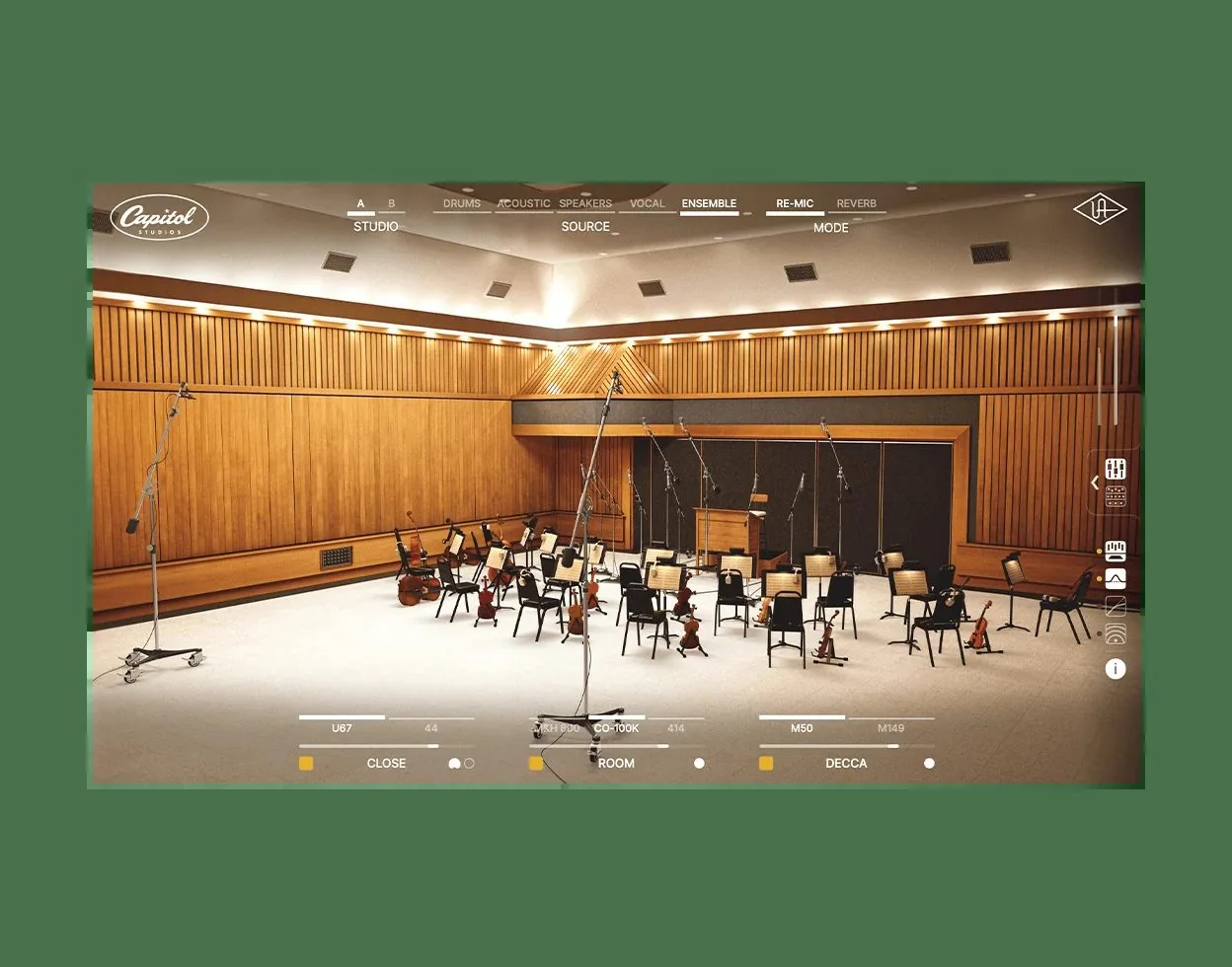
Universal Audio Capitol Studios is a native room-modeling and reverb plug-in that recreates Studios A and B at the Capitol Tower in Los Angeles. This is not a plain convolution reverb: UA models the space, the microphones, the consoles and the outboard of a room that recorded a sizeable chunk of popular-music history.
Model the room, not just its tail
Capitol Studios relies on Universal Audio’s Dynamic Room Modeling technology. In practice, you can move the virtual mics around the room and hear the space respond in real time — distance, placement, early reflections. Where a convolution reverb freezes a fingerprint into an impulse response, the plug-in aims to render a behavior, which UA sums up as going beyond what a convolution allows. That is a marketing claim, one to judge in use, but the approach is genuinely different.
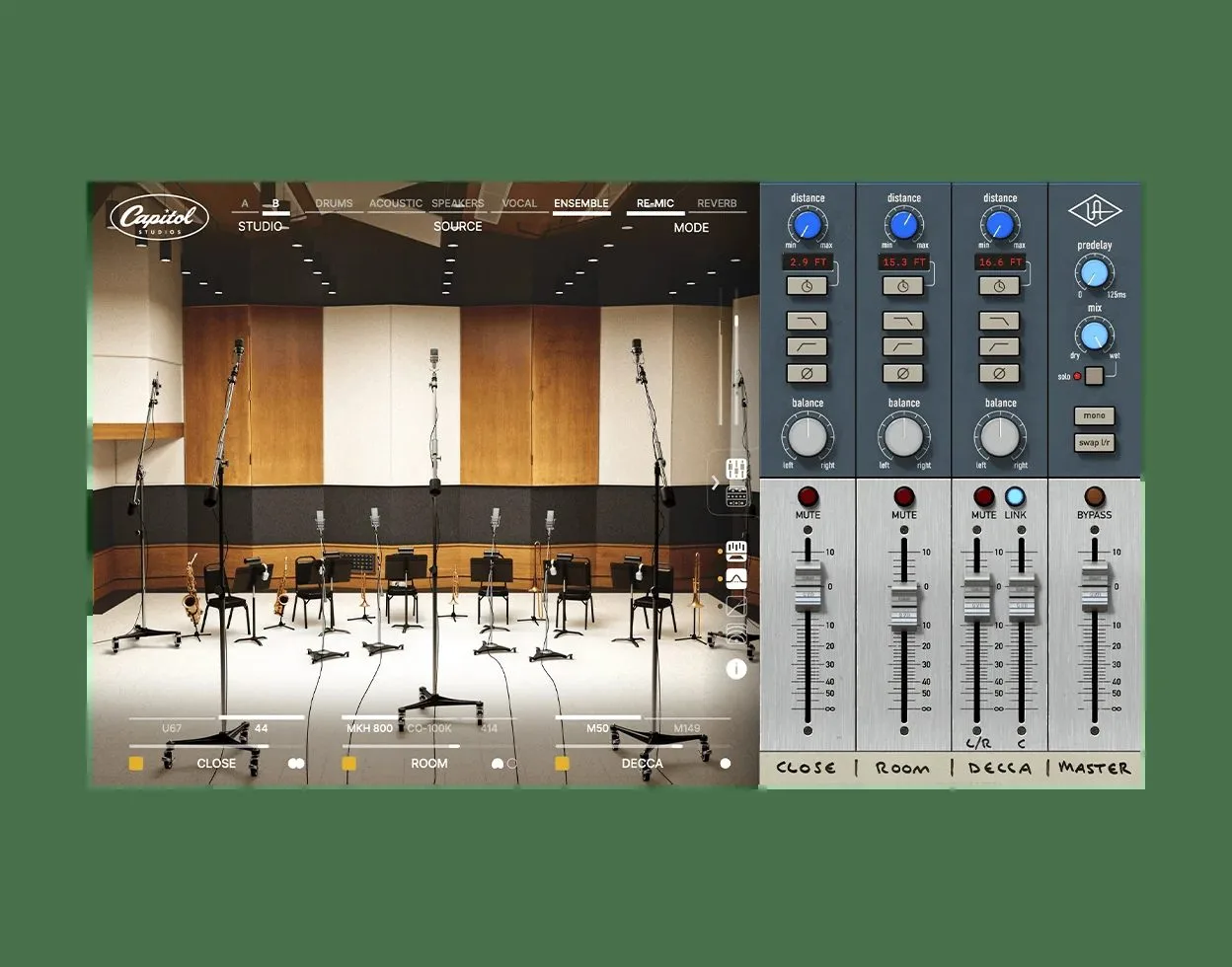
Two modes: add the room or re-mic the take
The plug-in offers two complementary modes. In Reverb mode it keeps your original take and adds Capitol’s ambience around it, like a room reverb. In Re-Mic mode it replaces the source’s room and mic signature, to “move” a recording into Studio A or B with a different mic. The mic setups were curated by Capitol alumnus Steve Genewick and include models of the U48 (Frank Sinatra’s), C12, U67 and M50 — Studios A and B plus four underground echo chambers round out the picture.
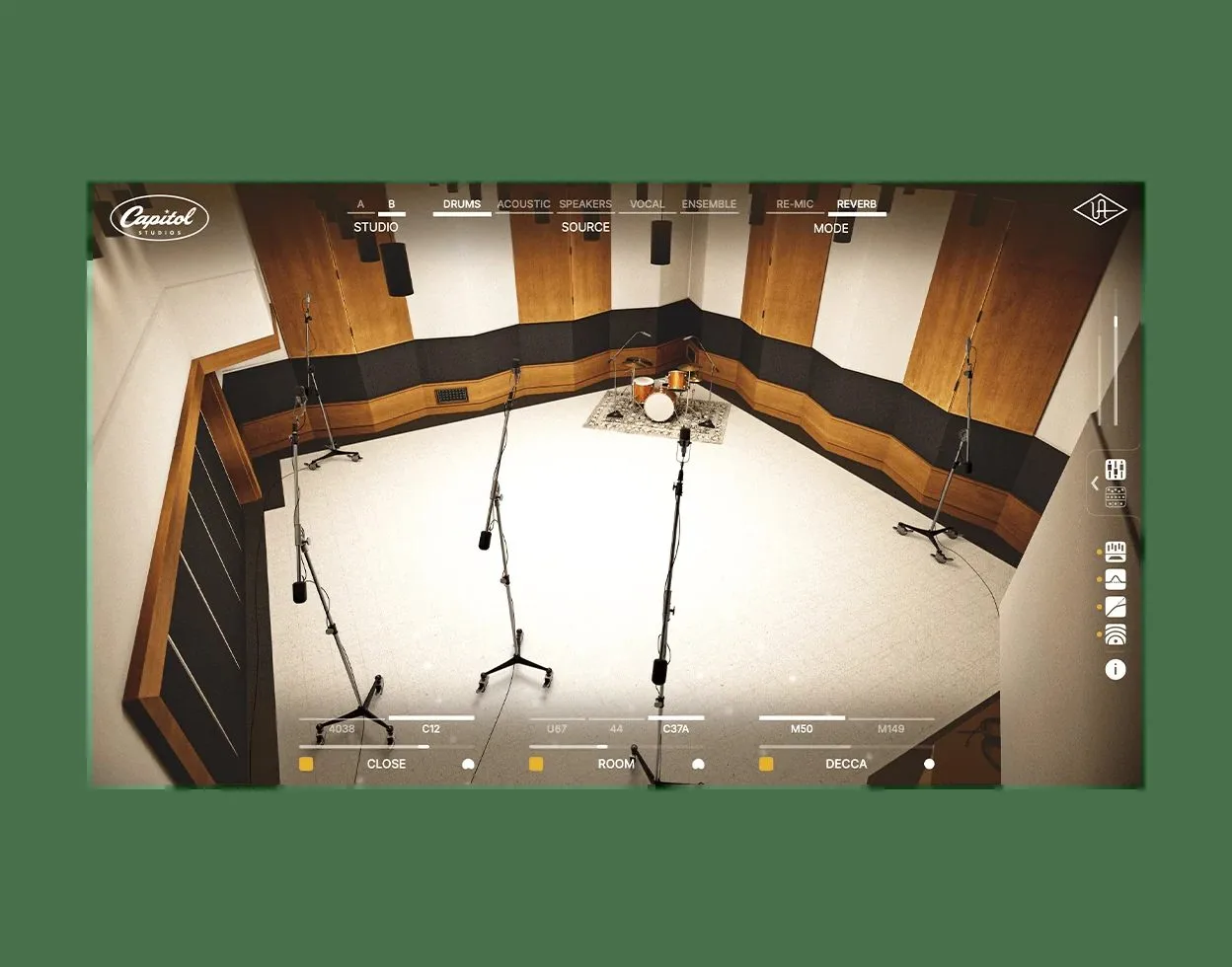
Native, no in-house hardware
An important point: Capitol Studios runs natively on macOS 11 and up and Windows 10 and up, with no Universal Audio interface or DSP card required. It ships as VST3, AU and AAX. Do not confuse it with Capitol Chambers, the brand’s older plug-in focused solely on the echo chambers. To place the approach against classic reverbs, our feature on convolution reverb explains the difference, and our piece on all-in-one mastering shows where such a room color lands.
Price and availability
Capitol Studios is available now as a native plug-in, with a launch promo price. The exact price and system requirements are on Universal Audio’s official page, worth checking since figures shift with promotions.
My take
Being able to move a mic in a room and hear the space answer is far more musical than loading a frozen impulse response. Re-Mic mode is the real curiosity: re-cutting an existing recording inside a legendary studio could rescue a vocal captured in an ordinary room. Whether the modeling delivers on difficult sources is for the ear to decide. That the plug-in runs natively, with no in-house hardware, widens its audience considerably — and that is welcome.
Frequently asked questions
Is Capitol Studios a convolution reverb?
No. It relies on Universal Audio’s Dynamic Room Modeling: you move virtual mics and the room’s response changes in real time, where a convolution replays a fixed impulse response.
What is the difference between Reverb and Re-Mic modes?
Reverb mode keeps your take and adds Capitol’s ambience. Re-Mic mode replaces the source’s room and mic signature, to move the recording into Studio A or B with a different mic.
Do you need Universal Audio hardware to use it?
No. Capitol Studios is a native version that runs on macOS 11+ and Windows 10+ with no in-house interface or DSP card, as VST3, AU and AAX.
Is it the same as Capitol Chambers?
No. Capitol Chambers, the older plug-in, focuses on the underground echo chambers. Capitol Studios models Studios A and B, their mics, consoles and outboard, in addition to the chambers.
Which microphones are modeled?
The setups, curated by engineer Steve Genewick, include models of the U48, C12, U67 and M50, paired with the venue’s rooms and echo chambers.