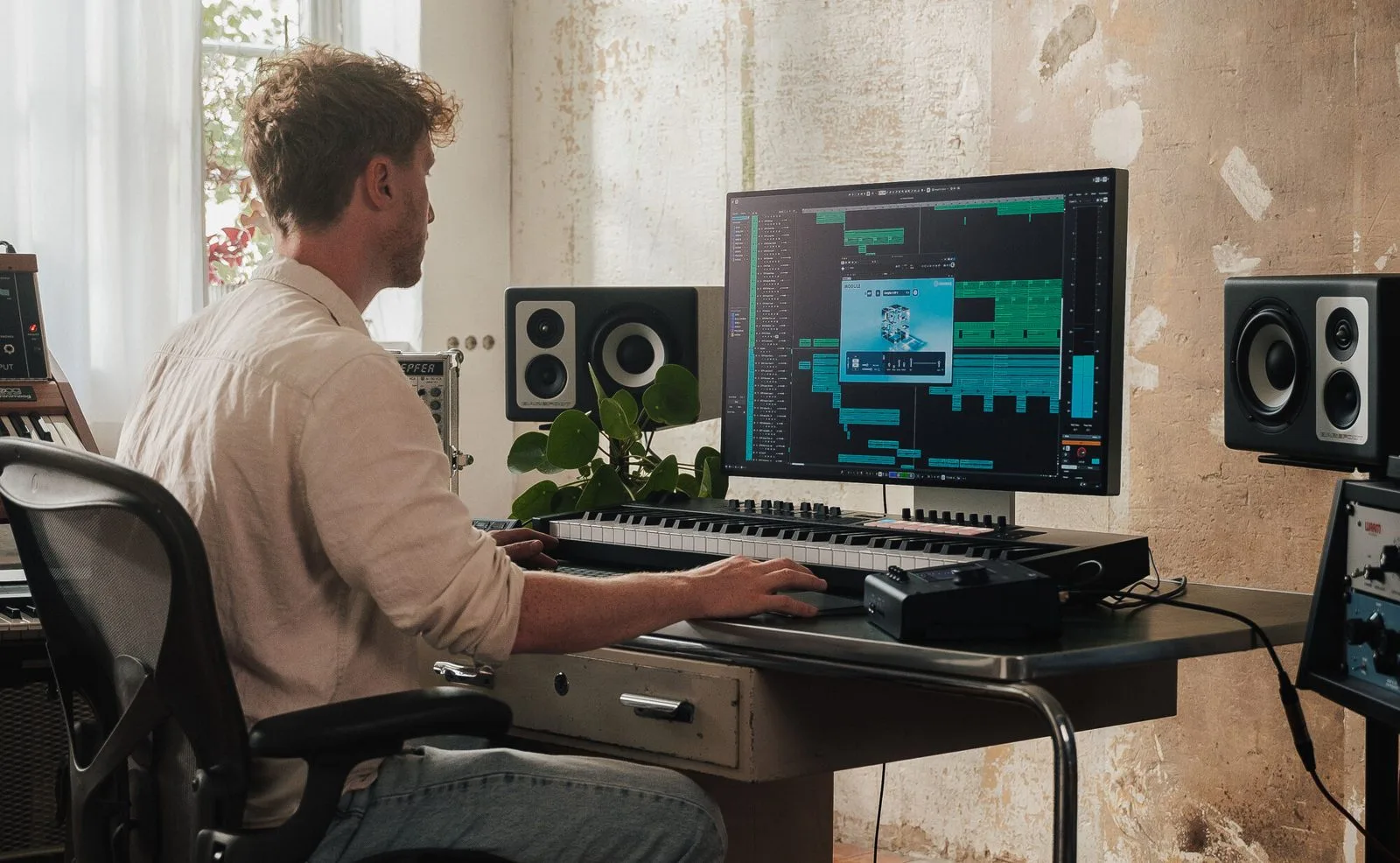
Steinberg Cubase 16 is here, the latest version of the company’s flagship DAW. Hamburg keeps to its yearly cadence and, this time, focuses on the playable instrument, sound shaping and a handful of long-overdue conveniences. Here is what actually changes for anyone who lives inside Cubase.
Instrument Stacks: layer many instruments, play just one
The headline addition is Instrument Stacks. The concept is simple and long awaited: bundle several VST instruments, Sampler Tracks and Drum Tracks into a single playable object. You build a composite patch — a piano layer, a pad, a sub-bass — and drive it from one keyboard and one track, with no window juggling. For composing and sound design, it is the kind of convenience that changes how ideas get down.
DrumChain, Module FM and a Yamaha vocal engine
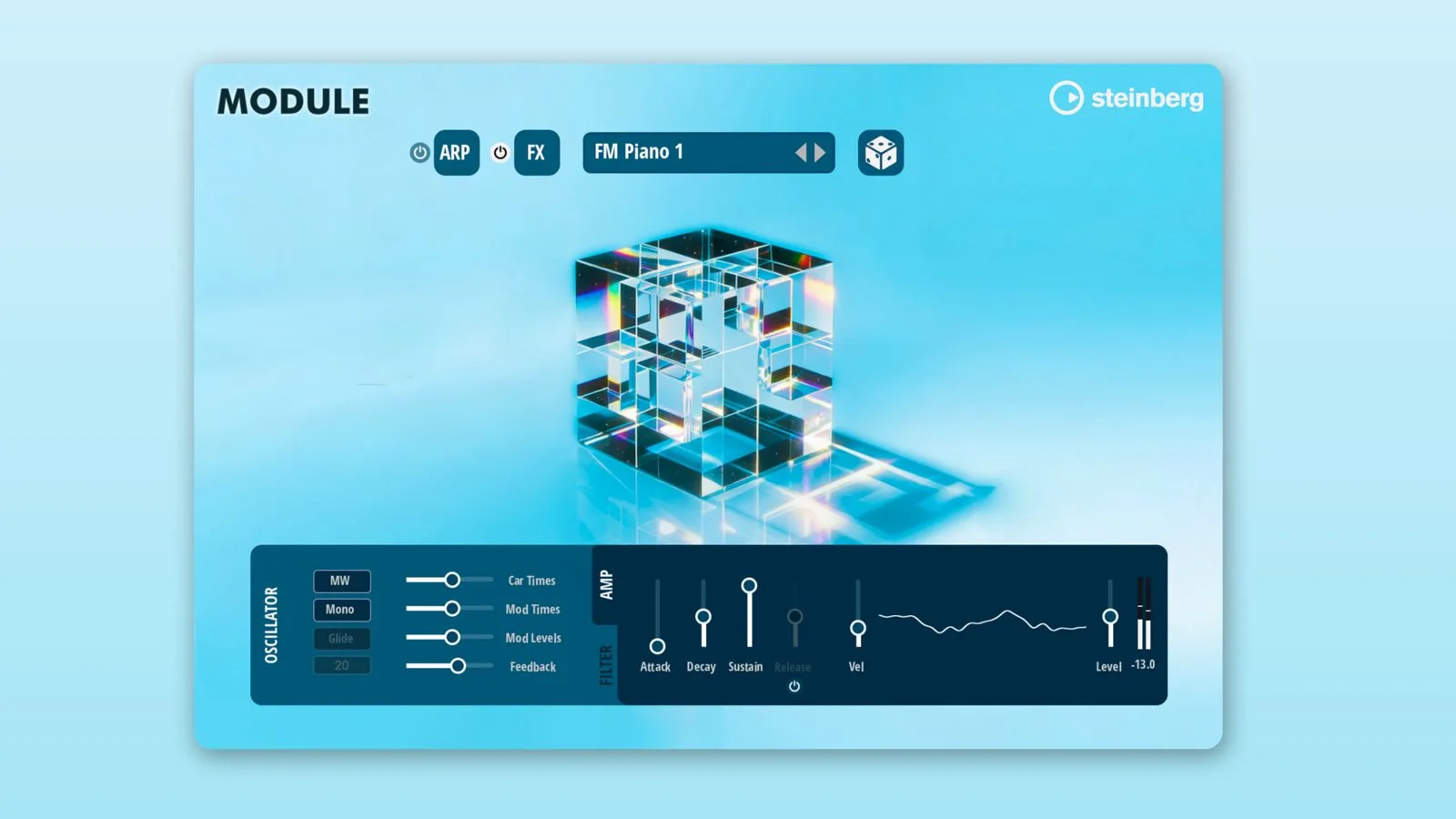
On the sound side, Cubase 16 ships DrumChain, a multi-effects processor built specifically to shape drum sounds, with everything gathered into one coherent chain instead of scattered across plug-ins. The Module FM library adds more than 200 presets built on the FM Lab engine from the HALion team, enough to win over anyone who found FM synthesis forbidding.
More unexpectedly, Omnivocal Basic arrives: this vocal synthesis block is powered by Yamaha’s new Omnivocal NX engine — Yamaha being Steinberg’s parent company. It is an entry-level version, but a synthetic voice living inside the sequencer says plenty about where the market is heading.
Editing, time-stretch and MIDI 2.0
Audio and MIDI work are not left out. Spectral AudioWarp introduces new spectral time-stretching and pitch-shifting algorithms, also from the HALion team, while tempo detection now runs on a finer algorithm. In the Key Editor, the new Strum feature adds timing offsets to a chord to mimic a strum — a small touch that speaks to the care given to micro-timing. Finally, Cubase 16 expands its MIDI 2.0 support, and compatible plug-ins gain parameter randomization for quickly exploring variations.
What is Pro-only
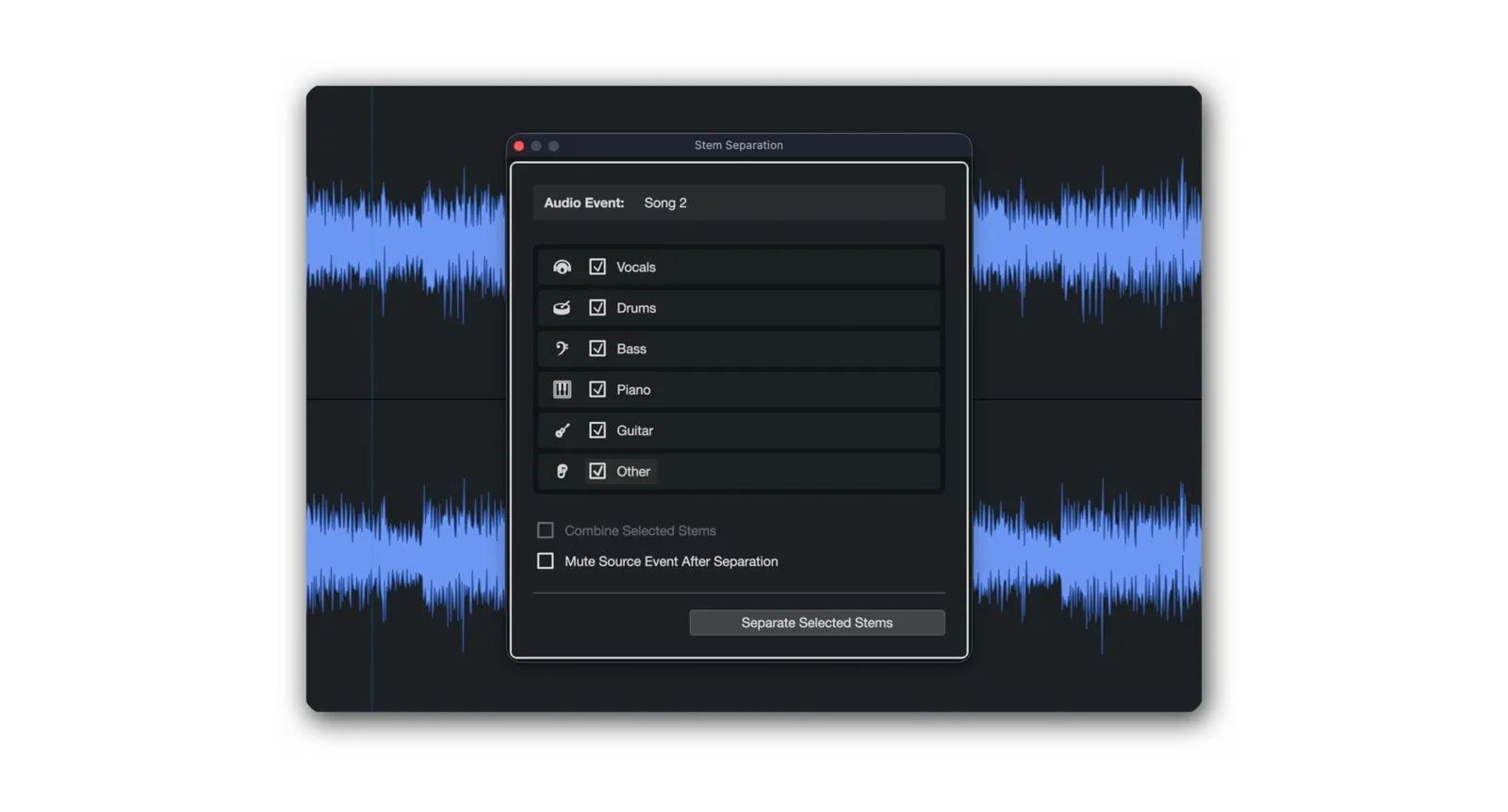
As often, some of the new features stay at the top of the range. The improved stem separation — isolating vocals, drums, bass and the rest from a finished mix — is exclusive to Cubase Pro 16. The Pro edition also doubles the number of audio sends per channel, now up to sixteen.
Editions and upgrading
Cubase 16 keeps the usual three-edition structure — Pro, Artist and Elements — with the most advanced features reserved for Pro. As with every cycle, owners of a recent version get a paid update to the new release. For exact per-edition pricing, check Steinberg’s official page, since the figures shift with promotions.
In the wider DAW landscape, this version follows a clear trend: the playable composite instrument, built-in vocal synthesis and machine-learning source separation are becoming checkboxes of a modern sequencer, right alongside MIDI handling. Some of that logic already showed up elsewhere among DAWs and in writing aids such as Bitwig Studio 6.1.
My take
Instrument Stacks is the feature people have wanted for versions: layering instruments to play just one saves time exactly where inspiration leaks away — in the plumbing. DrumChain and Spectral AudioWarp are real tools for shaping sound, not varnish. The in-house vocal synthesis is one to watch: a Basic tier opens the door without committing. And there is the old frustration of seeing stem separation locked to the Pro edition. If you already live in Cubase, the update earns its keep; if you are still choosing a DAW, it will not settle the argument.
Frequently asked questions
What is an Instrument Stack in Cubase 16?
It is a composite instrument that bundles several VST instruments, Sampler Tracks and Drum Tracks into a single playable object. You trigger it from one keyboard and one track, with no manual routing of multiple instruments.
Is stem separation available in every edition?
No. The improved stem separation is exclusive to Cubase Pro 16. The Artist and Elements editions do not include it.
Does Cubase 16 support MIDI 2.0?
Yes, this version extends MIDI 2.0 support. Compatible plug-ins also get a parameter randomization feature for exploring settings quickly.
What does DrumChain do?
DrumChain is a multi-effects processor dedicated to shaping drum sounds. It gathers the useful processing into a single coherent chain rather than spreading it across separate plug-ins.
Do I have to rebuy the software if I own a previous version?
No. As with every cycle, Steinberg offers a paid update from recent versions, cheaper than the full licence. The amount depends on your edition and starting version.