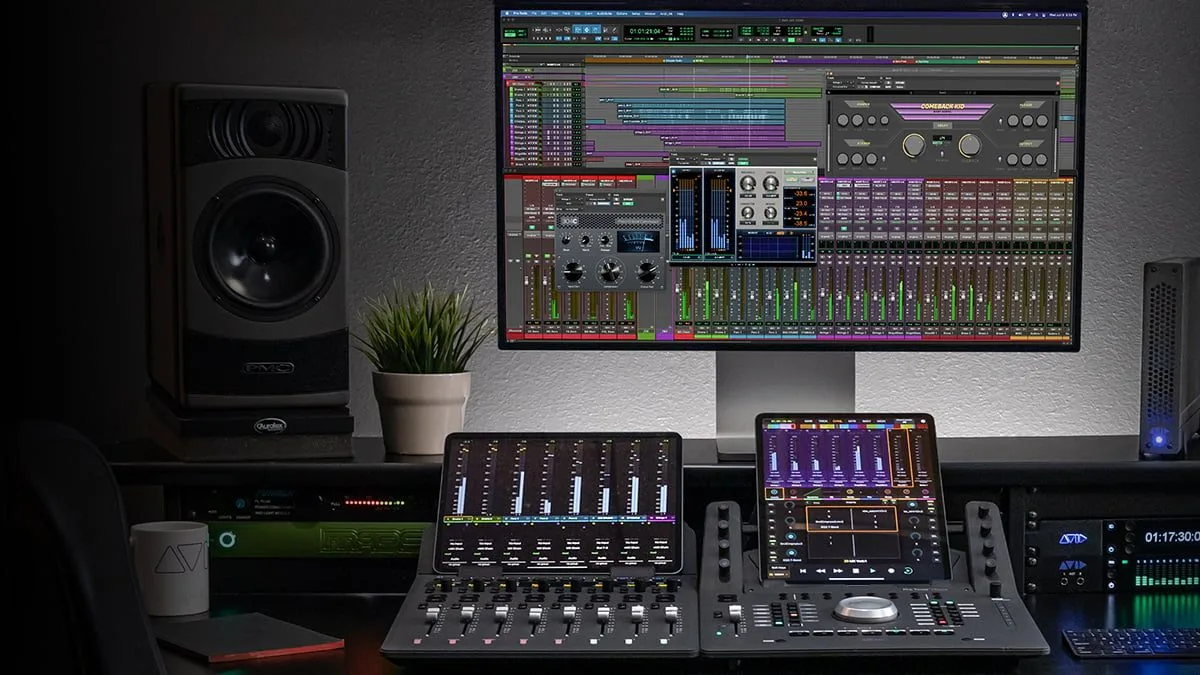
Avid Pro Tools 2026.11 opens the industry-standard workstation to a new kind of module and finally brings source separation right into the application. Beyond the feature list, it is Pro Tools’ philosophy that shifts: the software stops being a closed fortress and starts hosting processes that work across a whole session.
Pro Tools Extensions: a new module format
The centerpiece of this release is Pro Tools Extensions. This is a new module format, distinct from classic plug-ins and AudioSuite: where a plug-in acts on one track, an Extension can apply a process across several tracks at once, or even the entire session. A new Extensions menu appears in the interface, between AudioSuite and Options. In practice it enables workflows that were not possible natively before — processing a batch of tracks, or talking to a sound library or a third-party service without leaving Pro Tools.
Stem Separator: isolate sources without leaving the session
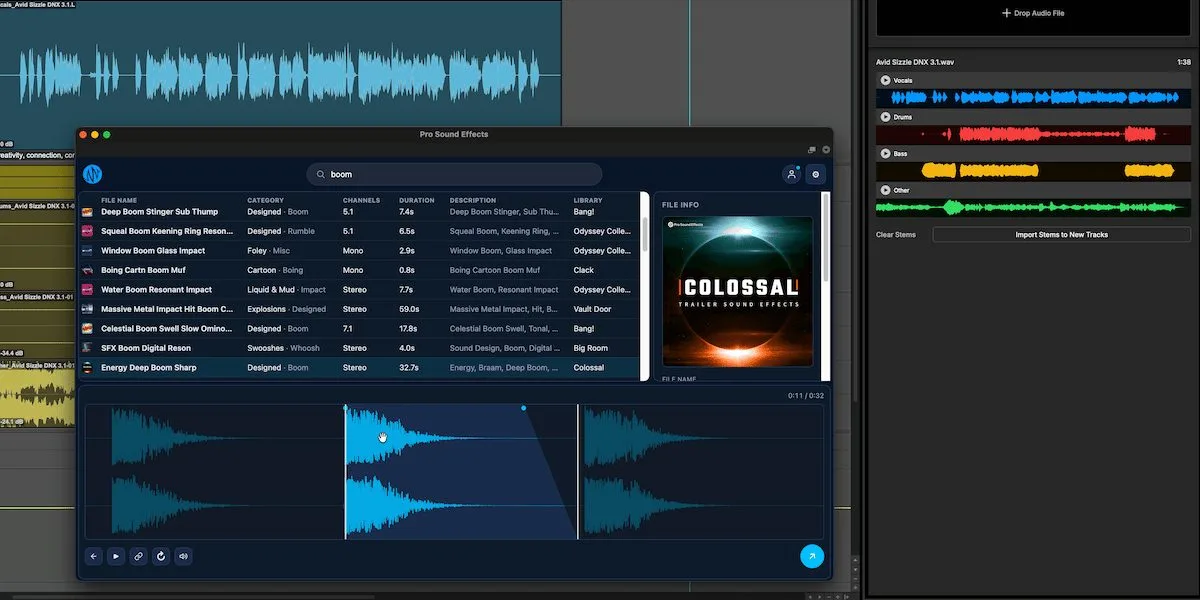
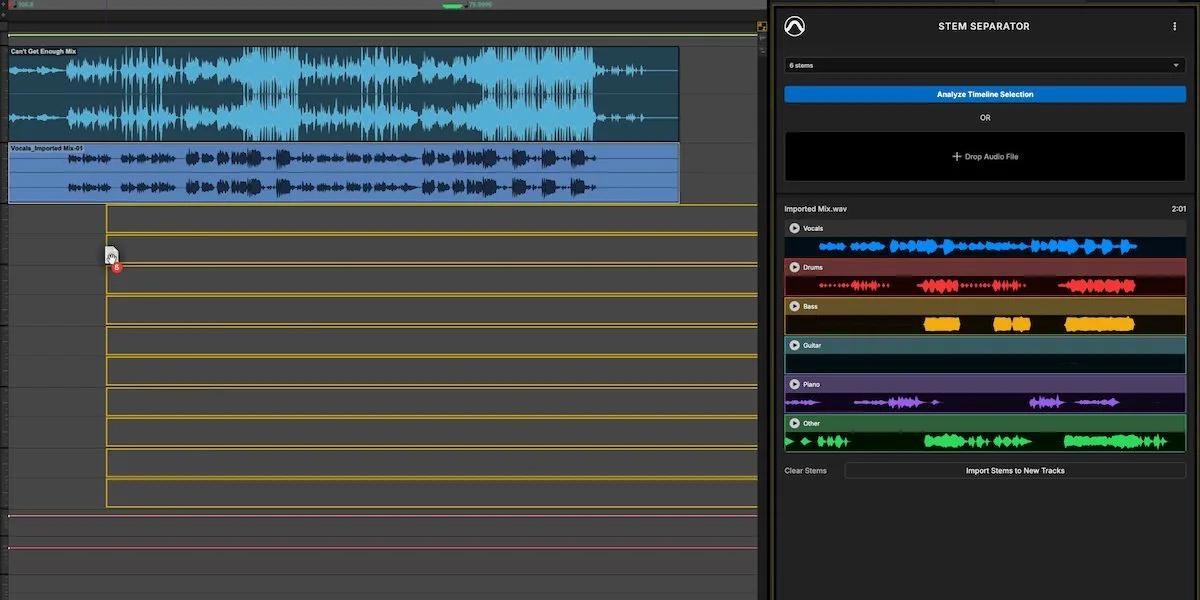
Avid’s first Extension is the Pro Tools Stem Separator. It splits a mix into stems — vocals, drums, bass, the rest — using machine-learning processing that runs locally on your machine, with no upload to a server and no third-party tool. For post, remixing or rescuing archives with no multitrack, that is a serious time-saver, and keeping everything local answers the privacy concern that held back online solutions.
MPE, Windows display and editing comfort
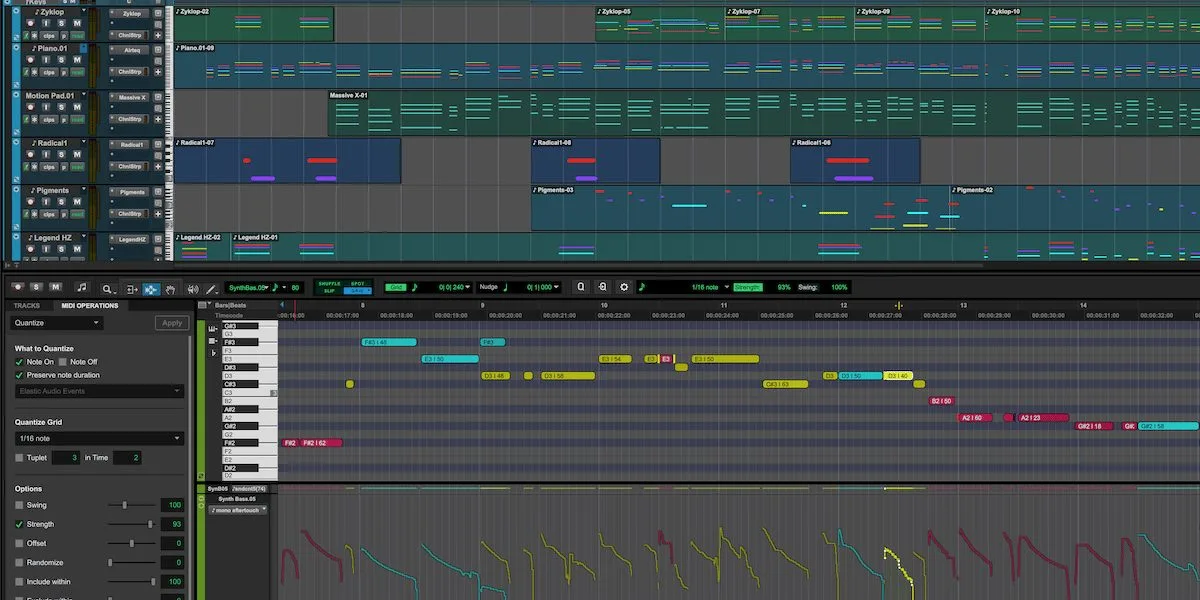
Pro Tools 2026.11 now supports MIDI Polyphonic Expression (MPE), the modern MIDI standard that carries independent per-note expression: pitch, pressure and timbre can vary for each key in a chord. Expressive controllers and virtual instruments that use MPE finally meet Avid’s workstation on common ground.
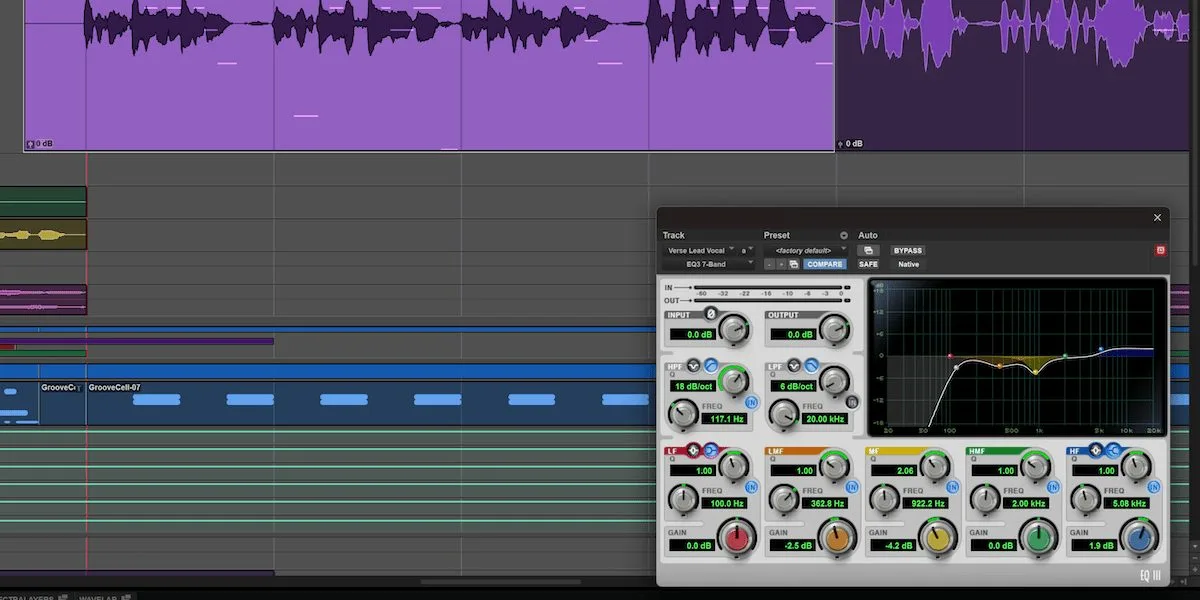
On the interface side, Windows users get High DPI support: the display stays crisp on high-resolution, high-scale screens, a long-awaited comfort on that platform. Editing also gains playlist clip color coding, handy for navigating stacked alternate takes.
In line with 2026
This release extends a busy year for Pro Tools, which had already introduced track pinning and support for the immersive MPEG-H format. But opening up to Extensions is a change of scale: by adding a format that can act on a whole session and host external services, Avid lays the groundwork for a processing ecosystem that third-party developers can feed. It moves away from the track-by-track plug-in and toward the session-wide tool, a logic already visible in processors built for Pro Tools and in all-in-one mastering plug-ins.
For the full feature list and system requirements, Avid keeps a dedicated page.
My take
Local stem separation is the feature that earns its keep on day one: pulling a vocal off an archive with no multitrack, rebuilding a mix from a bounce, all without sending a single file to a server. The real gamble is Extensions: a process acting on the whole session opens the door to workflows the classic plug-in ruled out. It will all hinge on the third-party developers who pick it up. Avid moves carefully, but in the right direction — toward a less walled-off workstation.
Frequently asked questions
What is a Pro Tools Extension?
It is a new module format that, unlike a classic plug-in working on a single track, can apply a process across several tracks or the entire session. An Extensions menu appears between AudioSuite and Options.
Does the Stem Separator run online?
No. The Pro Tools Stem Separator runs locally on your machine, with no upload to a server and no third-party tool. Your files never leave your workstation.
What does MPE support add?
MIDI Polyphonic Expression allows independent expression for each note in a chord — pitch, pressure, timbre. MPE-compatible controllers and instruments can now be used inside Pro Tools.
Does High DPI also apply to Macs?
This release’s High DPI feature specifically targets the Windows display, where it improves sharpness on high-resolution screens. Macs already handled Retina display.
Do I need a particular edition for these features?
The features arrive with Pro Tools 2026.11; exact availability per edition (Artist, Studio, Ultimate) and licence type is listed on Avid’s official page, which is worth checking before you buy.