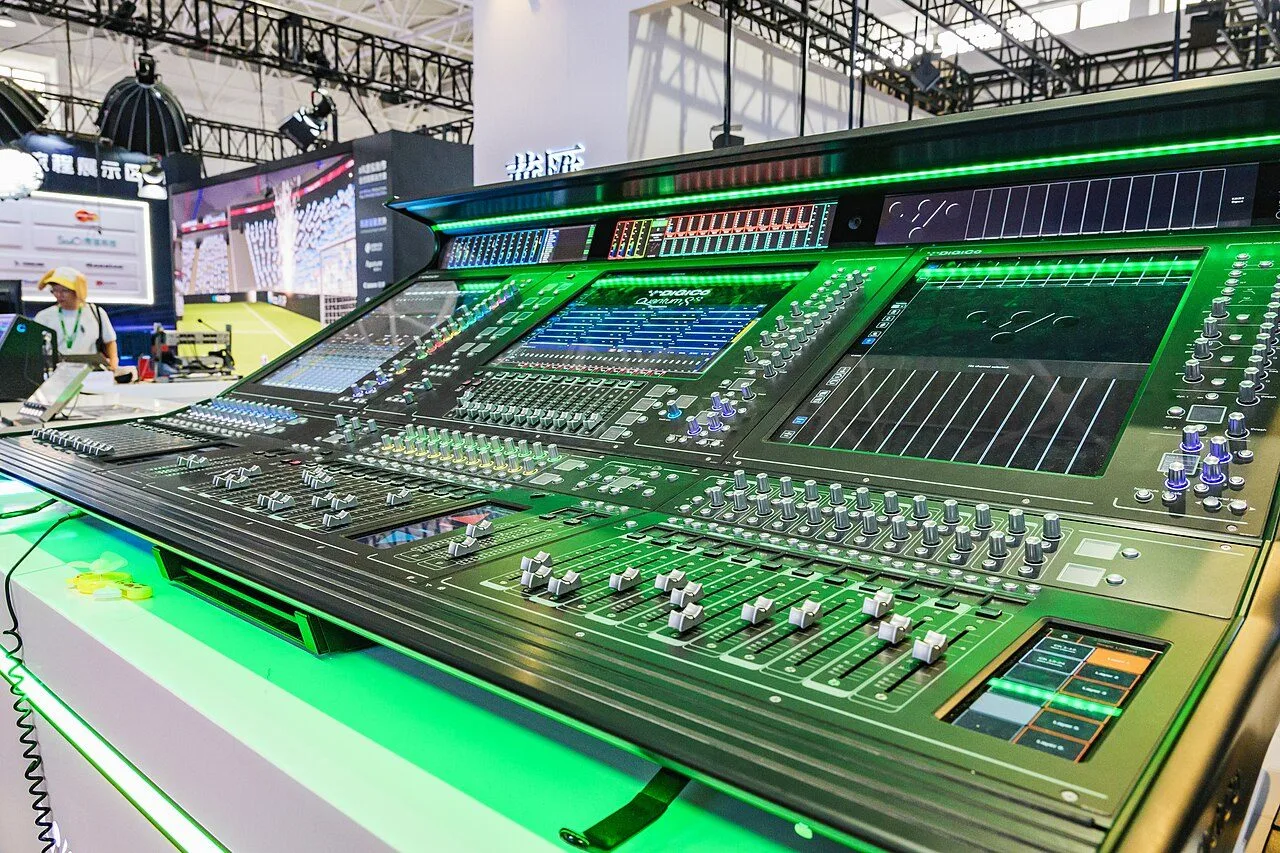
On a digital console, we talk endlessly about channels, groups and auxes, and almost never about matrices. That’s a shame, because the matrix section is often what separates a clean output patch from a last-minute rig of cables on show day. The moment a room asks for more than a simple left-right — delays, a bar zone, a feed to the video truck or to a recorder — the matrices do the work.
What a matrix actually is
A matrix is an output bus that doesn’t take input channels directly, but other buses: your subgroups, your auxes, your main mix, sometimes channels sent directly. In other words, it’s a mix of mixes. Where a group builds your front-of-house and an aux feeds a monitor, a matrix redistributes what you’ve already mixed toward a specific destination.
The distinction matters. If you change a guitar’s level in your main mix, it also moves in every matrix fed from that mix — exactly what you want for a recording feed or a zone that should mirror the main mix. Yet you keep control, matrix by matrix, over how much of each source feeds it.
What matrices do in the field
The uses are many, and that’s exactly what makes the section valuable:
- Fill speakers and zones: front-fills, out-fills, delays, balcony, foyer. Each zone takes the main mix, but with its own level, EQ and above all its own delay. It’s the direct extension of the logic covered in our piece on delay speakers and front-fills.
- Recording and broadcast feeds: a stereo matrix tracking the main mix gives a clean stream for multitrack recording, stereo capture or a feed to a broadcast truck, without disturbing your room mix.
- Press or TV feeds: a dedicated mix for journalists or the video crew, balanced independently.
- Subwoofers: some engineers feed their subs from a dedicated matrix or aux to drive them separately from the tops.
- Distant delays: any far destination that needs its own delay to stay aligned with the source.
Where a matrix gets its signal
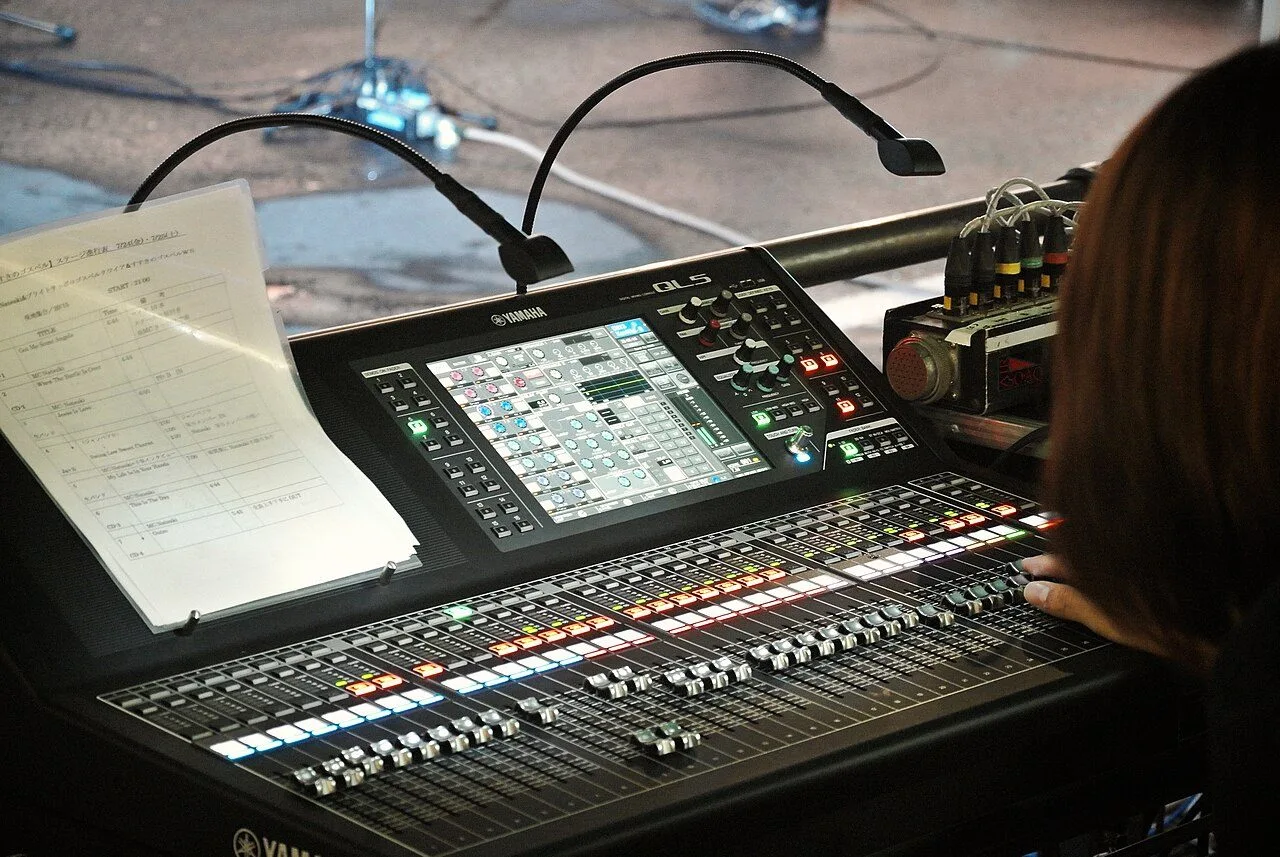
A matrix feeds from sources you choose. On most digital consoles — whether a DiGiCo Quantum852, a Yamaha QL5 or an Allen & Heath dLive S5000 — you can send to a matrix:
- the main mix (LR), often the dominant source of a zone matrix;
- one or more subgroups;
- auxes (handy to inject ambience or a specific monitor into a feed);
- sometimes channels directly, depending on the machine’s architecture.
Each source arrives with its own send level to the matrix. So you compose a bespoke blend: “LR at 0 dB, a touch of crowd via an ambience aux, and a hint of kick from the drum group.” That flexibility is what sets it apart from a simple duplicated output.
Level, pan and delay: the per-matrix settings
A matrix is more than a tap. On a modern console it usually has its own processing: EQ, dynamics, and above all an adjustable delay, in milliseconds or distance. That delay is crucial for far zones: a delay speaker twenty metres behind the main hangs must be delayed by around sixty milliseconds so its sound arrives “with” the mains, for intelligibility and comfort.
Matrices can be mono or stereo. A mono matrix is enough for a centre front-fill or a speech feed; a stereo matrix is a must for recording, broadcast or a zone that needs to keep the image. Mind the pan of incoming sources in a stereo matrix, too, or you’ll watch your image collapse without knowing why.
Organise and name, as always
The golden rule of digital consoles applies here too: name your matrices, colour-code them, group them logically. “MTX Front-fill,” “MTX Rec L/R,” “MTX Broadcast” beat “Matrix 5” every time. If you work in scenes, decide what should follow scene recalls and what should stay put: a recording feed or a broadcast zone is often best placed in safe so it doesn’t jump from one snapshot to the next. Our articles on groups and VCAs and on scenes, snapshots and safes spell out this surface hygiene.
Finally, prepare your matrices up front. Like the rest of your setup, they build nicely away from the stage, in the console’s offline editor, before you even reach the venue — a habit we push in our guide to offline preparation. Output routing itself relies on your patch and stageboxes: a matrix is useless until it’s routed to a physical output or a network stream.
The classic traps
Three mistakes come up again and again. First, forgetting the delay on a far zone: the sound doubles, intelligibility collapses. Second, routing a matrix to the wrong physical output — always check the output patch before opening the level. Third, leaving a recording or broadcast matrix exposed to scene recalls, and ending up with a feed that changes level mid-show. None of it is hard, but all of it is checked cold, not during the show.
My take
The matrix is the tool that turns a console into a true distribution hub. You can run an entire career ignoring it, right up to the day you have to deliver a clean broadcast feed, an aligned delay zone and a stereo recording at once — and then it all becomes easy for whoever spent ten minutes learning the section. The real payoff isn’t technical, it’s mental: once your zones and feeds sit in named matrices placed in safe, you mix your room with a clear head, no fear that a snapshot will upend everything. A handful of settings for a lot of peace of mind.