SSL Matrix Owner's Manual
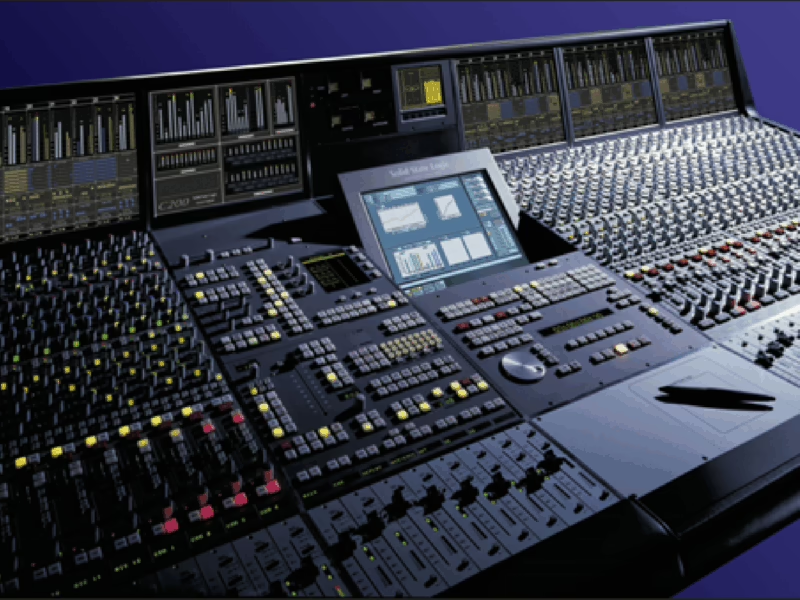
Console: Solid State Logic Matrix
Contents
- Introduction3
- Contents4
- About This Manual8
- What Else You Will need8
- Chapter 1 – Installation and Setup9
- Matrix Rear Panel Connections10
- Plugging Up Your Matrix11
- Audio Connections11
- Data Connections12
- Configuration of Data Connections13
- Connecting Matrix for use with Multiple Computers16
- Software Installation and Configuration17
- System Requirements:17
- Software Installation (Macintosh)17
- Software Installation (PC)17
- Matrix Remote Configuration18
- DAW Layer Configuration19
- ipMIDI Configuration21
- Chapter 2 – Getting Started23
- Important Concepts23
- The Master Channel23
- Focus Modes23
- Preparing for the tutorial24
- STEP 1: Bringing Signal into the Channel25
- STEP 2: Routing to the Main Busses26
- STEP 3: Hearing your Signal27
- STEP 4: Sending to the Auxiliary Sends28
- STEP 5: Global Control of your DAW29
- STEP 6: Channel Control of your DAW30
- STEP 7: Sending Signal from the Channel Direct Output31
- STEP 8: Setting up Artist and Control Room Headphones32
- STEP 9: Listening Back to the DAW33
- STEP 10: Selecting a Title34
- STEP 11: Inserting Signal Processing into the Channel35
- Chapter 3 – Analogue Signal Flow37
- Introduction to Focus Modes37
- Operating Principles37
- The Master Channel Strip38
- The Digital Scribble Strip39
- Total Recall LEDs39
- The Channel Strip40
- Channel Inputs40
- Channel Outputs40
- Auxiliary Sends42
- The Centre Section44
- Master Bus Controls44
- Monitoring46
- Talkback47
- Metering48
- SSL Soft Keys49
- MON Soft Keys50
- METERS Soft Keys51
- AUTO Soft Keys51
- TR Soft Keys52
- IP Soft Keys52
- Misc Soft Keys52
- Matrix Automation53
- Chapter 4 – The Matrix Remote55
- Introduction to the Matrix Remote55
- The Projects Tab56
- Navigating the Projects List57
- Managing Projects58
- Managing Titles59
- Project and Title Notes60
- Track Sheets60
- The Total Recall Tab61
- Taking a TR Snapshot61
- Naming a TR Snapshot61
- Deleting a TR Snapshot61
- Recalling a TR Snapshot61
- The Insert Matrix Tab67
- Naming Devices67
- Device Chains68
- Assigning Devices and Chains to Channel Inserts70
- Chapter 5 – DAW Control71
- Introduction71
- Layers71
- Matrix Console Layer Selection71
- Focus Modes72
- DAW Track Control73
- The Digital Scribble Strip73
- V-Pot Modes74
- SEL Key Modes75
- Transport Controls77
- Session Counter77
- Utility Buttons78
- Navigation Controls78
- Default Profile Soft Key Assignments79
- Soft Key Overview79
- Pro Tools Default Profile79
- Nuendo Default Profile84
- CC (Continuous Controller) Default Profile86
- Chapter 6 – DAW and CC Configuration87
- Matrix Console Layer Selection87
- Matrix Remote Layer Selection87
- Assigning DAW Layers88
- Selecting Profiles88
- Creating Profiles89
- Deleting Profiles89
- Renaming Profiles89
- Backing Up a Profile90
- Restoring a Profile90
- Disable Handshake90
- Selecting the Transport Master90
- Soft Keys91
- DAW Control Protocols, USB Commands and Menus91
- Soft Key Sets91
- Programming Soft Keys92
- Assigning DAW Protocol Functions93
- Assigning QWERTY Keystrokes94
- Creating Soft Key Menus95
- Renaming Soft Key Assignments96
- Assigning Modified Functions to Soft Keys96
- Removing and Replacing Soft Key Assignments96
- Editing Transport and Utility Button Assignments97
- Configuring CC Layers99
- CC Snapshots100
- The Digital Scribble Strip100
- Appendices103
- Appendix A – DAW Protocol Lists103