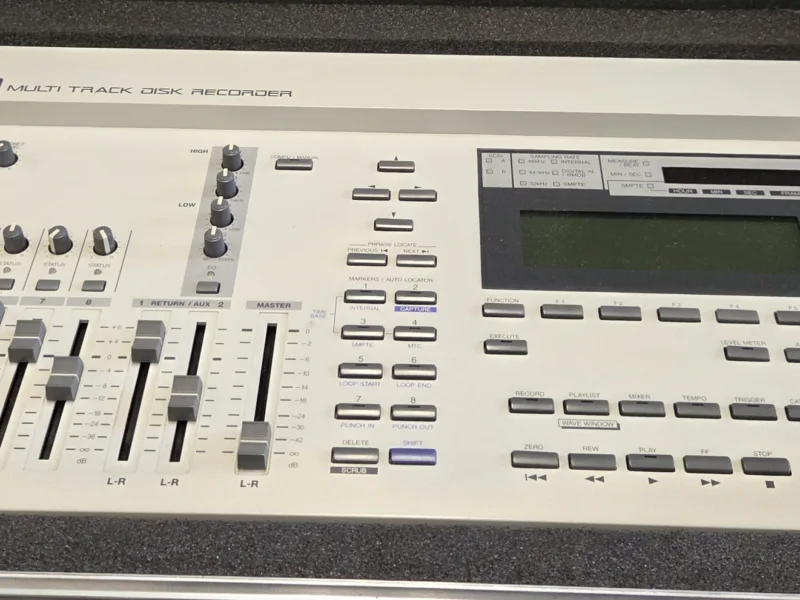
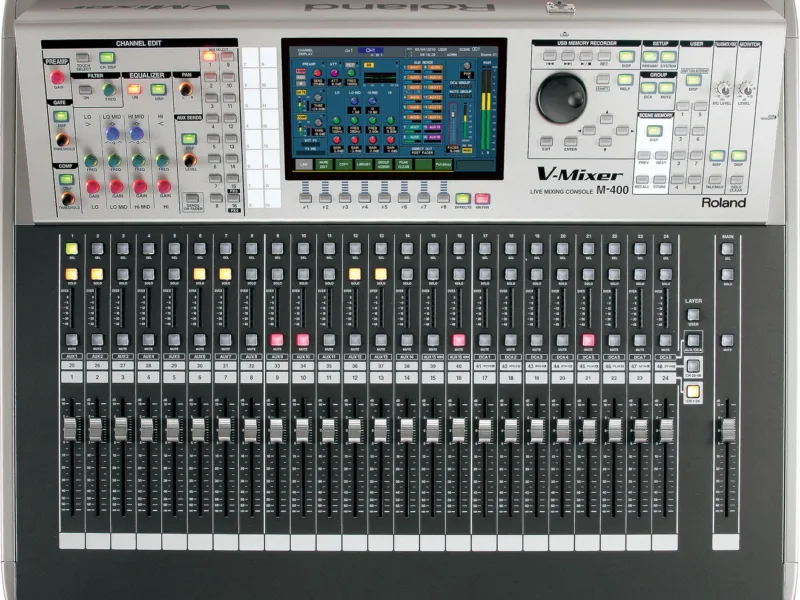
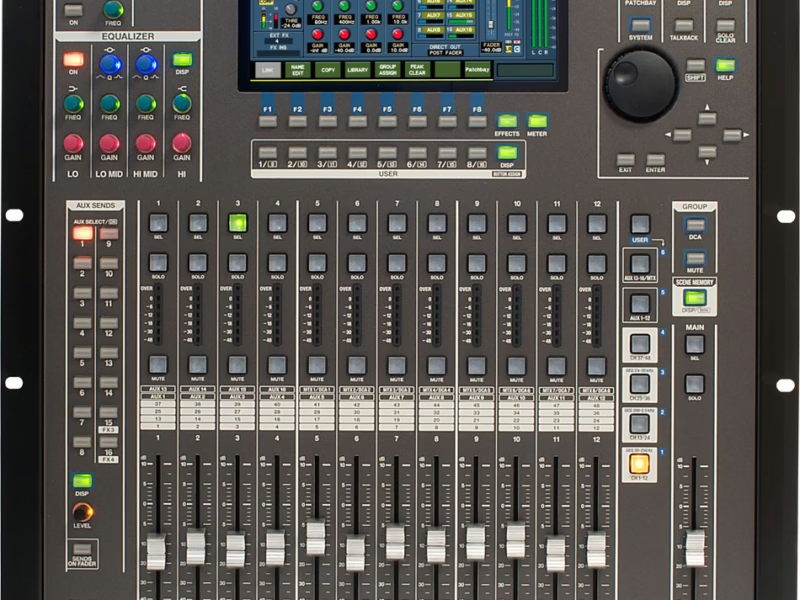
Supplemental Notes: the basics of the VM-3100
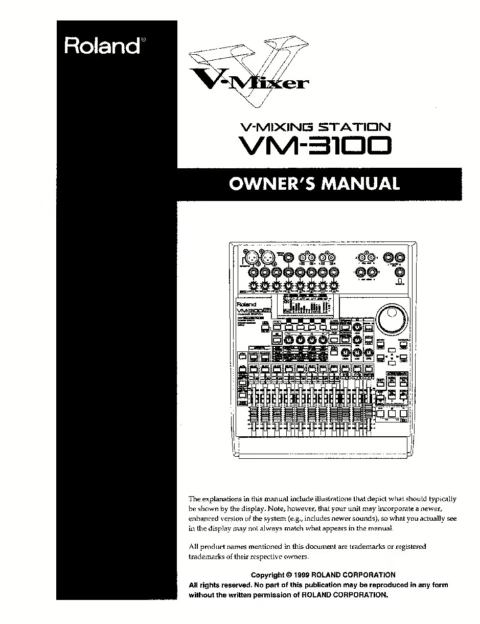
Console: Roland VM-3100 Pro
Contents
- Introduction1
- Topics1
- Listening to the VM-31002
- I. How to Set Up Inputs 1-82
- II. How to Set Up Inputs 9-123
- III. Activating Phantom Power on Inputs 1 and 24
- IV. How to Route Inputs to Channels4
- V. How to Set Up Digital Inputs5
- VI. How to Route Digital Inputs to Channels7
- VII. How to Solo Channels7
- VIII. How to Mute Channels8
- IX. Using Channel EQ9
- X. How to Use the EQ Library10
- XI. How to Use the Onboard Compressors11
- XII. How to Use the Compressor Libraries12
- XIII. Understanding Effects13
- XIV. Setting Up a Send-and-Return Effect14
- XV. Setting Up an Insert Effect15
- XVI. Understanding Busses16
- XVII. Choosing a Bussing Method17
- XVIII. Bussing—The BUS Method18
- XIX. Bussing—The SND Method18
- XX. Listening to the VM-3100's Busses19
- XXI. The VM-3100's Outputs20
- XXII. How to Save Mixer Settings as a Scene20
- XXIII. How to Recall a Scene21
- XXIV. How to Delete a Scene21
- XXV. How to Initialize the VM-310022
- XXVI. Conclusion22
- XXVII. Where to Turn for Additional Help22
- XXVIII. Get Connected23