We spend hours comparing preamps and plugins, then mix on whatever speakers happen to be around. That’s the weak-link mistake: the monitor is the measuring tool that validates — or skews — every decision you make. A monitor that lies gives you a mix that collapses the moment it plays anywhere else. Before brands and models, let’s set the criteria that matter, then the setup, which often weighs more than the speaker itself.
Active or passive: the question is settled
In the studio, the vast majority of monitors are now active, meaning bi-amplified: each driver has its own dedicated amp and crossover happens upstream, at line level. The upside is twofold: the maker voices amp, crossover and transducer as one coherent whole, and you skip the headache of matching a passive speaker to an external amp. A passive monitor can make sense in a large, calibrated control room, but for the overwhelming majority of home and project studios, active is the default — and a good one.
Woofer size and listening distance: the real pairing
Woofer size isn’t a power contest: it has to match your listening distance and the size of the room. A five-inch gives a tight nearfield at one metre, ideal on a small desk; a seven or eight-inch reaches lower but needs more distance and a room that can take it. Too much bass in a small room and the room modes decide for you.
The sensible rule: listen in the nearfield, roughly at the same distance as the gap between the two speakers, so you hear the monitor and as little of the room as possible. No need to chase an eight-inch “because it goes low” if you mix at a metre in a three-by-three room: a good, well-placed five or six-inch will tell you more truth than a big model that excites resonances.
Ported or sealed: a trade-off to understand
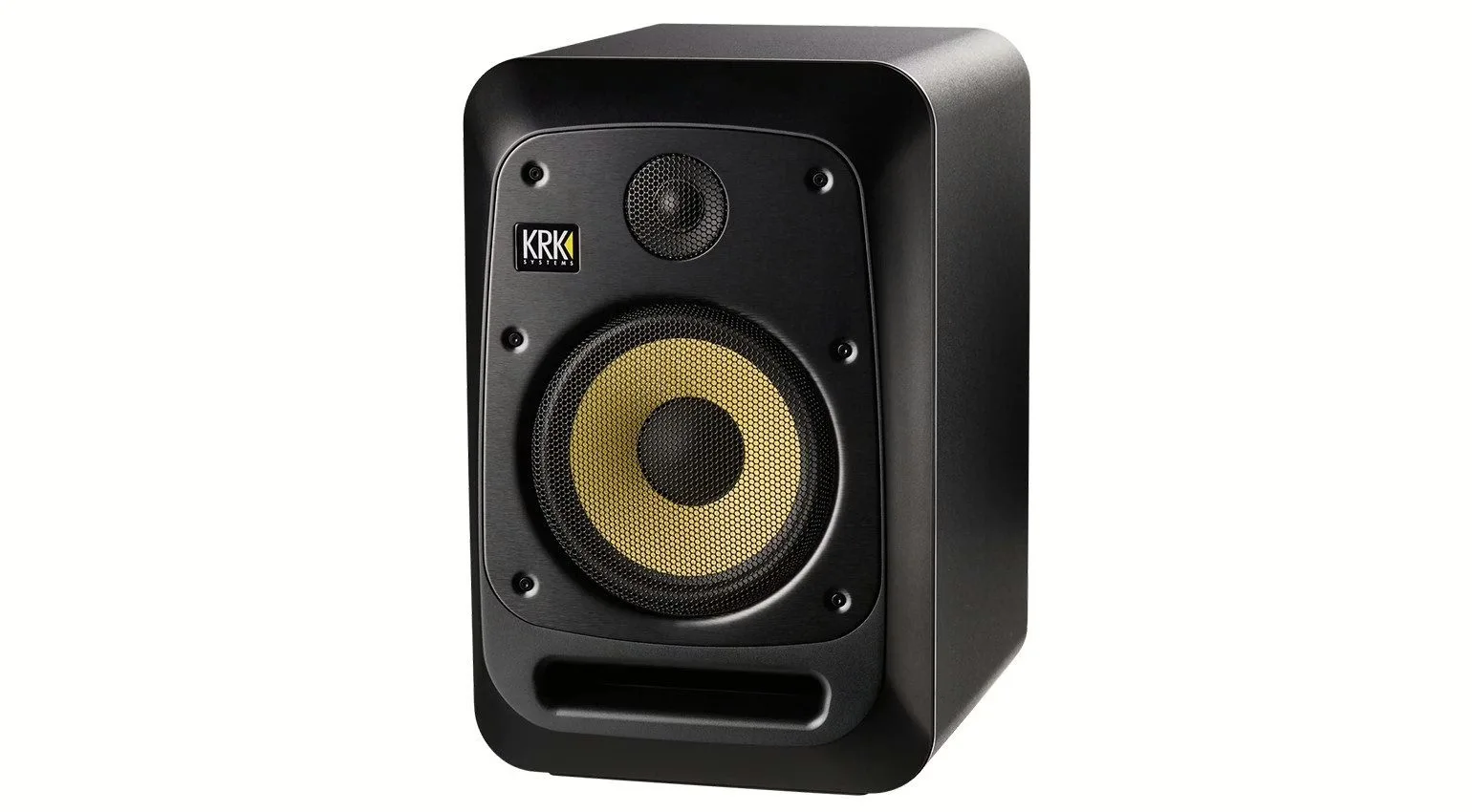
Most monitors are ported (bass-reflex): a tuned port extends low-end reach for a given size. It’s efficient, but the port brings less linear behaviour at the very bottom, some group delay, and — if it’s badly sized or shoved against a wall — port noise. Sealed boxes, rarer, reach less low for the same size but offer cleaner transient response and often more forgiving placement.
Neither is “better” in the abstract: it’s a trade between extension and precision. One practical detail often decides it: if you must push the speakers near a wall, a rear port will cause more trouble than a front port or a sealed box. Look at where the port is as much as whether there is one.
Neutral beats flattering
A monitor isn’t a hi-fi speaker: its job is to show you the flaws, not to make your tracks pleasant. Be wary of “smiley” curves that boost lows and highs: they sell in the shop and sabotage your EQ decisions. Look for the most neutral response you can get and, above all, good readability in the low-mids, where a mix’s clarity and the stacking of instruments are decided. The speaker that lets you hear what’s wrong is the one that makes you better.
Placement matters as much as the speaker
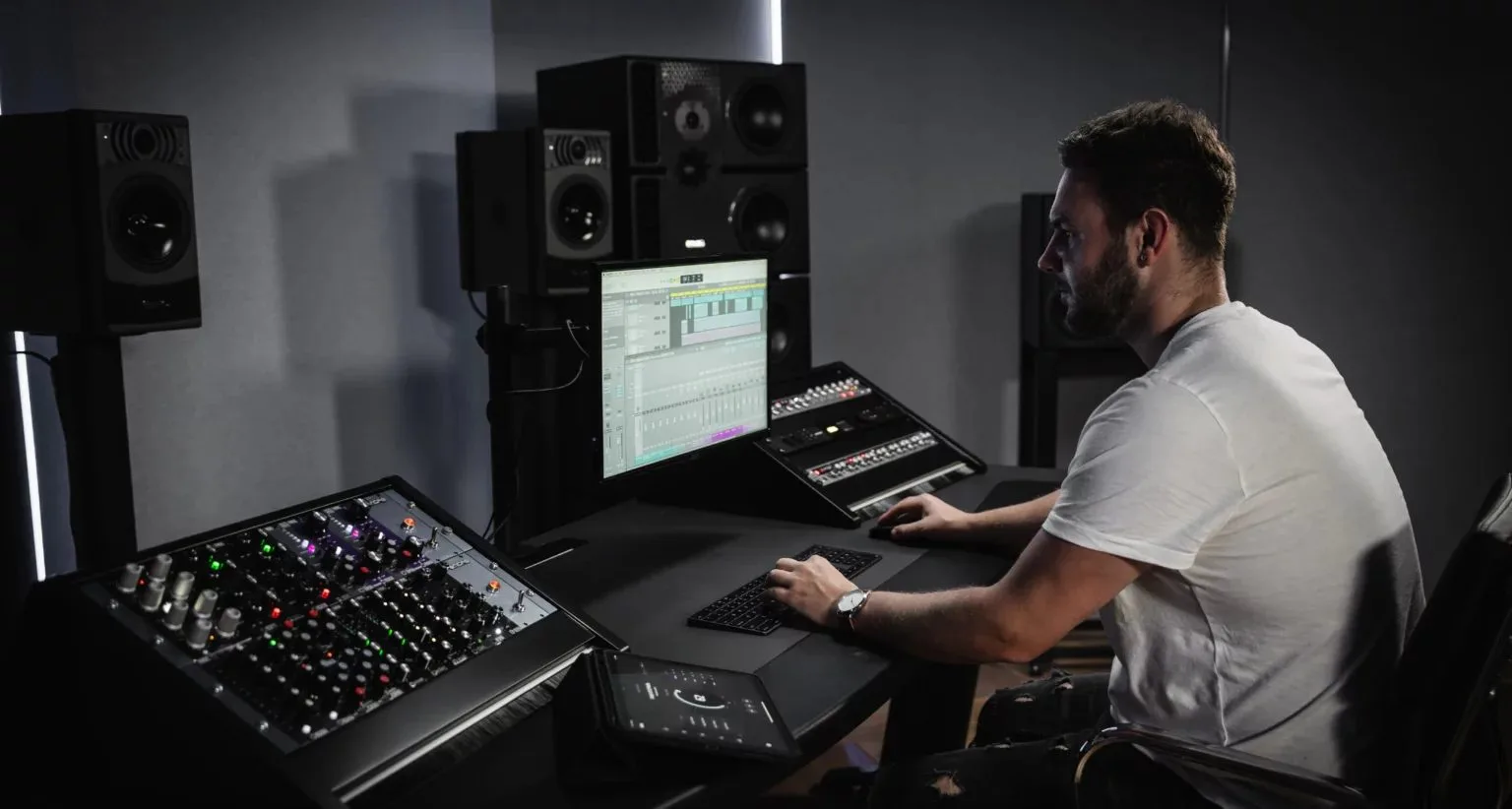
You can ruin an excellent pair with a bad install. The fundamentals: an equilateral triangle between your ears and the two speakers, the tweeter at ear height, strict symmetry relative to the side walls, and decoupling of the stand (foam or dedicated pads) so the desk doesn’t vibrate. Keep the monitors away from corners and the rear wall to limit bass build-up, and avoid laying the speaker flat on the desk, whose reflections smear the midrange.
But the truth is that the room dominates everything else in the low end. Before investing in bigger speakers, invest in acoustics: a few absorption panels at the first-reflection points and bass traps in the corners change a mix more than swapping monitors. We cover all of it in our guide to studio acoustic treatment.
Room correction and calibration: useful, not magic
Many recent monitors include alignment DSP and room-adaptation settings; software solutions with a measurement mic do the same job ahead of the chain. It’s valuable for fixing response accidents and matching a pair, as offered by digitally controlled monitor hubs or monitors with onboard DSP. But correction won’t erase a room mode or a lopsided placement: it smooths, it doesn’t rebuild. Treat the acoustics first, correct what’s left afterwards.
Work at a consistent reference listening level too: always mixing around the same moderate level stabilises your balance and EQ judgements. It’s the logical extension of good gain staging in the digital domain.
Complementary references
Even excellent monitors aren’t enough on their own. Keep a second reference — a small “radio-style” speaker, a pair of headphones you know inside out — and check your mix regularly in mono and on consumer systems. The goal isn’t ten sets of speakers, it’s knowing two or three by heart. That familiarity, more than the spec sheet, is what makes a mix translate from one room to the next.
My take
The best monitor is the one whose language you learn, in a treated room, at a steady level. Before giving in to the big-woofer race, measure your listening distance and look your room in the eye: an honest, well-placed five or six-inch above a few absorption panels almost always beats a big model let loose in a bare room. DSP correction is a good last mile, not a shortcut. And if a monitor feels “fatiguing” because it shows everything — that’s exactly its job, and a good sign for your mixes.