Blackmagic Design is pushing its price-disruption playbook into a market that stayed locked for decades: the live broadcast audio console. Having released Fairlight Live, a fully software-based audio mixer given away for free, the company now completes the picture with three hardware control surfaces, the Fairlight Live Audio Panel 10, 20 and 40, which are reaching dealers. This is the missing piece that turns a piece of software into a genuine live mixing room.
A hardware surface for a software mixer
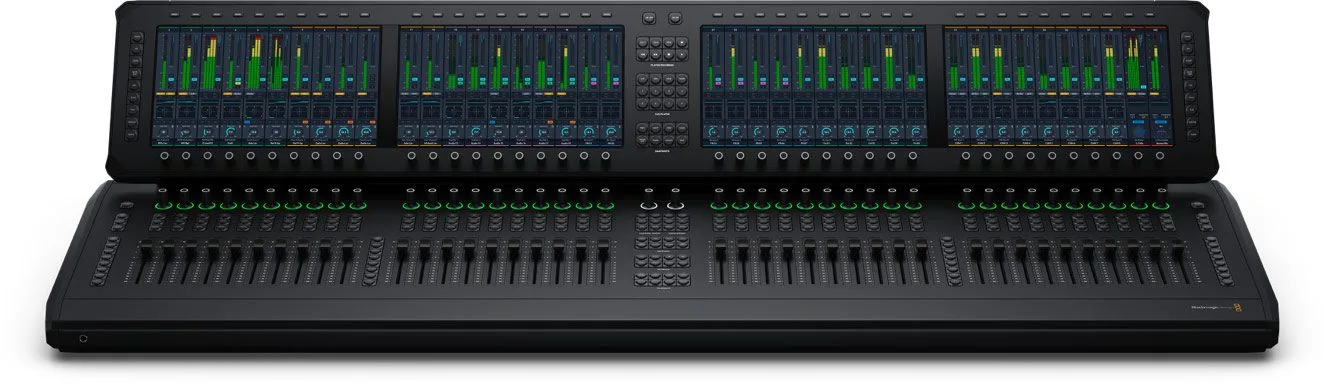
The idea behind Fairlight Live is simple: all the audio processing runs on a standard computer, and the surface is there purely to put your hands on it. The three panels differ only in size. The Panel 10 carries ten motorised faders and one 11.6-inch 1920 x 1080 touchscreen. The Panel 20 doubles up with twenty faders and two screens. The flagship Panel 40 spreads forty flying faders and four touchscreens across a single chassis. Every channel gets a multi-function rotary encoder ringed with LEDs, plus the familiar Select, Solo and Mute keys.
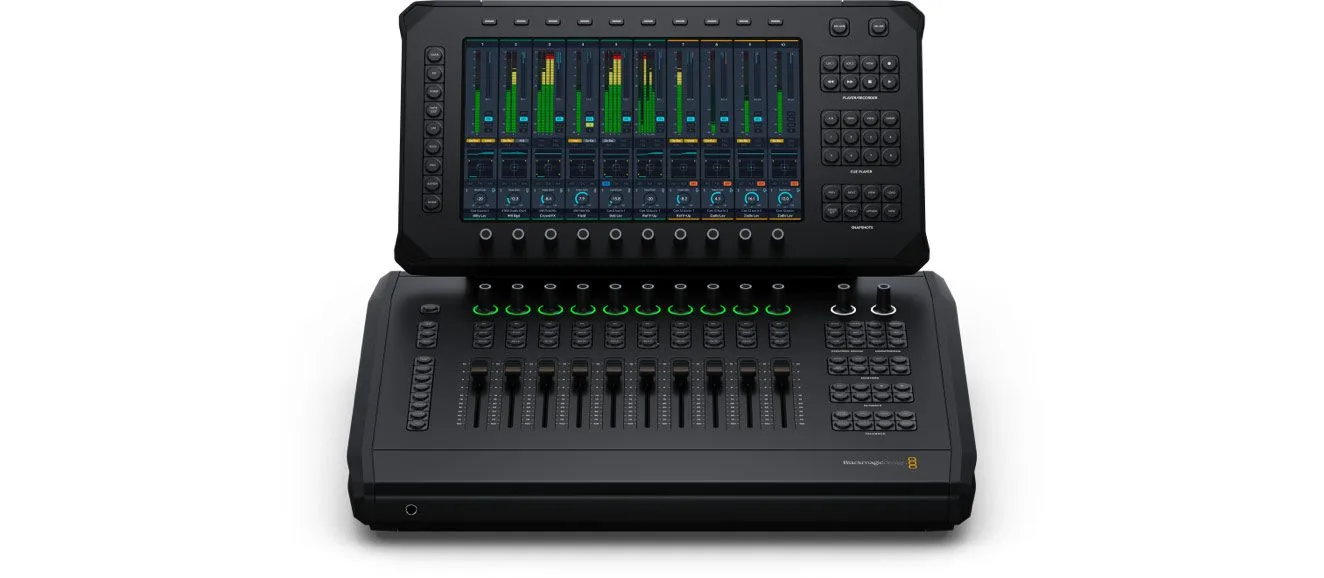
The screens are more than level meters: they show the full channel strip, EQ, dynamics and plug-in interfaces right under your fingers. The whole grammar of a large broadcast console is there, from layers, buses, matrices and auxes to VCAs and sub-masters, all reachable without menu diving.
Built for live and for ST 2110
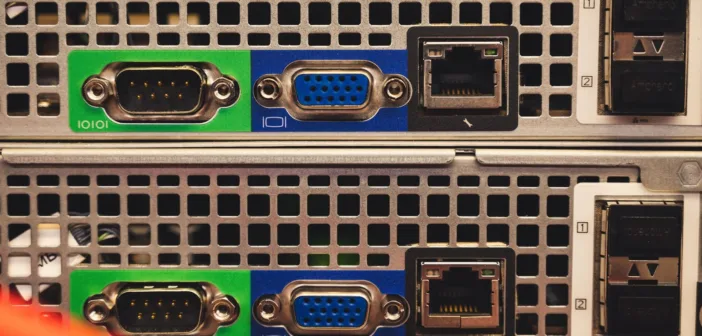
The connectivity gives away the target: large-scale broadcast. Each panel carries two 10G RJ45 links for SMPTE ST 2110 video and audio transport, a separate 1G control network, an HDMI monitor output that handles HD and Ultra HD, and a USB-C port. On the analog side there is an XLR mic input, two XLR line outputs, two 6.35mm headphone jacks and talkback to four groups, built-in talkback mic included.
The dedicated controls read like a live gallery’s daily routine. An On Line button locks the surface to external timecode, an On Air button locks the panel against mistakes mid-broadcast. A Player/Recorder keypad records rehearsals and feeds virtual soundchecks, while a cue player fires jingles, beds and stingers, or even MIDI cues to outboard machines. Snapshots store and recall an entire mix configuration.
The pricing that stings
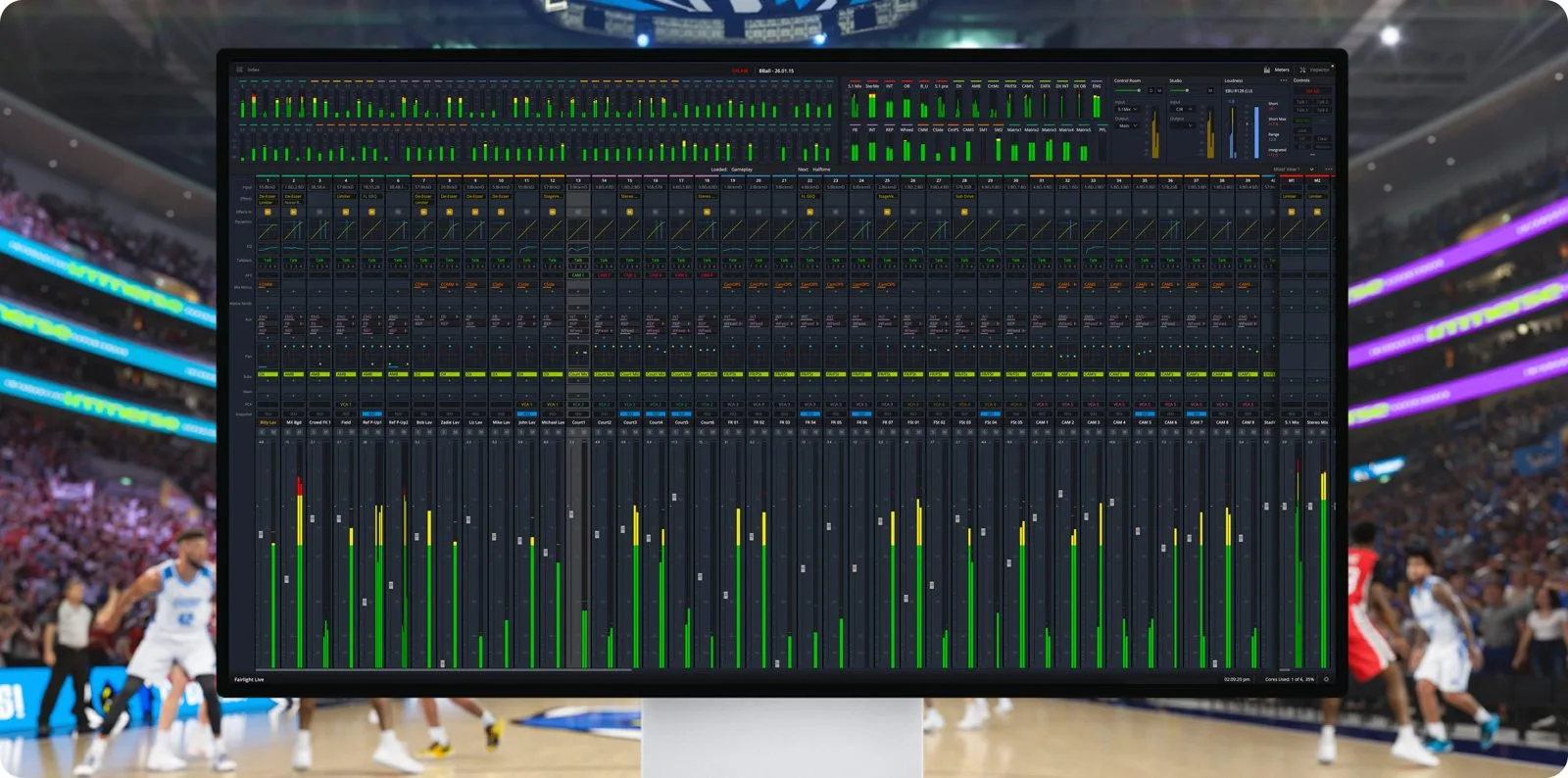
This is where it gets interesting: the bill. The largest Panel 40 lands around $8,245; the Panel 20 sits near $3,845 and the Panel 10 around $2,415. Measured against the number of physical faders and the native ST 2110 integration, those figures are aggressive next to established broadcast consoles, which usually carry an extra zero. The Fairlight Live software itself is free, handles spatial audio and thousands of channels, and talks directly to the USB audio of the company’s ATEM production switchers.
The bet is clear: pull broadcasters, live providers and the house-of-worship market into the Blackmagic ecosystem, the way video did before audio. The trade-off is just as explicit: you gain on price and integration, you accept living inside a proprietary environment. For a gallery already built on ATEM, the maths are tempting.
My take
Putting a real forty-fader surface in front of a free software mixer is exactly the kind of leverage Blackmagic knows how to apply. The hardware looks serious, the ST 2110 connectivity is native rather than bolted on, and the live features, antenna lock, cue player, virtual soundcheck, answer real gallery needs. The one question that decides everything is reliability in service, the kind you judge over six months of live shows, not over a demo. If it holds, a whole slice of mid-tier broadcast will start looking somewhere other than the usual suspects. Worth watching closely.
Frequently asked questions
Is the Fairlight Live software paid?
No. Fairlight Live is distributed free of charge by Blackmagic Design. Only the hardware control surfaces, the Audio Panel 10, 20 and 40, are paid. The software works with the audio of a standard computer or with the USB audio of an ATEM production switcher.
What is the difference between the Panel 10, 20 and 40?
Only the size of the surface. The Panel 10 has ten faders and one touchscreen, the Panel 20 twenty faders and two screens, the Panel 40 forty faders and four screens. All three share the same connectivity: 10G links for ST 2110, HDMI monitor output, XLR in/out and talkback to four groups.
Do the panels handle audio over IP?
Yes, natively. Each surface has two 10G RJ45 ports for SMPTE ST 2110 video and audio transport, plus a separate 1G control network. That is one of the keys to its positioning on large-scale live events.
Who is this system for?
Live galleries, broadcasters and providers who already work, or plan to work, inside Blackmagic’s ATEM ecosystem, as well as the worship and events market built on the company’s video. Integration and price are its two arguments; the trade-off is a proprietary environment.
To place this launch in the broadcast console landscape, revisit our profile of Calrec and the assignable broadcast console, our report on the Lawo mc² consoles at IBC 2026, and our explainer on ST 2022-7 redundancy for audio over IP.