REAC User Guide (V-Mixer systems)
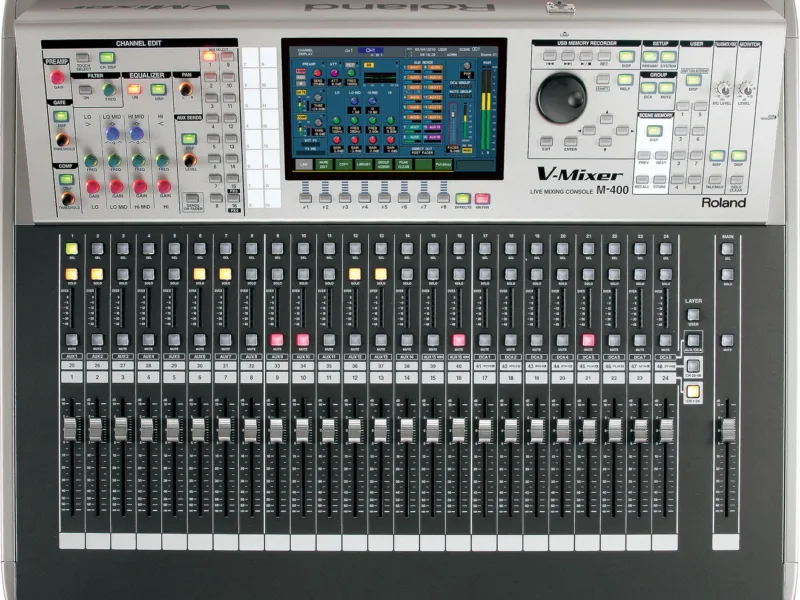
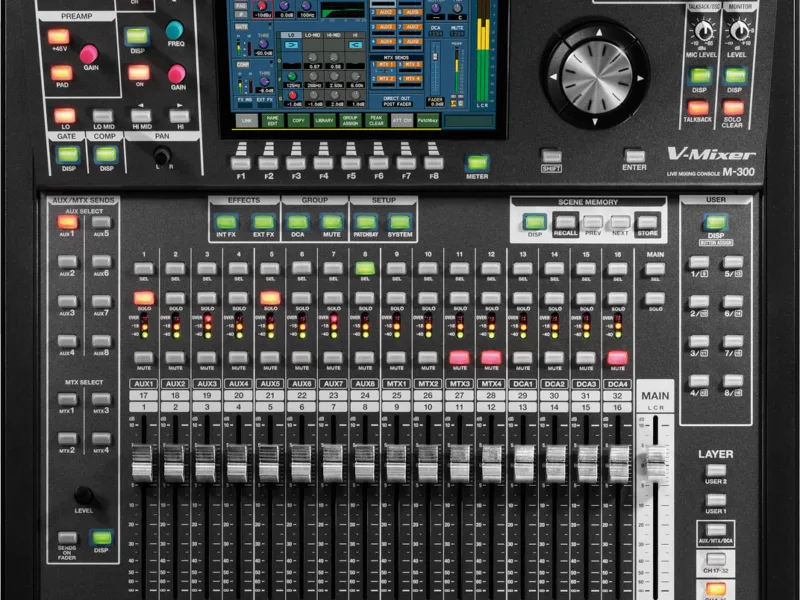
Console: Roland M-380
Contents
- Table of Contents3
- Hardware and software requirements5
- REAC system requirements5
- When Making Important Recordings6
- Computer requirements8
- Software and driver updates10
- Hardware setup11
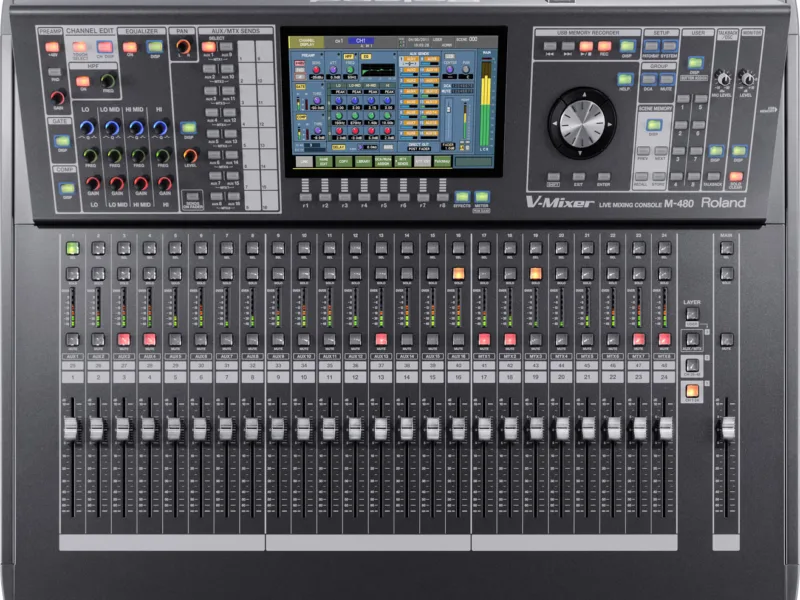
- M-480/M-400/M-380 System11
- M-300 System13
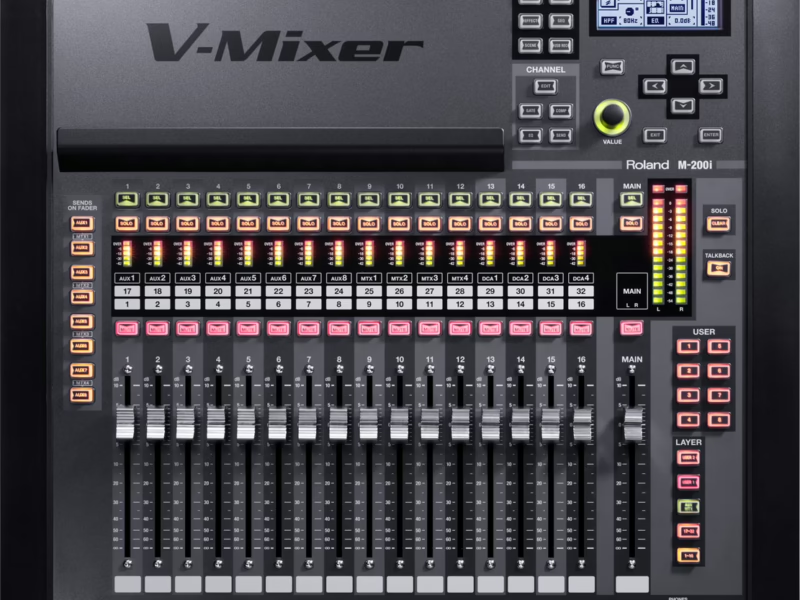
- M-200i System14
- Digital Audio Clock Connections15
- S-1608 System16
- S-4000 System17
- Software installation18
- Install SONAR18
- Install REAC driver18
- Installing the Driver to Use as the Monitoring Device18
- PC setup19
- To Open the Control Panel19
- Configure Windows20
- PC performance setting20
- Power management setting20
- Network setting22
- How to disable the connections.22
- Security setting24
- Windows Update setting24
- Windows Defender setting24
- Problem Reports and Solutions setting25
- Network Adapter Setting26
- Disabling Windows scheduled defragmentation27
- FA-66 setup28
- QUAD-CAPTURE / OCTA-CAPTURE setup29
- VS-700 setup30
- To configure the SYNC SOURCE setting for the VS-700R30
- SONAR setup32
- Audio settings32
- Disabling the VS-700C Control Surface plug-in36
- Create a new project37
- Mixing down recorded audio data after live performance38
- About the REAC Driver Control Panel39
- Preferred Sync setting39
- Locked39
- Alternate sync settings39
- Freewheel (Auto-resync)39
- Output Buffers39
- Playback Only40
- Record Only40
- Other Panel settings and controls40
- REAC Status40
- REAC Inputs40
- Sample Rate40
- Record Buffer setting41
- Playback / Monitor Device41
- Panel41
- About41
- Notes on word clock, synchronization and latency41
- What is word clock?41
- Why is synchronization important?41
- What is latency?41
- Troubleshooting43
- REAC status indicator is red (Off)43
- Monitoring device is not listed43
- REAC inputs are not listed/REAC Driver Control Panel does not open43
- SONAR audio engine drops out while recording44
- Clicks and pops occur during recording44