Digidesign Control|24 - Guide (official PDF)
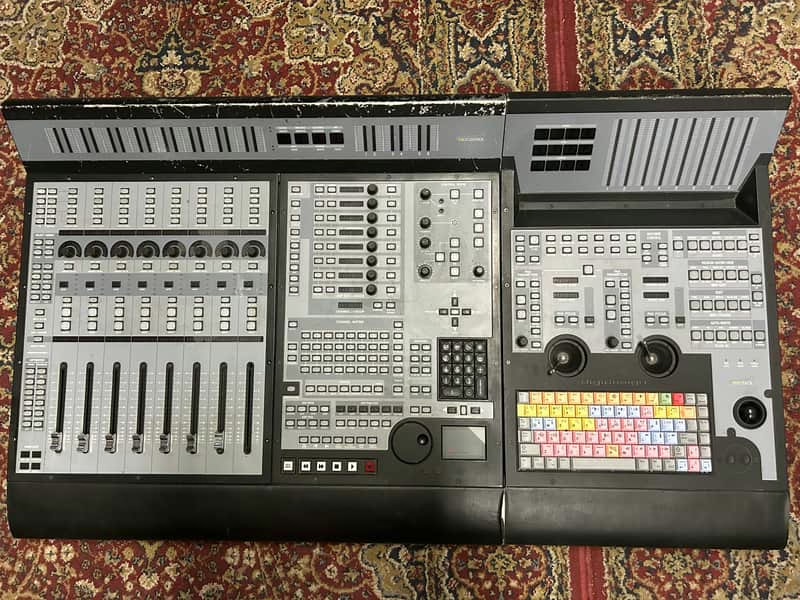
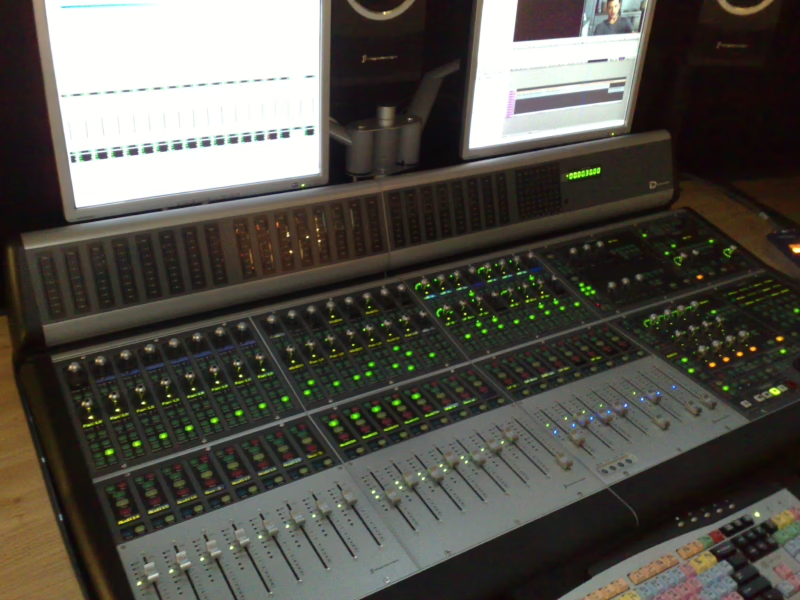
Console: Digidesign Control|24
Contents
- Contents5
- Introduction11
- Chapter 1: Introduction to Control|2413
- Included with Control|2413
- System Requirements and Compatibility13
- Compatibility Information13
- Ethernet Connections14
- Audio Cables for Control|24 Monitoring14
- DigiSnakes for Control|2414
- Digidesign Registration15
- About This Guide15
- Conventions Used in This Guide15
- About www.digidesign.com16
- Chapter 2: Installing Control|2417
- Installation and Maintenance Guidelines17
- Making Necessary Connections17
- Power Connection17
- Ethernet Connections18
- Analog Connections21
- Chapter 3: Audio Connections23
- Input and Output Overview23
- Control|24 Back Panel24
- 25-pin D-Sub Connectors24
- Additional I/O Connectors27
- Stereo Monitoring Connections28
- Figure 2 shows connections for a basic stereo configuration.28
- Connections for Stereo Monitoring29
- Stereo and Surround Modes30
- The Line Submixer Section30
- Footswitch30
- Chapter 4: Mic and Line Preamps31
- Microphone and Line Preamps31
- Preamp Connections32
- Using the Mic Preamps33
- Selecting a Preamp Source33
- Adjusting Input Gain33
- Using the High-Pass Filter33
- About Signal Levels34
- Chapter 5: Surround Setups35
- Surround Monitoring Mode Connections35
- Important Reminder About Surround Formats35
- 5.1 Surround Monitoring and Control Room Options35
- Surround Monitor Mode Switching36
- 5.1 Monitoring Example38
- LCRS Monitoring Example39
- 5.1 Track Layouts, Routing, and Metering40
- 5.1 Format Surround Monitoring and I/O Setup in Pro Tools41
- Control|24 Basics43
- Chapter 6: Starting Up and Configuring Control|2445
- Starting Up and Shutting Down a System45
- Software Installation45
- Pro Tools Configuration46
- Control|24 Firmware46
- QuickStart System Test47
- Setup and Configuration Options47
- Stereo, Single-Source Input/Monitoring47
- Internal Talkback (Built-In Talkback Mic)47
- Monitoring Modes47
- Troubleshooting48
- Pro Tools Error Message: “Lost Communication”48
- Modal Dialog Messages48
- Resetting and Calibrating48
- Chapter 7: Overview and Basics49
- Control|24 Terminology49
- Control|24 Sections50
- Main Section Overview51
- Time Counter Display51
- Communication and Control Room Monitor Sections51
- Grouping, Zoom Presets, Window, and Edit Sections52
- Navigation and Zoom Controls53
- The Numeric Keypad53
- Bank Swapping and Nudging53
- Transport Controls55
- ESC/CANCEL58
- Fader Section Overview59
- Keyboard Shortcuts Section59
- Automation Section59
- Channel Settings59
- Scribble Strips and Rotary Encoders60
- Channel Bar and Display60
- Function Keys60
- Line Submixer60
- Meter Section Overview61
- Channel Meter Options61
- Chapter 8: Control Room Monitor Section63
- Overview of Control|24 Monitoring63
- Control Room Monitor Overview63
- Communications/Headphone Overview63
- Stereo and Surround Monitoring Modes64
- Stereo Monitor Mode Overview64
- Monitoring Single and Multiple Input Sources64
- Surround Monitor Mode Overview64
- Selecting Monitor Modes65
- Stereo Mode Settings65
- Monitor Input Source Select Switches65
- MONITOR TO AUX and AUX LEVEL66
- Control Room Monitor Level Controls66
- MAIN MONITOR LEVEL Control66
- ALT Monitor Level Control66
- Solo and Mute Controls67
- MONO Switch67
- DIM Switch68
- Headphone Jack and Controls68
- Talkback and Listenback68
- Using Talkback and Listenback69
- External Talkback Input69
- Chapter 9: Working with Tracks71
- Fader Banks71
- Pro Tools and Control|24 Bank Indicators71
- Channel Faders71
- Scribble Strips72
- Showing Name, Value and Group Information in the Scribble Strips72
- Mute and Solo Functions72
- Shortcuts73
- Using the SOLO CLEAR Switch73
- Pro Tools Solo and Mute Preferences73
- Solo and Record Safe Modes73
- Shortcuts74
- The SELECT Switch74
- SELECT Switch Shortcuts74