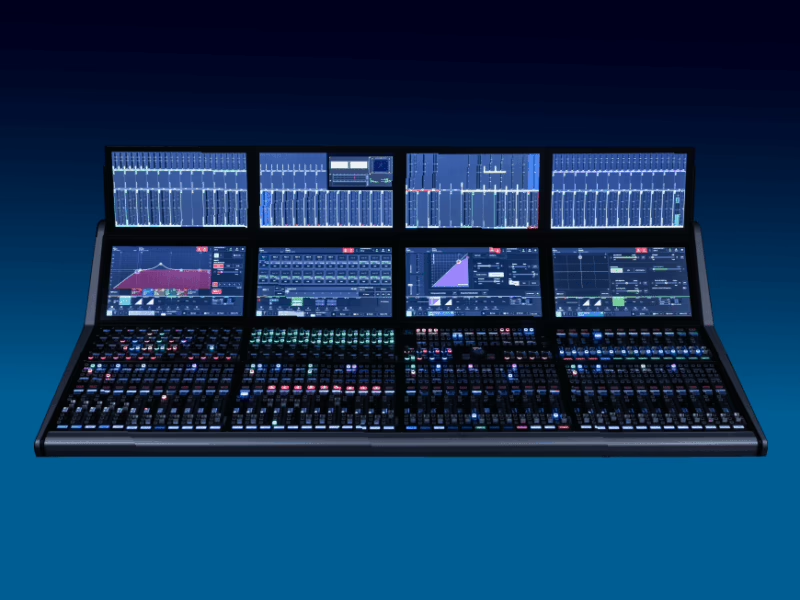
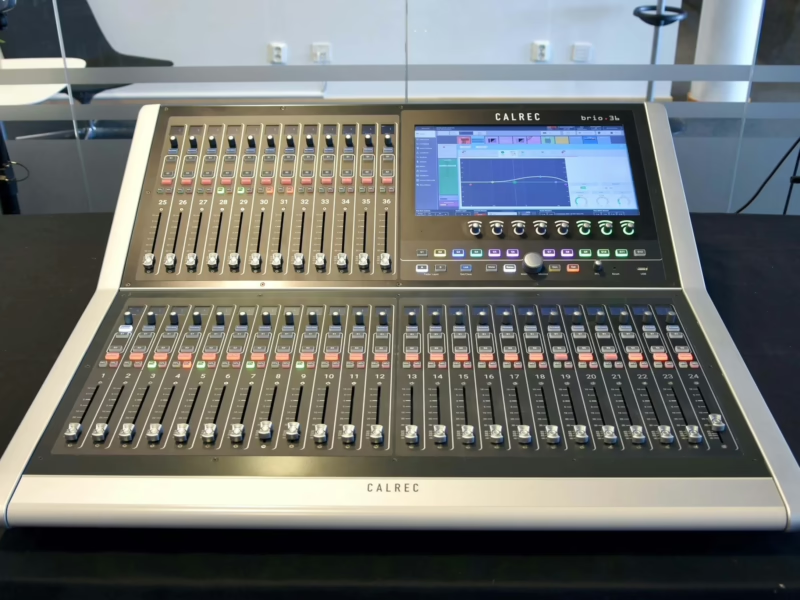
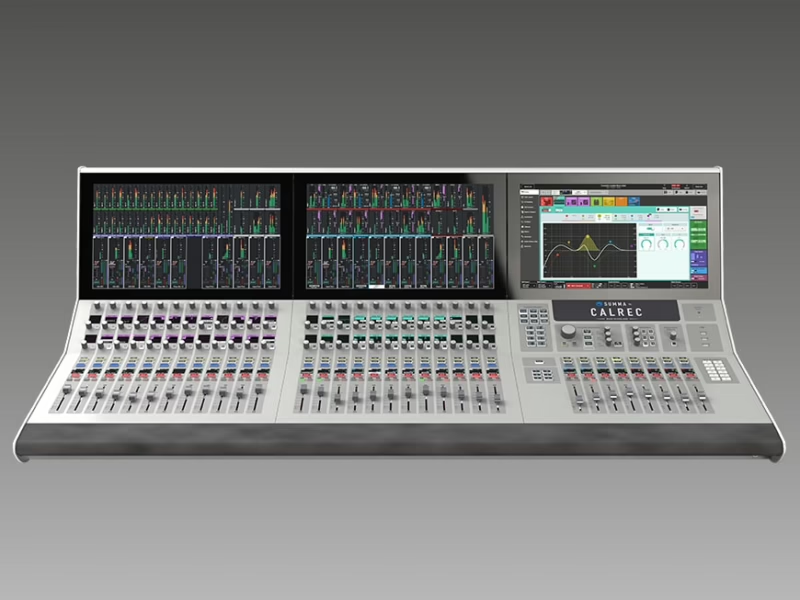
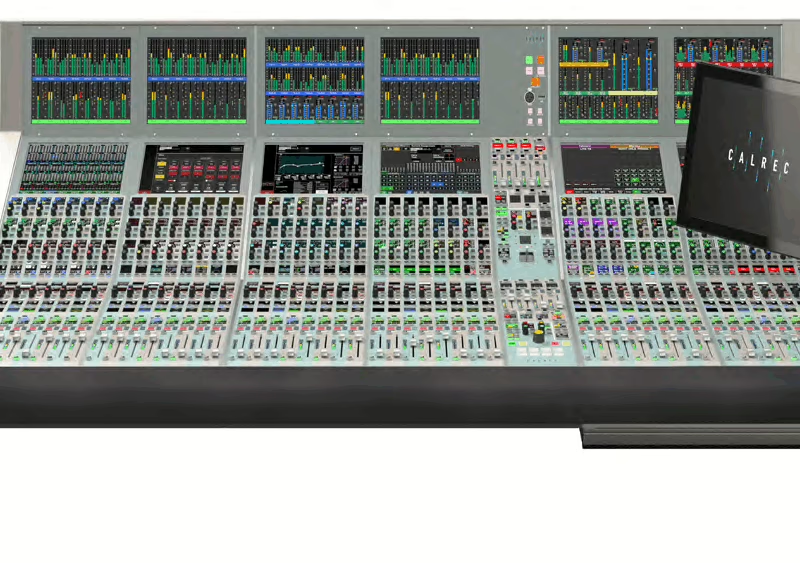
Type R — Installation Manual (926-228 Iss28)
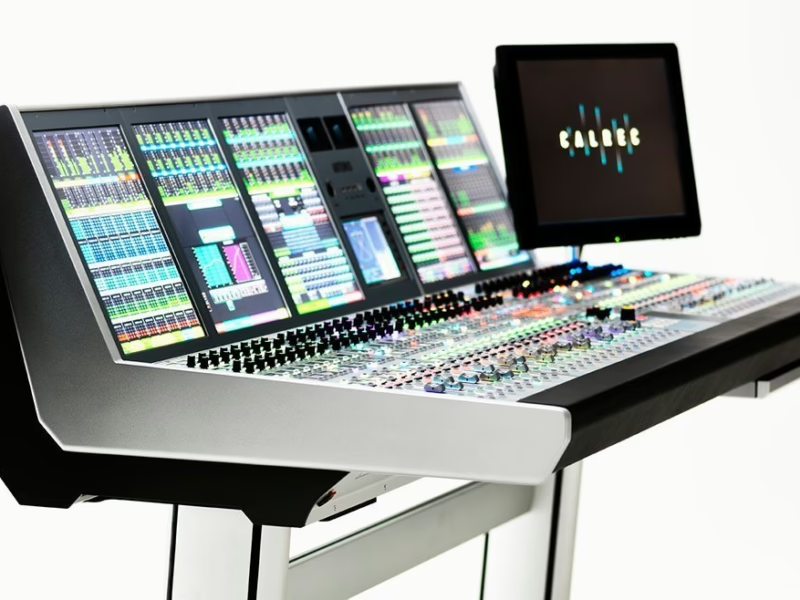
Console: Calrec Type R
Contents
- Information3
- Information4
- Health and Safety5
- Package Contents5
- Control Surface Dimensions6
- Surface Measurements7
- Fixing Bracket Assembly Instructions10
- Large Soft Panel on Desk Stand (720-999001)11
- Small Soft Panel on Desk Stand (720-999002)12
- Fader & LSP on Desk Stand (720-999003)13
- LSP In Desk Mounting (720-999004)13
- SSP In Desk Mounting (720-999005)14
- Fader Panel In Desk Mounting (720-999006)15
- Fader Panel Linking (720-999007)17
- Large Soft Panel Linking (720-999008)18
- System Elements19
- Core Layout20
- Surface Panel Layout20
- IM6413 6-Wide Fader Panel20
- User Labels Template for 4 large buttons on 6-Wide Fader Panel20
- MU6411 Large Soft Panel (LSP)21
- MU6410 Small Soft Panel (SSP)21
- Panel ID Settings21
- Optional Audio I/O Interface Box Layouts22
- AD6501 Type R - Combo I/O Interface box22
- AD6502 Type R - Analogue I/O Interface box22
- JD6503 Type R - AES I/O Interface box22
- Connecting Type R System Elements together22
- Default Network Configuration - At a glance23
- Default Network Configuration - Detail24
- Hardware Power Connections24
- Setting up a Redundant Core System25
- Twinning Core Systems26
- Overview26
- Preparing to set up a Redundant Core system26
- Twinning the Secondary Core27
- Core Hardware Redundancy Status Indication28
- Default Core Network for Surface Interfaces29
- Application Access30
- What to expect on a Core Hardware failover30
- Sync, Audio & GPIO Connections30
- Synchronisation31
- Type R Synchronisation sources.31
- AoIP Clock31
- Audio I/O Connections31
- Analogue Audio In 25 way ‘D’ type Connector31
- Analogue Audio In RJ45 type Connector31
- Analogue Audio Out 25 way ‘D’ type Connector32
- Analogue Audio Out RJ45 type Connector32
- AES Audio In 25 way ‘D’ type Connector32
- AES Audio In RJ45 type Connector32
- AES Audio Out 25 way ‘D’ type Connector33
- AES Audio Out RJ45 type Connector33
- GPIO Connections33
- GPI (inputs)33
- GPI RJ45 type Connector33
- GPO (outputs)34
- GPO RJ45 type Connector34
- CORE DSP PACK options34
- DSP Pack Options35
- DSP Pack Sizes35
- For Single Consoles35
- For dual consoles35
- For triple consoles35
- DSP Path and Mix Bus Tables35
- Surface Panel Layout Examples39
- Surface Panel Layouts40
- Creating & Connecting Up Surface Layouts40
- Recommended third party equipment.40
- Cisco Switch Management Settings40
- AoIP Network Examples45
- Designing an AoIP/AES67 Network46
- Type R AoIP/AES67 network examples46
- Recommended third party equipment.46
- Guidance on recommendations for PTP Aware or Non-Aware switches46
- Bandwidth, Inter-Switch Links and Larger Networks47
- Redundancy47
- Switch Port Quantities48
- Leaf and Spine Architecture48
- Switch Choice48
- Software Updater55
- Update Type R Core to the latest software version56
- Update External AoIP Devices to the latest software version57
- Specifications58
- General Specifications59
- Power/Environmental Specifications59
- Audio Performance Specifications61
- Further Reading - Type R62
- User Notes62