The Roto-Control from Melbourne Instruments is not your average controller, and its latest update makes the point again. The Australian company has just added native support for Cubase and FL Studio to its eight-knob motorized box, through a free firmware update installed with the Roto-Setup app. The compact desktop controller now speaks five DAWs fluently, after Ableton Live, Bitwig and Logic Pro.
This is more than a couple of ticked boxes. On each host, the integration leans on the Roto-Control’s trademark trick: knobs that physically move to show the real value of whatever they control.
Knobs that move on their own
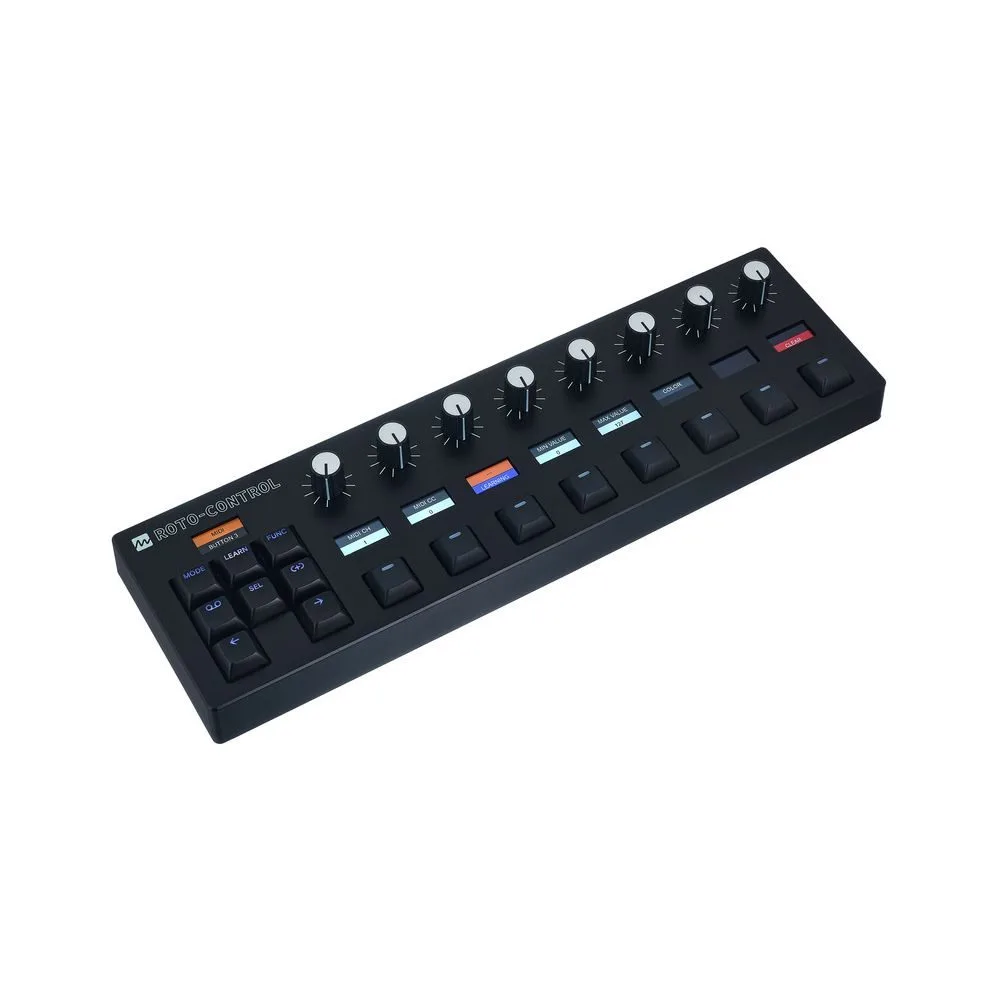
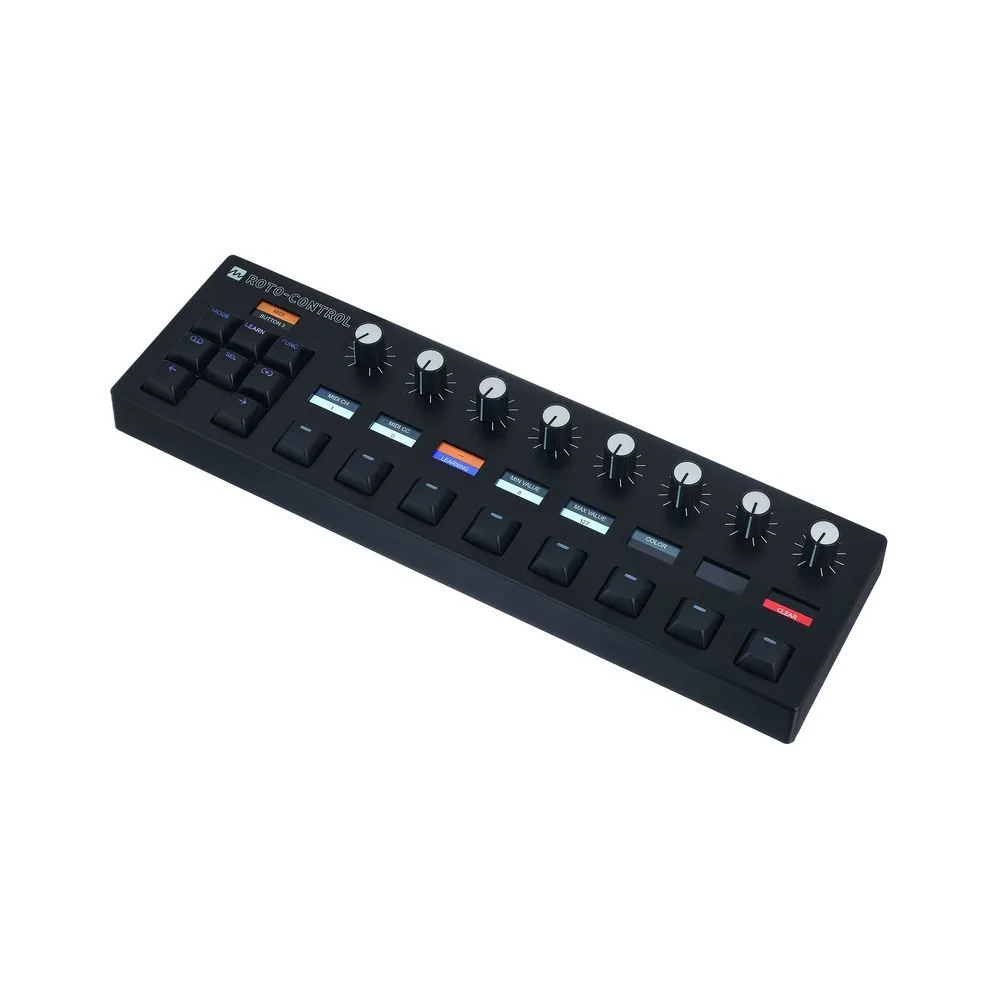
The Roto-Control’s core idea fits in one line: eight touch-sensitive motorized rotary knobs, topped by nine small colour screens and framed by sixteen backlit RGB buttons. When you switch track, plugin or bank, the knobs re-position themselves to mirror what the software is doing. You read the value on the screen, but you also see it in the knob position, with none of the value-matching guesswork endless encoders ask for. The motors are quiet enough for a recording booth, and recall is instant.
That haptic feedback changes how you ride an automation move or dial in a fine setting. You grab the right knob, feel where it sits, correct it. That is exactly the mechanism the new Cubase and FL Studio integrations put to work.
Cubase, from channel strip to AI Knob
The Cubase integration runs deep. The Roto-Control handles every track in the project, with its name and colour mirrored on screen, its sends, its plugins and their parameters, plus transport. The channel strip modules and channel EQ are pre-mapped, and you switch effects straight from the unit.
A Quick Controls view follows Cubase’s Focus Quick Controls, and from version 16.0.10 a stored-positions Quick Control joins in. The transport view gathers zoom, tempo, Control Room level and an AI Knob that assigns the fader or plugin parameter under the mouse to a physical knob. You need Cubase 15 or later to use it.
FL Studio, the Channel Rack under your fingers
On FL Studio, the approach matches the software’s logic. Channel Rack mode shows eight steps of the selected channel on the buttons, the playing step lights up white, and the knobs set each step’s note, velocity, pan, timing or ratchet. Several steps edit at once, which turns step sequencing into something physical.
A Mix mode rounds it out: turning a send knob up routes the channel to an effect, turning it to zero removes the route. FL Studio 25 or later is required. For anyone who builds patterns in the Channel Rack, it is a tangible way to get your hands off the mouse.
What you need to use it
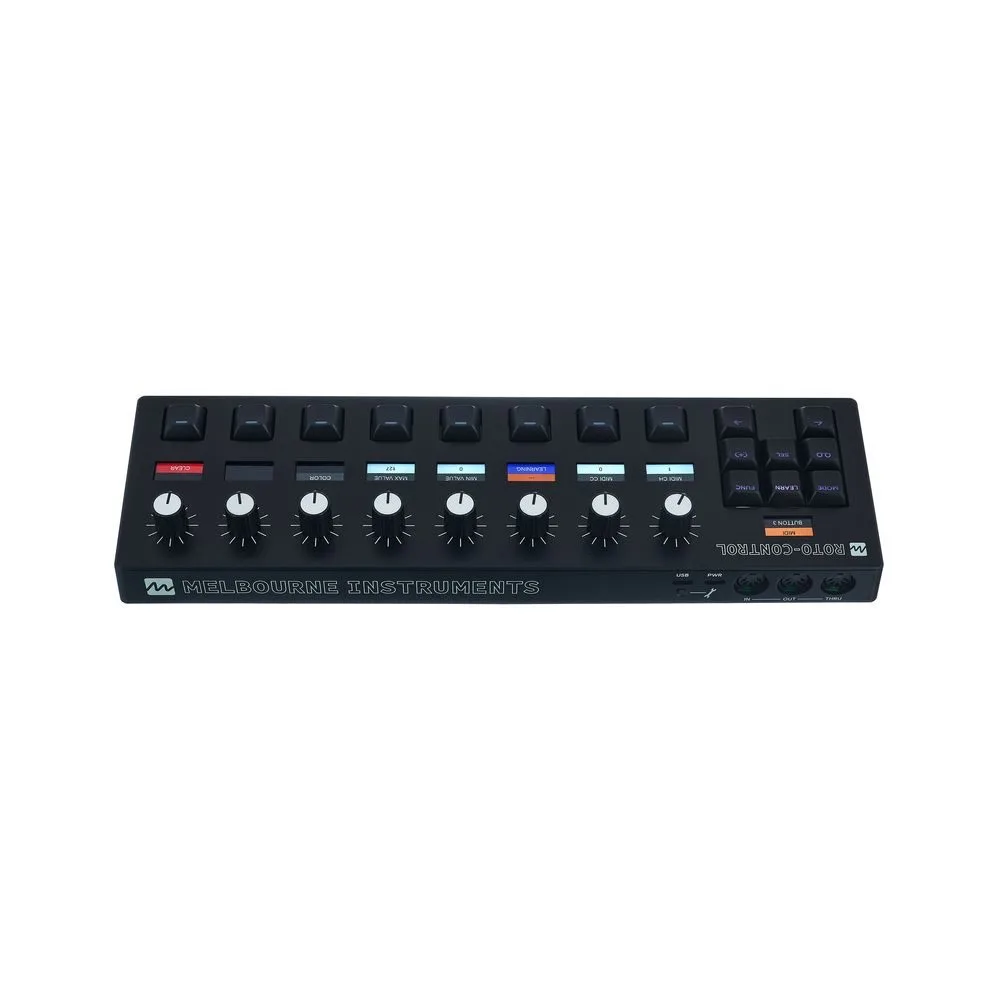
The update is free for every owner of the controller. Installation goes through the Roto-Setup app, which drops the Cubase and FL Studio scripts in automatically; the scripts for every supported DAW are also published on GitHub for anyone who wants to look under the hood. On the hardware side, the Roto-Control stays a compact desktop box, around 715 grams for 34 centimetres of width, with full MIDI DIN connectivity (in, out and thru) alongside USB.
| Specification | Detail |
|---|---|
| Knobs | 8 motorized rotary, touch-sensitive, with haptic feedback |
| Display and buttons | 9 colour screens, 16 backlit RGB buttons |
| Connectivity | USB-C, MIDI DIN in / out / thru |
| Supported DAWs | Cubase 15+, FL Studio 25+, Ableton Live, Bitwig, Logic Pro |
| Street price | around $419 (GBP 379, EUR 399) |
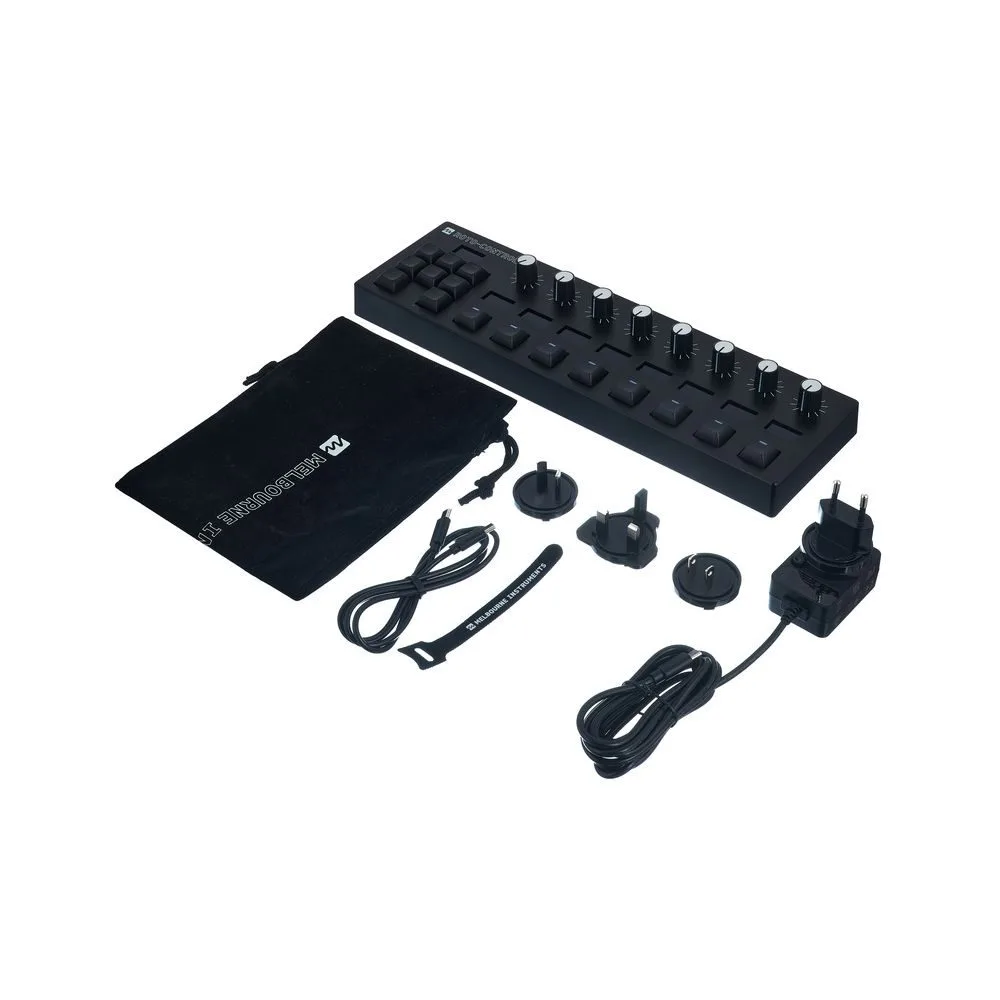
The Roto-Control also keeps a generic MIDI mode to drive a synth or plugin outside these integrations, with every knob assignable through learn. If you want other options in this bracket, we rounded up seven rotary-encoder controllers for synths and plugins, and looked at the screen-equipped Electra One Mk3. In a different vein, the Novation Launch Control XL 3 targets hybrid studios without motors.
My take
The motorized knob is still the Roto-Control’s real find: the value you see is the value that exists, with no page-flipping or value chasing. Opening the unit up to Cubase and FL Studio for free widens its audience a lot, and the AI Knob that grabs whatever parameter you hover over is the kind of detail that saves time all day. The price is a serious ticket for eight knobs, and the open question is how well the scripts keep pace with DAW updates. On that front, publishing them on GitHub is reassuring.