Some synths stack oscillators; others reinvent how sound is made. Creation, from Turkish developer sonicLAB, sits firmly in the second camp. Version 2 has just landed, and it does far more than add presets: it pushes an already unusual engine further.
A granular instrument steered by gravity
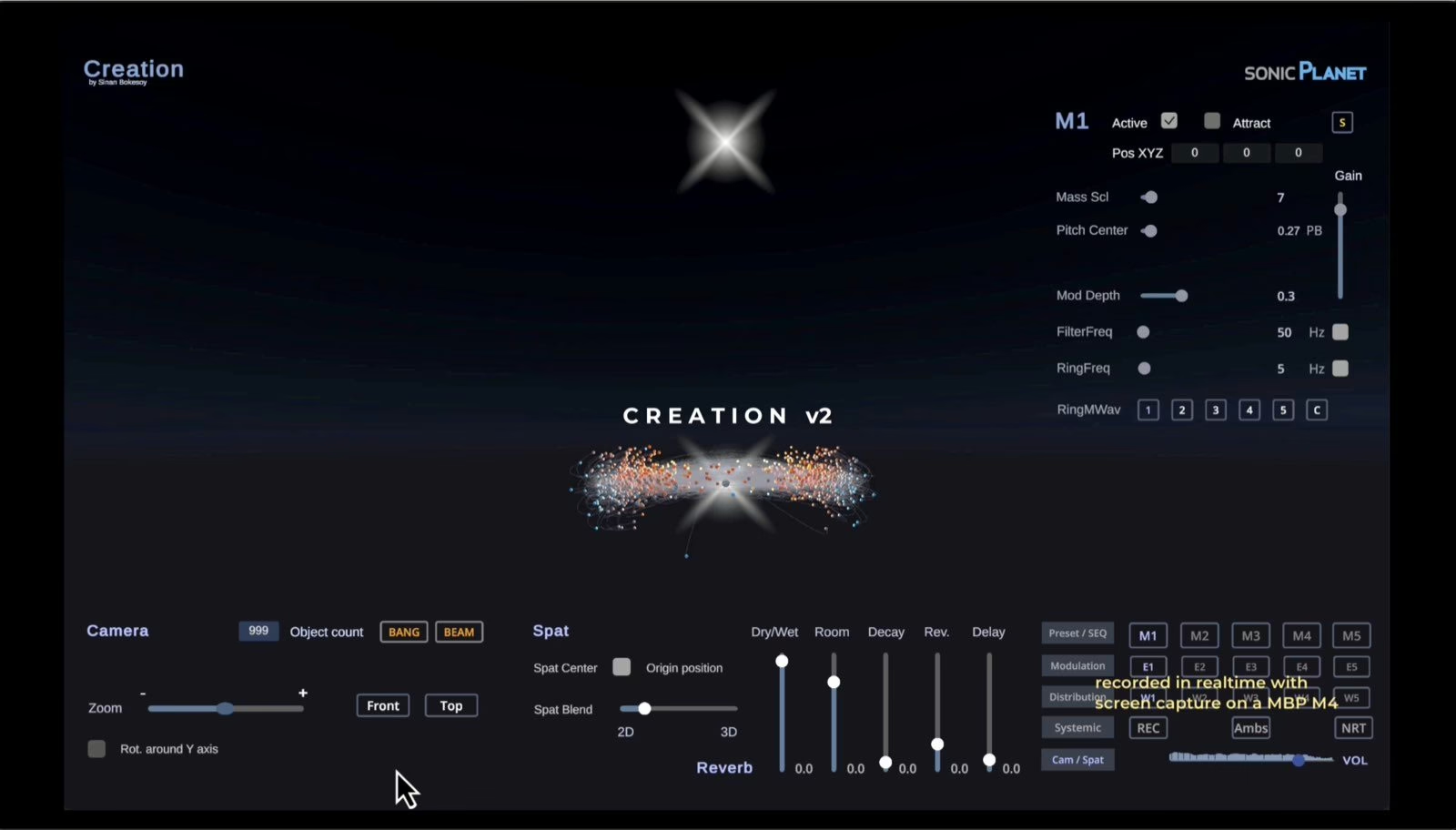
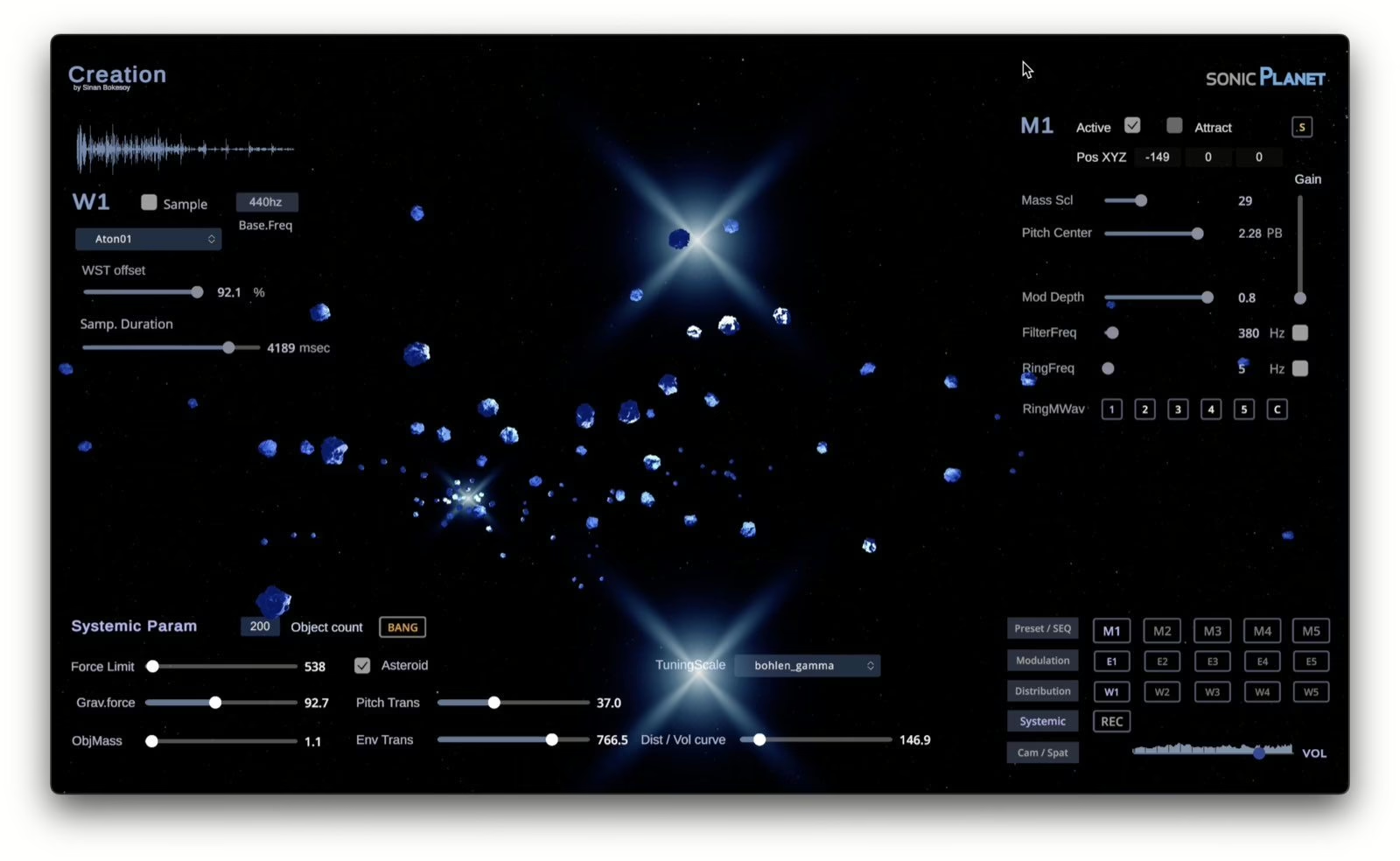
Forget the keyboard and the envelopes for a moment. Creation is built on spatial granular synthesis: sound is chopped into a swarm of micro-fragments, or grains, which the software treats as physical objects moving through a 3D space. A gravitational physics engine governs their paths, they attract each other, orbit and scatter, and that choreography is exactly what you hear. Each object’s position, distance and speed map onto pitch, timbre and stereo placement.
This is no gimmick. You get shifting textures, breathing pads and sonic material you simply couldn’t draw on a piano roll. It’s a sound-design tool first and a melodic synth second, and that’s precisely where its value lies.
What version 2 actually changes
The update targets the things that matter once you work seriously with the instrument:
- Up to 9,999 objects at once. That density changes the very nature of the textures you can sculpt.
- Band-limited granular transposition, built on a four-level mip pyramid, so grain repitching is markedly cleaner, with far less aliasing up top.
- A reworked distance model: an object’s distance and its stereo width are now independent controls. Depth feels far more convincing, and moving something back no longer squashes the image by default.
- An updated resonant filter with automatic loudness compensation, so as the band narrows the gain corrects itself and you avoid level dropouts.
- Offline (non-realtime) disk recording that captures audio and video in full, locked to the sample.
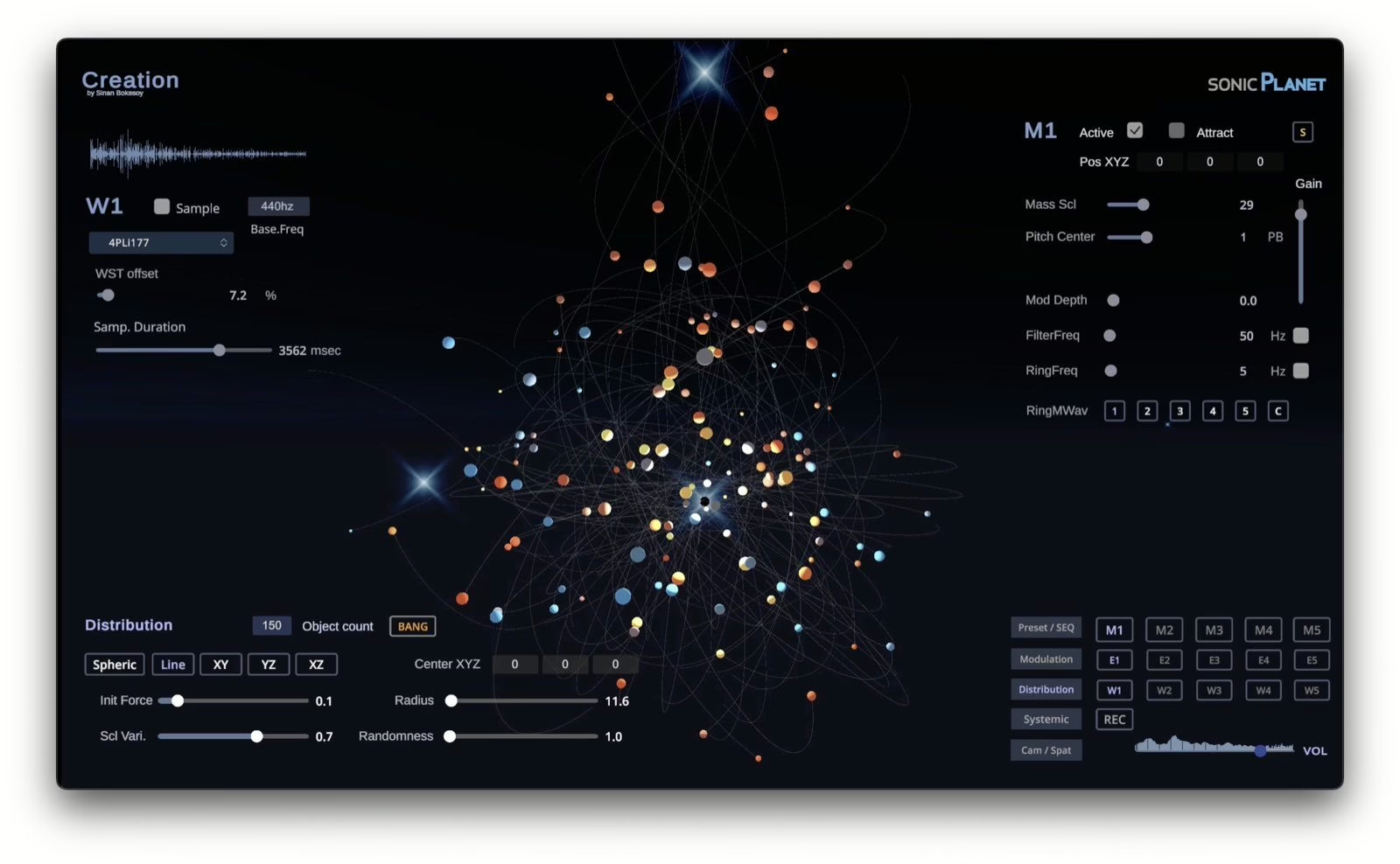
That last point is worth pausing on. Creation is also a visual object, watching the grains orbit is part of the experience. Being able to export a video capture perfectly synced to the audio, without the lottery of a real-time render, opens obvious doors for motion graphics, generative videos and installations.
Standalone, but wired to your DAW
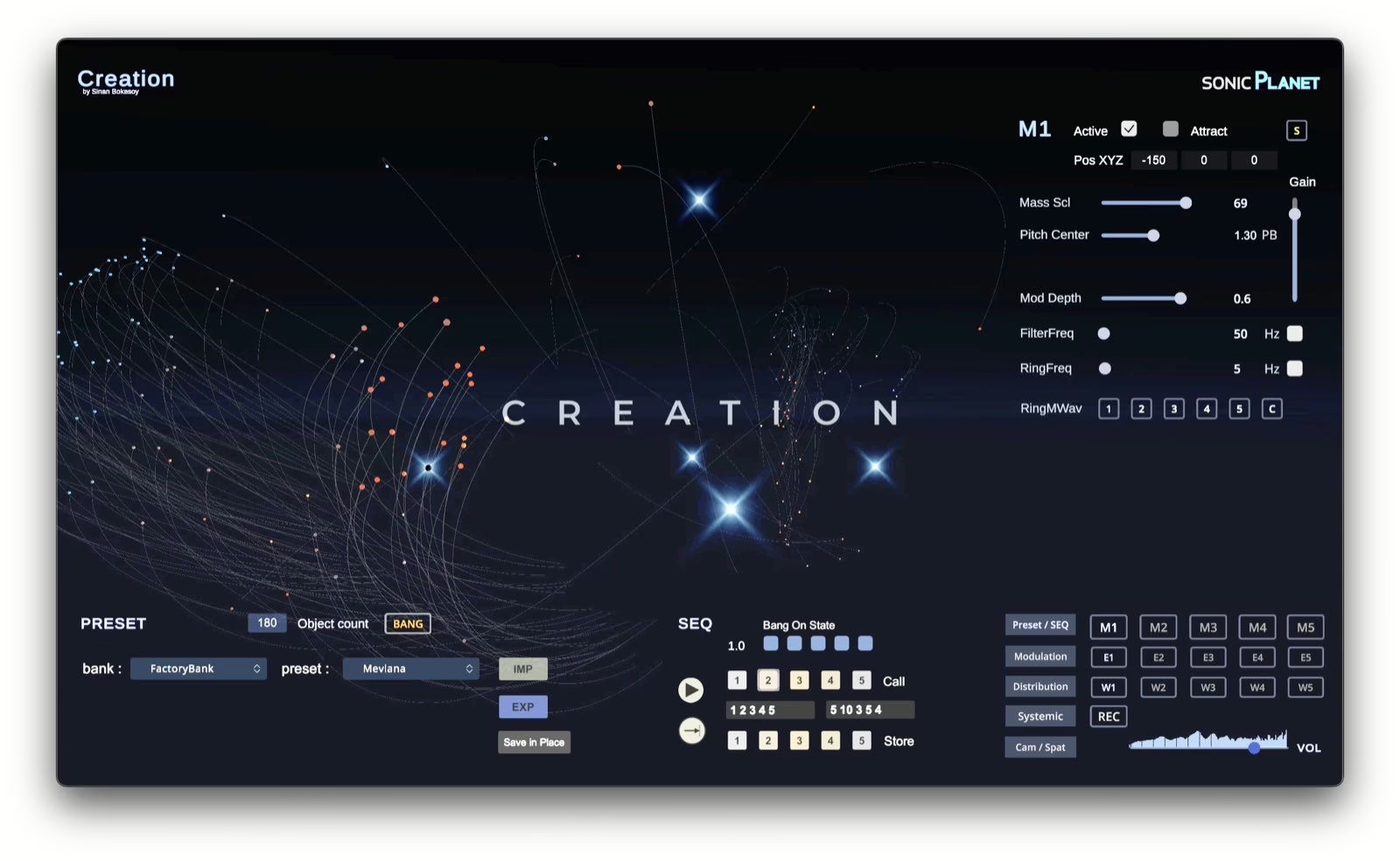
Creation v2 ships as a standalone app alongside CreationRemote, a VST3/AU plug-in that holds no engine of its own but drives the application from your DAW. It’s a pragmatic design: the graphics engine runs in its own process, and you automate it from Ableton, Logic or Bitwig like any other instrument. Pricing is £95 until September 2nd (£115 thereafter), and v1.4 owners cross over via a £19 upgrade licence.
Another piece in the generative wave
Creation doesn’t arrive in a vacuum. Recent months have brought a wave of instruments that hand part of the composing over to physical or algorithmic rules, from the physical-modelling synth Anukari to the biosensing generator VAEMI Synterra and the return of Tweakbench Tendril. Creation belongs to that family, with an identity of its own: the gravity metaphor.
My instinct with all of this stays the same: a jaw-dropping demo tells you nothing about real playability. A generative instrument is only as good as the control it hands back, its ability to repeat an intention, bend to a gesture and sit in a session without becoming unmanageable. On that score, choosing an automatable DAW remote over a plain “random” button is a good sign. You still have to spend hours with it to judge, and no launch video will do that for you.
One thing is certain: at this price, Creation v2 is one of the most disorienting playgrounds around for anyone who likes their sound to have a geography.