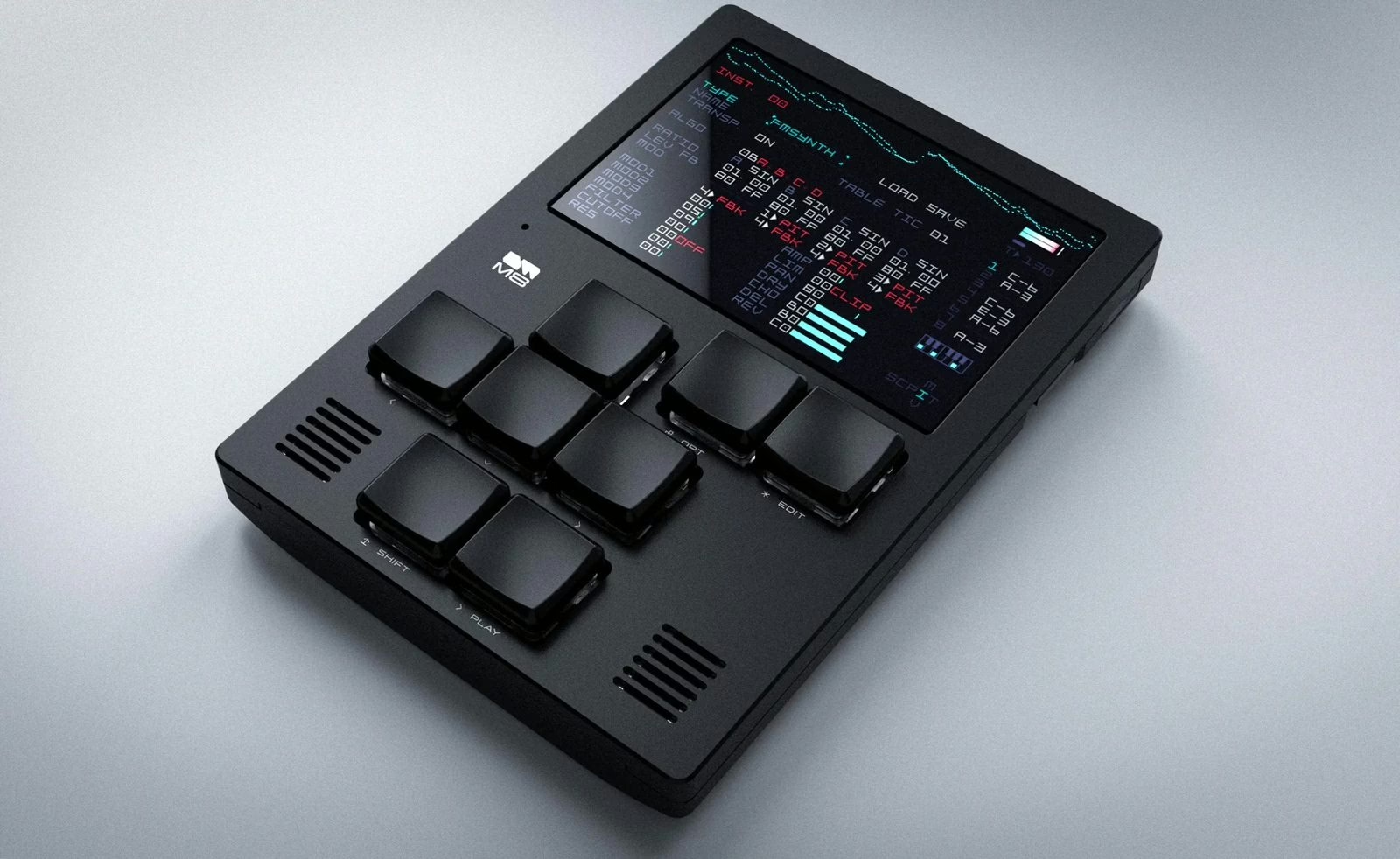
Few instruments inspire this kind of devotion. The Dirtywave M8, the portable tracker dreamed up by Timothy Lamb (aka Trash80, the mind behind the legendary Game Boy tool LSDJ), had become one of the most beloved pocket studios of the decade. Now it changes shape: Dirtywave has released a native iOS app that runs the M8’s complete engine on any iPhone or iPad, no dedicated hardware required.
The whole M8, not a cut-down version
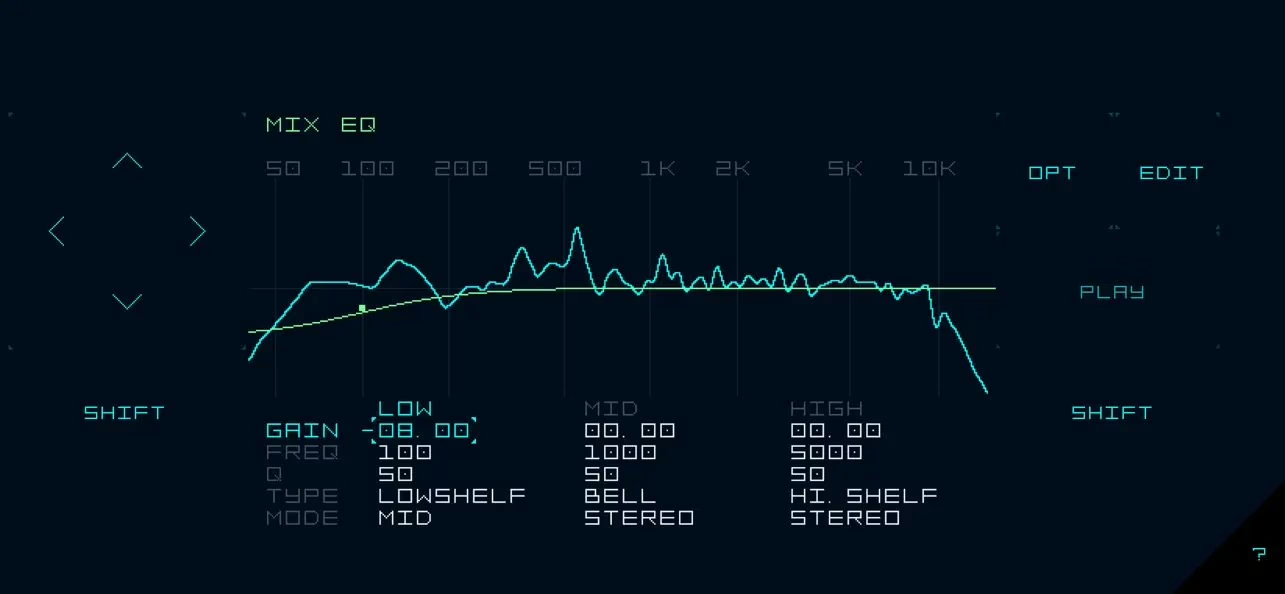
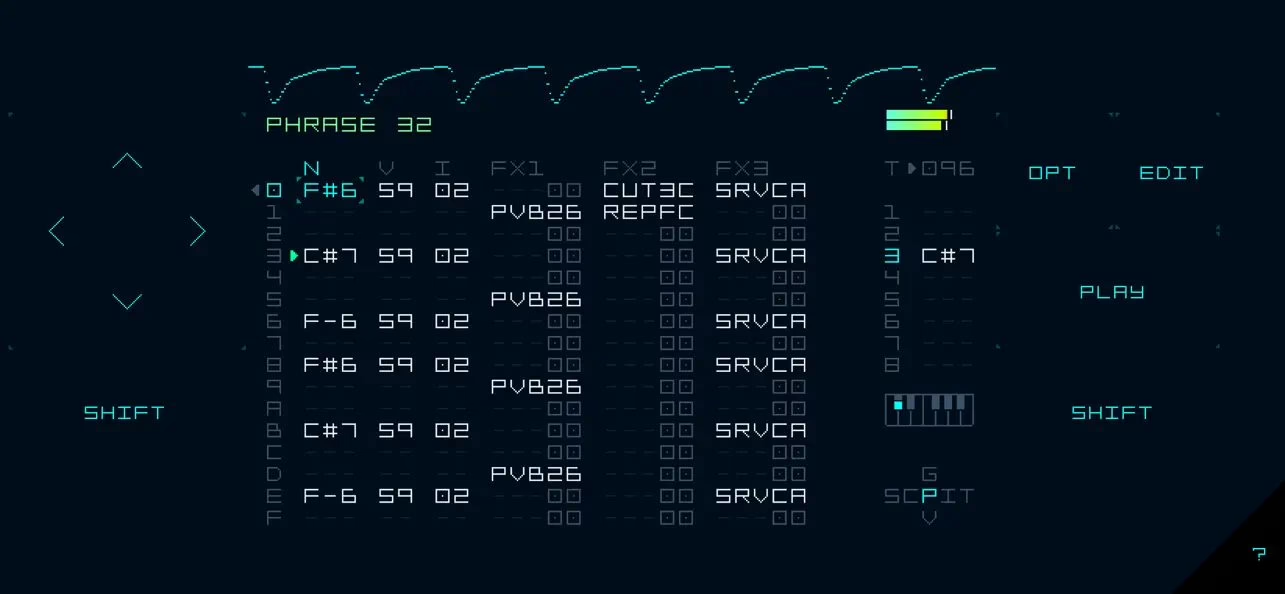
This is the key point: it is not a preview or a stripped-back demo. The app carries the full eight-track sequencer organised in phrases and chains, the vertical tracker logic inherited from the demoscene, and above all the five sound engines that define the machine. File compatibility is total — a song or bundle made on the M8 hardware opens in the app, and vice versa. If you already own the hardware, the workflow carries over instantly.
Trackers live and die by their sequencer as much as their sounds; if the step-based approach is still new to you, our guide to step sequencing lays the groundwork before you dive into the M8.
Five engines under the hood
The sonic palette runs wide, from chiptune to ambient texture, and every track can host any of the engines. Here is what the app offers:
| Engine | Type | Typical use |
|---|---|---|
| Wavsynth | Chip-inspired wavetable | Biting leads, 8-bit bass, arpeggios |
| Macrosynth | Macro oscillators (40+ models) | Versatile tones, physical to noisy |
| FMSynth | Four-operator FM | Bells, e-pianos, metallic percussion |
| Hypersynth | 13-oscillator swarm | Wide pads, supersaws, drones |
| Sampler | Sample playback and recording | Loops, one-shots, vocals, field recordings |
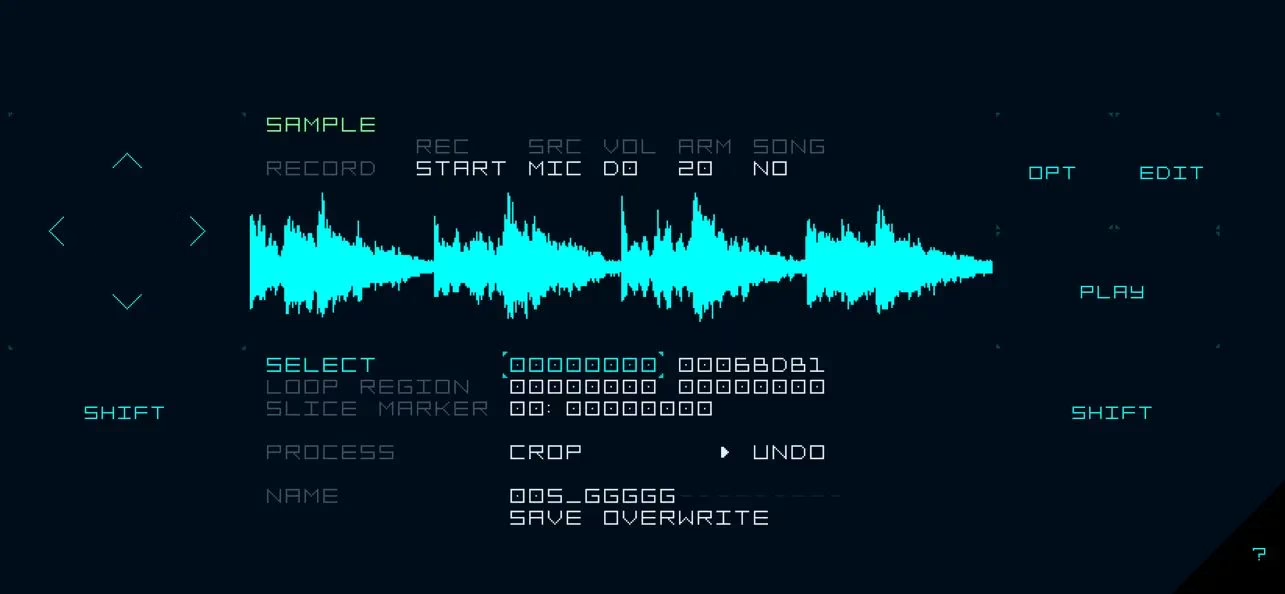
Macrosynth borrows the macro-oscillator philosophy popularised by the modular world, and FMSynth will please anyone who likes programming operators by hand — our piece on FM synthesis explains exactly why that engine sounds the way it does. The sampler, which records straight from the device mic, turns a phone into an instant idea box.
Connectivity and mobile integration
Far from a walled-off toy, the app plugs into the iOS ecosystem: CoreMIDI in and out, support for external keyboards and even game controllers, Launchpad Pro MK3 compatibility, Ableton Link to sync with another device, and Inter-App Audio. A dedicated set of MIDI instruments lets you drive external gear from the M8’s tracks. Up to 128 instruments can live in a single song.
At launch, AUv3 was missing — Apple sandboxes extensions in a way that complicated sample handling. Version 1.1, released just days later, fixed that with full AUv3 support, multi-channel and multi-instance: the M8 becomes a plug-in you can load several times inside a host such as AUM or Cubasis. That is what pushes the app from curiosity to serious production tool.
Price and availability
The M8 Music Tracker app is on the App Store for $29.99 (around £32.99), for iPhone, iPad and iPod touch running iOS 15 or later. At that price it is an unbeatable way into a workflow many people never got to try, simply because the hardware was so often out of stock. If you want a complementary sample instrument on the hardware side, take a look at the EMW S-8000. The developer’s site lists full system requirements: dirtywave.com.
My take
Bringing the M8 to iOS was the obvious move nobody dared hope for, given how tied the machine felt to its monochrome screen and clicky buttons. The gamble pays off: the engine is complete, files travel both ways, and the quick AUv3 update shows a developer that listens. The real question is touch ergonomics versus physical buttons — the tracker is played by feel, and a glass screen doesn’t bite the same way. But for thirty dollars, discovering this workflow without hunting down an out-of-stock unit is a steal. The hardware keeps its aura; the app throws the door open to everyone.