44.1 or 48 kHz? Is 24-bit really worth it? Should you record at 96 kHz “just in case”? These questions come up on every new project, and the ready-made answers doing the rounds keep as many myths alive as good habits. Understanding what sample rate and bit depth actually are — and what happens inside the converter — will save you both bad reflexes and pointless spending.
Digitising sound: two axes, not one
An audio signal is a continuous wave. To store it in a computer, you have to measure it at regular intervals and assign a numerical value to each measurement. These two operations are independent and answer two different questions: how often the signal is measured (the sample rate), and how finely each measurement is encoded (bit depth). One governs bandwidth, the other dynamic range. Confusing them is the source of most misunderstandings.
Sample rate and the Shannon theorem
The sample rate, in kilohertz, says how many times per second the converter reads the signal level. At 48 kHz it takes 48,000 measurements per second. The Nyquist-Shannon sampling theorem lays down a simple rule: to reproduce a given frequency faithfully, you must sample it at more than twice its value. At 44.1 kHz you therefore capture everything up to about 22 kHz — beyond human hearing, which is no accident: the CD was calibrated to cover the whole audible spectrum with margin.
What happens to frequencies above that limit? If you let them in, they fold back into the audible band as spurious tones: that is aliasing, an unpleasant and irreversible artefact. To prevent it, every converter applies an anti-aliasing filter upstream that cuts anything above half the sample rate. The quality of that filter — not the raw kHz figure — accounts for much of the difference between two converters.
Common values fall into two families: 44.1 and 88.2 kHz (CD-related multiples), 48 and 96 kHz (video and broadcast multiples). 192 kHz exists, but its real value is debatable, as we will see.
Bit depth: how many bits, and why
Bit depth describes the number of values available to encode each sample. 16-bit gives 65,536 levels; 24-bit more than 16 million. In practice, bit depth sets the noise floor and therefore the available dynamic range: you gain roughly 6 dB of range per bit. 16-bit offers about 96 dB of dynamic range, 24-bit a theoretical 144 dB — beyond what any converter actually reaches, limited by its analogue electronics.
- Why record in 24-bit. Not to “hear better”: to give yourself headroom. With 24 bits you can record conservatively, well away from clipping, without fear of raising an audible noise floor. It is a tracking comfort, not a colour.
- 32-bit float. Offered by many recent recorders, it moves the problem: the dynamic range becomes so vast that a badly set input level can be recovered after the fact, without clipping. Handy in the field, but no excuse to neglect your take.
- Dither. When you reduce bit depth (say from 24 to 16 for a final export), you add a very low-level noise, dither, which masks quantisation errors and preserves the fine tails of reverbs. A mastering step, not a mixing one.
Inside the converter: clock, jitter and oversampling
The quality of an analogue-to-digital (A/D) or digital-to-analogue (D/A) conversion is not just about the numbers. The clock that paces the sampling must be extremely steady: its micro-irregularities, called jitter, translate into a loss of clarity and stereo focus. That is why, in a studio with several digital machines, clock synchronisation is treated carefully — often a more decisive link than the sample rate itself.
Most modern converters also work by oversampling: they sample internally at a much higher rate, which allows gentler, more transparent anti-aliasing filters, before dropping back to the working rate. It is one reason a very good converter at 48 kHz can sound better than a mediocre one at 96 kHz.
Which setting to choose, in practice
For the vast majority of music production, 24-bit / 48 kHz is the sweet spot: comfortable dynamics, ample bandwidth, reasonable file sizes and video compatibility. 88.2 or 96 kHz keeps its value when you plan a lot of harmonic-generating processing (saturation, pitch, synthesis) or stretched sound design, where wider bandwidth limits aliasing as calculations pile up. 192 kHz, by contrast, doubles file size and CPU load for a benefit that is usually inaudible: reserve it for very specific cases.
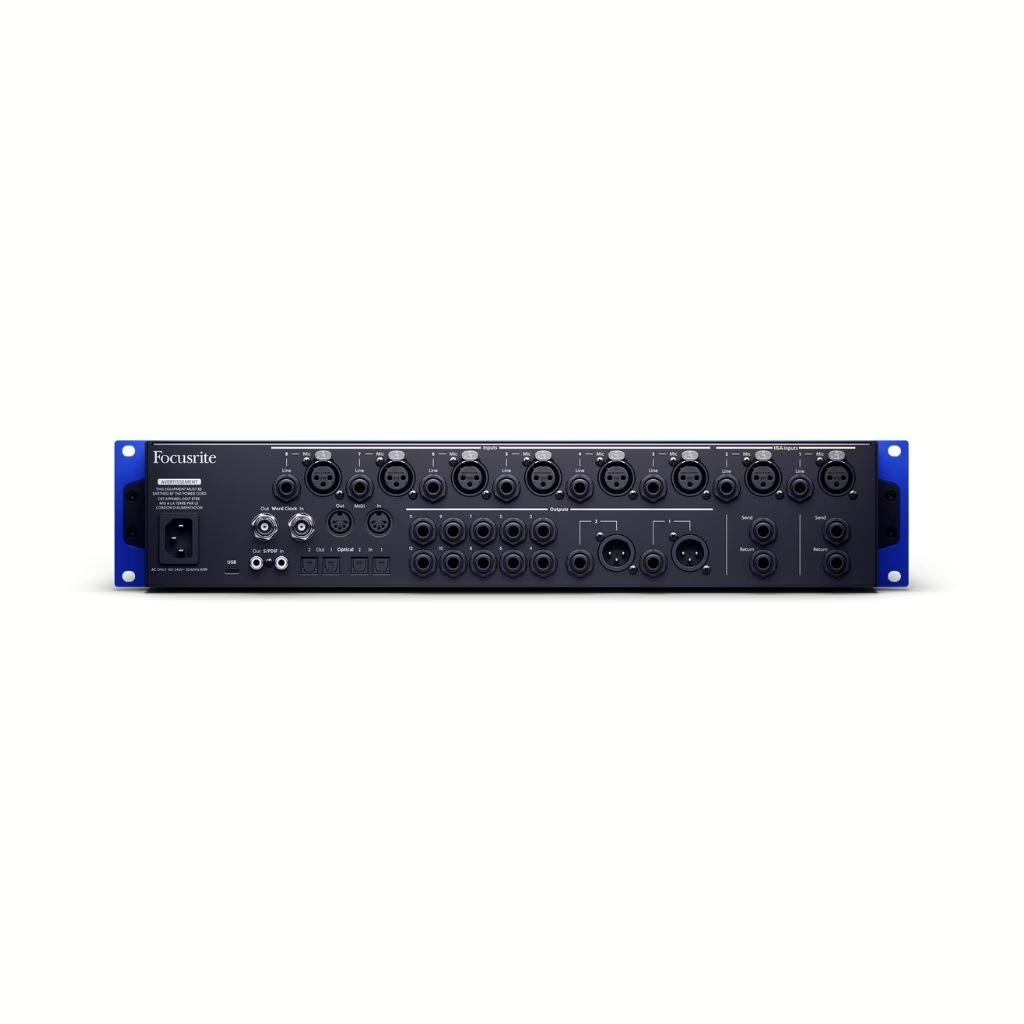
Two field reflexes are worth their weight in gold. First, set one working rate for the whole project and do not change it midway: repeated conversions bring nothing good. Second, leave yourself headroom in your gain staging — bit depth is useless if you record right up against 0 dBFS. These choices are made upstream, from the moment you set up your interface and its converters.
The takeaway
Sample rate governs bandwidth; bit depth governs dynamics and noise. Both are chosen by use case, not by chasing the biggest number. A well-designed converter, a stable clock and clean gain staging will always do more for your sound than moving from 48 to 192 kHz. The real issue was never the kHz count: it is the quality of conversion and the discipline of the take.