Acon Digital has released Acoustica 8, the new version of its restoration, editing and mastering audio editor. One idea runs through the update: machine learning. The cleanup tools move to trained models, and the whole chain — from damaged source to finished master — still lives in a single application backed by a full plugin suite.
Cleanup that no longer needs a noise print
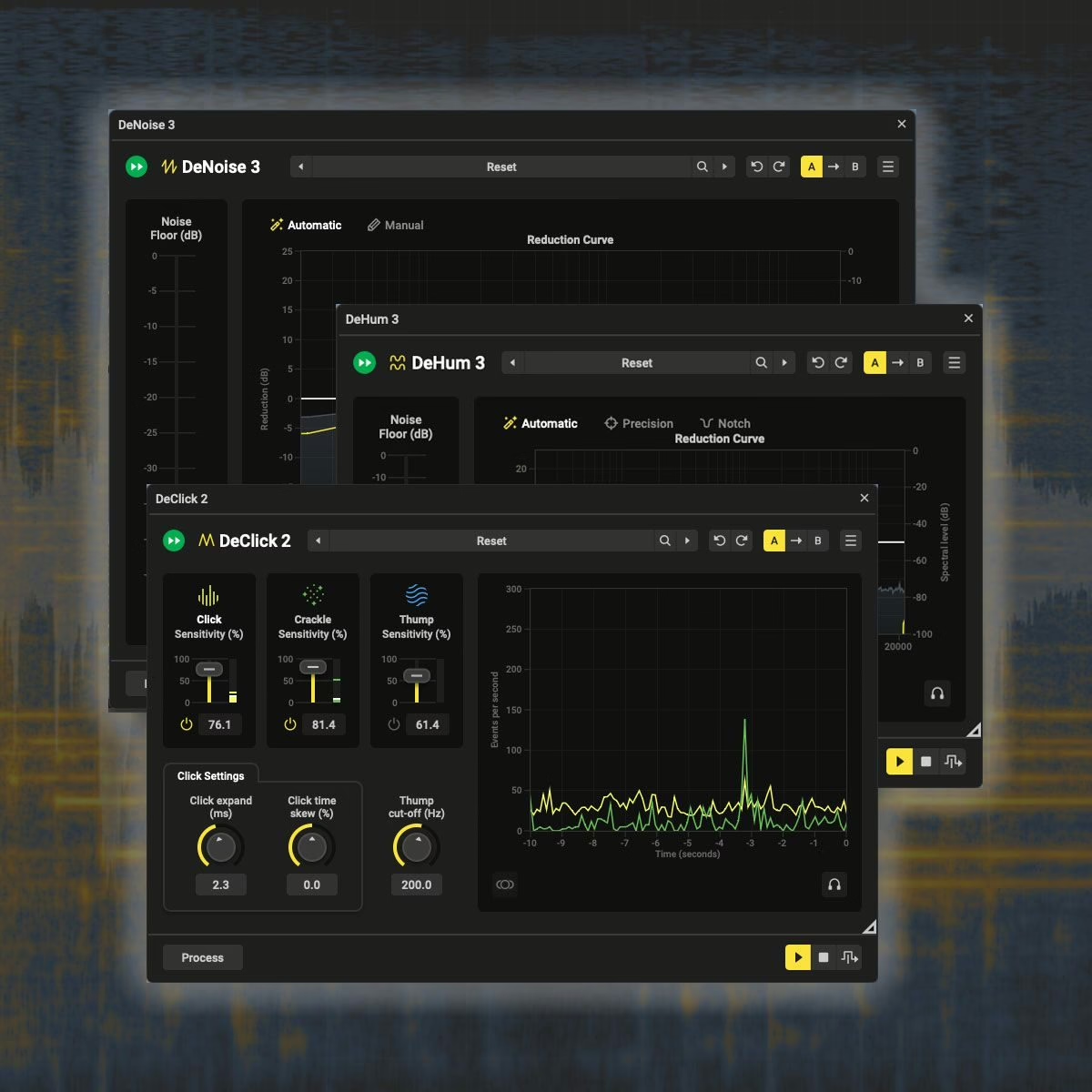
The restoration modules are where the action is. DeNoise 3 and DeHum now run on machine-learning models, so there is no need to grab a noise profile before processing. You drop the tool in, it identifies hiss, mains hum or room rumble, and it works on dialogue, ambience and music alike. It is not only about quality: processing times drop, which matters when you are chewing through dozens of location or podcast files.
Acon Digital’s framing is refreshingly sane: the machine learning is not there to make the calls for you, it is there to take the repetitive work off your plate, so the hours you used to spend on rote cleanup go back into the decisions that matter.
The whole chain in one place
Acoustica 8 covers restoration and editing end to end, and much of it runs in real time. In practice:
- Fix the everyday: clicks, pops, hum, hiss, lav-mic clothing rustle, the background noise that ends up in a location shoot.
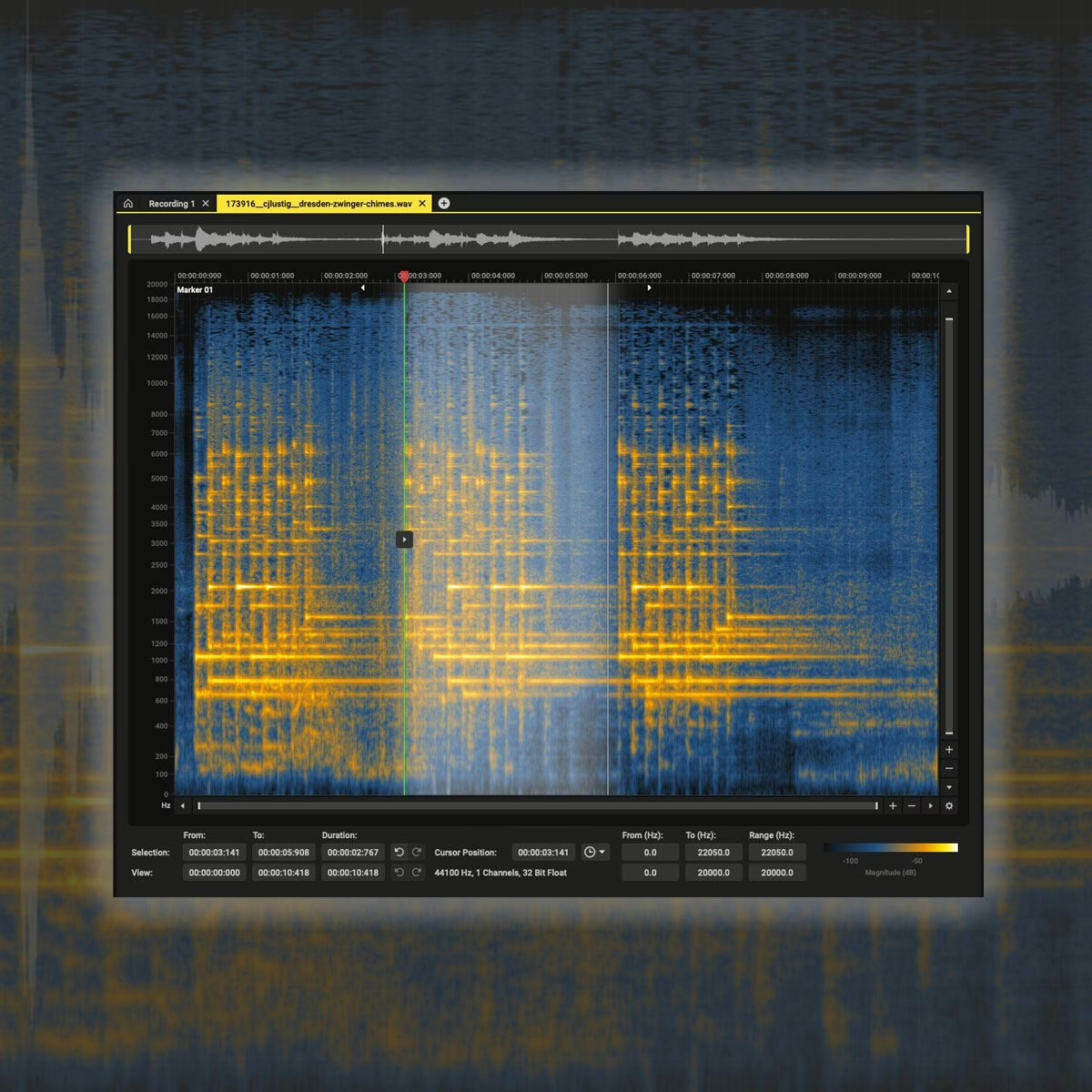
- Spectral surgery: the Spectral Editor removes what broadband tools cannot target — a dog bark, a siren, a page turn, an off-camera cough.
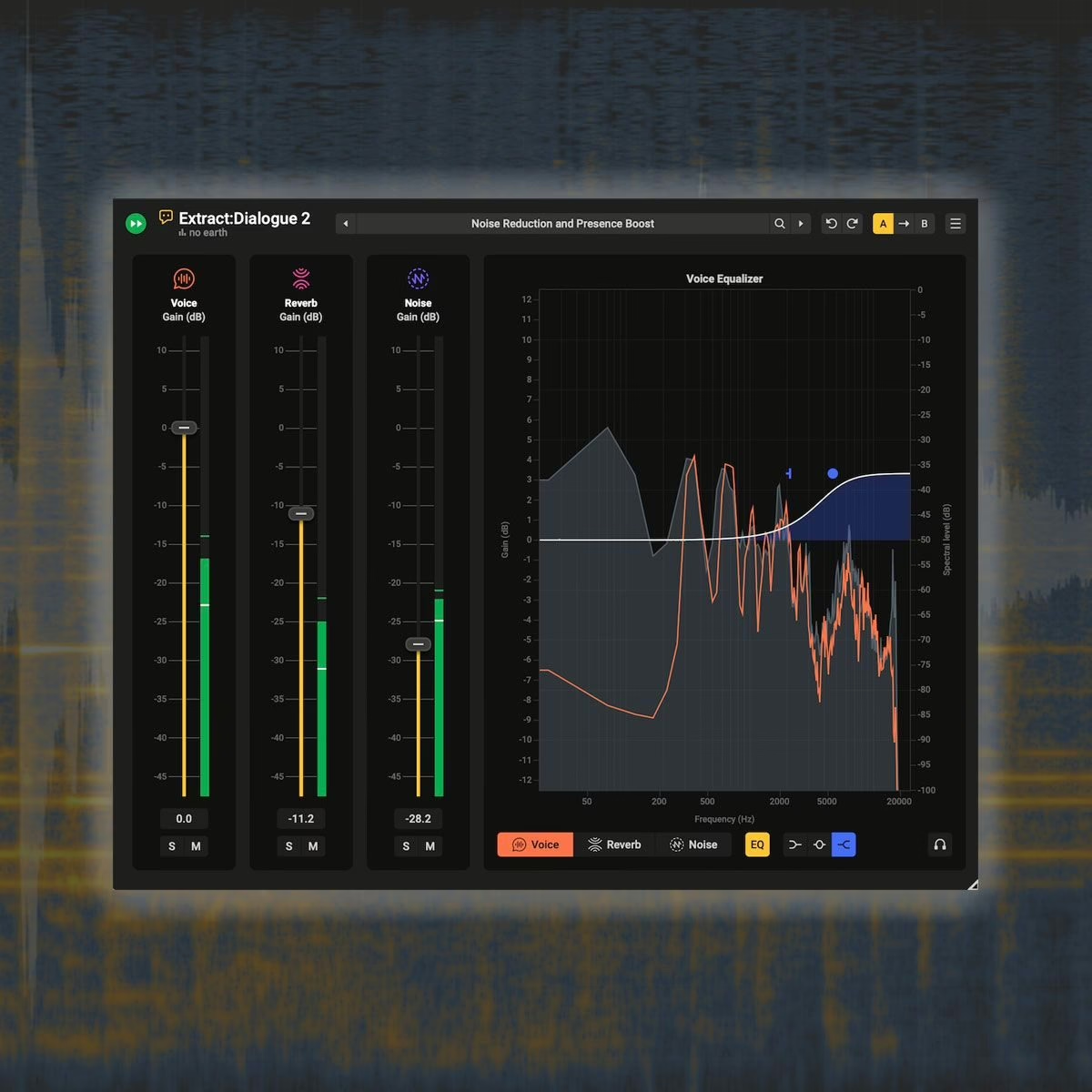
- Isolate the voice: Extract:Dialogue 2 pulls speech from difficult takes with finer control than before, handy when the boom failed or you inherited a messy session.
- Fill the gaps: AudioFill now rebuilds larger time regions with generated content, where you previously had to reach for another tool or accept a compromise.
A spectral editor that shows the stereo field
The Spectral Editor gains a Stereo View that encodes stereo placement in colour right on the spectrogram: you spot a balance issue or a misplaced element visually, before you even hit play. A new “select similar” function finds regions sharing the same characteristics as an existing selection, and adjustable time and frequency feathering lets every repair sit naturally in the source. If you live in the spectral and stereo domain, this is the kind of detail that reshapes a working day.
Three editions, one perpetual licence
Acoustica 8 stays a perpetual licence: buy once, keep it. Three tiers split the catalogue, with a 25% launch discount until 6 October 2026.
| Edition | Price | Who it targets |
|---|---|---|
| Standard | $149 | Spectral and stereo clip editing, multitrack, restoration and mastering tools, ARA support. |
| Premium | $299 | Adds immersive up to 7.1.2, Restoration Suite 2, Mix & Mastering Suite, Drum Production Suite and Extract:Dialogue 2. |
| Ultimate | $449 | Immersive up to 9.1.6 (Dolby Atmos), plus DeVerberate 3, Verberate Immersive and DeFilter; every Acon Digital plugin. |
One more thing that weighs in a modern room: full ARA2 integration, included in every edition. You get Acoustica’s clip editor inside any compatible host, and a dedicated Link plug-in handles the transfer to Pro Tools. In post as in music, that kills the export-and-reimport shuffle. Acon Digital has developed Acoustica for twenty-five years on free updates, and calls version 8 the biggest leap in the line — a claim that rests on the move to machine learning rather than a fresh coat of paint. Anyone working in mastering and stereo placement or reaching for a spectral toolset will find something built for music production, post and content creation.
Frequently asked questions
Is Acoustica 8 a DAW plug-in or a standalone app?
Both. It is a full standalone application, but ARA2 integration — included in every edition — opens the clip editor inside a compatible host, and a dedicated Link plug-in bridges to Pro Tools.
Do I still need to capture a noise print to denoise?
Not for DeNoise 3 and DeHum, which rely on trained models and skip that step. It is one of the most tangible changes in version 8, especially across batches of mismatched files.
Which edition should I pick for immersive work?
Premium goes up to 7.1.2, Ultimate up to 9.1.6, which is Dolby Atmos compatible. Ultimate also adds DeVerberate 3, Verberate Immersive and DeFilter, and bundles the full plugin catalogue.
Is the licence a subscription?
No. Acoustica 8 stays a perpetual licence: the purchase is yours to keep. A 25% launch discount runs until 6 October 2026 on new licences and upgrades.
My take
This is machine learning done right: not a magic wand, but the quiet removal of the grunt work. Dropping the noise-print step in DeNoise genuinely changes the pace of a cleanup session, and a stereo-view spectral editor saves time precisely because it makes the problem visible. All of it on a perpetual licence, with a three-tier grid that stays readable: Standard is enough to edit and restore cleanly, Ultimate clearly aims at immersive post. The open question is how the models hold up on the truly filthy recordings — that is where the promise gets judged.