On any console, a “send” taps a portion of a channel’s signal and routes it somewhere else: to a stage monitor, to a reverb, to a recorder, to a matrix. The one question that always matters is this: is that tap taken before or after the channel fader? Pre-fader or post-fader. The two words sound trivial, yet a box ticked in the wrong place means a singer who hears nothing the moment you pull their vocal down out front, or a reverb that swells on its own through the show. Let us settle it, once and for all.
What “pre” and “post” mean
Picture the signal path through a channel strip: it comes in, passes the gain (the preamp), the EQ, the dynamics, then reaches the fader that sets its level in the main mix. A send can be tapped at different points along that path.
- Pre-fader send: the tap happens before the fader. The level sent does not depend on the fader position. You can pull the vocal all the way down in the room, and the pre-fader send keeps delivering exactly the same level.
- Post-fader send: the tap happens after the fader. The level sent follows the fader: drop the vocal out front and the send drops with it; push it up and the send rises.
Everything else follows from that distinction. There is no right or wrong choice in the abstract: there is a choice that matches what the send is for.
The field rule: monitors pre, effects post
Two uses dominate the life of a console, and each naturally calls for one of the two modes.
Monitor mixes go pre-fader
A performer wants to hear themselves consistently, regardless of what you do out front. If the monitor mix were post-fader, every move of your FOH fader would change what the performer hears: unacceptable. Pre-fader, the stage mix lives its own life, and you stay free to adjust the house without touching the artist’s confidence. That is the foundation of any monitor mix, on wedges or in-ears.
One detail matters here: on digital consoles, a pre-fader send can often be placed before or after the channel EQ and dynamics (“pre-EQ” or “post-EQ”). For a monitor, you generally choose post-EQ: the performer gets an already-corrected sound, minus the sometimes extreme moves reserved for FOH. Your call, depending on the stage.
Effects go post-fader
When you send a vocal to a reverb or a delay, you want the amount of effect to follow the vocal’s level. Push the vocal up in a chorus and the reverb should rise in proportion; cut it and the effect should disappear with it. That is exactly what a post-fader send does: the dry/wet ratio stays constant whatever you do with the fader. Pre-fader, you would get a reverb still ringing while the vocal is down, precisely the kind of sonic ghost that gives away a badly wired mix. We dig into this in our guide to console routing and clean feeds.
The cases that make you think
The “monitors pre, effects post” rule covers 90% of situations. A few cases still need a conscious decision.
- A recording or broadcast send: often pre-fader, to capture a stable level that does not depend on FOH moves. But if you want to record exactly the mix heard in the room, set it post-fader.
- A “shout” or talkback to the stage: pre-fader, mandatory, since that channel is not in the house anyway.
- An effect you want locked at a fixed level (say a rhythmic delay that must stay present even when you ease the vocal down): a pre-fader send can be justified here, knowingly.
- A monitor subgroup: if you route several sends into one bus, check the nature of each send before trusting the bus level.
Where to find the setting, and how to check it
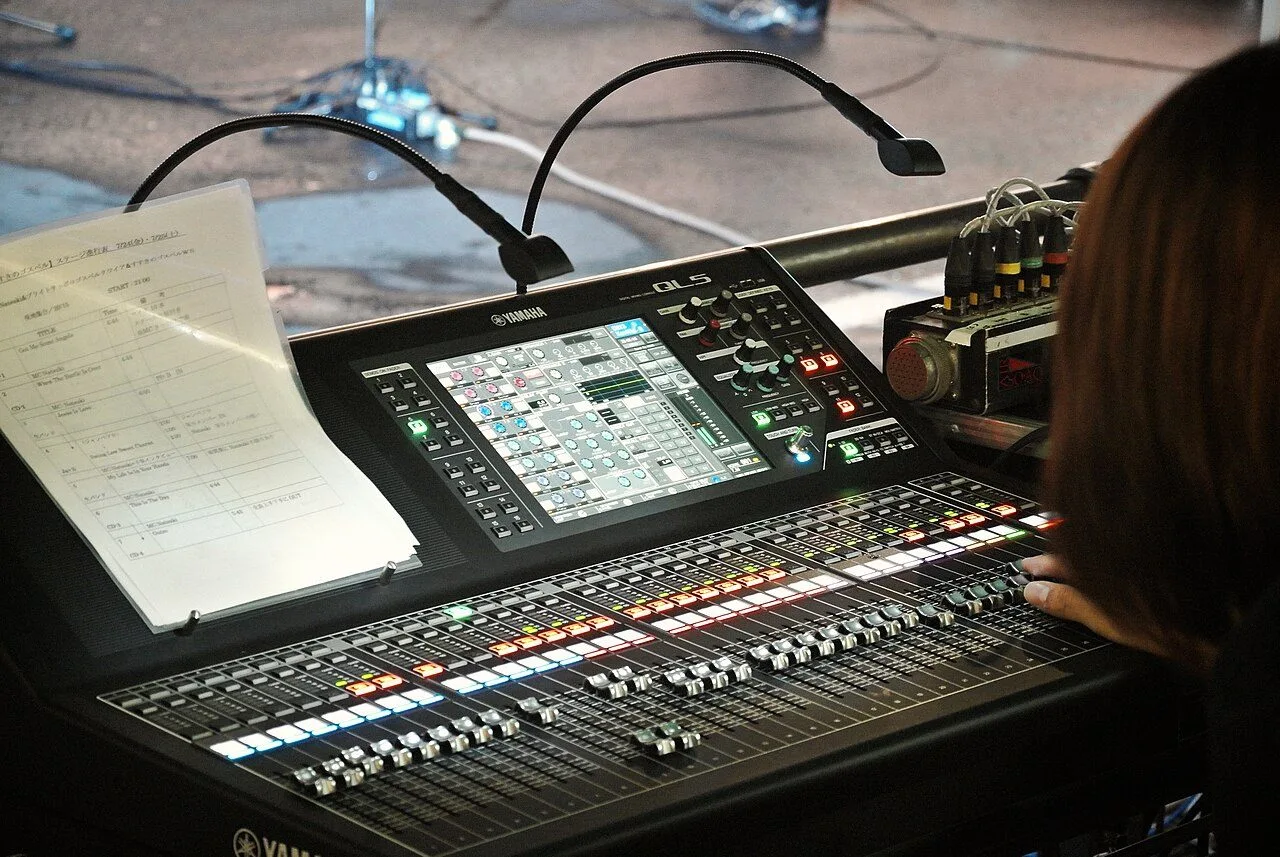
On an analogue console, the pre/post choice is often a small button above the send pot, or does not exist at all (the send is factory-wired pre or post). On a digital console, it is a software parameter, settable send by send, sometimes globally per bus: more flexible, and easier to forget. Make it a habit, during prep, to review the pre/post state of every aux bus. On a Yamaha QL5, as on most recent digital desks, the pre/post assignment is visible at a glance in the sends page, bus by bus.
The best moment to lock all of this is in offline prep: you decide which aux buses are monitors (pre) and which are effects (post) before you even reach the stage. And mind how it interacts with your groups and VCAs: a VCA acts on the channel fader, so it affects post-fader sends but not pre-fader ones. That is logical, but it catches people out the day they forget it mid-show. It also shapes how you plan your monitoring approach from the start.
My take
Pre or post is not an engineer’s nicety: it is the line between a monitor that holds and one that shifts under your fingers. The good news is that the logic is crystal clear once stated: send pre whatever must stay independent of the house, post whatever must follow it. The real trap on digital consoles is the flexibility itself: everything is reconfigurable, so everything may have been left in an unexpected state by the previous patch. One systematic glance at the bus states during prep, and you spare yourself the little cold sweat on the first chorus.