At a show you look at the console and you listen to the speakers. Between the two, a quiet link decides much of the result: the loudspeaker management processor, often called the system processor or speaker controller. It splits the signal across the ways, protects the transducers and aligns the whole lot in time. Understanding it is how you stop being at the mercy of a system and start driving it.
What does a system processor do?
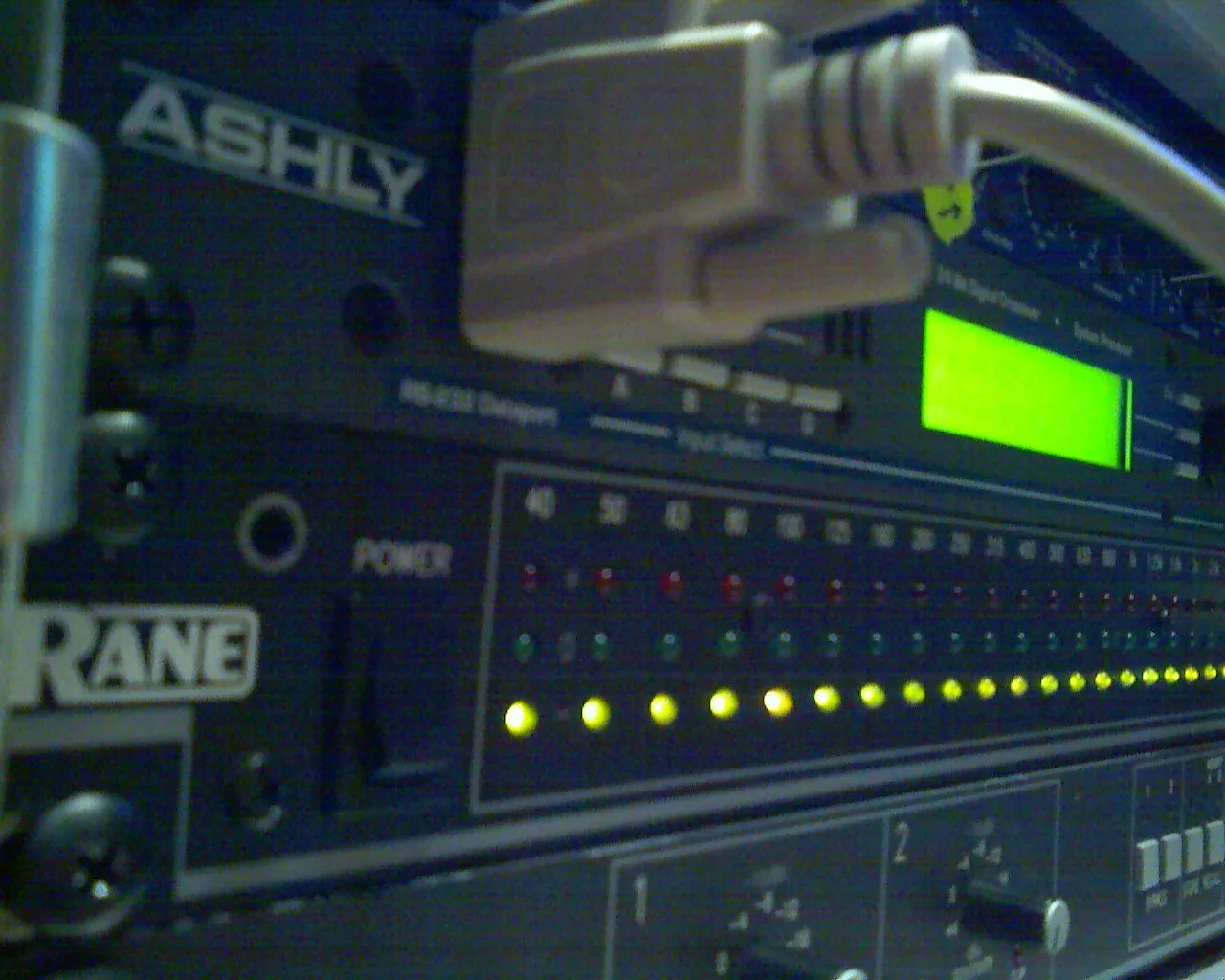
A system processor is a digital unit placed between the console output and the amplifier inputs. It takes a full-range signal and conditions it for each way of the system: lows, mids, highs, subs. Its job isn’t to flatter the sound like an effect, but to make sure every box receives exactly the frequency band, level and timing it needs. It’s the tool that turns a stack of boxes into a coherent system.
The core functions
The crossover
This is the historic function. The processor splits the spectrum and sends each slice to the right way: lows to the subs, mids and highs to the tops. You set the crossover frequencies, the slope and the filter type. A clean split keeps you from asking a high-frequency driver to reproduce bass — which it hates — and that’s the whole point of active system processing and bi-amping handled digitally rather than by a passive crossover inside the box.
EQ and correction
Each way has its own EQ. You correct the response of the box itself (the “system” EQ, often locked by the manufacturer) and adapt the sound to the room. Keep the distinction clear: system correction belongs to tuning, not to the mixer’s taste. You don’t “mix” in the processor; you set it so the console starts from a neutral, predictable base.
Delays and alignment
The processor applies independent delays per way. They do two things: align the transducers within one box (so lows and highs arrive in phase at the crossover) and align separate sources with each other — typically timing the subs to the tops, or delaying a fill so it stays coherent with the main PA. It’s the direct extension of system tuning: measurement says what to set, the processor executes it.
Limiters and protection
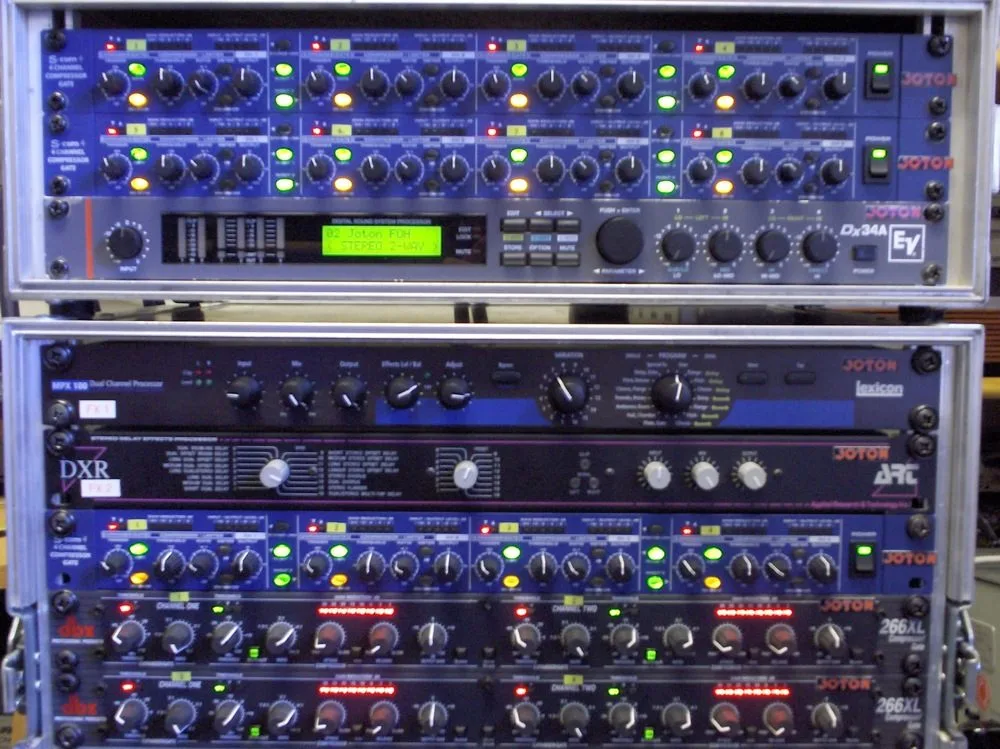
This is the function that can save a system — or betray it if you neglect it. Each way has limiters set never to exceed the capabilities of the transducer and its amplifier. There’s usually a peak limiter, which caps instantaneous spikes, and a thermal (RMS) limiter, which protects the voice coil over time. These thresholds depend directly on the amp/speaker pairing, which is why the power and impedance choices covered in our guide to matching amplifiers and speakers determine a correct limiter setting.
Factory presets: friend or trap?
Most manufacturers supply presets dedicated to their speakers, bundling crossover, system EQ, internal delays and limiters. Used well, they save you precious time and guarantee coherent protection. Two habits, though: check the preset matches the exact speaker model and the amp in use, and never blindly change the locked protection parameters. A preset is not a room tuning: it gives you a “flat”, protected box — the venue adaptation is yours to add afterwards.
Dedicated processor or amp-integrated DSP?
Two schools coexist. The standalone rack processor, placed ahead of a bank of amps, remains the reference for big shows and multi-brand systems. On the other side, modern amplifiers increasingly embed a full DSP: crossover, EQ, delays and limiters live inside the amp itself, driven by software. For a homogeneous single-brand system, that integration simplifies life and pulls protection closer to the transducer. For a mixed inventory or a large PA, the central processor keeps the advantage of the overview.
A method that avoids surprises
- Start from a manufacturer preset matching your speaker and amp: you inherit a coherent crossover and limiters.
- Check polarities and internal delays before any room measurement: a miswired system skews everything that follows.
- Then align the sub-systems to each other — subs to tops, fills to mains. That’s a matter of measurement and time alignment, not ear alone.
- Save room EQ for last, once the system is physically tuned and the subwoofers are correctly placed.
- Don’t touch the protection limiters to “gain level”: if you’re short on SPL, the problem is elsewhere — in sizing the PA system or the box count.
My take
The system processor is the most underrated link in a PA, yet it decides whether your speakers survive the night or go up in smoke on the first big kick. The good news: a well-chosen manufacturer preset already does 80% of the work and protects the investment without your having to understand every limiter threshold. The trap is trying to mix in it — that’s not its job. Let it do what it does best — split, align, protect — and keep the musicality for the console. A well-processed system isn’t heard; it just sounds right, loud and long.