Everyone has been there: you program a drum loop perfectly in place, every note dead on the beat, and it still does not groove. The problem is almost never the choice of sounds, it is rhythmic placement. Groove, swing and quantization are the tools that separate a mechanical sequence from a living one. Let’s see how they work and how to set them.
The grid, the tempo and placement
In a sequencer or a DAW, time is divided into a grid: quarter notes, eighths, sixteenths and so on. Placing every note exactly on that grid gives a metronomic result, often described as stiff or robotic. That is not a flaw in itself: some electronic styles live on that precision. But music played by humans never lands perfectly on the grid, and it is that tiny, consistent deviation that creates the feeling of groove.
Quantization: strength, window and traps
Quantizing means magnetizing notes toward the grid. The most useful control is not the plain on/off switch but quantize strength: at 100 percent, the note snaps right onto the beat; at 50 percent, it moves toward the beat without reaching it, keeping part of your original playing. That is often where the sweet spot between precision and life lives. Beware the trap: quantizing a nicely felt part to 100 percent destroys the very feel you liked. Iterative quantize, which tightens things up gradually, is a more musical alternative.
Swing and shuffle
Swing pushes the even subdivisions (the second eighth of each beat, for instance) later, creating the ternary lilt typical of shuffle, hip-hop or house. Classic drum machines expressed this as a percentage: 50 percent is straight; around 54 to 58 percent, a gentle lilt; past 62 percent, a marked shuffle close to a triplet. The swing of old samplers became a sought-after signature precisely because it was not perfectly adjustable.
Groove templates, micro-timing and velocity
A groove template is the rhythmic fingerprint of a performance: the timing and velocity deviations of one loop, which you can apply to another. Pulling the groove from a famous break and laying it over your programming is one of the most effective shortcuts to sounding alive. By hand, three levers are enough: nudge an element slightly ahead for urgency, pull it back for relaxation, and vary velocity to break the uniformity. A snare that always hits at the same strength sounds like a machine; two or three velocity steps and it breathes.
Groove is not only about drums: where a bass line sits against the kick changes the whole foundation of a track, and a tempo-synced LFO can reinforce or fight that lilt. Rhythmic effects such as sidechaining lean directly on that placement.
On hardware and in the DAW
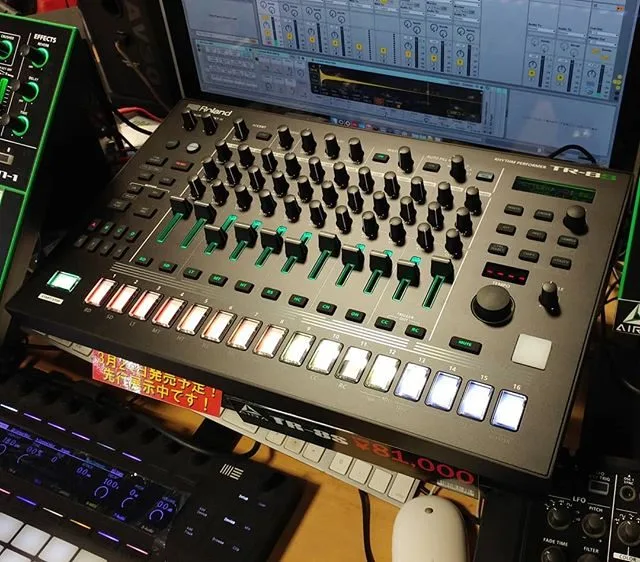
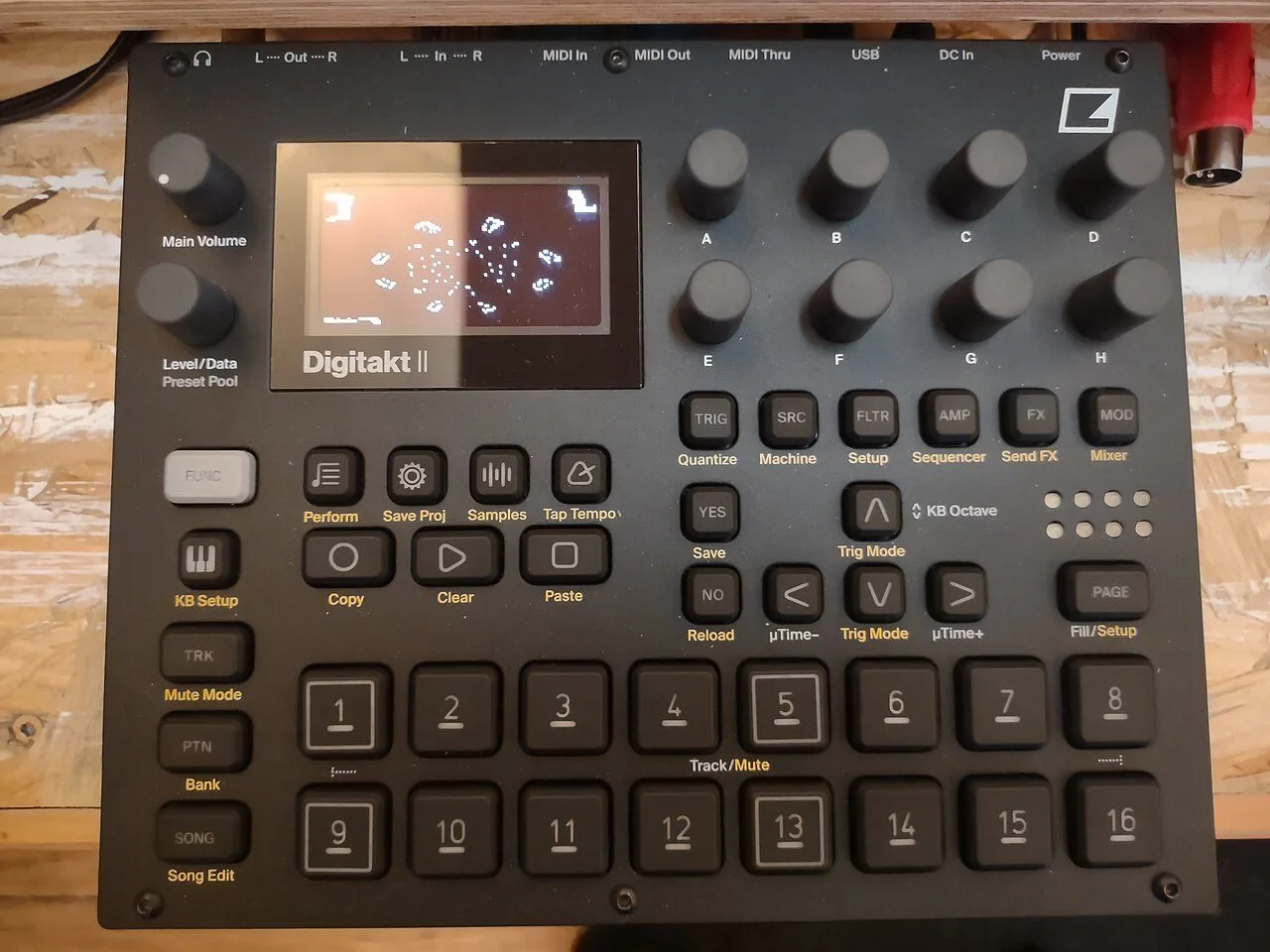
Hardware sequencers each handle groove their own way: some offer a global swing, others per-step micro-timing that lets you shift a single note. In a sequencing brain like the Squarp Core, those settings become the heart of the playing. In the DAW the principle is identical, with the added ability to extract and reuse grooves. And when you work from loops, understanding how a sampler slices and places sound helps enormously: our sampling guide covers that link from sample to groove. Finally, if you drive external gear, timing accuracy depends on your clock: see MIDI and CV/Gate.
My take
The grid never killed a track: using it blindly does. What is striking is how little it takes, one or two percent of swing and a few velocity moves, to turn a flat loop into something that moves. The best groove templates often come from old samplers, and there is a real reason for that: their timing was not perfect. Nudge a hi-hat by a hair and drop every other hit, and you will hear the whole thing change character.