The Tascam Mixcast 4 belongs to the family of devices that changed podcast production: an all-in-one station combining mic preamps, a multitrack recorder, a USB audio interface, sound-pad playback and remote-guest handling, all driven from a touchscreen. Rather than another spec sheet, here is a working guide — what the machine really does, and how to set it up to deliver a clean episode without a painful edit.
The quick tour
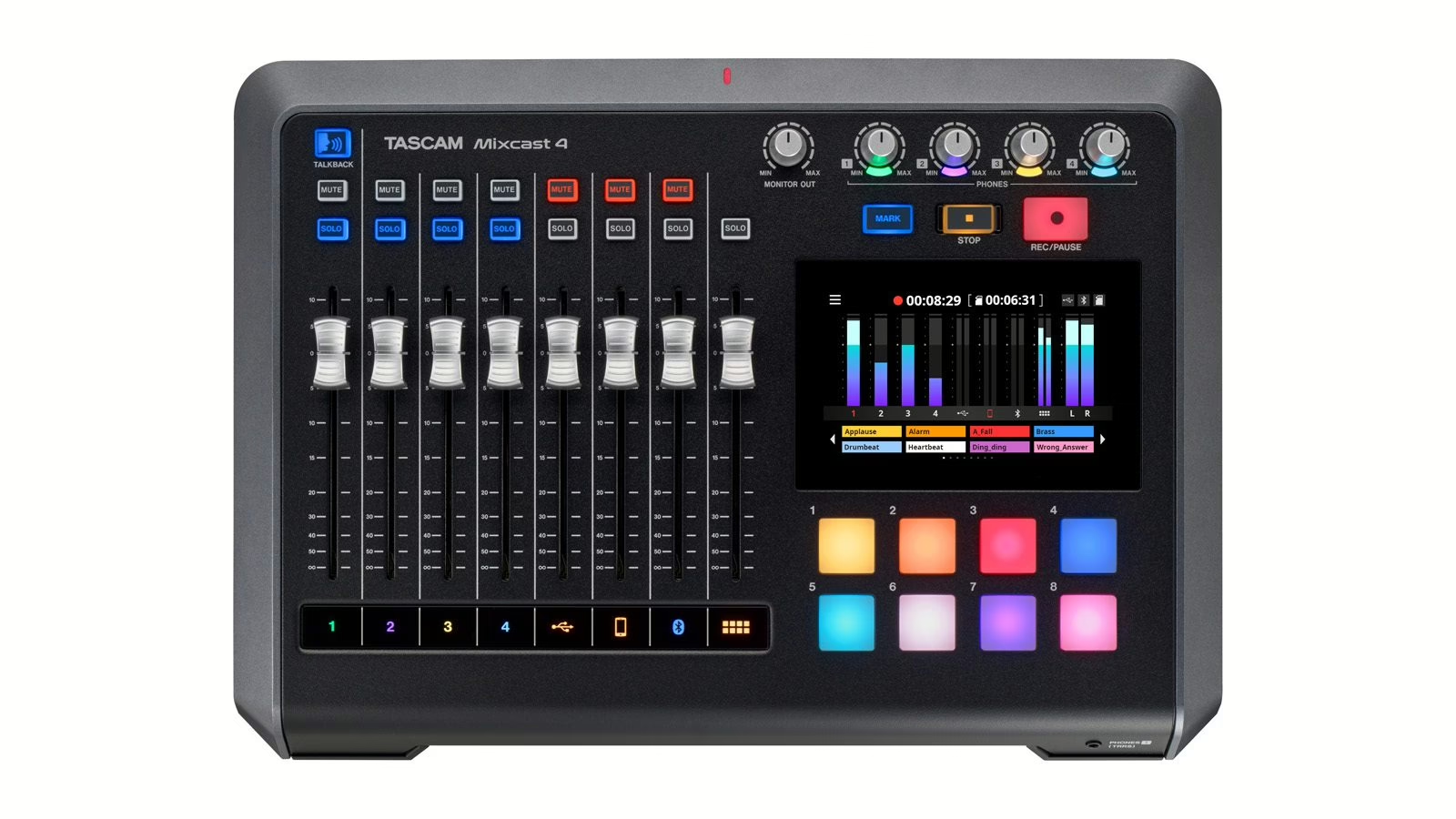
At the center, a 5-inch color touchscreen acts as the dashboard: levels, routing and settings all live there. The surface lines up physical faders — one per source — and assignable pads to fire music, stingers and sound effects. On the back sit four XLR/TRS combo inputs for mics, with plenty of gain on tap (up to 66.5 dB) and phantom power for condenser mics. Crucial for a round-table: four independent headphone outputs, each with its own volume, so every guest sets their own monitoring without touching anyone else’s mix.
Wiring the mics and setting gain
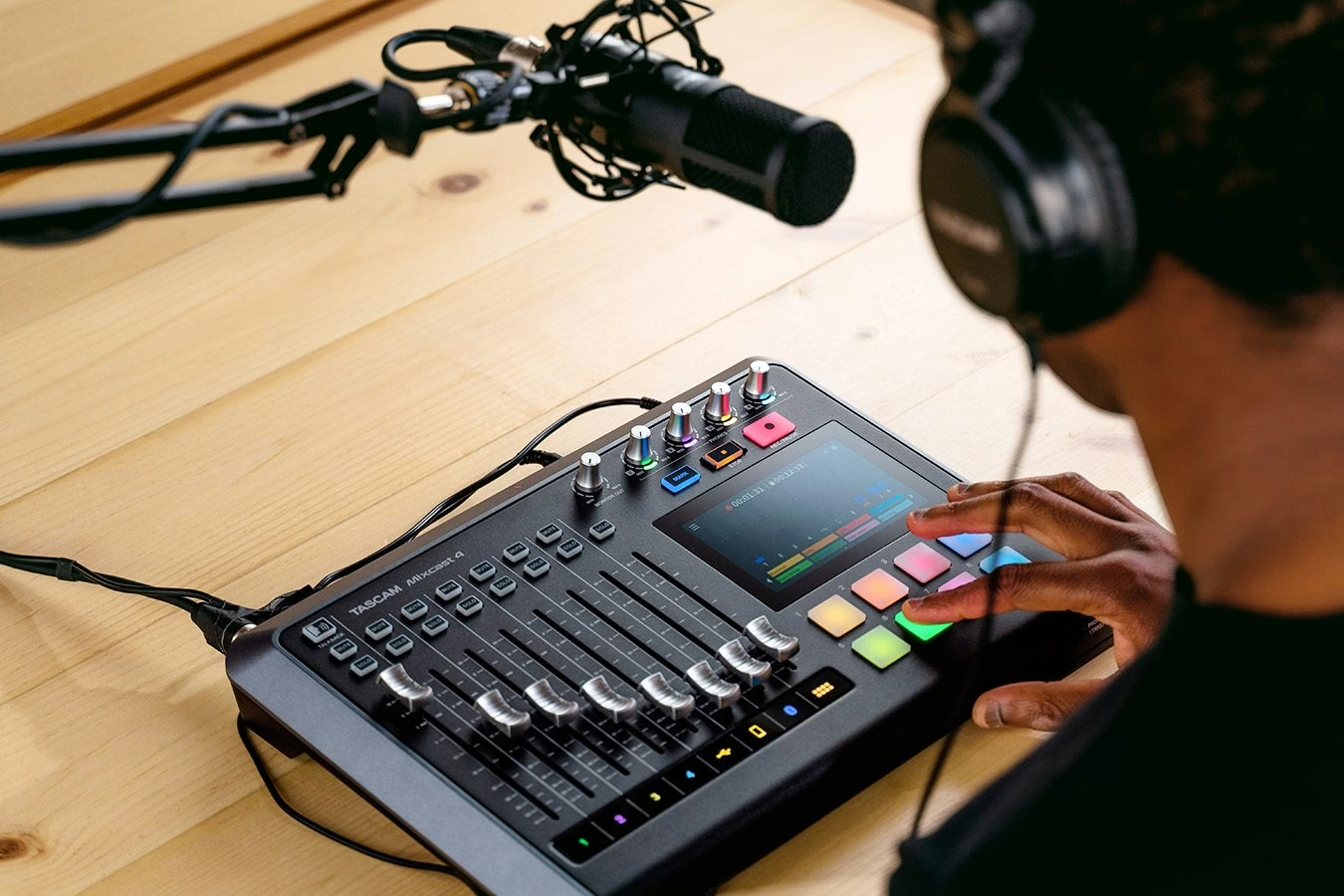
Start with gain — it is 80% of the result. Connect each mic to a combo input, switch on phantom power if you use a condenser (unnecessary, even risky, for a dynamic), then raise the gain until a normally spoken voice reaches a comfortable zone on the meters — never hitting the red. A close-up broadcast-style dynamic mic will ask for a lot of gain: that is normal. If you are unsure about mic choice and placement, our guide to podcast voice walks through the whole chain.
Recording multitrack (and why it is non-negotiable)
The Mixcast 4’s strength is its direct multitrack recording to SD card: up to 14 tracks in WAV 48 kHz / 24-bit, meaning the final stereo mix plus each source recorded separately (the four mics and the auxiliary inputs). Why does it matter? Because in the edit you can fix a single speaker — tame a breath, cut a cough, repair a level — without touching the others. Recording only the stereo mix condemns you to live with your mistakes. Make it a habit: the mix for live comfort, the separate tracks for safety in the edit.
Using the Mixcast 4 as a USB audio interface
Connected to a computer over USB-C, the station becomes a 14-in / 2-out audio interface. Your DAW then sees each source as a distinct track: you record multitrack straight into the project, or go live by sending the clean mix to your streaming platform. It is also the ideal route for a video podcast: audio flows cleanly into the capture software while the SD card keeps a local backup. The dual-recording principle (computer plus card) is the same one we recommend for a well-secured remote podcast.

Bringing in remote guests: automatic mix-minus
This is where the Mixcast 4 saves real time. It takes a guest over Bluetooth (a phone call), over USB (a video-chat app) or through the TRRS line input (a wired smartphone). For each of these paths, the machine automatically applies a mix-minus: the guest hears the whole mix except their own voice. Without it, they would hear themselves come back delayed, creating the echo and feedback that wreck a live show. If the concept is still fuzzy, read our dedicated explainer on mix-minus: it is THE reflex to master for any show with guests.
The pads: jingles, stingers and atmosphere
The assignable pads instantly trigger sound elements: theme, transitions, effects, a bed under an interview. You prep them in advance, organize them into banks, and play them live like an instrument. Used well, they give a bedroom podcast the polish of real radio. Just do not overdo it: a jingle every thirty seconds tires the listener more than it drives the episode.
The edit: Tascam Podcast Editor
Tascam bundles its Podcast Editor software (Windows, macOS, iOS/iPadOS), which reads the separate tracks recorded to the card and offers transcription and text-based editing. Nothing forces you to use it: your WAV files open in any DAW. But for a fast workflow — record, clean, export — it makes life easier for anyone who does not live inside a DAW.
A recommended workflow
In practice: prep your pads and levels before you go on air; start multitrack recording to SD and, if you can, over USB to the computer (double safety); give each guest a headphone feed and a volume; check the mix-minus with a test call before the real thing. To compare with another all-in-one approach, see our Tascam Model 12 guide, or, on the rival mixer-recorder side, our RØDECaster Pro II multitrack guide.
My take
The Mixcast 4 shines at one thing: it makes the right habit easy. Multitrack to SD, automatic mix-minus across three kinds of guest and four independent headphone feeds solve, with no obscure menus, the three problems that sink 90% of beginner podcasts. The touchscreen will put off fans of dedicated buttons, and the pads can turn into a gimmick if you let loose. But for a multi-voice show, recorded cleanly and edited fast, it is a remarkably effective way in. The real luxury here is not the tech: it is never again having to explain to a guest why they can hear their own echo.