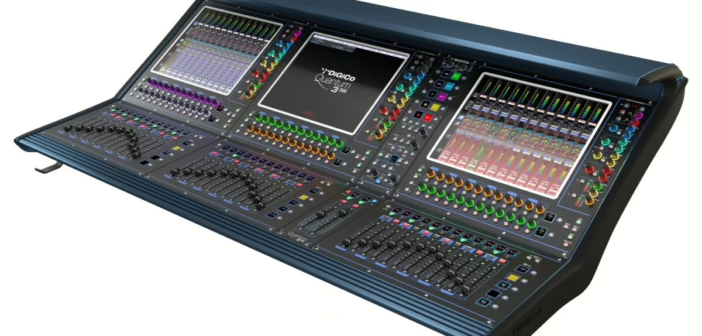
Look at a large studio console and you see a forest of faders, buttons and knobs that can feel impenetrable. Yet it all comes down to one architectural decision the designer made: is the console split or in-line? That choice determines how signal flows, how many sources you can handle, and even how you work day to day. Understanding the difference demystifies any analogue desk — and saves you from nasty surprises when buying a used console.
Two signal paths, a question of layout
During a recording, a studio console has to serve two needs at once. On one side, sending signals to the recorder (the channel path): that’s where you set preamp gain and structure the level to the medium. On the other, letting musicians and engineer hear a pleasant monitor mix (the monitor path) without that mix affecting what actually goes to tape.
The difference between split and in-line is simply how those two paths are physically laid out on the surface. Nothing more — but it changes everything in use.
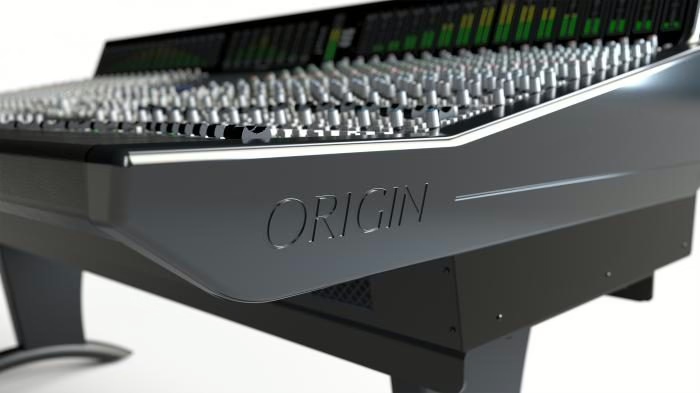
The split console: a place for every function
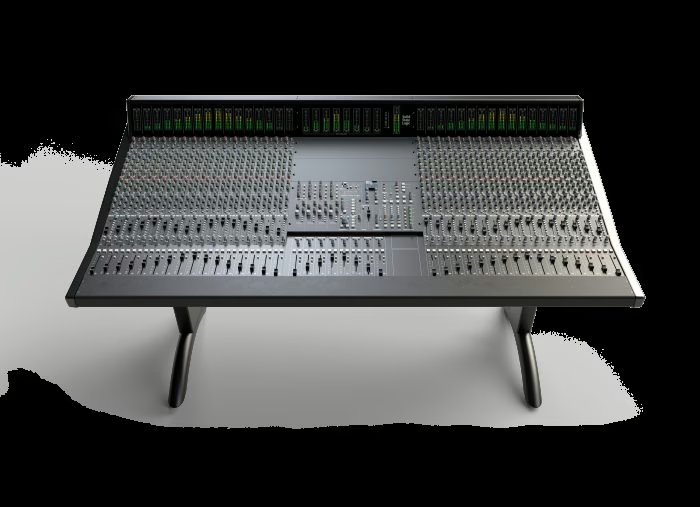
On a split console (also “split monitor”), the surface is cut into two distinct zones. A large input section on the left holds the channels: each has its preamp, EQ, dynamics and large fader, and is used to send signal to the recorder. A separate monitor section, often on the right near the master, receives returns from the recorder and builds the listening mix.
The upside is educational: each function has its own clearly identified set of controls. You see at a glance what’s going to the recorder and what you’re listening to. It’s a clean architecture, ideal for learning and for setups where track counts stay modest. The downside is just as clear: it takes a lot of room, and at mixdown the monitor section usually doesn’t offer the same full processing as the input channels. The number of genuinely mixable inputs is therefore capped by the size of the main section.
The in-line console: two signals per strip
The in-line console solved that problem elegantly, and it’s the architecture of the big desks that shaped studio history. Here there are no longer two separate sections: each channel strip carries both the recording path and the monitor path. You typically find a large fader and a small fader: one drives the channel, the other the return, on the same vertical module.
The space saving is dramatic, but the trick goes further. At mixdown, when you’re no longer recording, both paths of each strip become available as two mix inputs. A 32-strip in-line console can thus offer up to 64 inputs at mix time: enough to recall every track of a dense session without a sidecar. That efficiency is what made in-line the standard on SSL 4000s, big Neves, APIs and most modern recording consoles.
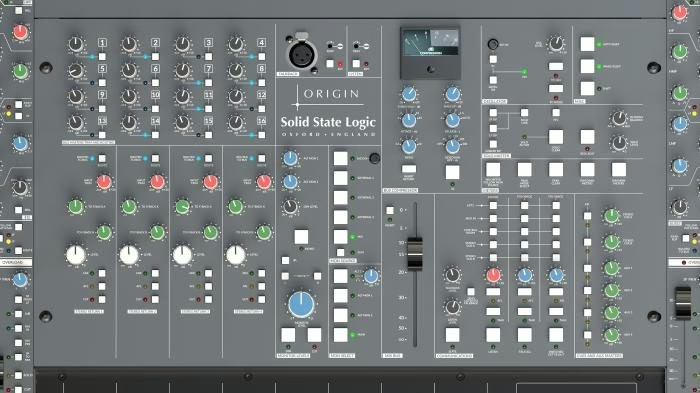
The “flip” and strip logic
The trade-off with in-line is a steeper learning curve. Since two signals share the same strip, you have to know which one passes through the EQ, the aux sends or the main fader at any moment. Hence the flip function (or “fader reverse”), which swaps the roles of the large and small faders, plus a set of switches that assign the EQ or auxes to one path or the other. Once the logic clicks, you gain tremendous flexibility; until it does, you wonder why the sound isn’t coming out where you expect. Sound gain-structure discipline matters here just as much as in the digital domain.
So what does it change today?
In the all-digital age you might think the debate is closed. It isn’t. First because the used analogue market is alive and well: reading a console’s architecture before buying saves you from acquiring a bulky split when you wanted the input density of an in-line. Second because makers still believe in it: SSL, for instance, recently showed the O-Series that automates from the DAW, and the big Odyssey that finally brings total recall to an analogue architecture. These modern desks take the in-line logic to marry the best of both worlds: the sound and feel of analogue, the recall and integration of digital.
For most home studios the question stays theoretical — the audio interface and DAW do the job. But the moment you get your hands on a real console, telling split from in-line is no longer scholarly trivia: it’s the reading key that makes the object make sense.
My take
In-line remains one of the finest pieces of engineering in studio history: doubling the inputs available at mix without doubling the desk’s footprint, while keeping a clean recording path. Split, for its part, keeps a virtue I find precious for learning — you literally see the signal flow. The real trap today is buying a used console without having identified its architecture. Take five minutes to spot the small faders and the flip function before you sign: that detail decides whether the desk really fits the way you work.