The question looks simple and hides a misunderstanding: you are comparing two machines that do different jobs. An audio interface carries signal to a computer; a mixer sums it before it goes anywhere. Until that is clear, no comparison of price or input count means anything. Here is where the line sits, and the third case — the mixer that does both — which settles most situations in practice.
- With an interface, mixing happens in the software: the box only converts and transports.
- With a mixer, the blend exists inside the machine and comes out on its own, with no computer.
- A USB mixer combines the two — provided you check it really sends multitrack and not just a stereo mix.
- The deciding question is whether you need to treat every source separately afterwards, or produce a blend live.
Two machines, two places where mixing happens
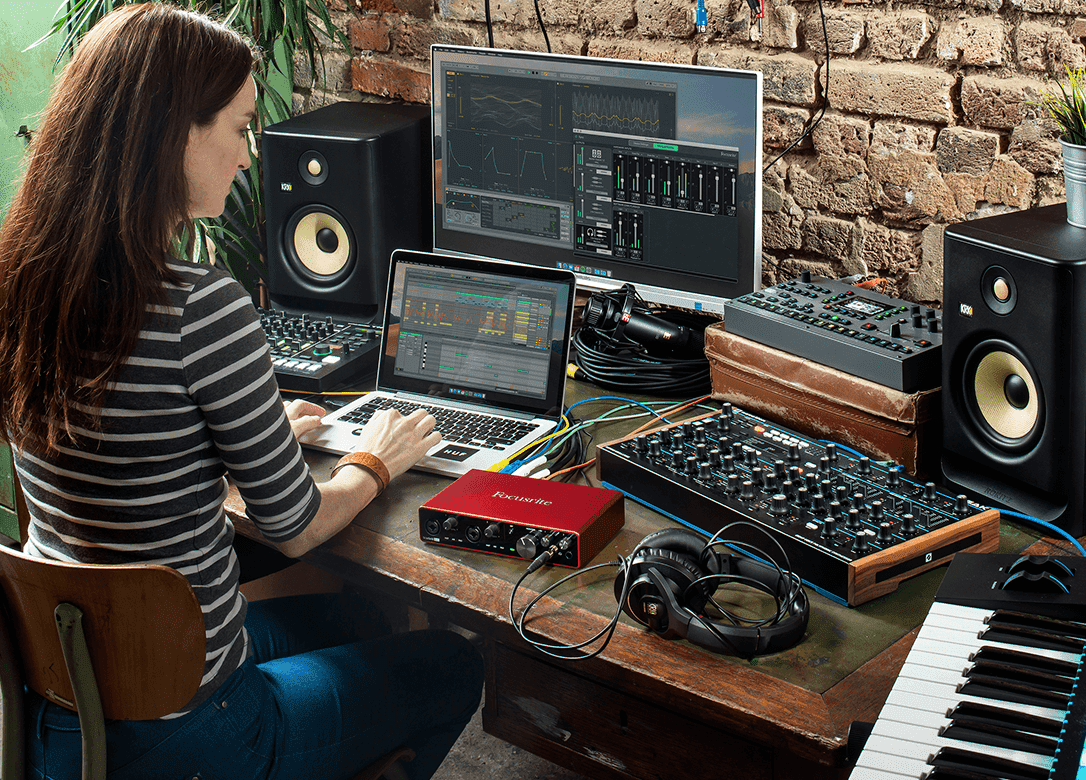
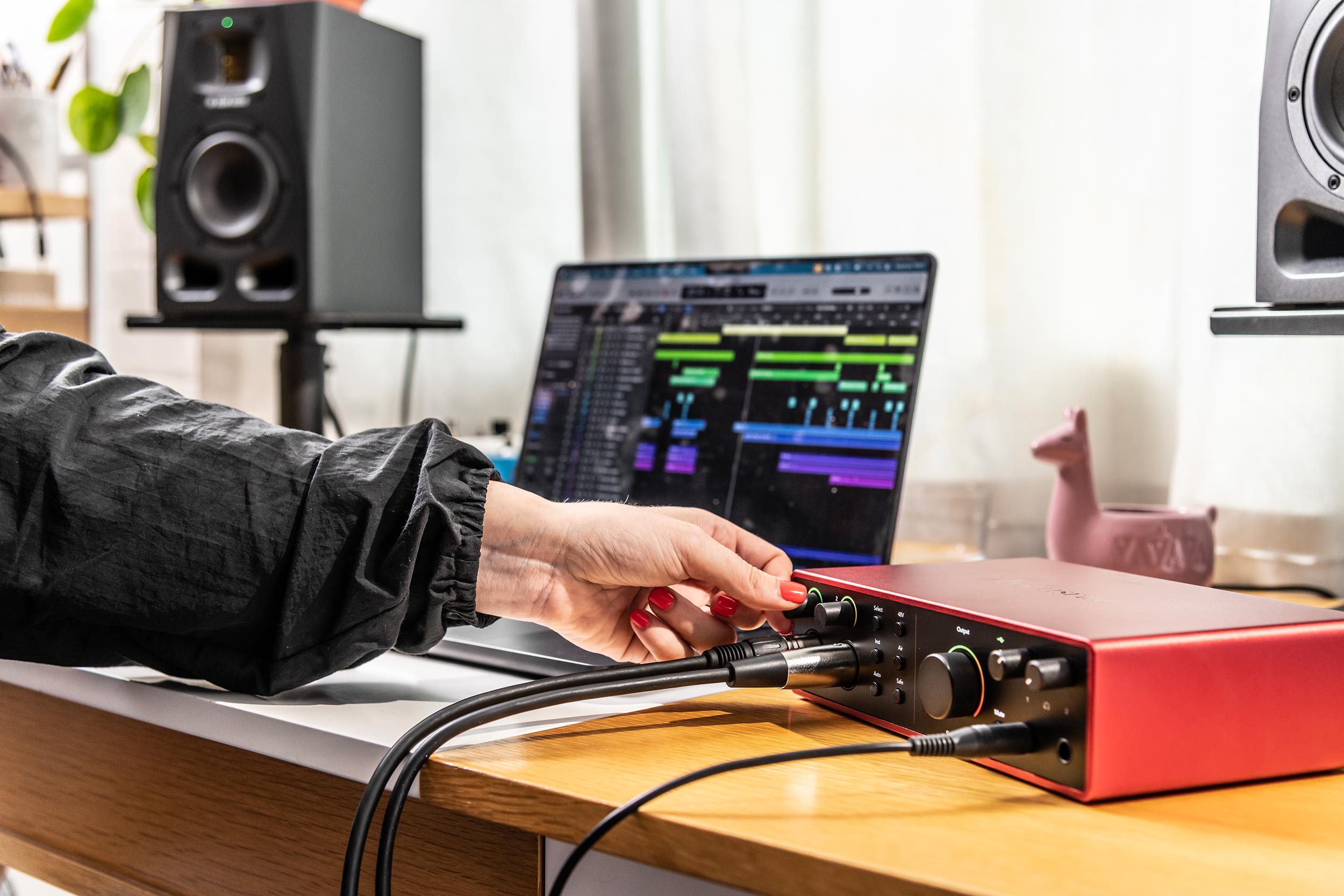
An audio interface has preamps, converters and a link to the computer. It sends every input to its own track, and the software then decides levels, corrections and balance. With no computer running, it produces nothing useful.
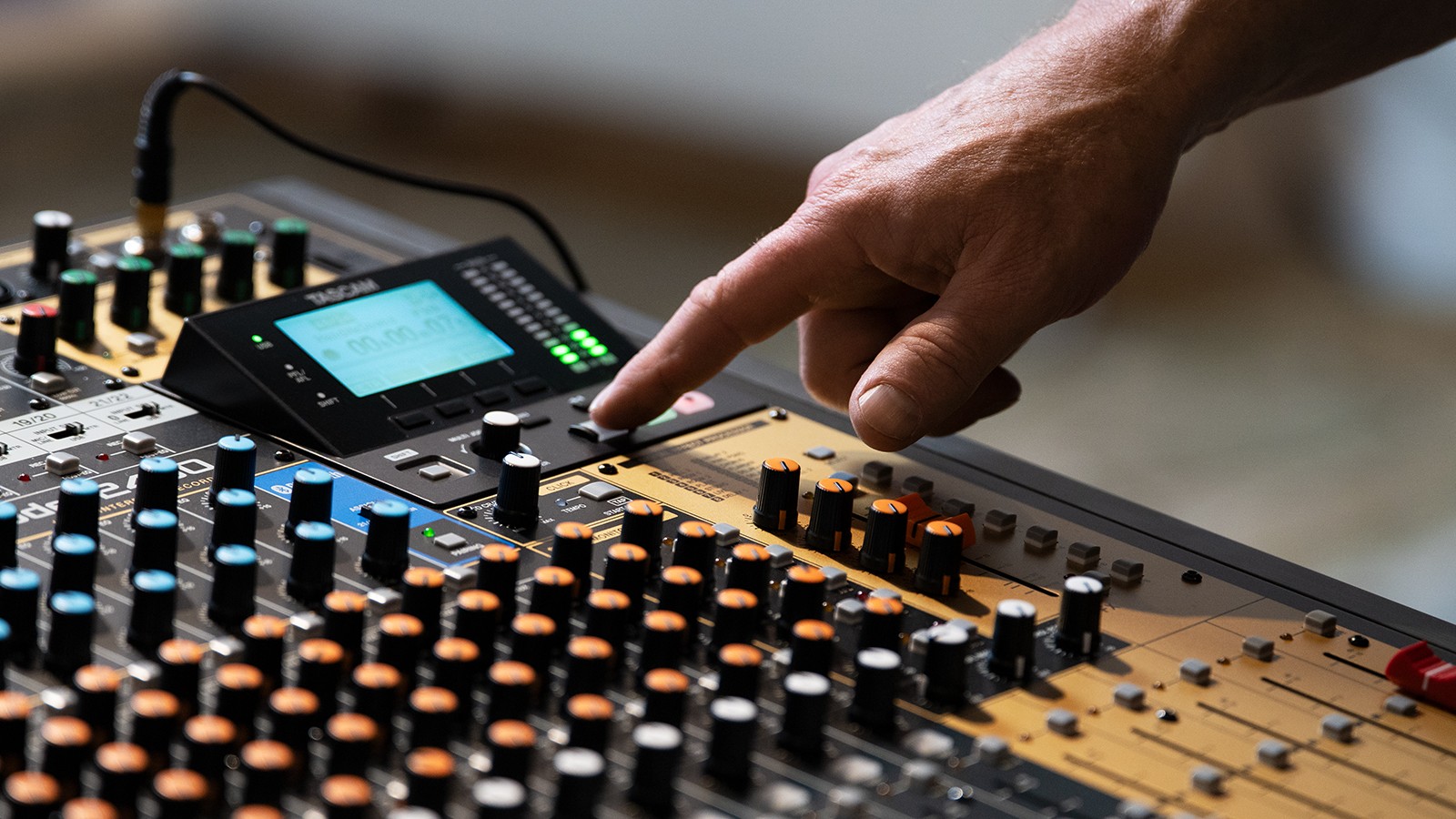
A mixer also has preamps, but it adds what defines it: summing buses. The blend is built in the machine, with faders, and it leaves through a socket. Unplug the computer and everything keeps working.
The interface wins when you record to rework later
The moment the project involves reworking the sound afterwards, the interface wins outright. Every source lands on its own track, intact, and nothing is fixed: you can change your mind about the balance, fix a take, redo a vocal. A blend already summed cannot be taken apart.
It also brings two things a mixer does not. Managed latency through dedicated drivers, which makes it possible to record while monitoring through the software — the point that decides whether a system is playable. And better conversion at equal budget, since the whole build cost goes into preamps and converters rather than faders and buses.
The mixer wins when the blend has to come out on its own
Conversely, as soon as you need a blend live and without a computer, the mixer becomes indispensable. Running sound for a rehearsal, putting a band through a PA in a room, feeding a system, distributing monitor sends: none of that is something an interface can do, because it has no standalone output bus.
It brings two less obvious advantages. Reliability first: no drivers, no operating system, no update the night before a date. Ergonomics second: one fader per source and one knob per function, which makes an eight-source setup far quicker to balance than with a mouse.
The mixer with a built-in interface: the case that settles most situations
This is the most searched-for and least understood category. A USB mixer is a classic console with an interface bolted on: it blends live and sends audio to the computer. On paper it unites both worlds. In practice everything hangs on a detail that spec sheets rarely state plainly.
The wording to look for on the spec sheet is explicit once you know it: “USB 2 in / 2 out” means stereo blend only; “USB 16 in / 16 out” or “multitrack interface” means one track per input. The price gap between the two families is real, and the difference in use is larger still.
The comparison
| What you need | Interface | Mixer | Multitrack USB mixer |
|---|---|---|---|
| Record track by track | Yes | No | Yes |
| Produce a blend with no computer | No | Yes | Yes |
| Retouch one source afterwards | Yes | No | Yes |
| Conversion quality at equal budget | Better | Variable | Adequate |
| Speed of balancing by hand | Poor | Excellent | Excellent |
| Reliability without a computer | None | Total | Total |
| Footprint | Small | Large | Large |
The question that truly decides fits in one sentence: “does anyone need to hear the result at the moment it happens?”. If yes — an audience, musicians rehearsing, a live stream — you need buses, therefore a mixer. If not, if everything plays out afterwards in the software, the mixer only adds a pointless stage between the microphone and the converter. That question prevents just about every regretted purchase, in both directions.
Three concrete situations
The solo singer or instrumentalist recording at home needs nothing more than a two-input interface. A mixer would cost more for worse conversion and faders they would never touch.
The podcaster or streamer with several people in the room is where the USB mixer earns its place: it lets you ride each microphone by hand during the show, send a clean blend to the stream, and record the tracks separately for editing. It is also the box that handles mix-minus natively — the feed with a remote guest’s own voice removed, so they do not hear themselves echoed back.
The band rehearsing and wanting to record itself falls in the same family: a multitrack USB mixer runs sound in the room and captures every source for later listening, without any computer being essential to the operation. If you are sizing a console for live work instead, our guide to choosing your mixing console covers the counting method.
Frequently asked questions
Can you record multitrack with a USB mixer?
Only if it advertises a multitrack interface — something like “16 in / 16 out”. Plenty of so-called USB mixers only transmit their main blend, meaning two tracks, whatever their input count. That is the thing to check before any purchase.
What is the difference between an interface and a mixer?
The interface converts and transports, the mixer sums. An interface has no buses: it cannot produce a standalone blend. A mixer has them, but does not necessarily send each source separately to the computer.
Do I need a mixer for a home studio?
No, in the vast majority of cases. If you record to rework afterwards, an interface is enough and will give you better conversion at the same price. The mixer becomes useful the moment a blend has to come out live.
Can an interface replace a mixer for rehearsal sound?
Not on its own. You would need a computer running permanently to do the blending, which is fragile and impractical in a rehearsal room. That is precisely the situation where a mixer earns its keep.
What do I need to stream a concert from home?
A multitrack USB mixer: it produces the blend feeding the stream, lets you ride it by hand live, and records separate tracks so the capture can be reworked afterwards. An interface alone forces you to mix everything in software during the live show.