Sound Forge, the audio editor that guided generations of PC-based engineers, continues its new life under Boris FX. After the American company bought MAGIX’s audio and video software in spring 2026, it now offers Sound Forge 2026, a single-file editor aimed at precise editing, restoration, mastering and broadcast delivery.
A waveform editor, not a multitrack station
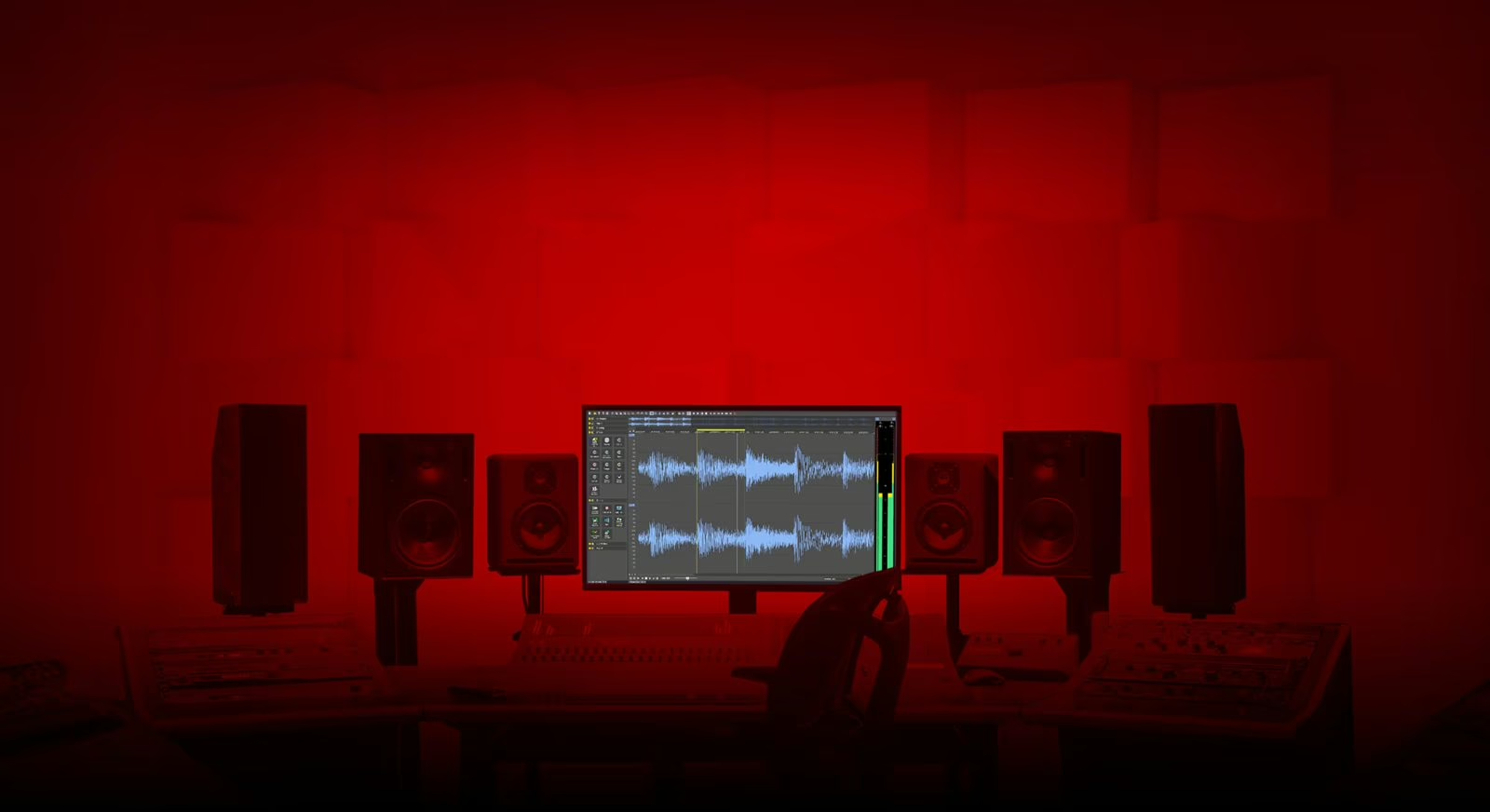
It is worth stating to place the tool: Sound Forge is not a multitrack station but a high-precision destructive editor. You open a file, shape it down to the sample, clean it, master it and export it. It is the workbench of the sound editor, of light mastering and of broadcast file prep — a different role from a DAW, and a complementary one.
What the 2026 version covers
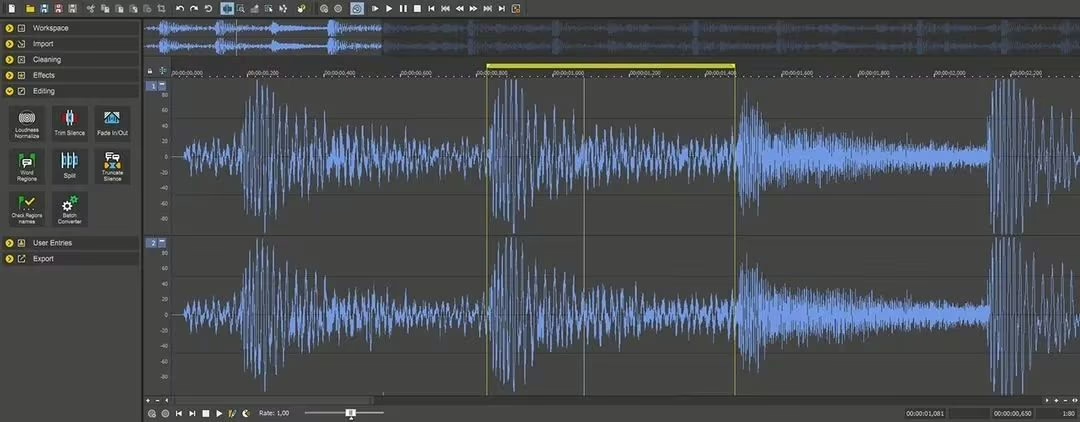
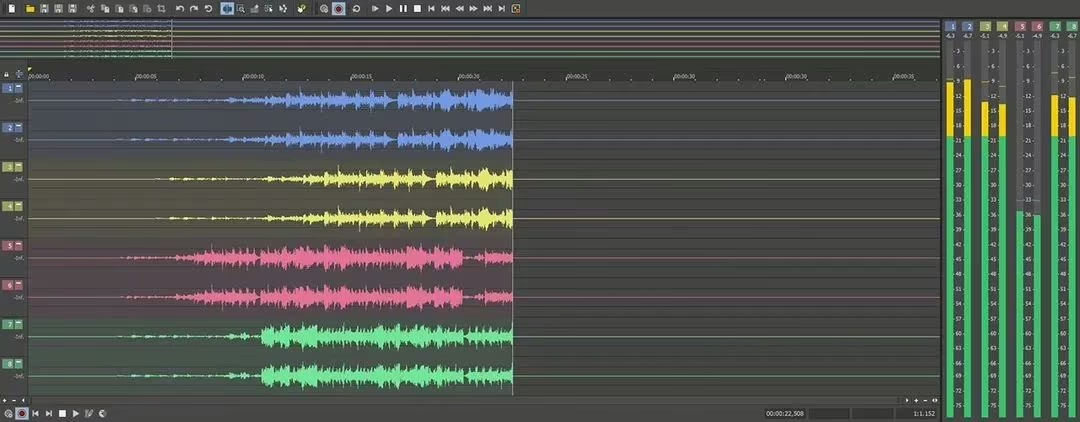
The core is still waveform editing, backed by WaveColor visualization, which surfaces pitch and saturation right in the wave — handy for spotting an issue without running a separate analysis. Restoration relies on a set of dedicated tools: DeHisser against hiss, DeClicker and DeCrackler against clicks and crackle, DeClipper to recover clipping. Recording goes up to 32 channels, and a batch converter processes whole folders at once.
Mastering and broadcast compliance
For finishing, Wave Hammer 2.0 handles the mastering side — compression and level maximisation. More notably, Sound Forge 2026 includes CALM Act compliance metering, the US regulation on broadcast levels. For anyone delivering files bound for radio, TV or a platform, having loudness measurement at the right standard inside the export tool saves a lot of back-and-forth.
Sound Forge 2026 key building blocks
| Area | Tools |
|---|---|
| Editing | Sample-accurate waveform, WaveColor visualization |
| Restoration | DeHisser, DeClicker / DeCrackler, DeClipper |
| Mastering | Wave Hammer 2.0, CALM Act metering |
| Production | Recording up to 32 channels, batch converter |
One more piece in the Boris FX puzzle
This move is not isolated. Boris FX first absorbed iZotope, then MAGIX’s software — including Samplitude and Sound Forge. The company is assembling a full audio chain, from restoration plug-in to mastering station to file editor. The open question is how tools developed separately for years will converge. For now, Sound Forge 2026 runs on Windows only.
My take
Sound Forge is one of the few single-file editors still holding its own against sprawling DAWs, and that is a good thing: sometimes you just want to open a file and fix it cleanly. Building in CALM Act metering is the real signal to broadcast professionals. The question is not the tool’s quality, which is proven, but the future coherence of the Boris FX galaxy: between iZotope, Samplitude and Sound Forge, the pieces of a formidable audio suite are here — provided they actually talk to each other. Staying Windows-only, meanwhile, leaves Mac studios on the platform.
Related reading: Boris FX Samplitude 2026 and iZotope joins Boris FX. Product page: Sound Forge.
Frequently asked questions
Is Sound Forge 2026 a multitrack station like a DAW?
No. It is a precise single-file editor, built to open, clean, master and export a file. It complements a DAW rather than replacing it, notably for restoration and broadcast file prep.
What restoration tools does it offer?
Sound Forge 2026 includes DeHisser for hiss, DeClicker and DeCrackler for clicks and crackle, and DeClipper to correct clipping.
Is it suitable for broadcast delivery?
Yes. It includes CALM Act compliance metering, so you can check broadcast levels against the right standard before export — a key point for radio, TV and platforms.
Which platform does it run on?
Sound Forge 2026 is offered on Windows only. No macOS version is mentioned by the publisher at this stage.