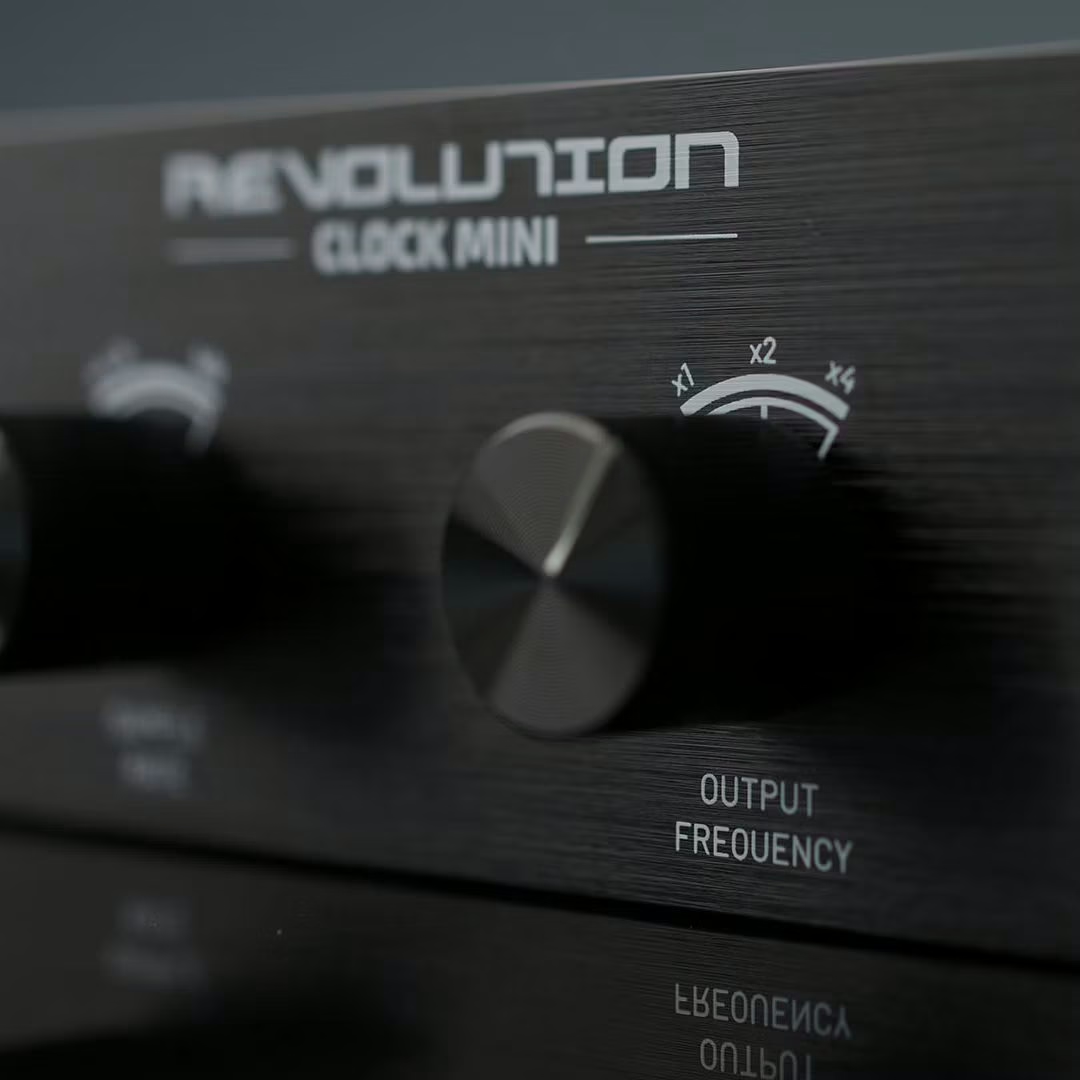
Clocking is one of those links you only talk about when it goes wrong. With the Revolution Clock Mini, Black Lion Audio offers a studio master clock in a smaller format and at a more accessible price than its bigger siblings, without dropping the in-house technology. It sits in the Revolution Clock range, which also includes a standard model and an XC version; the Mini is the compact one.
What a master clock actually does
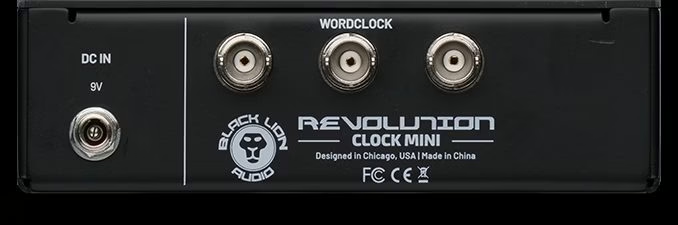
A word clock’s job is easy to state: give several digital devices a single sync reference so they all sample on the same beat. The Revolution Clock Mini distributes that signal over three BNC outputs and covers 44.1 to 192 kHz, letting it lock up to three devices to a shared clock. That’s the classic studio case: a rig stacking converters, interfaces and digital outboard that you want working together cleanly.
Macro-MMC and 0.5 picosecond of jitter
At the heart of the unit is the brand’s patented Macro-MMC (Macro Music Clock) technology, aimed at a stable, low-jitter clock signal. Black Lion quotes 0.5 picosecond of RMS jitter at the BNC outputs, billed as its lowest figure to date. In practice, the lower that jitter — the tiny timing variation of the clock signal — the cleaner and more predictable the reference is for the converters locking to it.
Compact format and integration
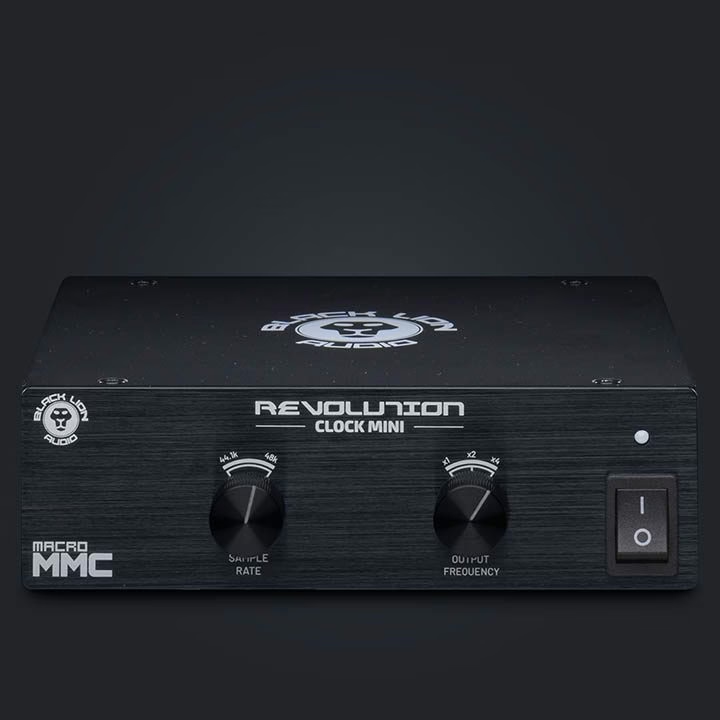
The Mini fits in a 1U half-rack box and carries an internal wide-range power supply (100 to 240 V), which spares it an external brick and makes it easy to travel with. That’s clearly a pitch for mobile rigs and small studios, where you want to save space without multiplying dangling power supplies. The maker positions it for fixed control rooms and gear on the move alike.
The bottom line
One honest word, because external clocking carries a lot of marketing. No, plugging in a master clock won’t magically transform the sound of an interface running on its own: a modern interface syncs perfectly well to its internal clock. An external clock earns its keep when several digital devices have to share one reference — and there, a stable clock avoids glitches and sync dropouts. It’s an integration tool, not a sonic potion. Seen that way, a compact, affordable model like the Mini has a real place in a small digital rig. To frame the stakes, a look at the basics of sample rate and conversion beats a long lecture on jitter.
Availability
The Revolution Clock Mini rounds out the bottom of the Revolution Clock range. In studios where sync now runs over the network — think audio-over-IP in Dante, AES67 or ST 2110 — BNC clocking still makes full sense for the classic converter rig, which hasn’t gone anywhere.
Frequently asked questions
What does the Revolution Clock Mini actually do?
It supplies a shared word-clock reference to several digital devices over three BNC outputs, from 44.1 to 192 kHz. Every connected device then samples on the same beat, which avoids sync dropouts.
Do you really need an external clock?
No. An interface on its own syncs perfectly to its internal clock. An external clock becomes relevant when several converters or digital devices need to share a single reference.
What does 0.5 picosecond of jitter mean?
Jitter is the tiny timing variation of the clock signal. The lower it is, the more stable the reference. Black Lion quotes 0.5 picosecond RMS at the BNC outputs, billed as its lowest figure to date.
How many devices can it sync?
Up to three, thanks to the three BNC outputs, across the full 44.1 to 192 kHz range.
What’s its format and how is it powered?
It’s a compact 1U half-rack box with an internal universal 100 to 240 V power supply. That spares it an external brick and suits small studios and mobile rigs alike.