In a video-podcast studio, a small streaming control room or a lightweight set, one question keeps coming back: how do you move picture and sound between several cameras, computers and apps without running metres of cable or buying a rack of converters? For a few years now, one answer has taken hold in these environments: NDI. Here is what it is, and what it changes on the audio side.
What is NDI?
NDI (Network Device Interface) is a protocol, originally developed by NewTek and now carried by Vizrt, that transports video, audio and metadata over a standard IP network — the same gigabit Ethernet as your IT. Its great strength is automatic discovery. An NDI source appears on its own in the list of other devices on the network, with no complicated manual addressing. A switcher, another computer or a converter can then subscribe to it in one click.
Where a professional video feed once ran over SDI and dedicated coaxial cable, NDI sends several A/V streams down a single network link, in both directions. For small and medium productions, that replaces much of the cabling and the hardware converters.
The variants: Full, HX, Bridge
Not all NDI sources are equal. “High Bandwidth” NDI (Full) aims for quality: very light compression, low latency, but a heavy bitrate — keep it on the wired local network. NDI|HX is a more compressed version, meant for cameras and encoders that have to save bandwidth, at the cost of a little more latency. Finally, tools such as NDI Bridge link two sites across the internet, which brings NDI close to remote-production use cases.
The audio side: what matters to us
NDI is often presented as a picture business. On the sound side, though, it does plenty: every NDI stream carries several audio channels, and audio-only NDI streams exist. In practice you can route audio from one app to another, from one machine to another, with no cable and no jury-rigged virtual soundcard — for instance sending a guest’s mix, a return, or the sound from a control room to the streaming encoder.
So should you ditch Dante? No: the two do not play the same role. NDI carries audio and video, with a latency on the order of a video frame, ideal for video production. Professional audio networks such as Dante or AES67 carry audio only, but with very low, deterministic latency and strict synchronisation — which is what a console demands. To understand why clocking is so decisive in those audio networks, see our piece on PTP and synchronisation. In practice: NDI for the video set and streaming, Dante/AES67 for the audio backbone of the production.
Bandwidth, latency and the network
NDI is robust, but it does not erase network physics. Full NDI is hungry, several hundred megabits per stream in high definition: you need a clean gigabit network, ideally dedicated, and switches that handle the traffic (multicast, quality of service). Discovery relies on network mechanisms (mDNS) that assume a well-configured segment. Nothing insurmountable, but it is the network, not the source, that sets the limit.
NDI or SDI: which to choose?
SDI is still the reference for heavy broadcast: one coaxial cable per feed, near-zero latency, bulletproof reliability — but a dedicated, costly infrastructure as soon as sources multiply. NDI flips the logic: a single network infrastructure, feeds that multiply in software, reduced cabling, at the cost of total dependence on network quality and slightly higher latency. For an OB truck or a national channel, SDI and ST 2110 keep the edge; for a video-podcast studio or a small streaming control room, NDI almost always wins.
How to get started
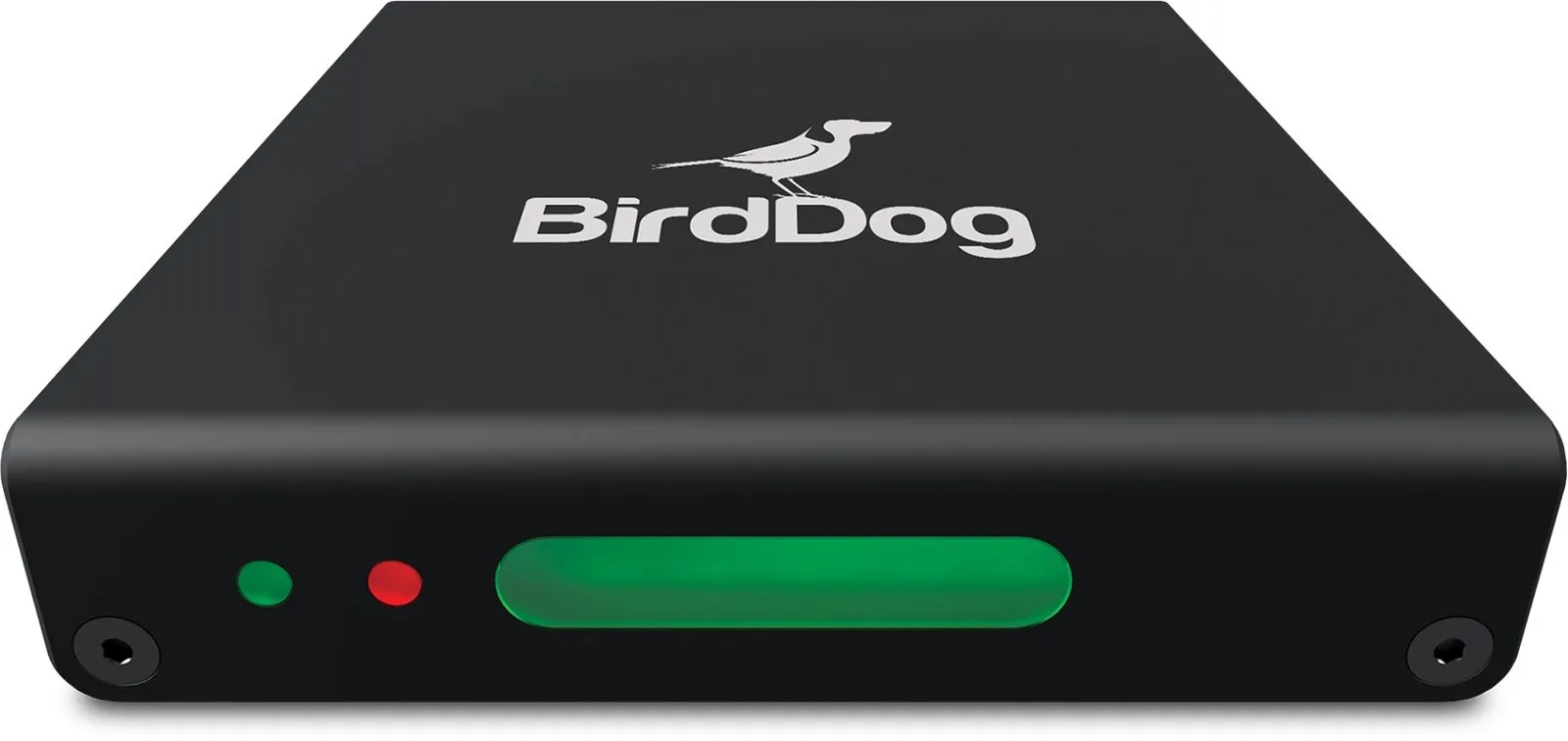
The good news is that you start with no hardware: widely used switching and streaming apps send and receive NDI natively, and the publisher’s free tools let you push a screen or a webcam onto the network. You then add, as needed, hardware converters that turn an HDMI or SDI input into an NDI source and back. You can learn more on the official site ndi.video. If your end goal is online broadcasting, the next step is encoding: our guide to streaming a feed and the one on contribution codecs take over from there.
My take
NDI did for small video production what audio-over-IP did for big control rooms: it swapped a mountain of cable for a network and a little method. Its real strength is automatic discovery — plug in, it shows up, subscribe. The trap would be to think it replaces a dedicated audio network: for a console, you want the latency and clocking of a Dante. But to get a set, a few computers and a streaming encoder talking to each other, it has become the simplest tool around.