The RODECaster Pro II became the reference podcast desk because it solves, in a single device, what used to need a console, an interface, a recorder and a jingle player. The trick is to use it for what it is: not a gadget with glowing buttons, but a genuine vocal-production control room. This guide walks through what really matters in use, without turning setup into a spec-sheet reading.
What the RODECaster Pro II does
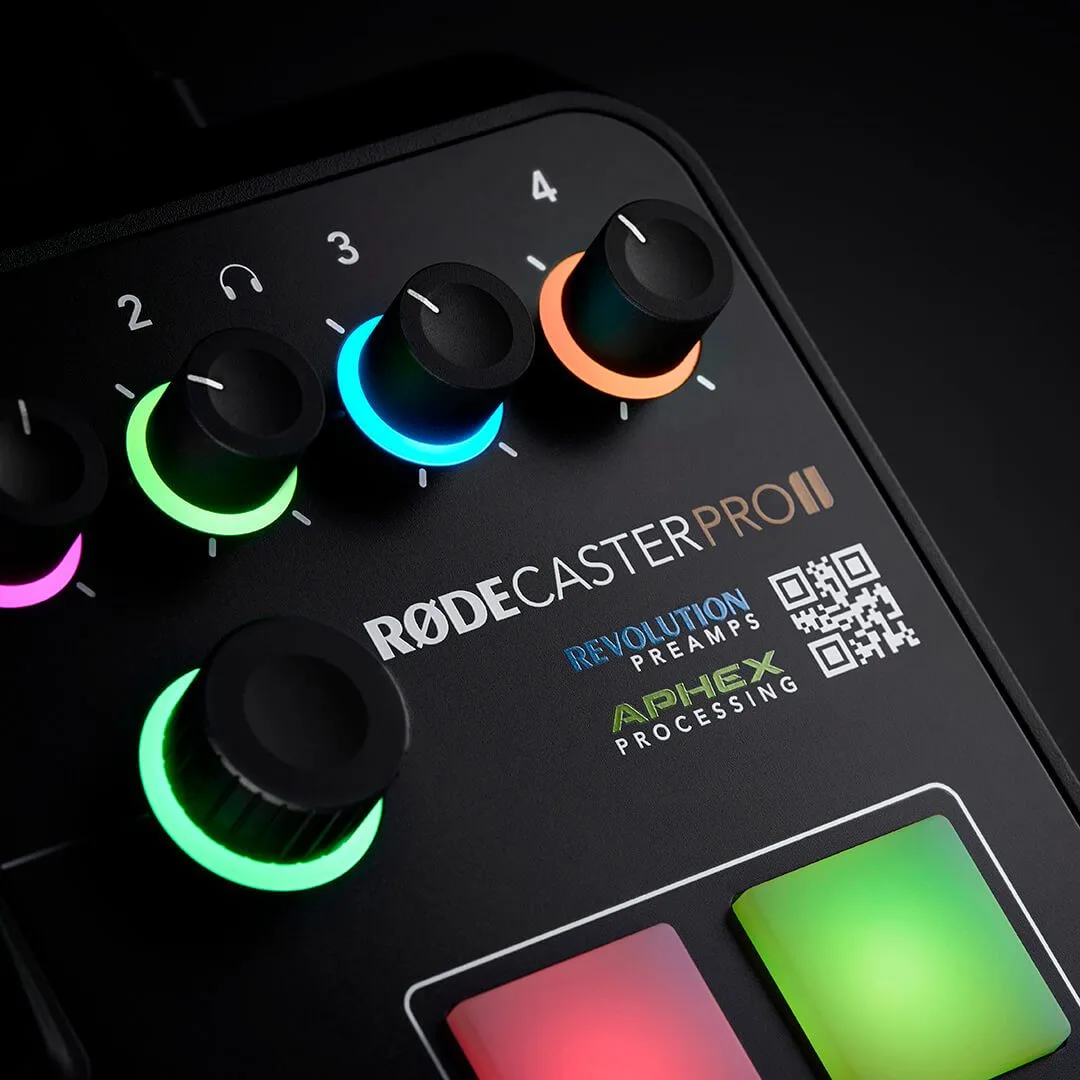
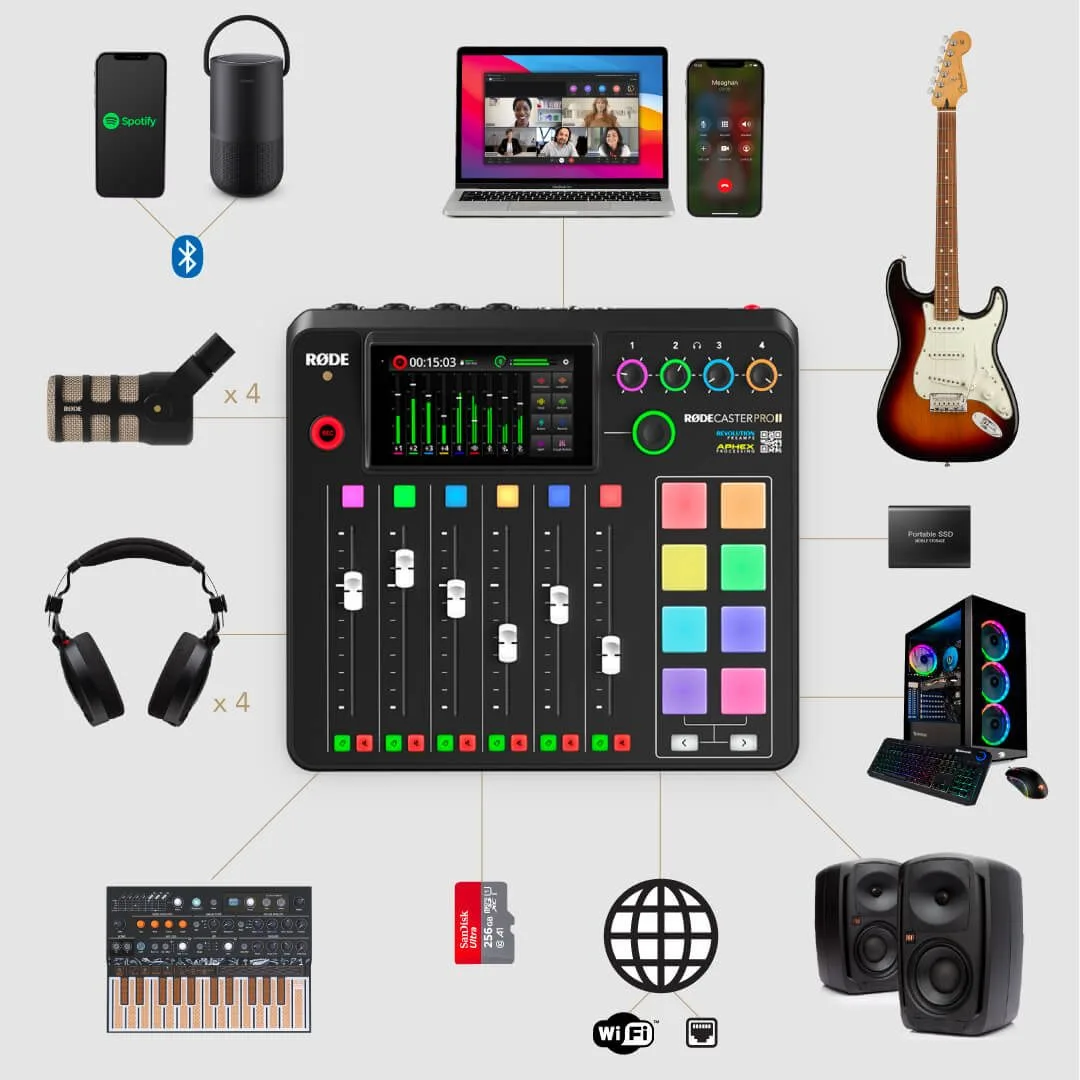
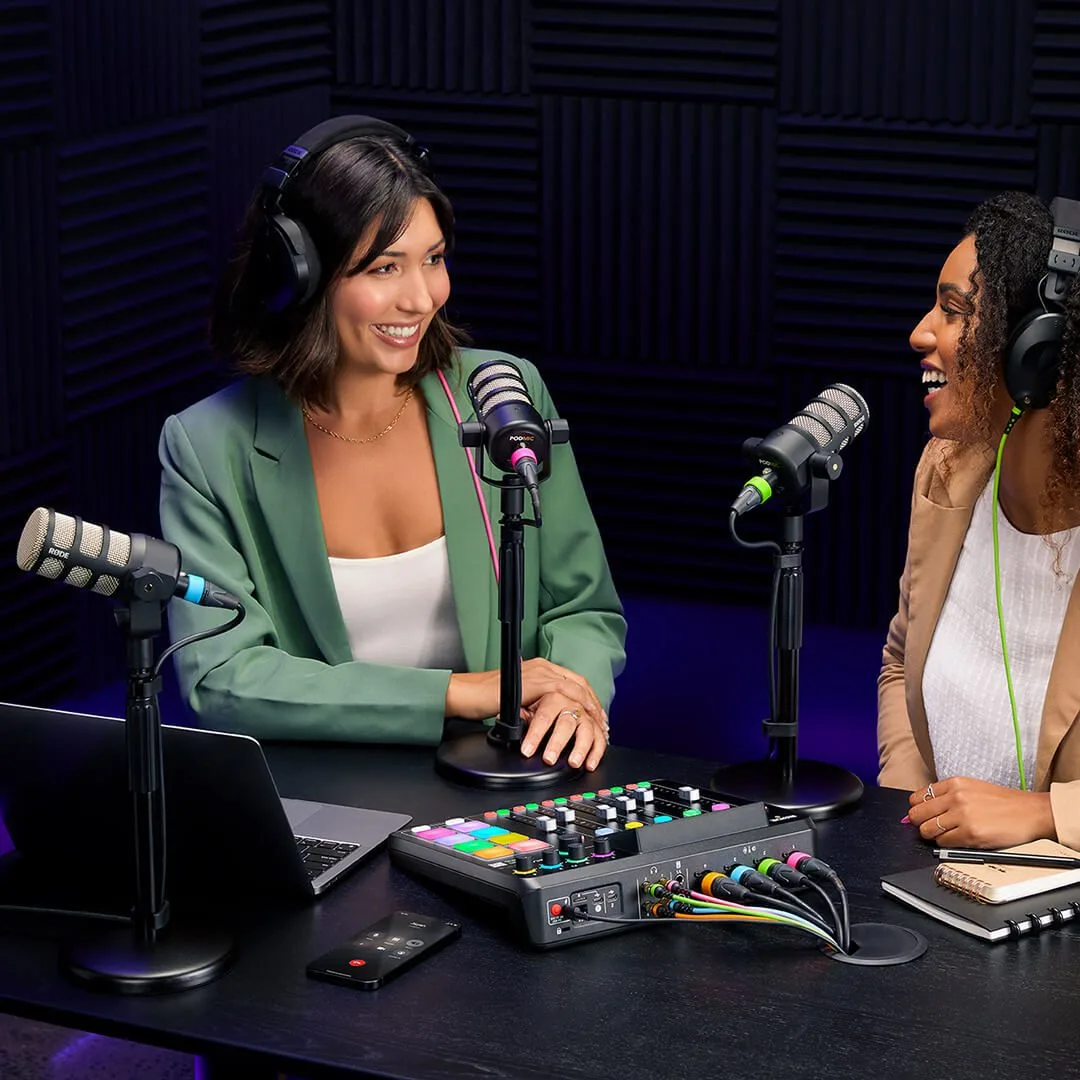
At its core it’s a nine-channel digital mixer: six physical faders and three virtual channels, each freely assignable to a source. The four Neutrik combo inputs take mics, instruments and line levels, with in-house preamps that reach high gain — enough to feed hungry dynamic mics, very common for voice, without hiss. Add a built-in wireless receiver, compatibility with certain of the brand’s USB mics, a Bluetooth input and dual USB-C. In short, every source of a modern podcast setup finds its place.
Assignment logic is the key: each source — mic, phone, computer, jingle pad — occupies a channel you find under a fader or on the touchscreen. Taking time to map your channels before the first recording avoids 80% of the live-session hesitation.
Per-channel processing, without overdoing it
Every channel has a full processing chain: high-pass filter, noise gate, compressor, de-esser and three-band EQ. The RODECaster adds APHEX-licensed processors — the Aural Exciter for air and presence, Big Bottom for low end, and the Compellor, a compressor-leveller that holds a voice’s volume without tiring it. Dialled in well, these tools instantly give a “broadcast-ready” voice.
The classic trap is doing too much. A high-pass around 80-100 Hz to remove rumble, moderate compression to smooth the swings, a discreet de-esser on sibilant voices: that’s often enough. Use the Aural Exciter and Big Bottom sparingly, or the voice turns artificial. The right habit is to set input gain cleanly first, then add processing only where an attentive ear asks for it. The mic choice itself weighs as much as the processing: our guide to the radio and podcast voice mic covers placement and chain.
Recording multitrack
This is the decisive asset for anyone who wants to edit cleanly. The RODECaster Pro II records not only the stereo mix but also each source on its own track, to a microSD card, a USB drive or straight to the computer. Every voice, every guest and every bed ends up isolated at the edit: fix a word, lower a breath, redo the balance afterwards without touching the rest.
In practice you select multitrack recording in the settings, check the space available on the medium, and hit record. The separate tracks then open in most workstations — the unit is built for a smooth round trip with editing software. For anyone comparing approaches, the Tascam Mixcast 4 guide follows exactly the same logic on a rival machine.
Mix-minus and remote guests
As soon as a guest joins by phone or video call, a golden rule applies: never send them their own voice back, or you get an unpleasant echo. That’s the mix-minus principle — a feed containing everything except the remote source itself. The RODECaster Pro II handles this automatically on its asynchronous channels: the Bluetooth channel for a phone call, the USB channels for a video app or a remote-recording platform.
Concretely, the remote guest hears the hosts and the other sources, but not the delay of their own voice: the conversation stays natural. To understand the mechanism in depth, see our dedicated article on mix-minus; and for phone calls specifically, the logic matches that of the telephone hybrid.
SMART pads and stingers
The eight backlit pads, spread across several banks, trigger jingles, stingers, music beds and effects. You can store dozens of actions and, above all, fire them live without taking your eyes off the conversation. An opening theme, a transition between two segments, a bed under a feature: these elements give a podcast its sonic identity, provided you prepare the pad bank before recording rather than improvising.
Dual computer and streaming
The dual USB-C connection lets you link two computers or mobile devices at once — for example one machine for recording and another for the video call, or a computer and a phone. It’s valuable for anyone streaming live while recording, or wanting to separate capture from the video feed. Here again, the winning habit is to test the full setup dry before the real session.
The RODECaster Pro II isn’t alone in this space: we reviewed several all-in-one podcast consoles and stations to place each one by need.
My take
The strength of the RODECaster Pro II is making easy the things that used to scare beginners off: mix-minus, recording voices separately, firing jingles. You can use it at 20% of its capacity and already put out a clean podcast; you can also dig into its processors and multitrack and turn it into a real control room. The only real advice fits in one sentence: set up your channels and pads before you hit record. Once that frame is in place, the machine disappears and lets you do what matters — talk, listen, tell a story.