Hand-assigning a plugin’s parameters to a MIDI controller is a chore everyone knows. The Producely Dialr, designed in Copenhagen, promises to end it: according to its maker, this is the first hardware controller whose mapping is handled by artificial intelligence. Open a plugin and it is already mapped. Full stop.
A cloud that knows your plugins
The heart of the system is not the box but the Producely Cloud. The software scans your library, sends parameter data to the cloud, which analyses each plugin’s structure and builds a clean, logical profile. Those profiles come back in the background: when a new plugin ships, its mapping is generated and shared across the whole fleet with nothing for you to do. The result: open a plugin in your DAW and the Dialr already shows the right labels, values and paging on its screen, ready to turn. Producely claims support for more than 100,000 VST3 and AU plugins out of the box.
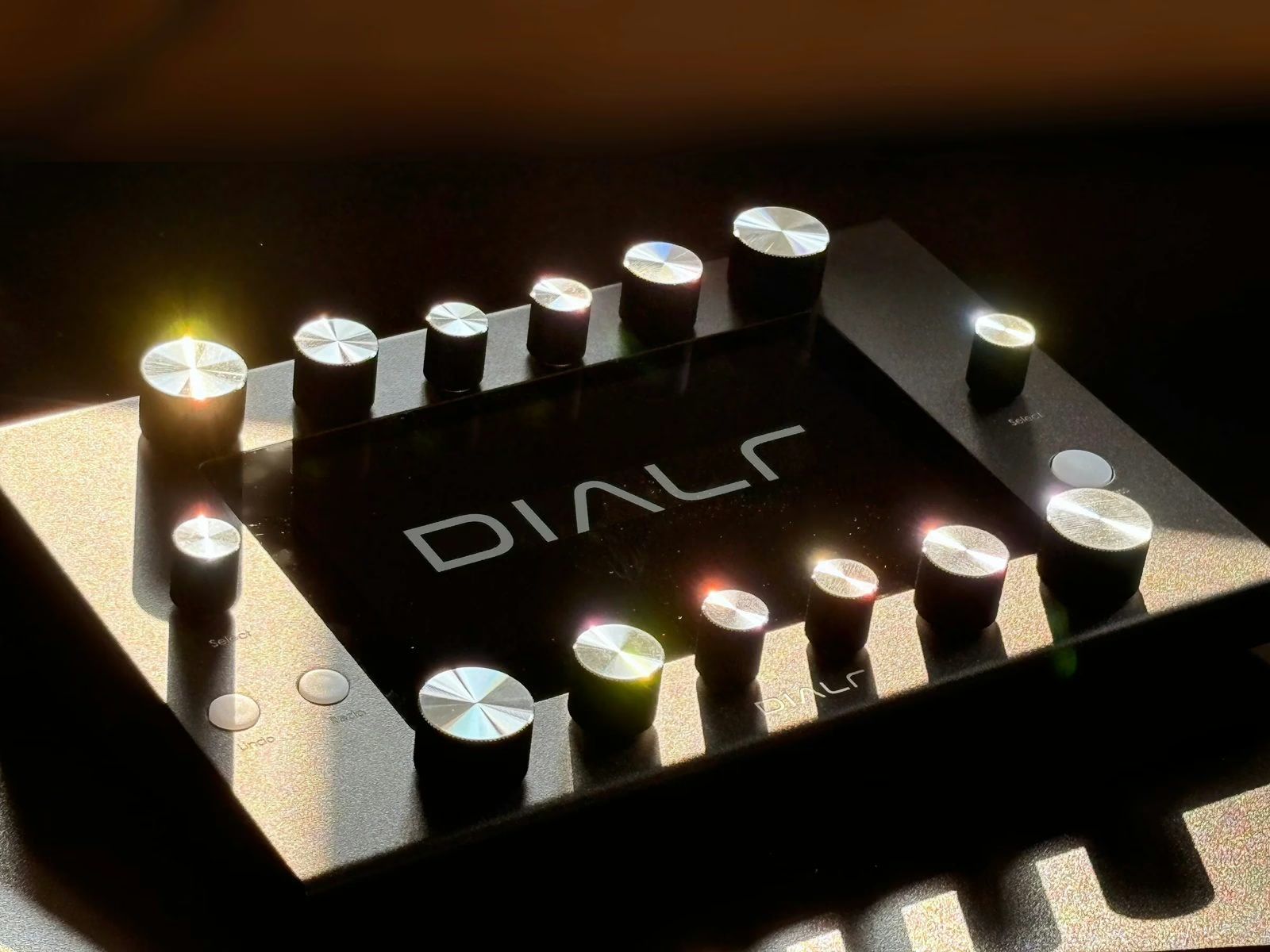
Twelve knobs and a touchscreen
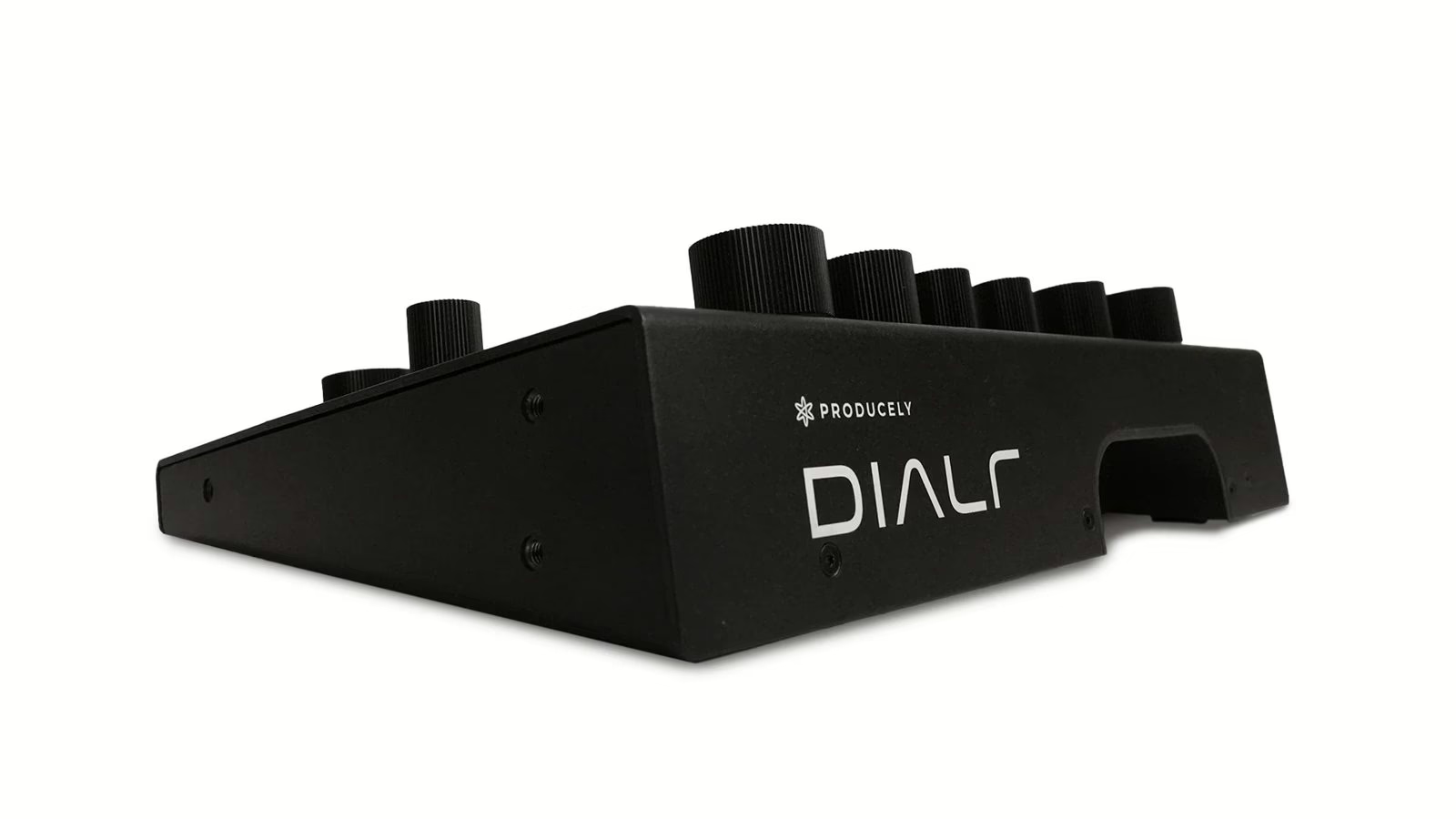
On the hardware side, the Dialr stays deliberately simple: twelve analog aluminium knobs, two click-stop pushable encoders for selection, and a 7-inch touchscreen in the centre. Knob sizes vary from row to row, a deliberate choice to build muscle memory— the most-used functions always fall under the same fingers. No menu diving, no pages hidden three taps deep: everything you need is in view.
The approach breaks with generalist controllers, where you first have to build your assignments for every instance. Here the value is not the number of controls but the fact that they are already the right ones. The hands-on gesture returns to the centre: you listen, you correct, you move on, without taking your eyes off the mix window.
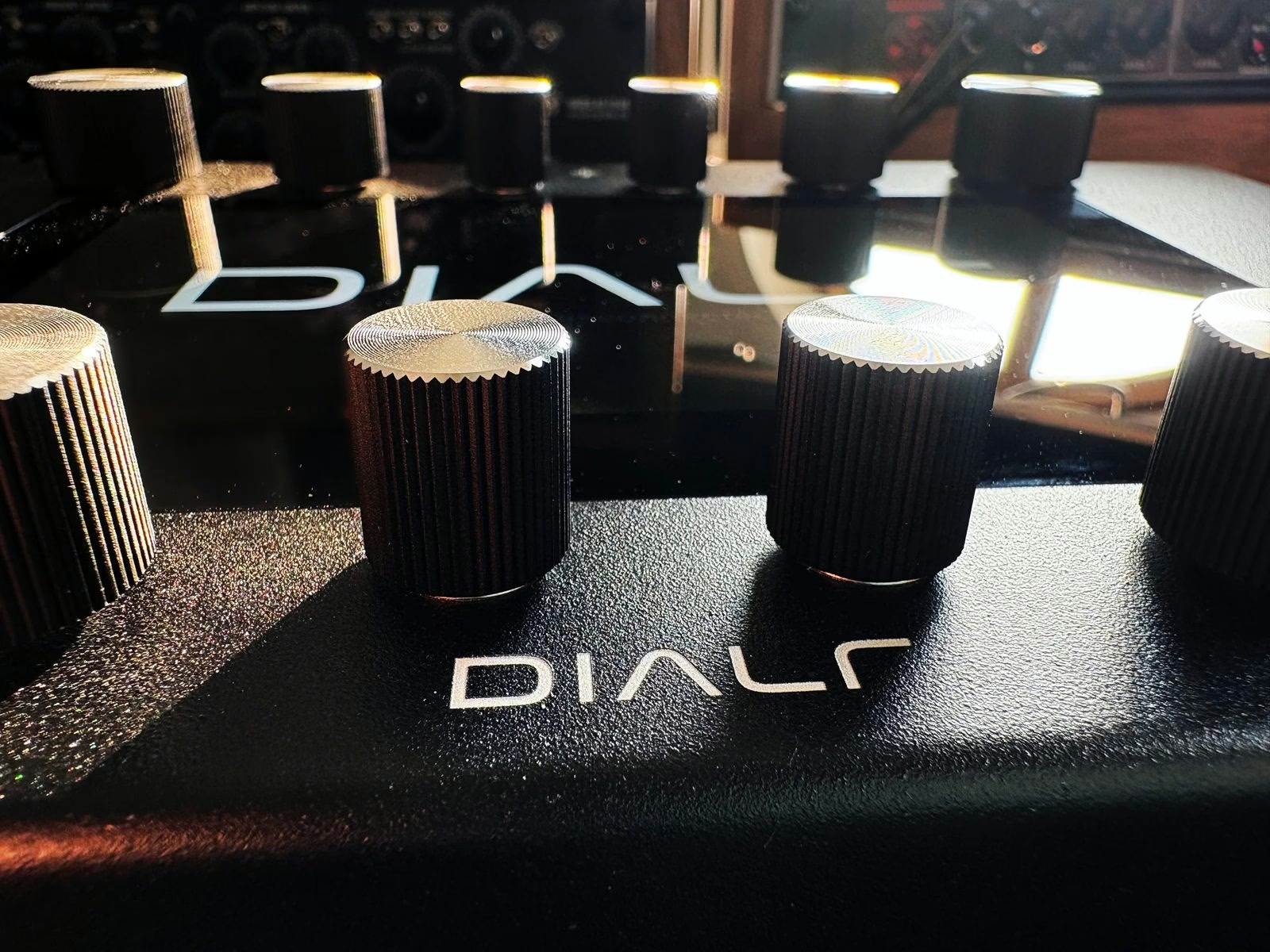
What it changes when mixing
For anyone stacking dozens of plugins per session— EQs, compressors, reverbs — the time saved is obvious. The Dialr does not try to replace the mouse for everything, but to bring the critical parameters back under your fingers, with immediate visual feedback. It is a bet on workflow comfort more than on a spectacular feature, and that may be its strongest argument. Two reads to go further: our hands-on with the Novation Launch Control XL 3 and our guide to mastering chain order.
| Feature | Dialr |
|---|---|
| Controls | 12 analog knobs, 2 pushable encoders |
| Display | 7-inch touchscreen (labels, values, paging) |
| Mapping | Automatic via Producely Cloud (AI) |
| Compatibility | More than 100,000 VST3 and AU plugins |
| Price | €799 |
Frequently asked questions
Do I have to assign parameters myself?
No, that is the whole point of the Dialr. Mapping is generated in the cloud and downloaded automatically. When you open a plugin, the controls are already assigned and labelled on screen.
What happens with a brand-new plugin?
The Producely Cloud continuously analyses plugin structures and pushes profiles to every unit. A recent plugin is therefore mapped with no user action, once its profile has been generated server-side.
Which formats and how many plugins?
Producely claims more than 100,000 VST3 and AU plugins supported from the start. The controller is aimed at DAW users on both Mac and PC.
Why different knob sizes?
To support muscle memory: keeping recurring functions in the same place and at the same size lets you find a control without looking, from one plugin to the next.
My take
It is a smart idea: the real friction with a hardware controller is not the number of knobs, it is the time lost assigning everything. Handing that work to a cloud that keeps learning tackles the right problem. The open question is the quality of the generated profiles— a smart mapping must put the parameters that matter first, not just stack boxes. At €799, the Dialr clearly aims at the demanding home studio rather than the fully kitted control room. If the AI delivers on your favourite plugins, it is a daily gain in flow.