Dolby Atmos has become, in just a few years, the reference format for immersive audio, driven by music-streaming platforms. For the engineer it is neither a fad nor a box to tick: it is a different way of thinking about spatialization, where sound no longer lives only between two speakers but all around — and above — the listener. But you need to grasp the two or three concepts that shape an Atmos mix before you open a session. That is what this guide is for.
Bed and objects: the two building blocks of an Atmos mix
An Atmos mix combines two kinds of element. The bed is a channel-based foundation, usually 7.1.2: this is where you place everything that does not need precise movement — reverb, pads, the body of the mix, the stereo that lines the space. On top come the objects: up to 118 mono or stereo signals tied not to a speaker but to a position in space, described by metadata (coordinates and size).
The difference is fundamental. A channel says “go to the left rear speaker.” An object says “place me here, at this height, at this distance,” and the playback system decides how to render it with the speakers actually present. You mix a spatial intent, not a fixed routing. That is why the same Atmos mix can work on headphones, a soundbar or a twelve-speaker room.
The renderer: the brain that adapts everything
At the center sits the renderer. It takes the bed and the objects, reads the position metadata, and works out what each speaker should reproduce for the target layout. In a studio the renderer is built into the DAW (Logic Pro, Pro Tools, Nuendo, Cubase) or supplied by a dedicated app. You declare your monitoring layout — 7.1.4, 9.1.6, or plain headphones — and it renders the mix accordingly.
This is often misunderstood: the renderer does not “make” one file per layout. You produce a single, system-independent master, and rendering happens on playback. That independence is the format’s strength — and, in return, it forces you to check your mix across several renders.
Speaker layouts, and why height changes everything
An Atmos layout is written with three numbers: for example 7.1.4. The first is the ear-level speakers (7), the second the subwoofer (1), the third the ceiling, or height, speakers (4). That third number is Atmos’s real novelty over classic surround: the vertical dimension. It lets rain, a pad or a voice exist above the listener.
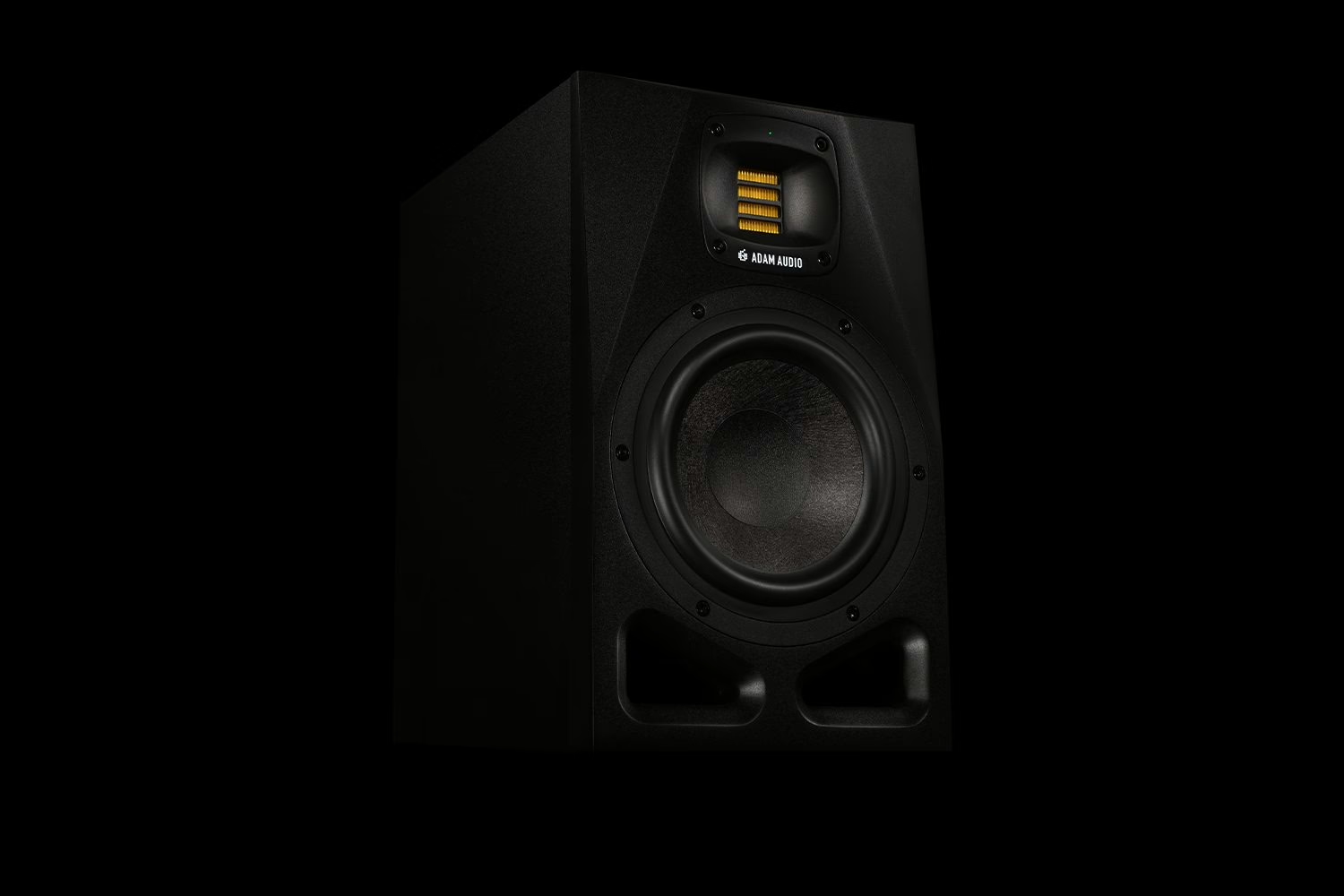
For music production, 7.1.4 has become the de facto standard: a complete spatial image without demanding a cavernous room. Placing and aligning those speakers is not something you improvise — equal distances, matched levels, and a clean clock if you work in digital multichannel. On that last point, a refresher on word clock and jitter saves plenty of surprises once you multiply outputs.
Binaural rendering: Atmos without a room
Most listeners will hear your Atmos mix on headphones, over streaming. The renderer then produces a binaural render: a simulation of 3D space on two channels, computed from hearing models that recreate localization cues (time and intensity differences between the ears, pinna coloration). Dolby offers several per-object distance settings — near, mid, far — that dial in the headphone spatialization.
The practical consequence is simple: a mix that slams on twelve speakers can collapse on headphones if you neglect the binaural render. Listen to it early, and often. That is frequently where a track is won or lost, since it is the render most people will actually hear.
From session to master: the ADM BWF
Once the mix is done, you do not export a plain stereo WAV. The Atmos deliverable is an ADM BWF file — an enriched WAV that holds both the audio (bed + objects) and all the position metadata. It is this single file that platforms ingest to generate their own renders. Think of it as the mix negative: everything is in there, and each distributor pulls its own adapted copy.
Before you get there, studio fundamentals still apply. The discipline of gain staging does not vanish because you moved to twelve channels — if anything it becomes critical when you sum that many sources. Likewise, monitoring latency can quickly get in the way when tracking an object played in real time.
Atmos mixing and mastering: two crafts that talk to each other
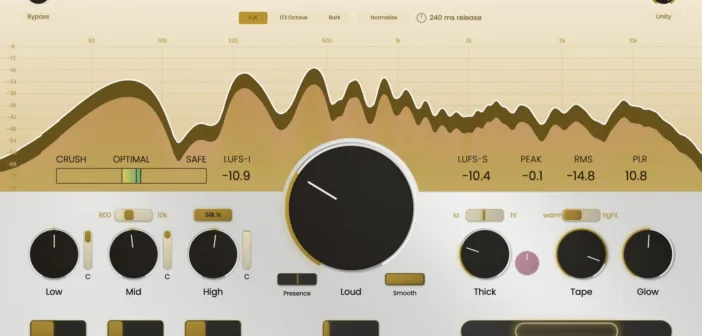
People sometimes conflate immersive mixing and mastering. Mixing places the objects and builds the space; Atmos mastering watches loudness consistency and deliverable compliance, as shown by dedicated tools such as WaveLab 13 and its Dolby Atmos mastering. The logic of processing-chain order keeps its meaning, except it now applies to an object or a bed rather than a single stereo bus.
One last piece of advice: do not mix in Atmos “because you have to.” The format rewards productions with a spatial intent — an airy arrangement, elements that gain from breathing around the listener. A compressed wall of sound will get little from it. Start with tracks that have space in them: you will hear immediately what the vertical dimension adds.
My take
Dolby Atmos in music is not a gimmick, but it is no magic wand either. Its real strength is system independence: one master, a thousand renders. The trap is treating headphones last when they are how 90% of the audience listens — nail the binaural from day one. Technically, nothing insurmountable: if you can place a reverb and manage your levels, you already know the essentials. What remains is the question that matters: does your track have something to say in space? If it does, go for it.