
What is a stage monitor?
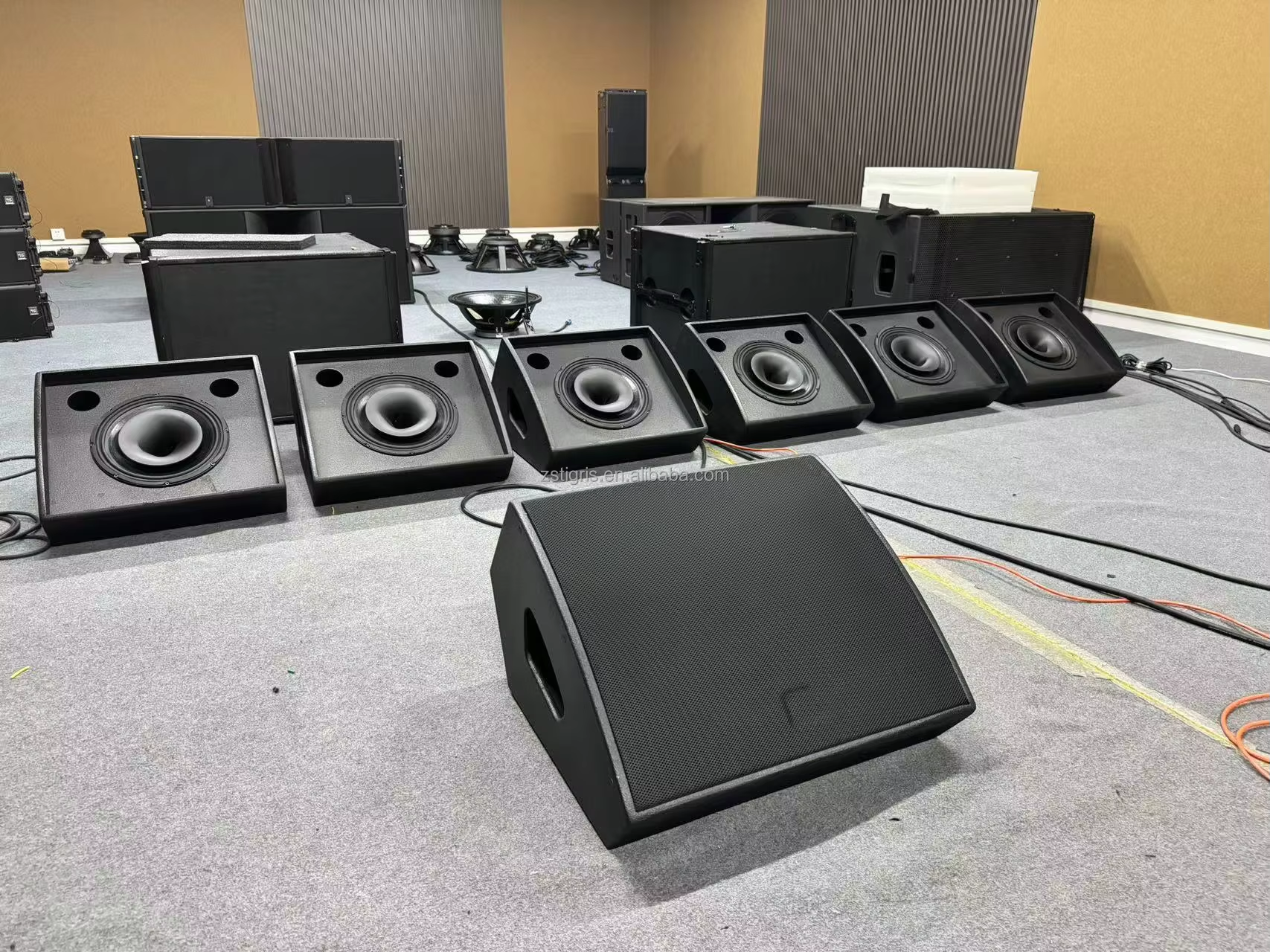
A stage monitor is a loudspeaker dedicated to what the performers and technicians hear on stage. Its role is to reproduce a personalised auxiliary mix: lead vocal for a singer, click and hi-hat for a drummer, bass and kick for a bass player, or a specific balance for each musician. Unlike the front-of-house (FOH) speakers aimed at the audience, monitors are angled towards the stage with a dispersion pattern and wedge shape designed to maximise intelligibility while limiting the risk of feedback.
In a live mix, the monitors form a system that runs in parallel to the FOH mix. They receive aux mixes prepared by the monitor engineer (or by the FOH engineer on smaller set‑ups). The signal can be analogue (balanced XLR or TRS outputs) or routed via a system processor. Monitoring quality affects timing accuracy, tuning, listening fatigue and gain before feedback: a badly set monitor mix makes everyone turn up, which degrades the overall sound.
To go deeper into building mixes musician by musician, see our guide: How to mix stage monitors.
Active stage monitor – definition and how it works
A speaker is called active when it has its own built‑in power amplifier. The cabinet receives a line‑level signal from the mixing desk (or a processor) and is powered from the mains. The internal crossover, protection and, in many models, onboard DSP (EQ, limiter and sometimes “monitor” presets) are all built into the box, making the whole system coherent and ready to use.
Built‑in amplification
With an active monitor, the amplifier is specified by the manufacturer to suit the woofer and HF driver in that particular cabinet. This matching reduces sizing errors, simplifies thermal protection and ensures repeatable performance. You’ll often find useful functions such as an HPF (high‑pass filter) to clean up the low end on a vocal, limiters to keep the system safe, or a “wedge” preset that smooths out an upper‑mid bump that tends to feed back.
Simplified connections
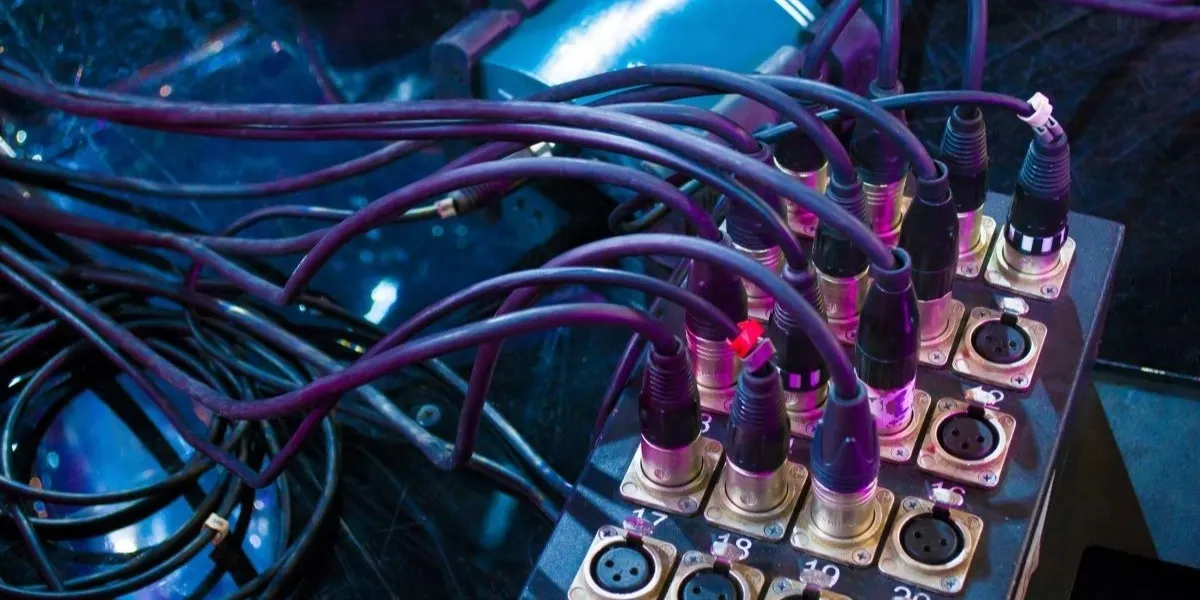
The cabling is straightforward: one balanced audio cable (XLR or TRS) for the signal and one mains lead for power. On small stages this simplicity cuts down the risk of mistakes and speeds up the get‑in. The trade‑off is that you need a reliable mains distribution, extension leads of the right length and cable runs that avoid ground loops and hum.
Typical examples
Many loudspeakers are commonly used as active monitors, for example models in the Yamaha DXR or QSC K12 families, known for their output, robustness and built‑in EQ options. These ranges embody the idea of a “plug & play” speaker that’s easy to hire, transport and roll out on gigs.
Passive stage monitor – definition and how it works
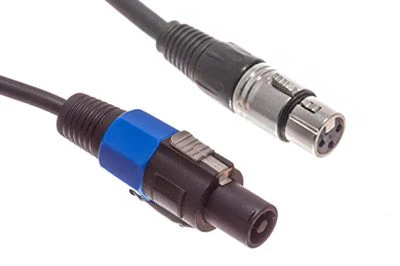
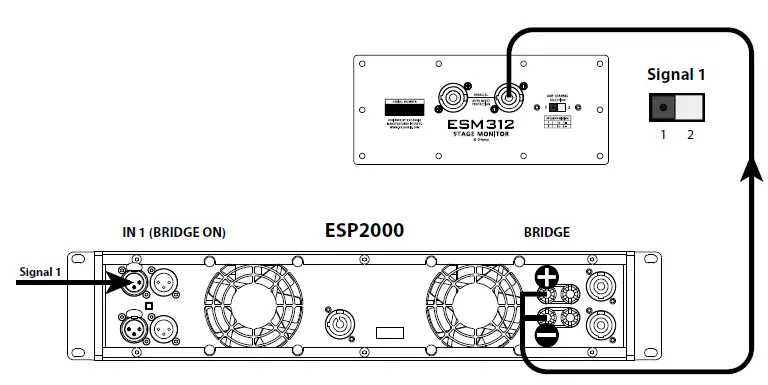
A passive speaker has no built‑in amplifier. It receives a powered signal from an external power amp via Speakon‑type connectors. The passive crossover is usually located inside the cabinet, while protections (limiting, high‑pass, corrective EQ) are handled upstream by the system processor and choice of amplification.
Requires an external amplifier
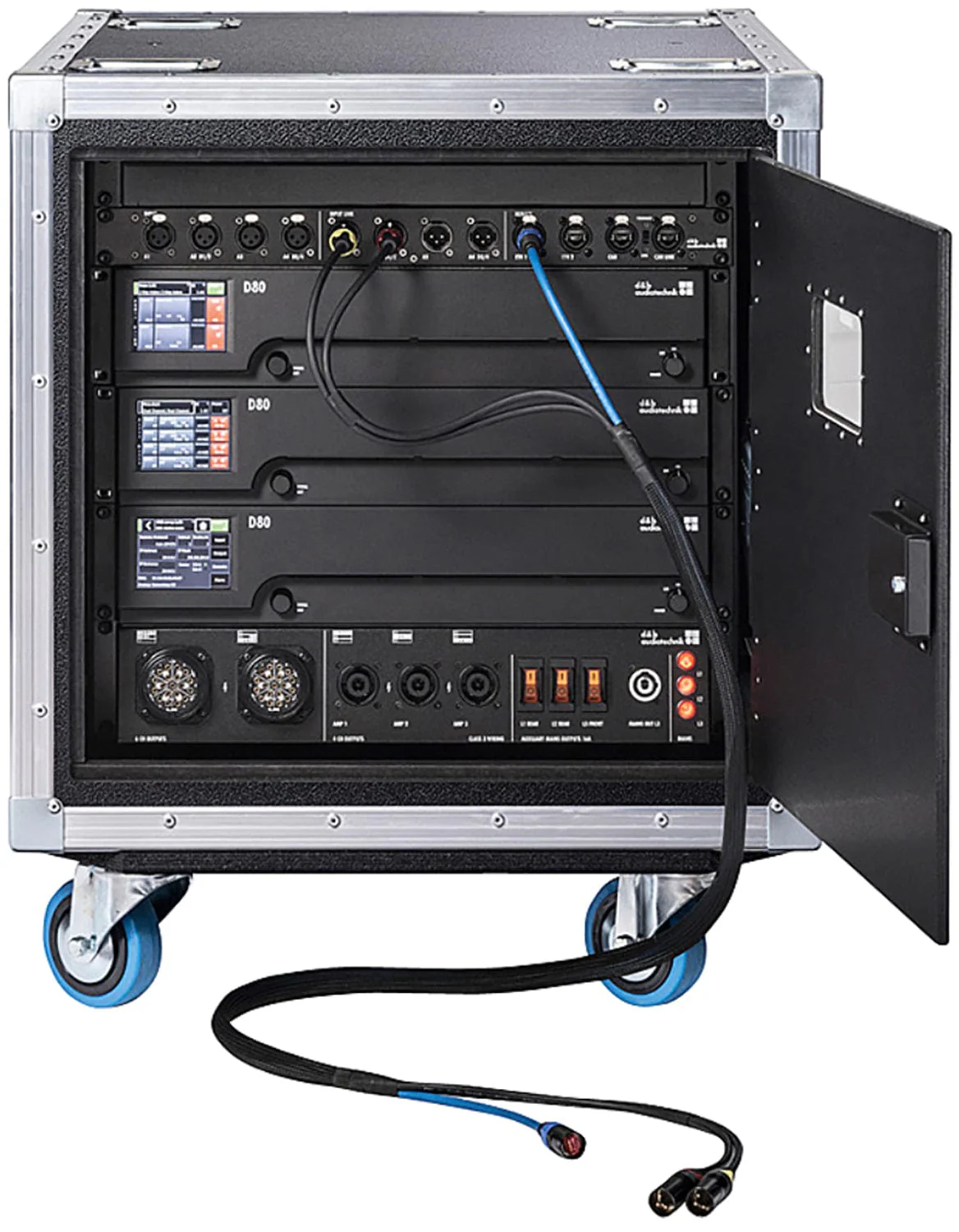
The signal path is different: the desk sends a line‑level signal to a processor (optional but recommended for safety), then on to a power amplifier, which physically drives the speaker via a speaker cable (Speakon). This separation offers a lot of flexibility in system sizing: power, brand, headroom, damping factor and number of channels can all be tailored to the speaker inventory.
Flexible replacements / lower long‑term costs
If a passive monitor fails, you swap out the wedge without taking an expensive amplifier module out of service. Fixed installs (venues, theatres, schools) often favour this architecture to keep long‑term costs under control. Passive monitors are also lighter to handle (the amp weight lives in the rack), which makes moving them around on modular stages easier.
Typical example
You’ll often see passive speaker + Crown amp combinations both out front and for monitors. The external amp, correctly matched to the impedance and power handling of the cabinet, gives good driver control and comfortable headroom. This is a standard, reliable and scalable approach.
Active vs passive comparison table (pros / cons)
The table below sums up the key points so you can quickly compare both approaches and choose between active monitors and passive monitors.
| Criterion | Active monitor | Passive monitor |
|---|---|---|
| Amplification | Built‑in and optimised by the manufacturer (matched driver/amp/DSP) | External, free choice of power, DSP and brand |
| Connections | Line‑level signal + mains (XLR/TRS + power) | Line‑level signal → amp, then speaker cable (Speakon) to the cabinet |
| Logistics | Fast to set up, fewer items, needs decent power distribution | Amp rack to manage, dedicated speaker cables, weight split between stage and control position |
| Maintenance | If the cabinet fails, the built‑in amp goes down with it | Monitor replacement independent of the amp, centralised maintenance |
| Upfront cost | Higher per unit, but “plug & play” | Cost‑effective at scale, well suited to fixed installations |
| Scalability | Useful onboard DSP features, upgrades tied to the model you buy | You can upgrade amps/processing without changing the speakers |
| Feedback risk | Depends on placement and dispersion, EQ/limiter built in | Depends on placement and dispersion, EQ/limiter via system processor |
| Weight & handling | Heavier cabinet (amp built in) | Lighter cabinet, weight moved to the amp rack |
Want to dive deeper? Read our step‑by‑step guide to building effective musician mixes: How to mix stage monitors.
Which type should you choose for your use case?
The choice between active and passive isn’t about “absolute quality”, but about what best fits the context: logistics, budget, maintenance, set‑up time and the kind of stages you work on. Ask yourself these questions systematically before you buy or hire.
Small stages, mobile bands → active
For pubs, small venues, mobile gigs and set‑ups that are built and struck frequently, active monitors are often the obvious choice. They reduce the amount of gear you have to transport, remove the amp rack, speed up cabling and cut down on errors. An acoustic duo, a three‑piece rock band in a club, a choir in a village hall or a mobile DJ rig all benefit from the simplicity of “desk → XLR → speaker”. Recent models include useful presets (HPF, “wedge” mode) to tame an upper‑mid peak or excess low end from floor coupling.
On the practical side, make sure you have enough multi‑way extension boards and mains leads, keep cable runs tidy to avoid audio/mains crossings, and include basic protection (RCDs / residual‑current devices where needed). The goal is to provide stable, quiet power to avoid hums and ground loops, while keeping a comfortable gain before feedback.
Fixed installations, tight budgets → passive
In a local theatre, rehearsal room, school or place of worship, a set of passive monitors driven from rack amps can make more sense. Maintenance is centralised (easy access to amps and processor in the control room), swapping a speaker is straightforward, and the overall cost becomes competitive when several wedges share the same electronics. You can fine‑tune the power per area (for example a more “gutsy” wedge for drums and a more restrained one for vocal positions) by choosing the appropriate amp channel.
This scenario is also very scalable: you can add a more capable processor, move to amps with built‑in DSP, and standardise connectors and thermal tolerances. The flip side is a more complex initial wiring job, which calls for clear documentation and careful labelling of all lines (numbered monitor sends, Speakon cables, marked impedances and polarities).
And what about mixed systems?
Plenty of stages run in hybrid mode: active wedges for mobile positions (vocals, guitar) and passive wedges driven from the control position for static spots (drums, keys). This combines the best of both worlds: quick deployment where people move a lot, centralised control where space and repeatability matter most.
- Standardise your connectors: balanced XLR for line‑level signals, Speakon for speakers, clear colour codes and labels to avoid mix‑ups.
- Protect the system upstream: use a processor/limiter for the passives and check input levels on the actives (avoid digital clipping and clip warning lights).
- Pay attention to placement: aim the main lobe of the wedge at the musician’s ears, avoid lining the mic capsule up directly with the HF horn, and deal with feedback‑prone frequencies using narrow parametric EQ cuts.
- Test with pink noise or a test tone at moderate volume to confirm polarity and cabling before the band arrives.
Conclusion
Active monitors make life easier for mobile crews, reduce cabling and deliver consistent performance, at the cost of a higher unit price and power distribution you need to look after. Passive monitors shine in fixed installs: centralised maintenance, controlled overall cost and excellent scalability, in exchange for a more technical deployment. In every case, prioritise a mix tailored to each musician, sensible levels and targeted EQ to keep intelligibility high and avoid feedback.
Next step: streamline your soundchecks with our practical guide: How to set monitor volume and EQ.
FAQ
What’s the difference between an active speaker and a passive one?
An active speaker (active monitor) has its own built‑in amplifier and connects directly at line‑level from the mixing desk, with its own mains power. A passive speaker (passive monitor) has no built‑in amp: it receives an amplified signal from an external power amp via a speaker cable (usually Speakon). Actives make deployment easier; passives offer better maintenance options and scalability in fixed systems.
Can you use a passive monitor without an amp?
No. A passive monitor absolutely needs an external power amplifier. The signal coming out of the desk is line‑level and nowhere near enough to move the driver. Use an amp that’s appropriate for the speaker’s impedance and power rating, ideally protected by a properly configured system processor.
Why won’t my active monitor power up?
There are several possible causes: a faulty mains lead, power switch in the “off” position, blown fuse, internal breaker tripped, incorrect voltage selection on some older models, or thermal protection after overheating. Also check that there is actually a signal at the input and that the channel isn’t muted/attenuated on the desk. If the amplifier module remains dead after these checks, call in a qualified service technician.