


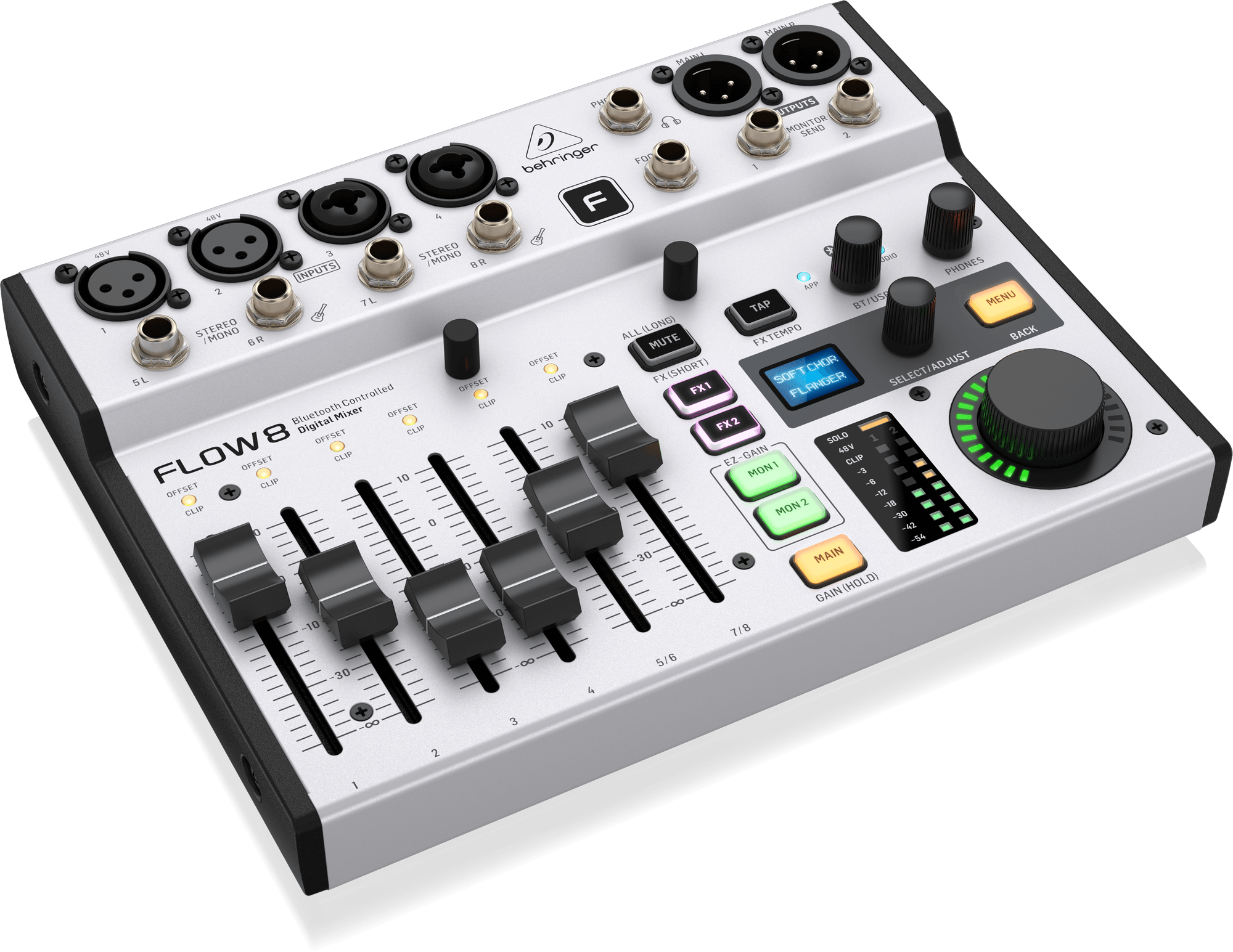
The Behringer Flow 8 is a compact mixer designed for streaming, podcasts, and content creators. One question often comes up in a home studio context: what does “record” really mean on a Flow 8, and how can it be used to record cleanly on a computer? This article clearly explains the USB recording capabilities, audio routing, and control via the mobile app.
What “record” means on a Flow 8
The Flow 8 does not offer standalone recording
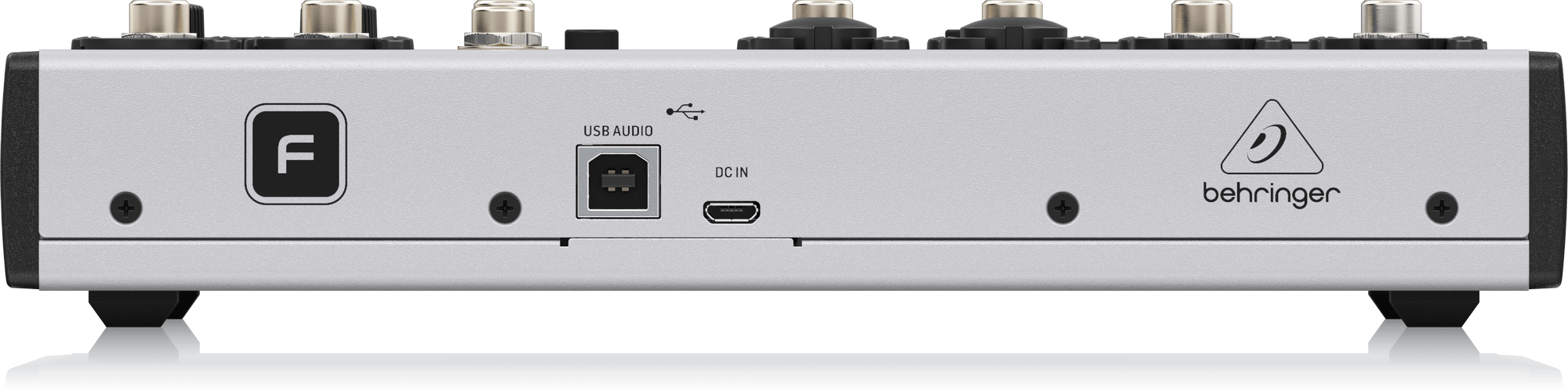
The Flow 8 does not include a standalone recorder. It has neither an SD card reader nor internal memory allowing recording without a computer. All recording functions require a USB connection to a PC or Mac.
It is important to understand that the term “record” means the Flow 8 operates as a multichannel USB audio interface, not as an independent recorder.
How recording works with a computer
When connected via USB, the Flow 8 is recognized as a 24-bit / 48 kHz audio interface. It can send multiple audio streams to a DAW (such as Logic Pro, Cubase, Reaper, Ableton Live) or to streaming software.
All recording therefore takes place on the computer, with the Flow 8 acting as a preamplifier, mixer, and audio interface.
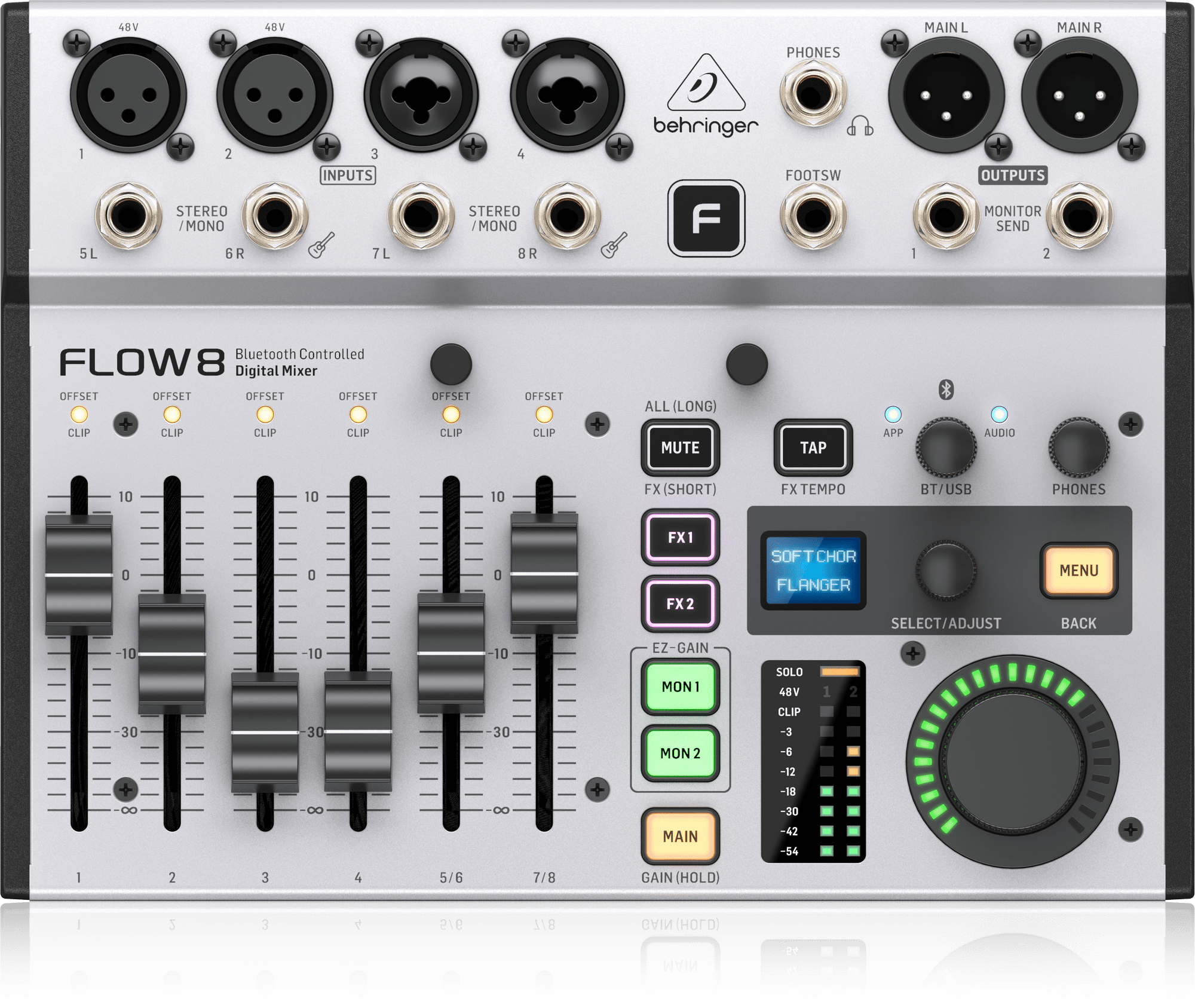
USB: how many tracks are sent to the PC/Mac
The 10 channels sent over USB
In USB audio interface mode, the Flow 8 sends 10 channels to the computer:
- 8 channels corresponding to the analog inputs (mic, line, instrument);
- 1 stereo Main L/R bus, captured pre-fader.
Because the main bus is pre-fader, fader movements do not affect the recorded level on this bus, ensuring a stable recording level.
Stereo return from the computer to the mixer
In the opposite direction, the computer sends 2 stereo channels back to the Flow 8. This return is routed to the BT/USB channel strip on the mixer.
The level of this return can be controlled:
- via the physical BT/USB knob on the mixer;
- via the FLOW Mix control application.
This stereo return makes it possible to monitor audio from a DAW or streaming software without requiring an additional external interface.
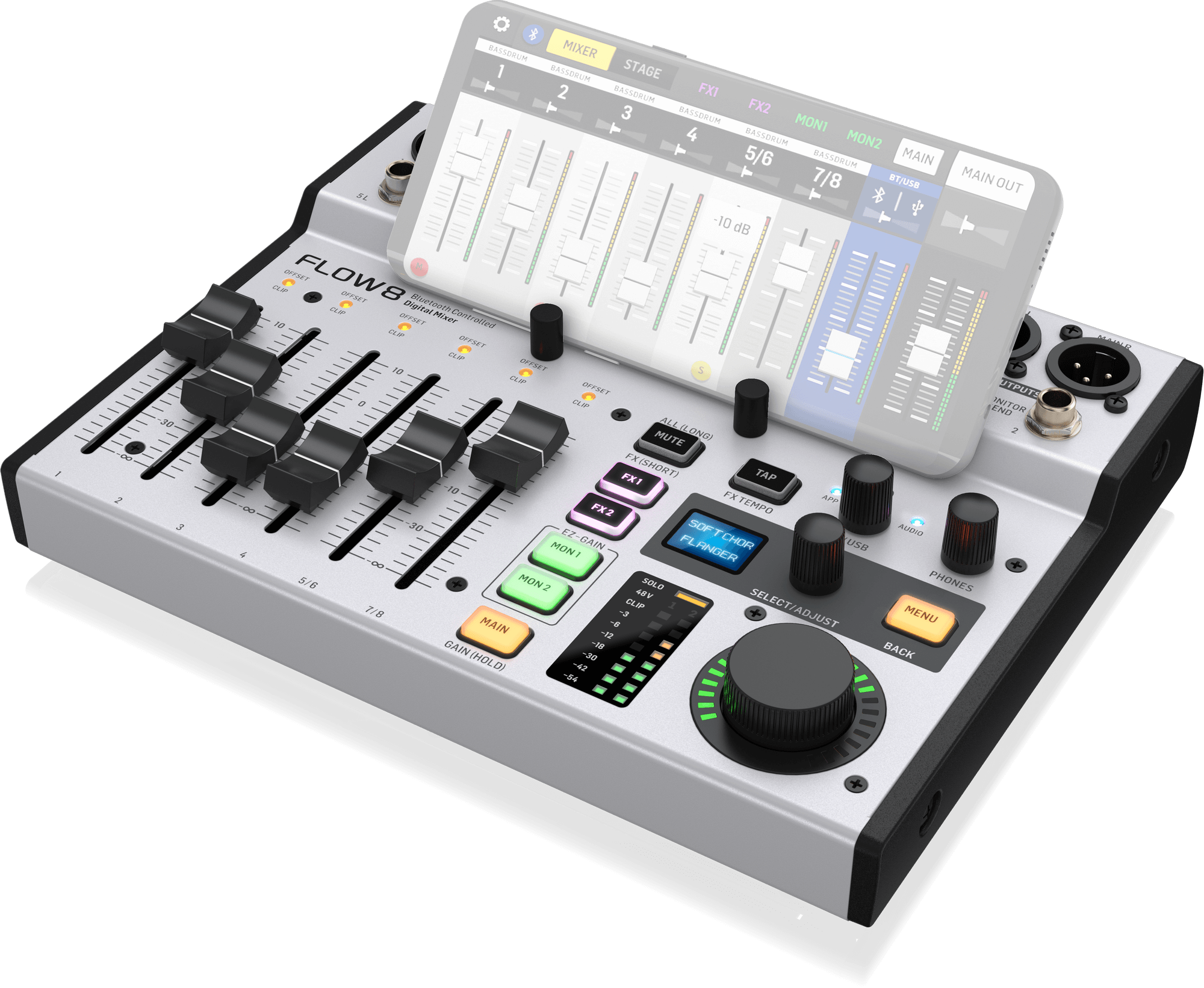
Recommended routing depending on usage
Home studio: multitrack recording and monitoring
For home studio use, you can:
- record the 8 analog inputs on separate tracks in the DAW;
- use the Main L/R bus as a reference mix or safety track;
- monitor via the headphone output or the MON 1 / MON 2 outputs.
The Flow 8 offers low latency, allowing comfortable monitoring, especially when using direct monitoring through the mixer.
Streaming: stereo mix or separate sources
For streaming, two approaches are possible:
- use the Main L/R bus as a stereo source sent to the streaming software;
- use the individual inputs for more detailed mixing within the broadcast software (such as OBS or vMix).
The second option provides greater flexibility but requires more advanced configuration within the streaming software.
Rehearsals: front-of-house mix and independent monitor mixes
In rehearsal situations, the Flow 8 allows:
- a front-of-house mix on the Main L/R outputs;
- two independent monitor mixes via MON 1 and MON 2.
USB recording can then be used either to capture the rehearsal track by track or to record a stereo reference mix.
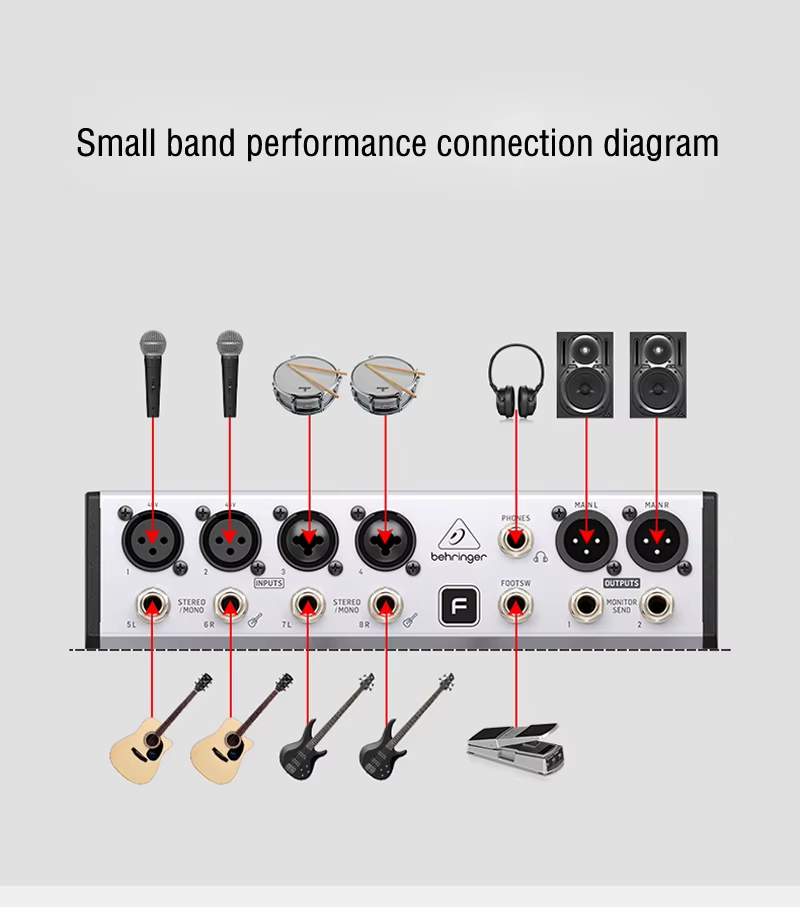
Mobile control with the FLOW Mix app
Bluetooth BLE connection and range
The FLOW Mix app, available on iOS and Android, allows remote control of the Flow 8’s parameters. The connection uses Bluetooth Low Energy (BLE), which is different from standard Bluetooth audio.
Typical range is around 12 meters in an open environment. Only one instance of the app can be connected to the Flow 8 at a time, while another device may still be used for Bluetooth audio streaming.
Using snapshots in live situations
The app allows you to save snapshots containing level settings, EQ, dynamics, effects, and routing. These snapshots can be recalled:
- from the mobile app;
- via a footswitch connected to the mixer’s FOOTSW input.
This feature makes it easy to quickly reuse configurations tailored to different live or streaming scenarios.
Quick troubleshooting
USB not recognized or no return audio
- Make sure the Flow 8 is selected as the audio interface in both the operating system and the DAW.
- Check the level of the BT/USB knob on the mixer.
- Verify that the DAW’s stereo output is correctly routed to the USB outputs.
Bluetooth connected but no control
- Ensure that Bluetooth BLE is properly paired for the mobile app (APP LED lit).
- Distinguish between APP pairing and AUDIO pairing, which are two different procedures.

FAQ
How many USB tracks does the Flow 8 send to the computer?
The Flow 8 sends 10 channels to the computer: 8 individual analog inputs and the stereo Main L/R bus.
Can the Flow 8 record without a computer?
No. The Flow 8 does not offer standalone recording. A computer is required to record.
How do you get audio return from the computer into the Flow 8?
Audio return from the computer arrives on the BT/USB channel. Its level can be adjusted using the BT/USB knob or via the mobile app.
Which app is used to control the Flow 8?
The official app for controlling the Flow 8 is called FLOW Mix. It is available on the App Store and Google Play.
Is the Flow 8 suitable for streaming and podcasting?
Yes, the Flow 8 is suitable for streaming and podcasting in that it works as a multichannel USB audio interface with mobile control, but it does not include built-in standalone recording.

