With the 2.0 update, Yamaha’s little SEQTRAK groovebox takes a real step up. New track options, smarter pattern management and a more capable app: this version turns the unit into a far more flexible creative tool, particularly appealing for producers and beatmakers in the UK who want to write music anywhere, without a computer.
What Yamaha SEQTRAK 2.0 really changes for your workflow
The update arrives at just the right time for those who had bumped into the limits of the machine. The goal is clear: squeeze the most out of every available track and save time on repetitive operations.
Turning drum tracks into AWM2 synths
The most striking new feature concerns track management. You can now convert a drum track into an AWM2 synth track. In practice, if you’re not using, for instance, the PERC1 track, you can switch it to an extra AWM2 track. This lets you use the SEQTRAK more like a synth-focused machine when you need more melodic voices than drum parts.
Another important change: the different drum tracks can be merged into a single kit track containing up to seven sounds. That way you free up tracks for other roles, while still keeping a full kit on a single track. It’s a valuable optimisation for building more complex projects without feeling held back by the number of tracks.
Simplified pattern length management
The Barlength button becomes genuinely important with version 2.0. Previously, drum pattern length could only be managed via the Page buttons. Now, Barlength also affects the drum tracks, which means you can adjust pattern lengths across the whole project, including the rhythm parts. The result: you can change your song structure more quickly, without constantly diving back and forth through the interface.
Faster global control with the ALL knob
The behaviour of the ALL knob has also been reworked. By holding certain buttons (Volume +/-, Page, Scale, Octave, Key, BPM +/-, Swing) and turning ALL, you can tweak these parameters globally. This is very handy for changing the key, tempo or swing of an entire project in one go, for example in a live setting or during a creative pre‑mix phase.
SEQTRAK app: more complete backups
The dedicated SEQTRAK app keeps pace with an update that supports all the new features in version 2.0. It notably introduces an improved backup function: on top of projects, you can now save your user sound files. This lets you secure your custom sound banks and move between sessions more easily, while keeping everything clearly organised.
The SEQTRAK 2.0 update and the new version of the app are available to download from the manufacturer’s website.
Looking back at previous changes: OS V1.2 and performance‑oriented features
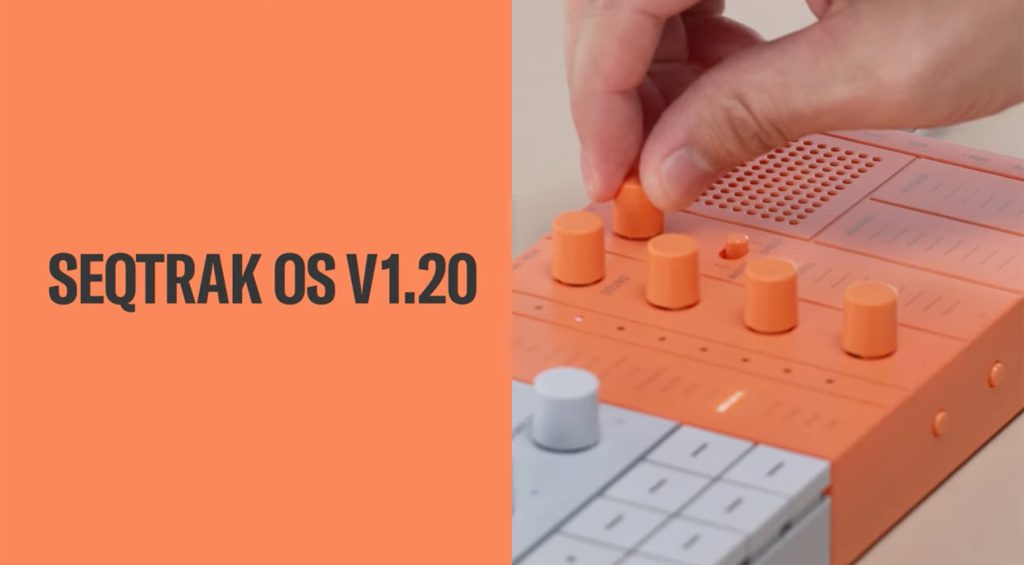
Before this major 2.0 release, the SEQTRAK had already been strengthened with the OS V1.2 update, which brought in useful features for live performance as well as for preparing sets.
Looped sample playback and new controls
OS V1.2 introduced a loop mode for the sampler. Playback was no longer limited to simple one‑shots: it became possible to set loop points and adjust loop length, directly on the hardware or via the app. The display in the app gave you a more comfortable visual overview for fine‑tuning settings.
This update also added the ability to mute or activate each individual sample slot, a new mute mode to handle silences smoothly on the tracks, count‑in recording, a new way to change octave in keyboard mode and a number of subtler tweaks. The app itself received a visual and functional refresh, notably adding MIDI file import and export.
OS V1.2 was offered free of charge to all SEQTRAK users.
Price, promos and how it stacks up against high‑end grooveboxes
The SEQTRAK has also made waves with its pricing, especially when it was offered at a reduced price during a promotional period, dropping from €399 to €299 for certain models. That deal clearly targeted musicians who find some rival products far more expensive for a very similar use case.
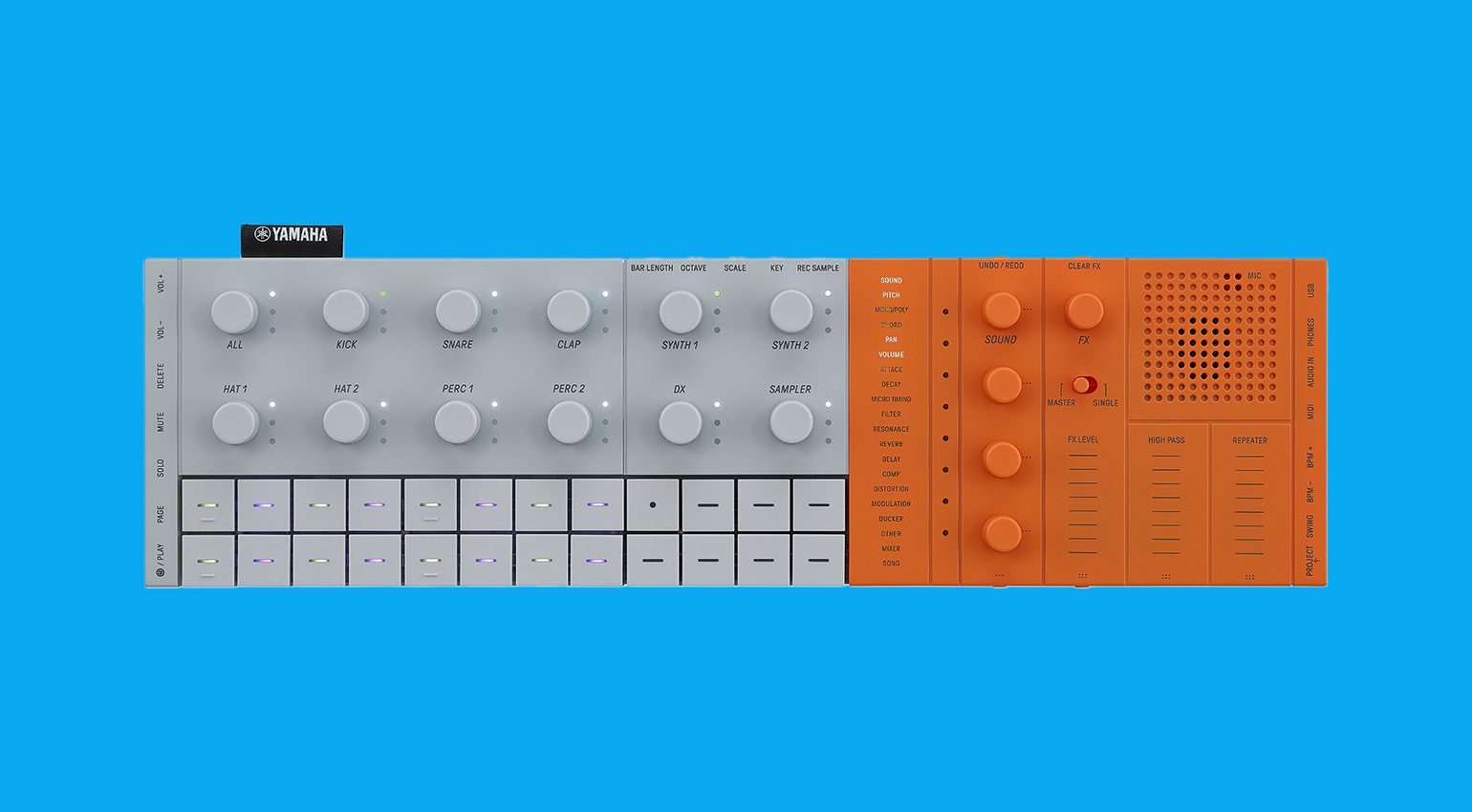
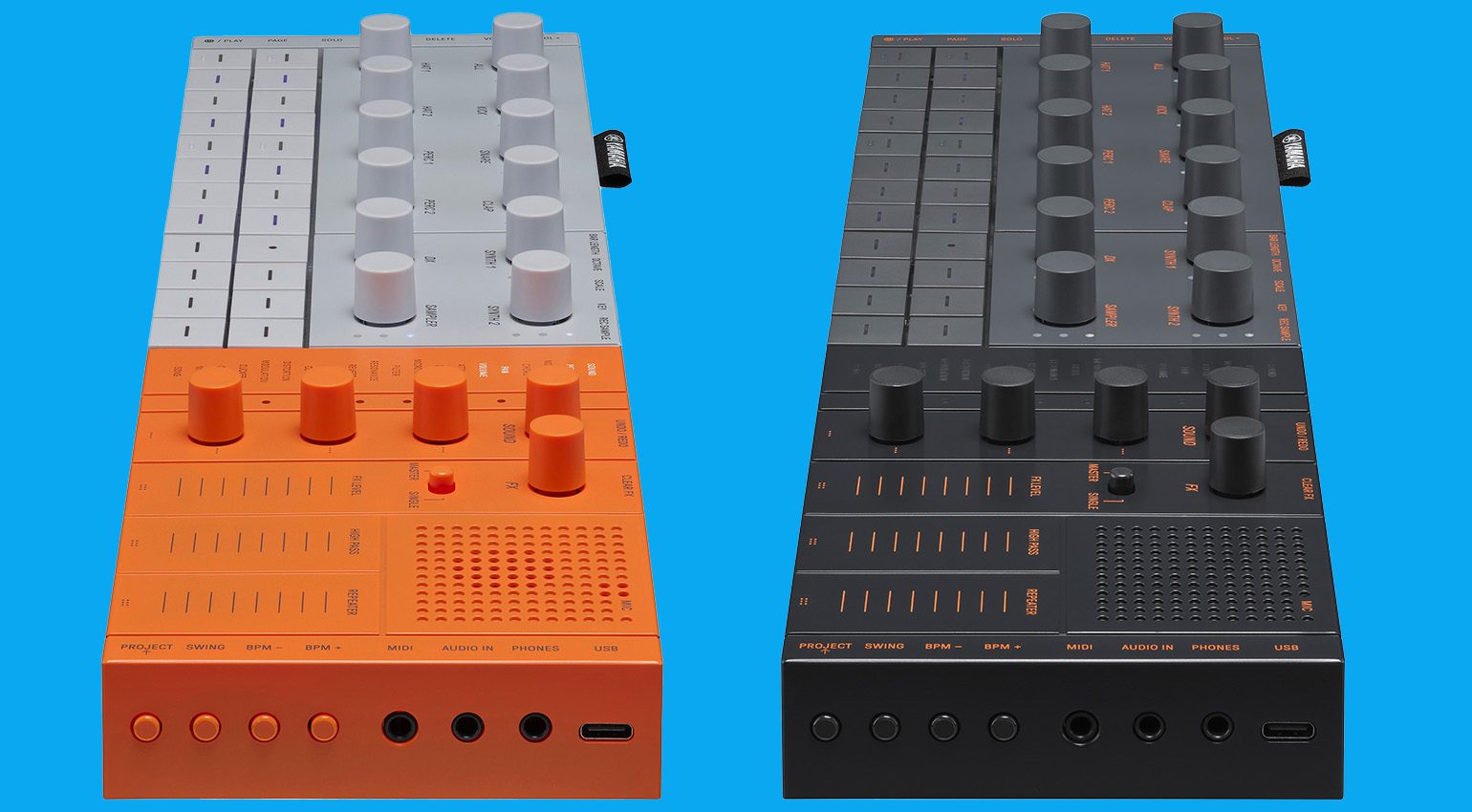
Two finishes are highlighted: a very bold orange version and a more understated black version. That way it fits just as well into a discreet home‑studio setup as a more visually striking live rig.
Overview of the Yamaha SEQTRAK
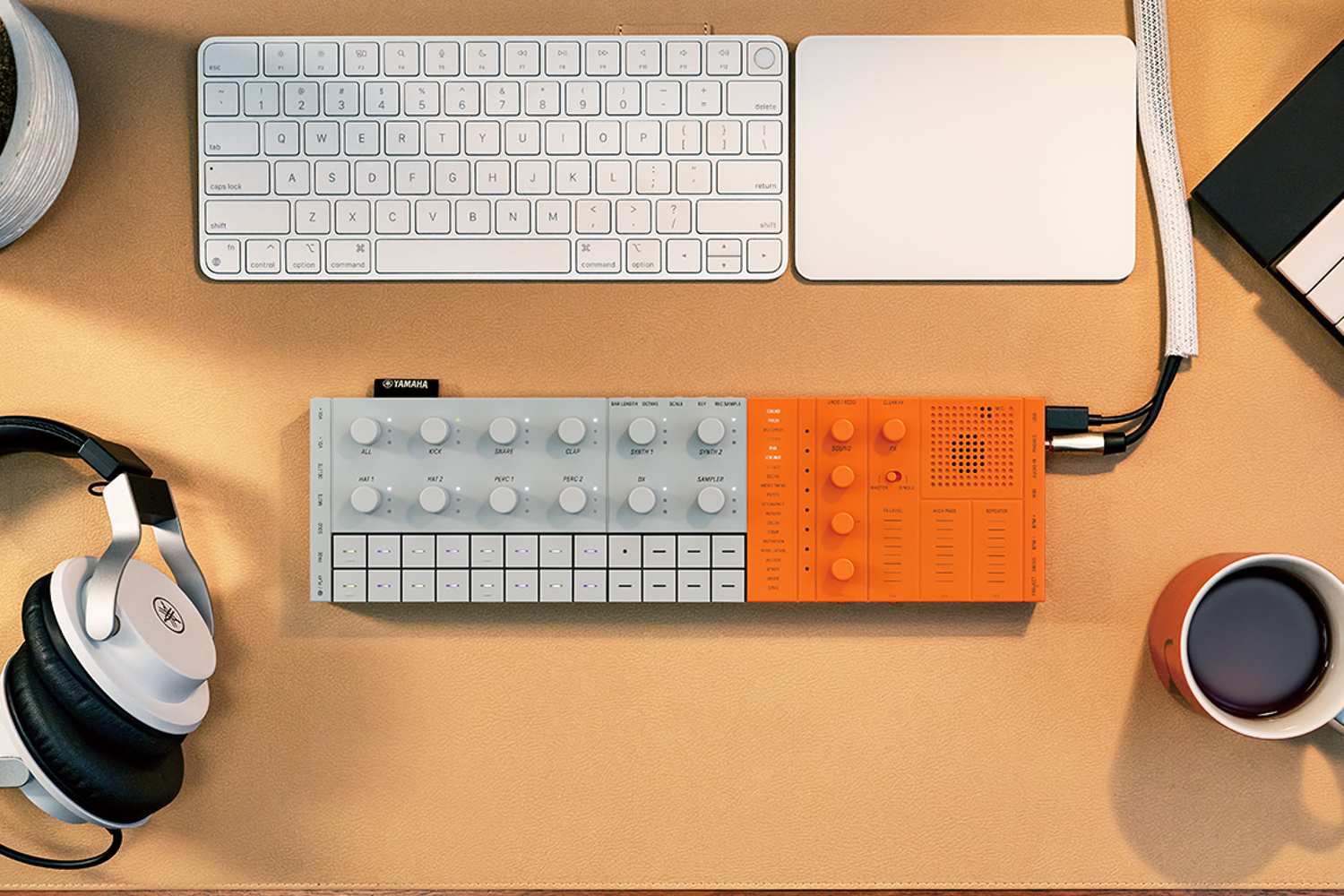
Behind this small unit lies a genuine compact production station: drum section, synths, sampler and sequencer are all packed into a portable format with a built‑in rechargeable battery. It’s a tool designed to sketch out full tracks quickly, whether you’re at home, in the studio or on the move.
A full groovebox with four sound sections
The SEQTRAK is built around four main sound families:
- a sample‑based drum machine with seven dedicated slots (kick, snare, clap, two hi‑hats and two generic percussion slots), expandable thanks to an internal library of over 2,000 sounds;
- synth sections, including a four‑operator FM engine inspired by the brand’s heritage in this type of synthesis, plus two sections using the AWM2 engine, announced with polyphony of up to 128 voices;
- a sampler capable of recording in 16‑bit / 44.1 kHz from an external source, over USB, via the built‑in microphone or by internal resampling.
Sound design section and editing via the app
On the right‑hand side of the unit, there’s an area dedicated to sound shaping. The knobs let you adjust key parameters such as pitch, volume, pan, attack, decay and filter. To go deeper into synthesis, the SEQTRAK app on computer or mobile gives access to more detailed settings.
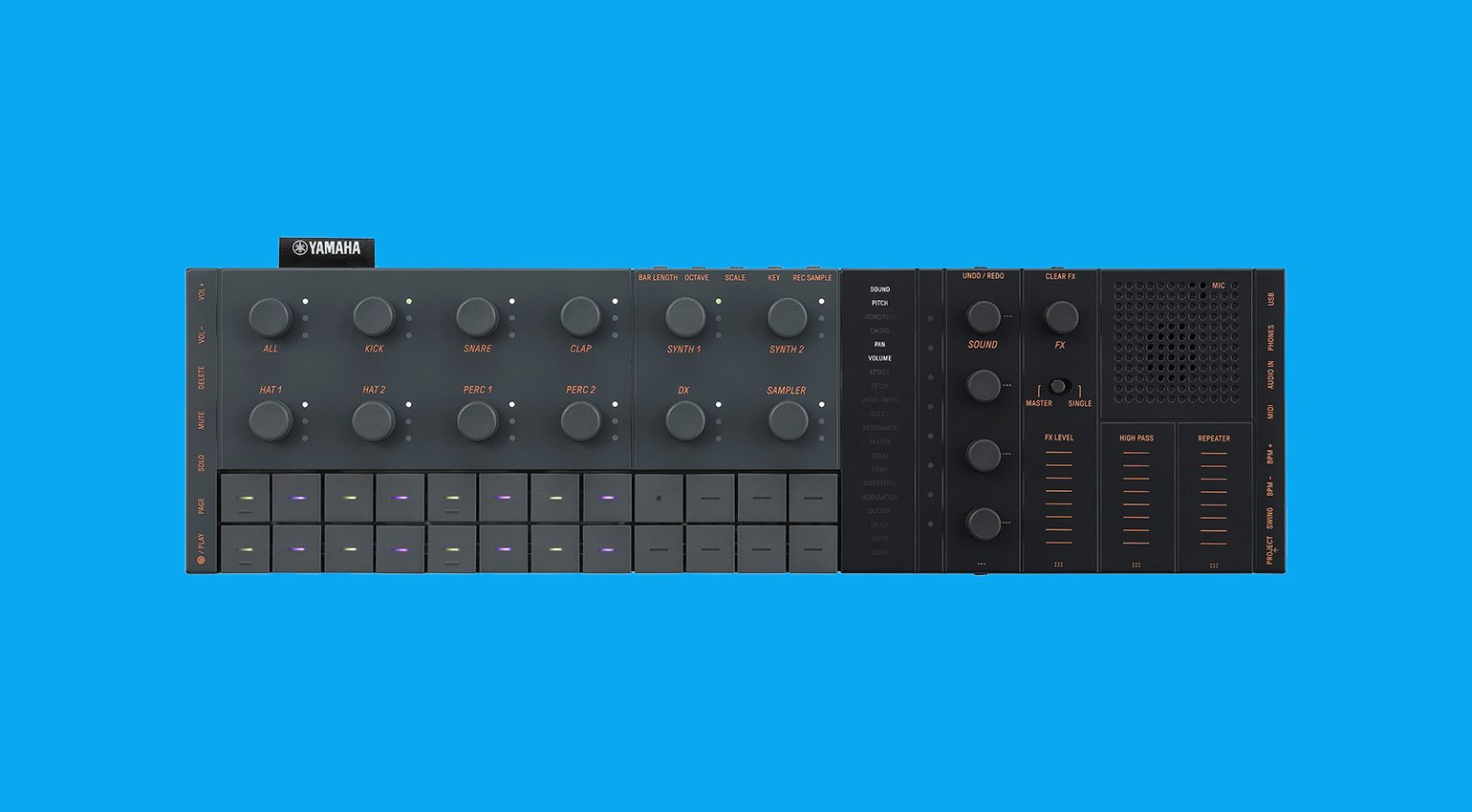
A full effects section rounds things off, with delay, reverb, modulation, distortion, compression and other processing options. Effects can be applied to an individual sound or to the overall mix. Again, the app lets you fine‑tune every parameter and even offers a visualiser.
A sequencer at the heart of the experience
As the name suggests, the SEQTRAK leans heavily on its sequencer. You get a step sequencer with up to 128 steps. Note data can be entered in mono, in polyphony or in chord mode, with the sequencer then acting as a seven‑note chromatic keyboard. Various scales and keys are available, plus an arpeggiator to enrich melodic and rhythmic lines.
Connectivity and integration in a modern setup
In terms of connections, the SEQTRAK offers:
- MIDI over Bluetooth to communicate with the app;
- Wi‑Fi for wireless sample transfer;
- MIDI in/out ports;
- a USB‑C port;
- an auxiliary input;
- a headphone output.
The unit also features a built‑in speaker. However, there’s no mention of a dedicated audio output separate from the headphone out.
Why this update will interest musicians in the UK
With its varied sound engines, sampler and full‑featured sequencer, the SEQTRAK was already a solid alternative to more expensive grooveboxes. The successive updates, particularly OS V1.2 and now 2.0, build on that by making performance smoother, improving sample editing and optimising how tracks are used.
For a musician or producer in the UK looking for a compact solution to write full tracks, rehearse, prepare live sets or sketch ideas away from the studio, the way SEQTRAK has evolved makes it especially attractive, all the more so given the promo periods that have made it more affordable at times.
FAQ
Is the Yamaha SEQTRAK 2.0 update paid?
The OS V1.2 update was offered free of charge to all owners of the machine. As for version 2.0, it’s announced as being available to download from the manufacturer’s website, with no further detail provided in the information supplied.
What does the 2.0 update actually add compared with OS V1.2?
OS V1.2 focused on the sampler, mute functions, count‑in, octave changes and improvements to the app, especially MIDI file import/export. Version 2.0, by contrast, puts the emphasis on track management (converting drum tracks into AWM2 synth tracks, a drum‑kit track with up to seven sounds), extending the Barlength function, global control via the ALL knob and an enhanced backup function within the app.
Can you use the Yamaha SEQTRAK without a computer?
Yes, the SEQTRAK works as a standalone groovebox with built‑in drum machine, synths, sampler, effects and sequencer, powered by a rechargeable battery and equipped with a speaker and headphone output. The app is there as a companion, letting you go deeper into sound editing, manage sample loops and take advantage of advanced backup features.
How does the Yamaha SEQTRAK handle samples after the updates?
Since OS V1.2, the unit can switch from one‑shot playback to loop mode, with control over loop points and loop length, either directly on the hardware or via the app. You can also mute or activate each sample slot individually. With the 2.0 update, the app additionally lets you save user sound files at the same time as projects.