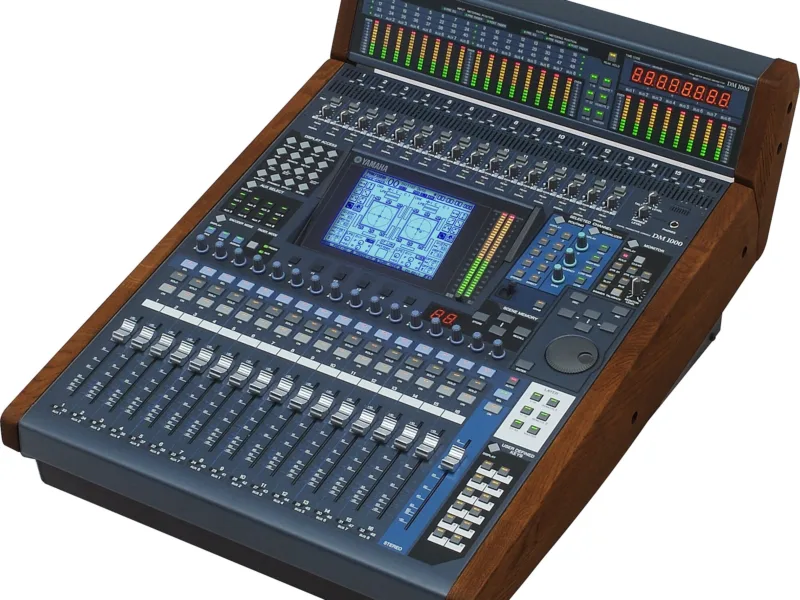
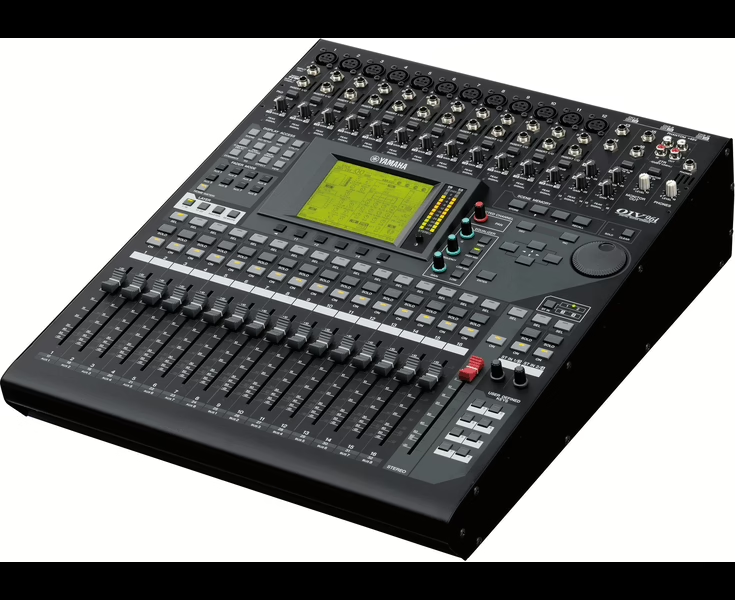
Yamaha AW4416 - Guide d'utilisation (PDF officiel)
Console : Yamaha AW4416
Sommaire
- Important4
- Read the following before operating the AW44164
- Handling the CD-R/RW media5
- Storing produced data6
- Responsibility for loss of data, etc.6
- Cautions for handling optional equipment6
- Table of contents8
- Before you begin15
- Checking the included items15
- Installing an internal hard disk16
- About the internal hard disk16
- Installation17
- Installing a CD-RW drive19
- About the CD-RW drives19
- Installation procedure20
- Removing the transport protection pad23
- How to remove the transport protection pad23
- Manual eject (emergency disc removal)24
- Attaching an external SCSI device24
- About external SCSI devices24
- Connection procedure25
- Installing I/O cards27
- About I/O cards27
- Installation procedure28
- Important points you must observe29
- Turning the power on or off29
- Setting the internal clock30
- Transporting the AW441632
- Vibration during use32
- 1 Welcome to the world of the AW441633
- Features of the AW441633
- Signal flow within the AW441636
- Input patch37
- Input channels 1–2438
- Return channels 1/239
- Recorder input patching40
- Monitor channels 1–1640
- Digital cascade connections41
- Oscillator41
- Stereo output channel41
- Buses 1–842
- AUX buses 1–842
- Output patch43
- Internal effects 1/243
- Monitor output/headphone output44
- 2 Parts and their functions45
- Top panel45
- Analog input/output section45
- WORK NAVIGATE section46
- UNIT section46
- MIXER section47
- FADER MODE section48
- MIXING LAYER section49
- [SEL] keys, [ON] keys, faders51
- Display section52
- Level meter/counter section53
- RECORDER section54
- AUTOMATION section55
- SCENE MEMORY section55
- CURSOR/JOG & SHUTTLE section56
- Locate section57
- Transport section58
- SAMPLING PAD section59
- Rear panel60
- Front panel64
- 3 The user interface of the AW441665
- Display65
- Level meters/counter68
- Basic operation of the AW441670
- Accessing a screen/page70
- Turning a button on/off71
- Editing the value of a fader/knob/numerical box72
- Using the additional function buttons73
- Inputting text74
- Selecting channels77
- 4 Connections and setup81
- Connections81
- Word clock settings82
- 5 Recording on the AW441686
- Preparations for recording86
- Connections and start-up86
- Creating a new song88
- Recording the first tracks91
- Set the input level91
- Assign the signals to buses94
- Set the tracks to record-ready mode95
- Make monitor settings96
- Let’s record!98
- Overdubbing100
- Set the input level100
- Assign the signal to a bus101
- Put the track in record-ready mode102
- Make monitor settings103
- Using EQ and the dynamics processor104
- Let’s overdub!107
- Mixdown108
- Creating the mix balance of the tracks108
- Using the Solo function109
- Using the internal effects112
- Other convenient functions114
- Recording the stereo track115
- Saving a scene/song118
- 6 Transport/locate operations121
- Table of transport key operations121
- Shuttle function (cue/review operation)122
- Nudge function122
- Rollback function125
- Locating to a specific point126
- Locating to the zero location of the counter127
- Locating to the start/end points129
- A-B repeat130
- In/out points132
- Markers133
- Adjusting the location of a locate point135
- Deleting a locate point137
- Deleting a locate point using the panel keys138
- 7 Punch-in/out139
- About punch-in/out139
- Manual punch-in/out140
- Preparations140