Basic differences between the two devices
Main role: hardware mixing vs audio conversion. A mixing desk is designed to combine, EQ and route several sources in real time. It gives you faders, analogue equalisers, aux sends for monitor mixes or effects, subgroups and immediate hands-on control. An audio interface focuses on converting analogue signals to digital (A/D) and digital to analogue (D/A) with maximum fidelity, minimal latency and stable drivers, so you can record and play back audio in your digital audio workstation (DAW). The “mixer or audio interface” question therefore boils down to whether your priority is live mixing or multi-track recording inside software.
Connectivity, size, price. Entry-level and mid-range audio interfaces usually offer two to eight mic/line inputs with preamps, 48V phantom power, one or two headphone outputs and dedicated monitor outputs, sometimes a MIDI port. They remain compact, quiet and easy to fit on a desk. Mixing desks generally provide more physical inputs for an attractive per-channel cost, built-in effects, several aux buses and, on some models, a stereo or multichannel USB interface. Your choice depends on the number of simultaneous inputs you need, your need for hands-on control and your overall budget for a beginner home studio.
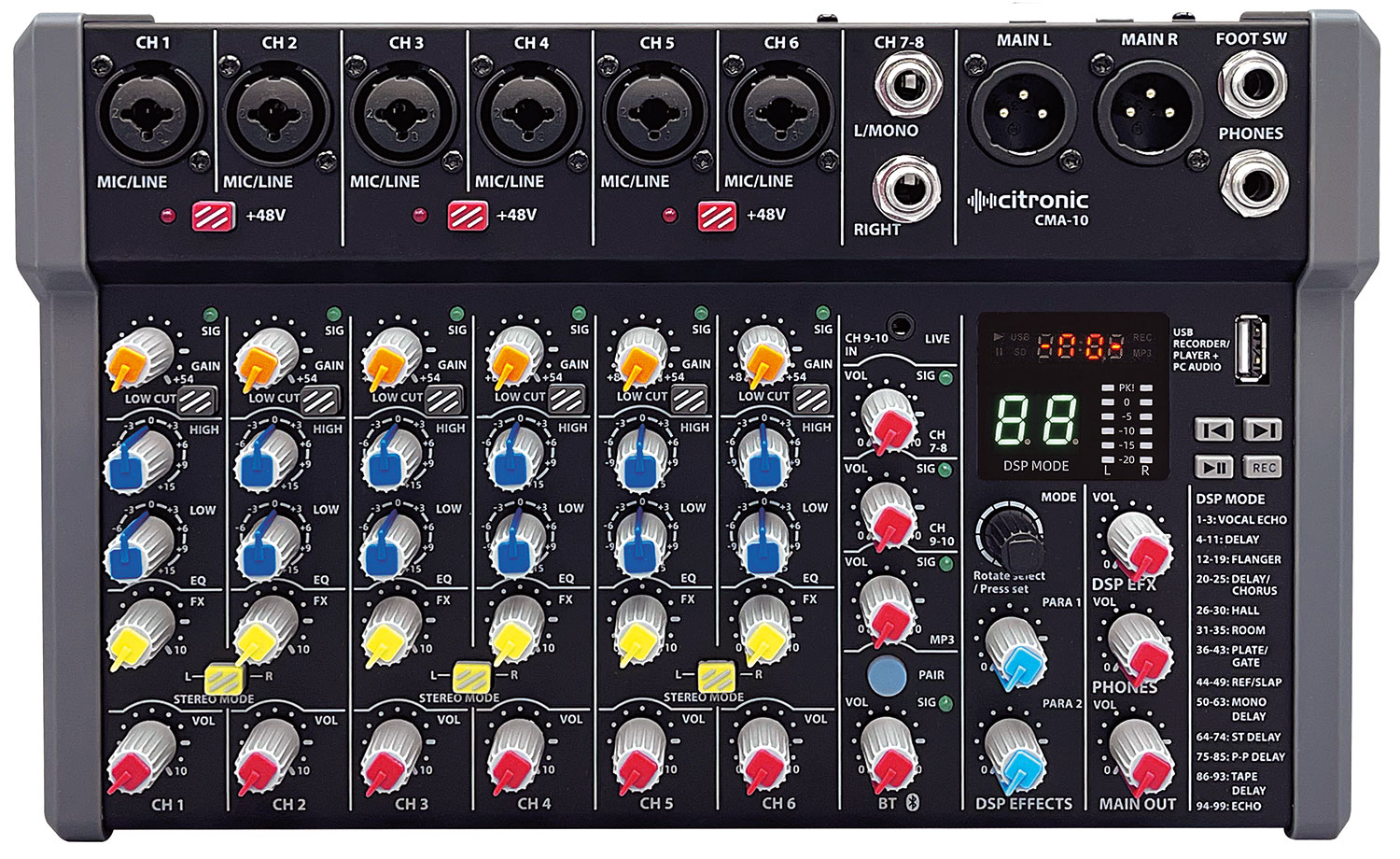
When should you use an audio interface?
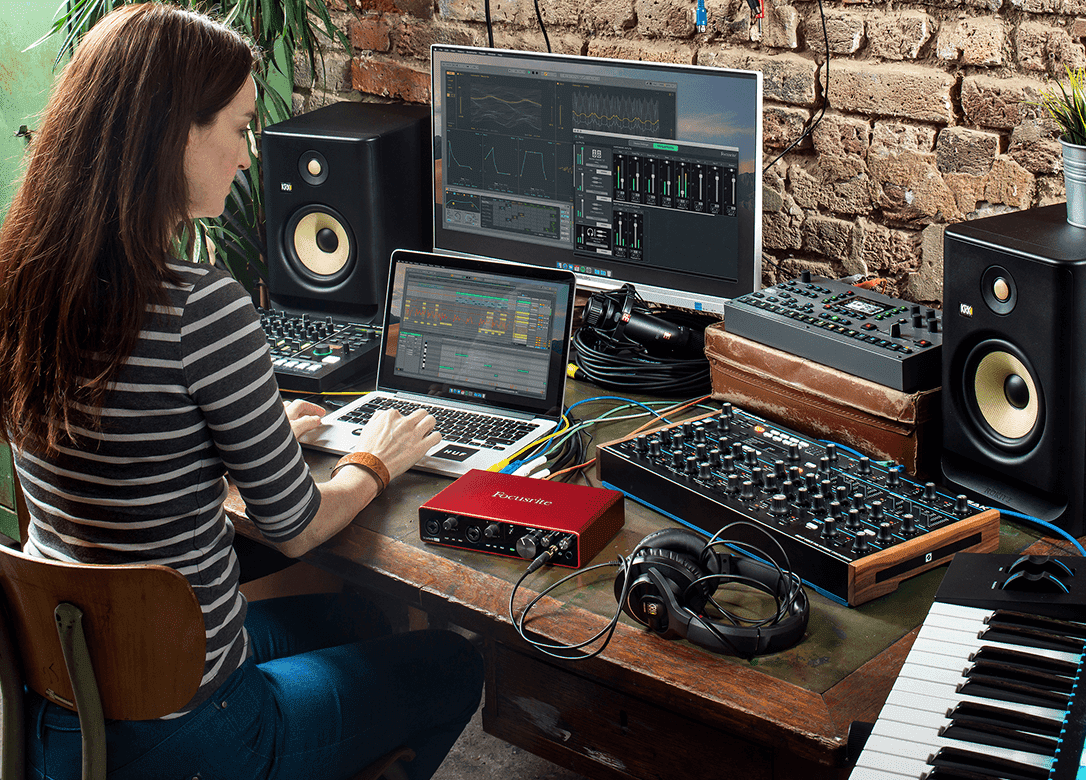
Multi-track recording. If your priority is to capture clean, independent takes in a DAW (vocals, guitar, synth, electronic drums), the audio interface is the obvious choice. It handles latency, clocking and conversion so each source arrives on its own track. You can build up arrangements by overdubbing with two inputs, or record several musicians at once with an interface that has more inputs. You keep full flexibility for editing and mixing (editing, compression, EQ, effects) without locking yourself into processing that’s “printed” too early, while also controlling levels to avoid clipping and preserving headroom.
Audio conversion quality. Modern interfaces aim for accurate conversion, low noise and plenty of clean gain. Transparent preamps will suit most dynamic and condenser microphones; for some low-output dynamics, an extra gain stage can be useful. Decent converters and a stable clock improve the accuracy of your recordings and your confidence when mixing on headphones or nearfield monitors, especially when you’re working in 24-bit at common sample rates (44.1 to 96 kHz).
DAW compatibility. Audio interfaces are built to talk to Reaper, Logic Pro, Pro Tools, Ableton Live, Cubase or Studio One. They provide dedicated drivers (ASIO on Windows, Core Audio on macOS), fine buffer settings (for example 64 to 256 samples depending on CPU load), hardware or software direct monitoring and sometimes a virtual mixer so you can create several headphone mixes. This integration keeps sessions smooth for solo musicians, beatmakers and content creators who want to record without hassle.
When is a mixing desk more suitable?
Rehearsals, streaming and hybrid setups. A mixing desk shines whenever you need to hear and balance several sources live, without opening a DAW session. For rehearsals, jams, a singing lesson with a keyboard, a vocal–guitar duo or a live stream with several mics and background music, the mixer gives you instant control: fader tweaks, headphone sends via auxes, a touch of internal reverb, routing to speakers and to a computer if the model has a USB output. This immediacy is often easier for a beginner home studio that prioritises actually playing over staring at a screen.
Hands-on control and direct routing. Knobs, faders, mute buttons and monitoring functions (PFL/AFL) make for quick learning and fast reactions. Aux sends give you separate headphone mixes, inserts let you patch in outboard gear, and subgroups help you organise instrument families and control overall levels more easily. For a musician who just wants to focus on performing, this hardware-centred approach cuts screen time and delivers a coherent sound straight away.
Spotlight on hybrid USB desks (Mixer + Interface)
Some models combine the best of both worlds: user-friendly hardware mixing plus a USB connection to talk to your computer. The Yamaha MGXU and Behringer Xenyx USB ranges typically offer a stereo USB send and return between computer and console, which is enough for many streaming, recorded rehearsal or online lesson scenarios. Hybrid consoles like the Tascam Model 12 add standalone multi-track recording to SD card and a multichannel USB audio interface, opening the door to detailed demos and live sets recorded track by track, while keeping 100% hardware ergonomics.
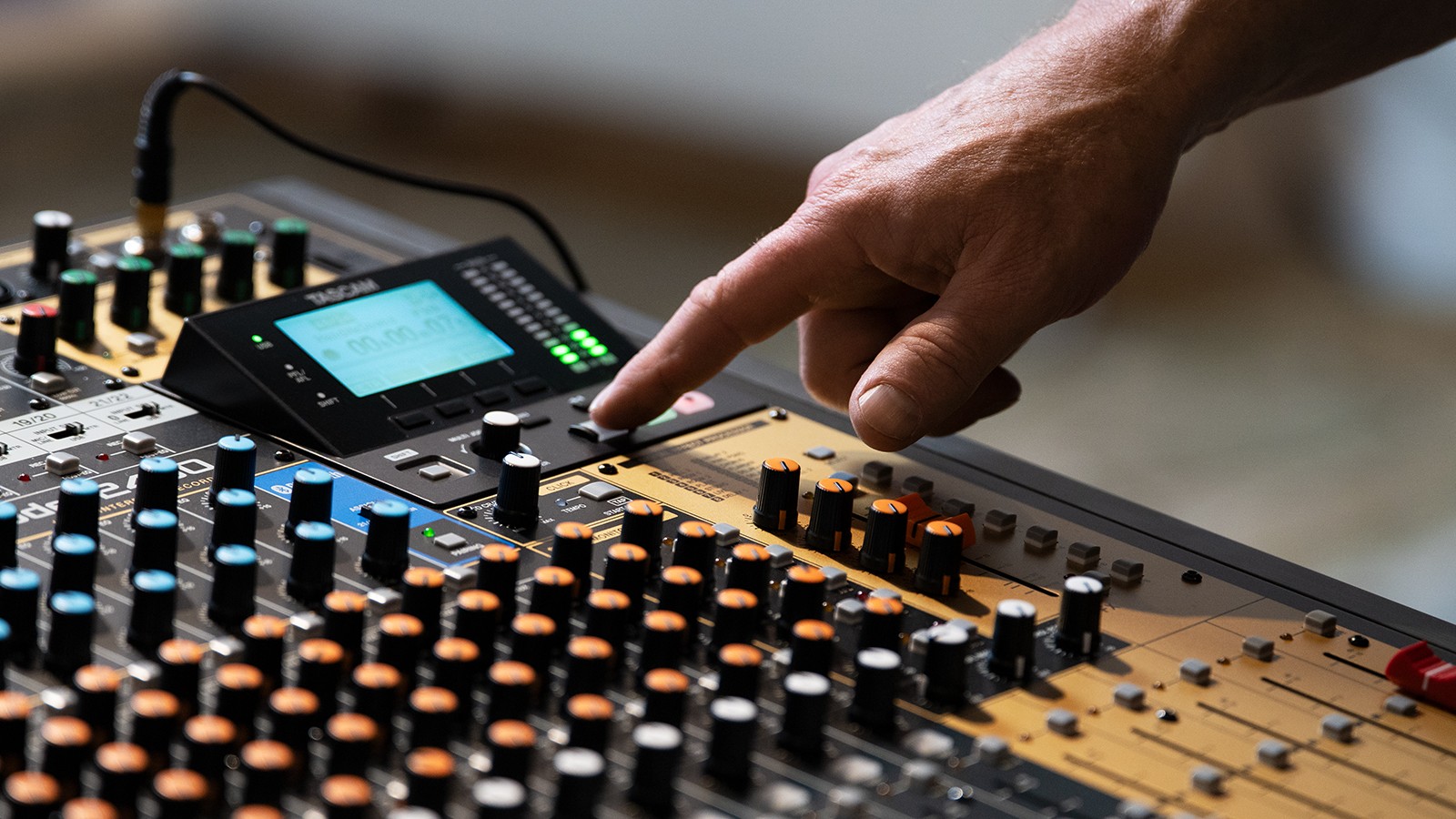
Comparison table: audio interface vs mixing desk
| Criteria | Audio interface | Mixing desk |
|---|---|---|
| Primary purpose | High-quality A/D–D/A conversion for recording and mixing in a DAW | Real-time balancing of several sources, hardware routing, monitor sends and effects |
| Ergonomics | Software-based control, direct monitoring, sometimes a virtual mixer with headphone submixes | Immediate hands-on control (faders, EQ, auxes), quick to learn with no screen |
| Recording | Detailed multi-track recording in the DAW, separate tracks in 24-bit | Depending on model: stereo or multichannel USB, sometimes a built-in SD card recorder |
| Preamp quality | Clean and quiet, with enough gain for most mics | Varies by price range; from decent to very good on serious models |
| Latency | Optimised for DAW use via buffer settings (depending on CPU load) | Almost instant analogue monitoring outside the DAW; perceived latency is negligible |
| Routing & monitor sends | Via the DAW or an internal mixer, dedicated headphone outputs | Hardware aux sends, subgroups, inserts, multiple main outputs |
| Streaming | Very good with OBS/DAW; requires a software mix or a dedicated bus | Practical: separate front-of-house and monitor mixes, easy handling of a mix-minus |
| Expandability | Add extra I/O via ADAT, S/PDIF or AES/EBU depending on the model | Expand by changing the console or daisy-chaining outputs/inputs |
| Footprint | Compact format for a minimal desk setup | Bulkier for the same number of inputs |
| Budget | From very affordable to high-end, depending on I/O and quality | Excellent £/channel ratio; multichannel USB models cost more |
Practical scenarios based on your needs
Solo singer
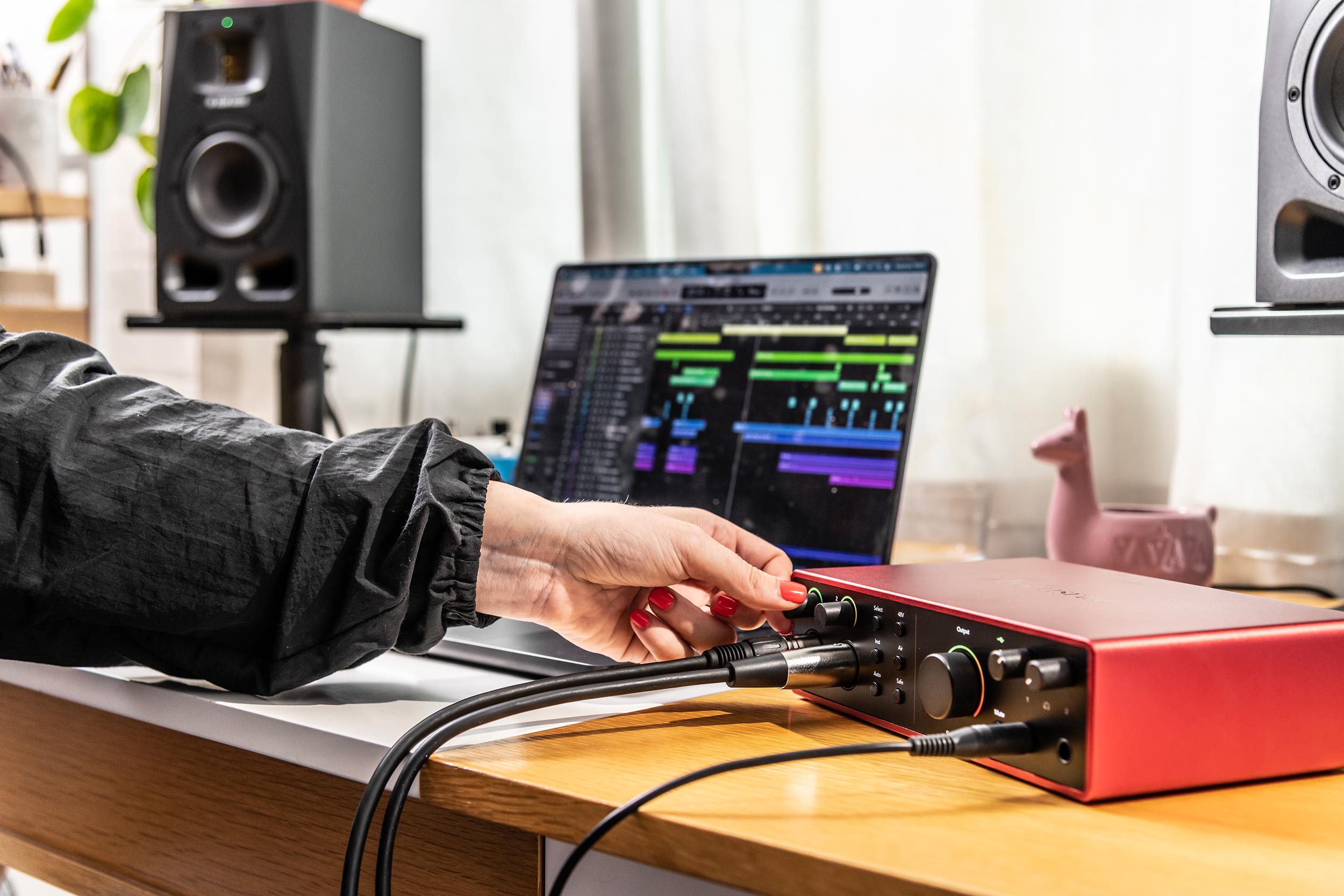
You sing over backing tracks or an amplified acoustic guitar and want to record clean takes at home. Recommended choice: 2-in / 2-out audio interface with a quiet preamp, direct monitoring and stable driver. Plug your condenser mic into the XLR input (48V if needed), your instrument into the line or Hi-Z input, then record voice and guitar on two separate tracks. You can then add software reverb, gentle compression and corrective EQ. For a live performance over backing tracks, a small USB mixer can work well to quickly adjust headphone comfort and overall level, but the audio interface remains more flexible for post-production.
Podcaster
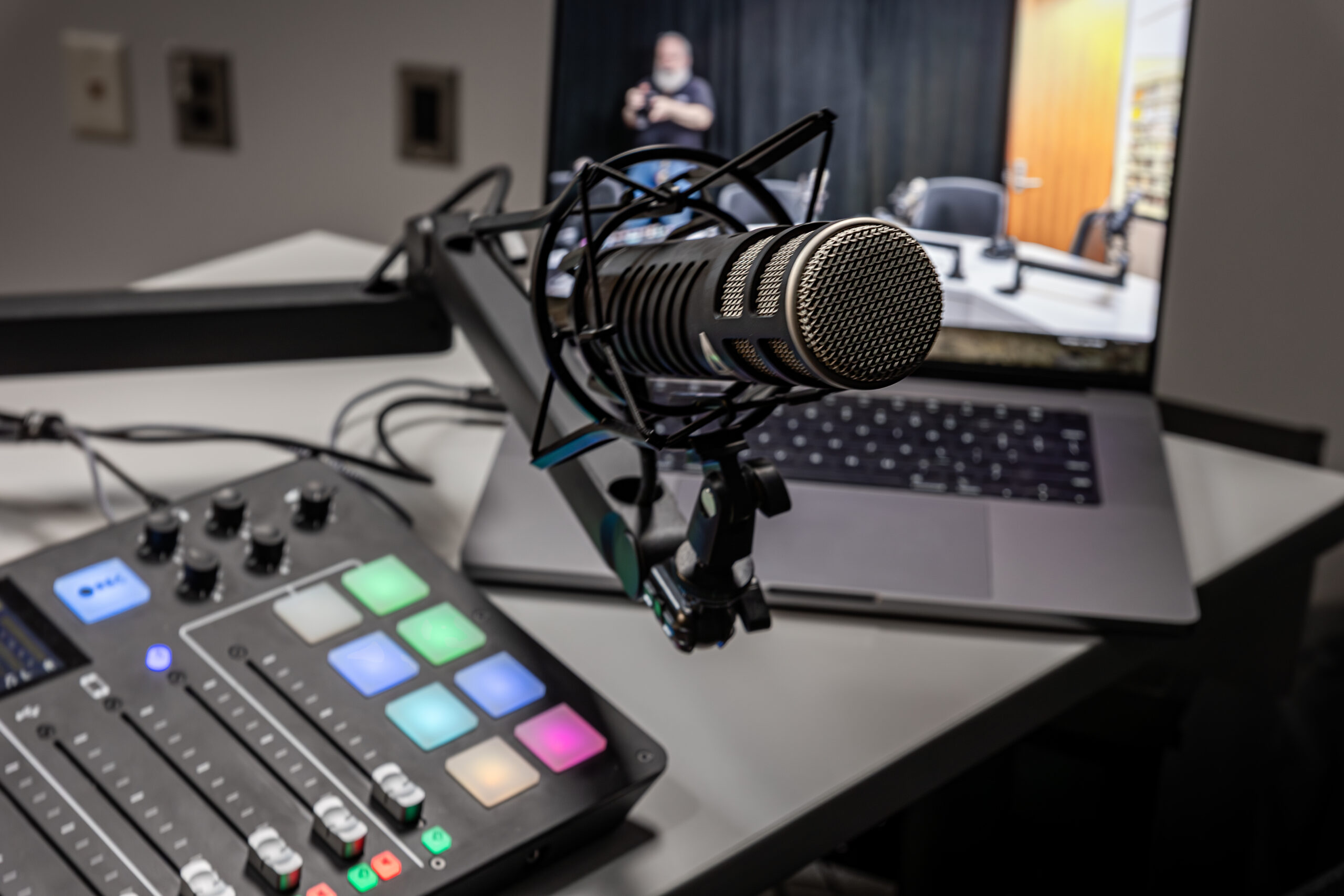
You host a podcast on your own or with a co-host and sometimes go live. Two main options stand out:
- Podcast-focused audio interface (2–4 mic inputs, sometimes jingle pads) for clean capture, simple mix-minus with a remote guest and smooth integration with recording software.
- USB mixing desk with several mic inputs, basic processing (EQ, maybe comp/limiter), an aux bus for headphone monitoring and a USB output to the computer. This favours on-air comfort and simplicity when live.
If you edit your episodes and want to keep each mic on its own track, make sure the desk really offers multichannel USB. If it doesn’t, an audio interface is still the most logical choice to maintain flexibility in the edit.
Band or live musician
You rehearse with an electronic drummer, bass, keyboard and two vocals, and you want to hear each other clearly without opening a DAW. Recommended choice: mixing desk with enough mic/line inputs, two to four aux sends to create separate headphone mixes, and an internal reverb for singer comfort. For archiving the session, a stereo USB model is enough. If you want to reuse the material as multi-track recordings, go for a multichannel hybrid console (for example a Tascam Model 12) so you can record track by track while still enjoying hardware control while you play. Add DI boxes for line-level instruments if needed to keep background noise low.
Conclusion
To sum up, if your main goal is to record and mix in a DAW with reliable quality and low latency, go for an audio interface. If you need to balance several sources live, create headphone mixes quickly and control your sound without a screen, a mixing desk will suit you better. Hybrid USB desks are an effective middle ground for creators who switch between rehearsals, live sets and multi-track recording. To explore console technology in more depth, see our dedicated article: Analogue vs digital mixing desks.
FAQ
Can you record with a USB mixing desk?
Yes. Many desks offer a USB connection. Simpler models send a stereo stream to the computer, which is ideal for documenting a rehearsal, a live stream or a quick capture. If you want separate tracks so you can edit each source individually, choose a desk with multichannel USB or a hybrid model with a built-in multi-track recorder to SD card. Always check whether the spec sheet says “stereo” or “multichannel” before you buy.
What’s the difference between an interface and a mixer?
An audio interface converts analogue signals to digital (and back again) so you can work in a DAW with high fidelity and minimal latency. A mixing desk is primarily used to mix and route several sources in real time, with hardware controls (faders, EQ, auxes) that are very effective for gigs, rehearsals, broadcasting and instant capture. In short, the interface prioritises multi-track recording, the mixer prioritises live control.
What’s the best solution for streaming a gig from home?
For smooth streaming, a USB mixing desk is often the simplest route: you create a dedicated mix for the audience, keep a separate headphone mix and send the audio feed to the computer (OBS, streaming platform). If you also want to record in multi-track alongside the live stream, choose a multichannel hybrid console or a multi-input audio interface with a DAW set up for live work, and include a mix-minus if needed to avoid echoes with remote callers.