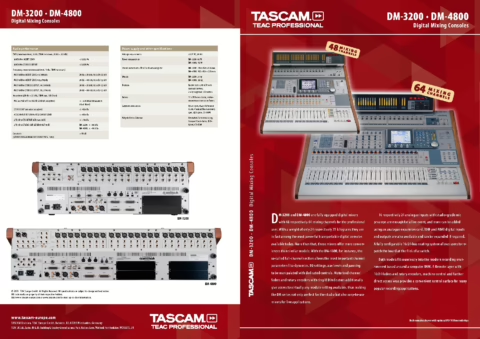
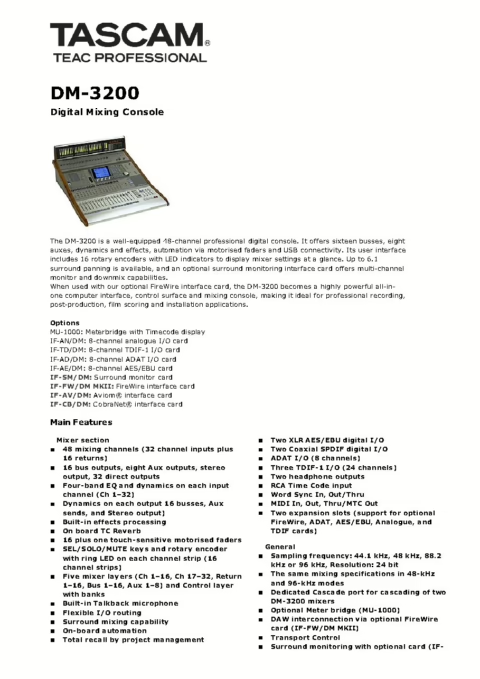
Manuel utilisateur DM-3200
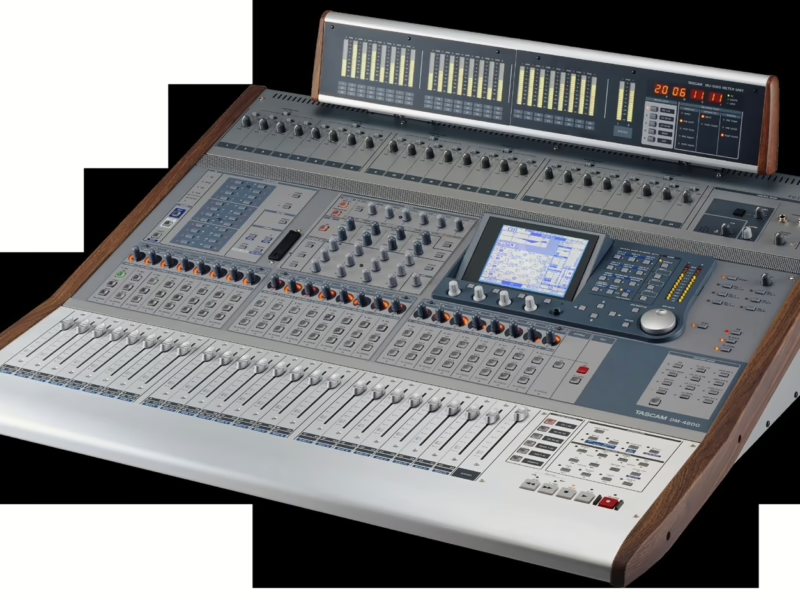
Console : Tascam DM-3200
Sommaire
- Contents4
- List of Figures7
- 1 - Introduction9
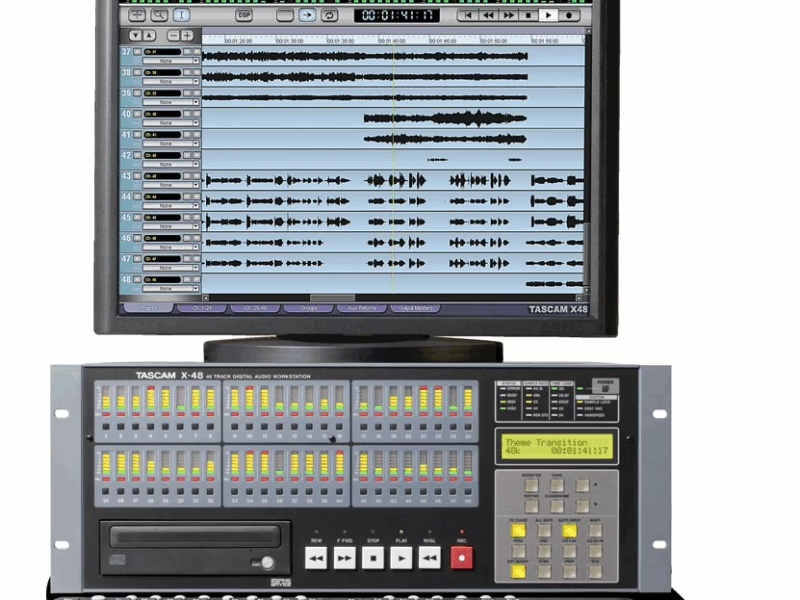
- Computer (DAW) integration9
- Other key points9
- Please read this manual9
- About the DM-320010
- Effects11
- Unpacking the DM-320011
- About the manual12
- What’s in the manual12
- Notes and warnings12
- Special notes for touch-sensitive faders13
- Copyright, etc.13
- The features of the DM-320014
- Control section15
- Monitoring section15
- Module & layer control section15
- Encoder section15
- Modifier section15
- Library section and CF card slot15
- Machine control section15
- Analog input section15
- 2 - Basic operational concepts16
- Smart keys16
- What’s on the screen?16
- Jumping to commonly-used screens17
- Fader layers18
- Special controls18
- The PODs18
- Encoders20
- Encoder mappings20
- Reading the encoder indicators21
- Encoder behavior23
- CF cards24
- Formatting a new card24
- Shutting down the DM-320025
- Starting up the DM-320025
- About projects and libraries26
- Setting the date and time27
- Creating a new project27
- Managing projects28
- Saving project data29
- Library management30
- Library utilities31
- Naming library entries32
- Options32
- SETUP screen32
- PREFERENCES34
- SOLO35
- Utilities36
- UTILITY copying36
- SWITCH utility37
- 3 - Connections38
- Analog connections39
- Mic/line connections39
- Analog outputs40
- Digital connections40
- Digital audio I/O40
- Digital I/O setup41
- Slot card configuration42
- Other connections42
- Clock setting44
- 4 - Routing & assignment46
- Routing47
- Input routing47
- Output routing49
- Insert patching50
- Channel-to-buss assignment51
- Assignment using the front panel51
- Monitoring54
- Selecting the CR source54
- Studio cue source55
- Talkback, etc.56
- Oscillator and noise generator56
- Meters57
- Soloing58
- 5 - Channel modules59
- General principles59
- Global module settings60
- Fader control61
- Dynamics processors62
- Gates (input channels 1-32)63
- Compressor/expanders63
- Preset dynamics library entries64
- Trigger settings65
- EQ66
- EQ library67
- Aux and buss setup68
- Module setup70
- Phase/trim/delay71
- Stereo linking72
- Mute groups73
- Fader groups74
- Surround operations75
- Changing surround mode75
- Assigning channels to surround busses75
- Surround panning76
- LFE level78
- Snapshots79
- Snapshot library management79
- Storing snapshots80
- Information about a snapshot80
- 6 - Effects81
- Routing the effects81
- Setting up the effects81
- TASCAM effect parameters82
- TC Works effect parameters83
- Effect libraries84
- Preset TC Reverb effects84
- Preset TASCAM effects87
- 7 - MIDI91
- MIDI port switching and filtering91
- Program Change messages and the DM-320092
- MIDI Implementation Charts92
- 8 - Remote operation93
- Selecting devices for transport control93
- Deleting devices from the list94
- Auto-detection of devices94
- Selecting the control type for the devices94