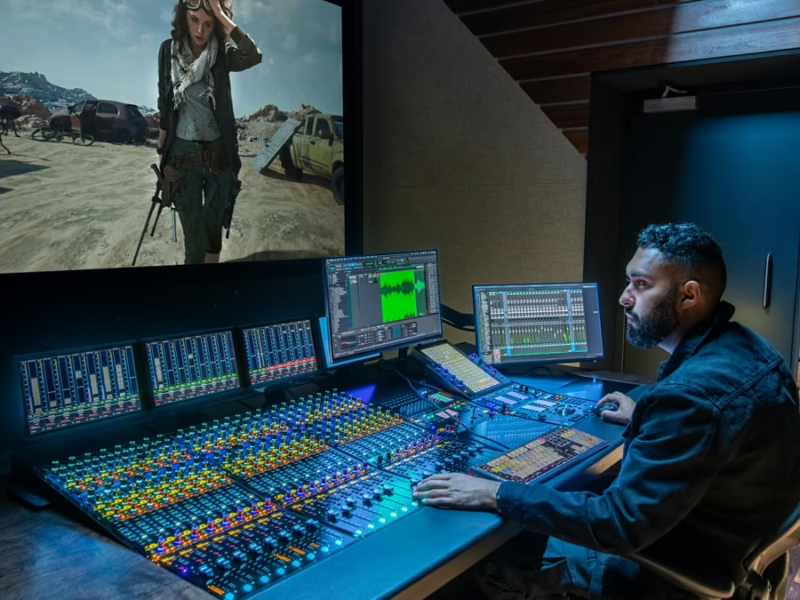
Guide D-Control (Digidesign)
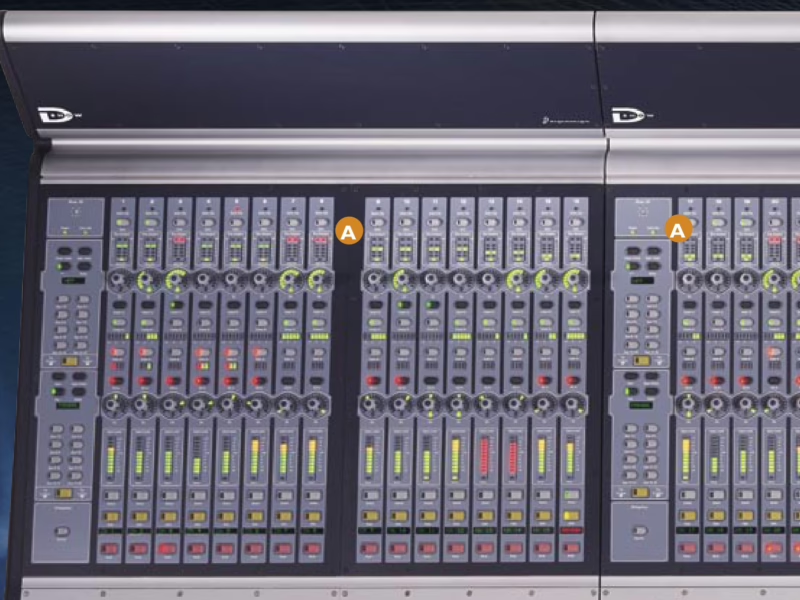
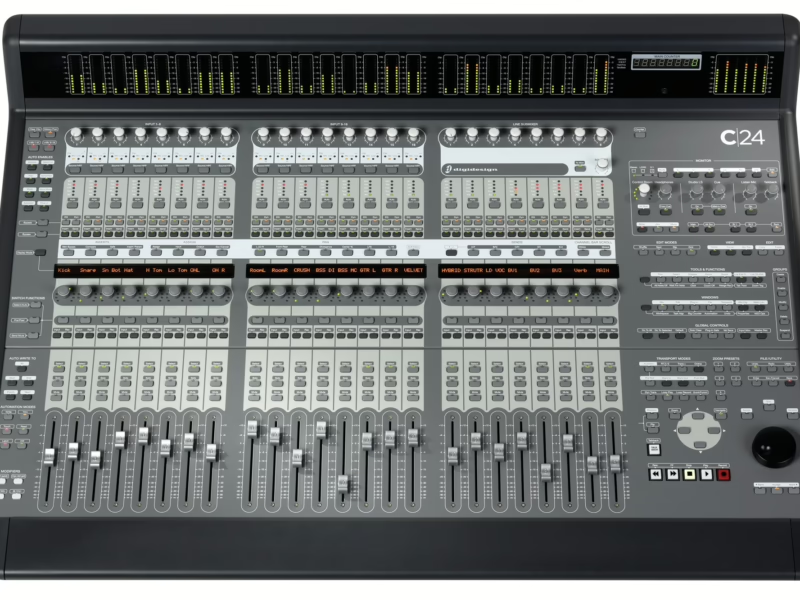
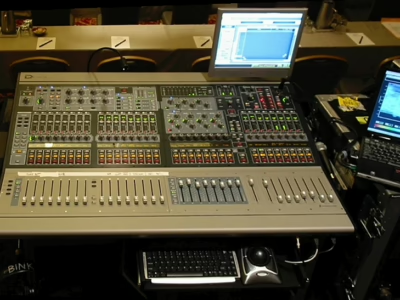
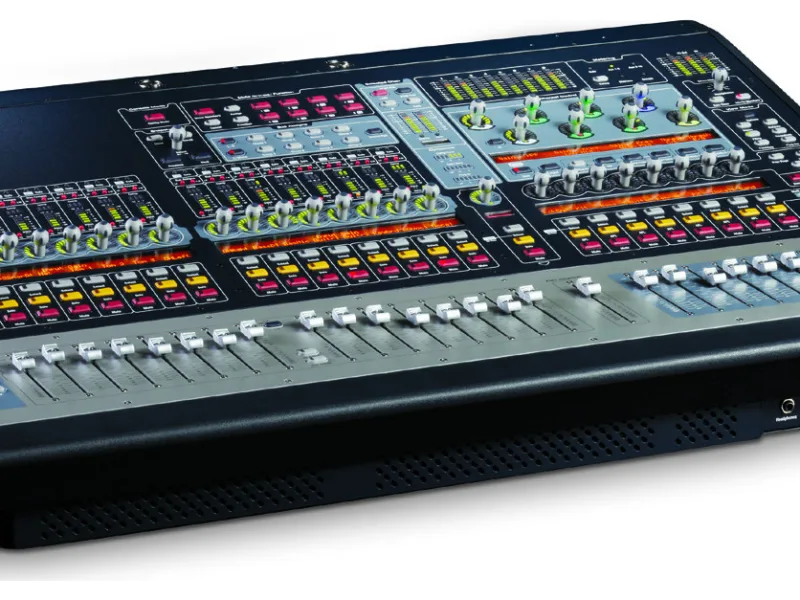
Console : Avid ICON D-Control
Sommaire
- Contents5
- Introduction9
- Chapter 1: Introduction to D-Control11
- D-Control Features11
- D-Control System Components11
- System Expansion Options12
- Operational Requirements12
- Connection Requirements12
- System Requirements and Compatibility12
- Mechanical Specifications13
- Chapter 2: D-Control Overview15
- D-Control Main Unit15
- D-Control Fader Module18
- D-Control XMON Interface19
- Installation21
- Chapter 3: Setting Up D-Control23
- D-Control Stand23
- Installing D-Control Units30
- Installing a Video Display35
- Mounting D-Control Cables (Optional)38
- Reconfiguring the D-Control Keyboard for a Windows System38
- Moving the Keyboard and Trackball (Optional)39
- Replacing the Trackball with an External Trackball or Mouse (Optional)39
- Chapter 4: Connecting D-Control41
- D-Control Connections41
- Audio Connections43
- Chapter 5: Configuring D-Control47
- Starting Up and Shutting Down the System47
- Software Configuration47
- Setting D-Control Preferences48
- System Calibration53
- Reference55
- Chapter 6: Channel Strip Controls57
- Channel Strips57
- Channel Strip Master Section65
- Chapter 7: Plug-in Controls79
- Assigning and Removing Plug-ins79
- Focusing Plug-ins on D-Control80
- Opening Plug-in Windows On-Screen80
- Managing Multiple Plug-in Windows81
- Making Plug-ins Inactive or Active81
- Changing Plug-in Presets from Channel Strips81
- Copying and Pasting Plug-in Settings82
- Enabling Plug-in Automation82
- Plug-in Mapping83
- Displaying Dynamics Plug-in Gain Reduction on Channel Meters85
- Dynamics Section86
- EQ Section93
- Chapter 8: Transport and Navigation Controls99
- Transport Section99
- Zoom/Navigate Section105
- Bank/Nudge Section106
- Bank Select Matrix106
- Dual Transport Mode107
- D-Control Multi-Mode108
- Chapter 9: Management and Soft Key Sections109
- Window Management Section109
- Session Management Section110
- Soft Keys Section111
- Miscellaneous Controls Section120
- Memory Locations121
- Window Configurations122
- Chapter 10: Monitor and Meter Sections123
- Monitor Section Controls123
- Control Room Monitoring System124
- Headphone/Cue System129
- Talkback/Listen System130
- Meter and Time Code Displays (Main Unit)132
- Meter Displays (Fader Module)133
- Setting D-Control Meters for Different Reference Levels133
- Chapter 11: Normal Mode Operations and Commands135
- Assigning Elements to Tracks135
- Viewing Assignments137
- Making Elements Active or Inactive138
- Working with Tracks139
- Working with Plug-Ins and Sends140
- Flip Mode and Flop Mode141
- Inline Console Mode143
- Working with Automation143
- Chapter 12: Assigning Inserts, Sends and I/O with the Assign Matrix147
- Overview of the Assign Matrix149
- Insert Assign Matrix150
- Send Assign Matrix152
- I/O Assign Matrix154
- Chapter 13: Custom Fader Modes157
- Overview of Custom Fader Modes157
- Custom Groups Mode158
- Custom Fader Mix/Edit Groups Mode159
- Custom Fader Tracks Mode161
- Custom Fader Plug-In Mode161
- Custom Fader Flip Mode162
- Custom Fader Map Modes163
- Appendix A: Utility Mode165
- Entering Utility Mode165
- Navigating Utility Mode165
- Exiting Utility Mode166
- D-Control System Info Page166
- D-Control Name Page166
- D-Control Test Pages167
- Resetting D-Control to Factory Defaults170
- D-Control Preferences170
- Appendix B: Audio Connections and Pinouts173
- 25-Pin Female Connector Pinouts173
- 15-Pin Connector Pinouts175
- Index177