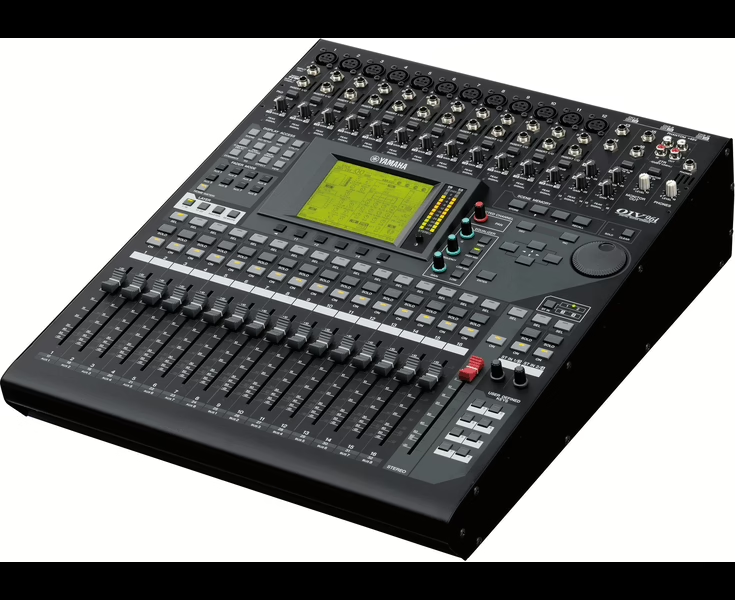
Mode d'emploi Yamaha 01X
Console : Yamaha 01X
Sommaire
- Cover1
- SPECIAL MESSAGE SECTION2
- FCC INFORMATION (U.S.A.)3
- PRECAUTIONS4
- Introduction6
- Accessories (Check to see that you have everything listed here.)6
- About This Manual7
- The 01X — What it is and what it can do8
- Application Index10
- Table of Contents13
- Before Using14
- 01X Terminology14
- Controls and Connectors16
- Connections23
- Setting Up24
- Basics Section25
- Overview of the 01X25
- Mixer27
- Internal effects 1/231
- Remote Control32
- mLAN Interface33
- Application examples34
- 1) Recording mixer and monitor mixer34
- 2) Digital mixer function35
- 3) Recording mixer, monitor mixer - with use of 01X Channel Module software and Studio Manager35
- Memory (Library) Structure36
- Basic Operations37
- Modes37
- Mode selection and display indications38
- Layer selection/Channel selection40
- Entering Characters (Title Edit)41
- Factory Set (Restore Factory Defaults)42
- Getting Started43
- Mixing Tutorial46
- Setting input levels and viewing the meters46
- Applying EQ48
- Using Mute (On/Off) / Solo51
- Using Dynamics - applying compression, etc.52
- Dynamics Library54
- Pairing channels54
- Panning55
- Using the Internal Effects56
- Using external effects60
- Input and Output Patching61
- Groups64
- Creating and Recalling Scenes65
- Recording/Playback/Remote Control66
- Setting up66
- Working in the Project window73
- Working in the Mixer window75
- Working in an Editor window76
- Automation77
- Editing EQ settings79
- Editing Effect settings80
- Other control features82
- Reference84
- Function Tree/Function List84
- Remote Function List104
- SQ01 V2: (In the Track View window, select “Remote Control” from the Setup menu and set the Mode to “01X.”) On the 01X, set104
- LOGIC: On the 01X, set Remote Select (page 87) in the Utility mode to “LOGIC.”106
- Cubase/NUENDO: On the 01X, set Remote Select (page 87) in the Utility mode to “CUBASE.”108
- SONAR: On the 01X, set Remote Select (page 87) in the Utility mode to “SONAR.”110
- Digital Performer: On the 01X, set Remote Select (page 87) in the Utility mode to “DP.”112
- Appendix115
- Parameter Lists115
- MIDI Data Format141
- MIDI Implementation Chart142
- Display Messages143
- Troubleshooting144
- Specifications149
- Index151
- Block Diagram155