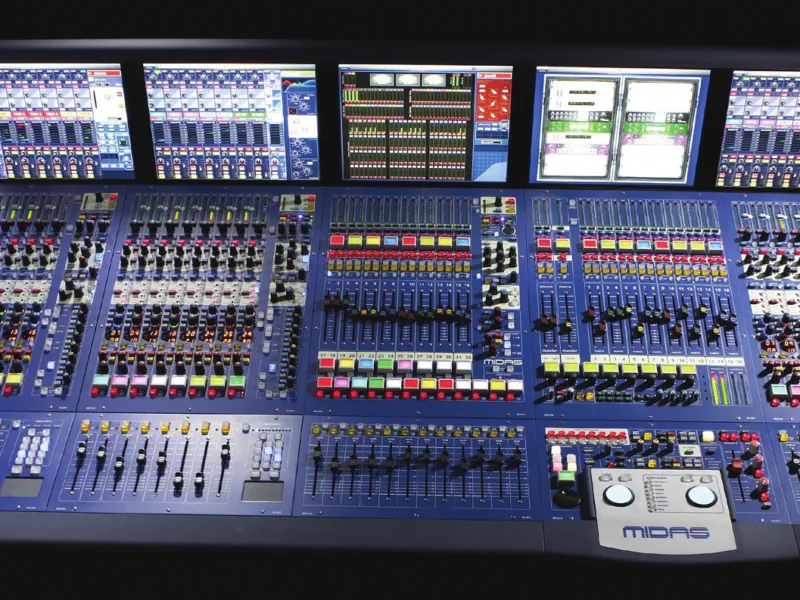
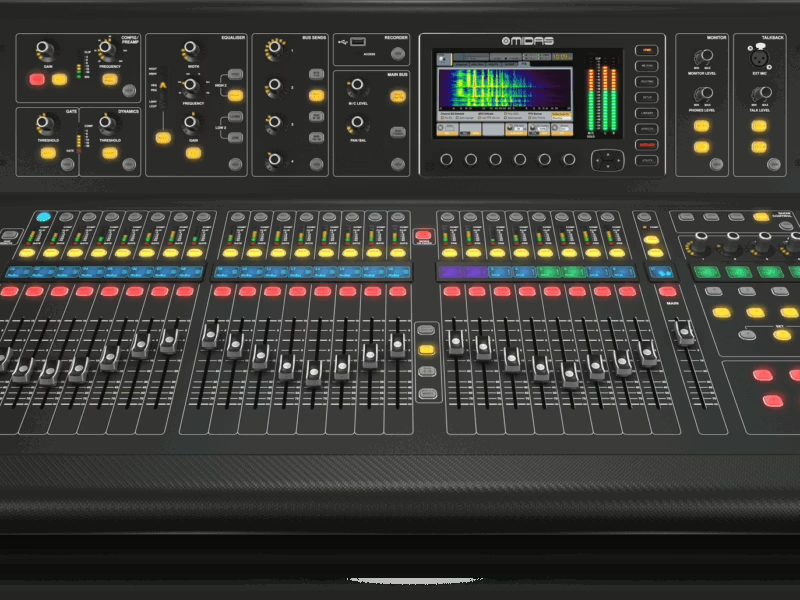
PRO9 — Guide de référence rapide
Console : Midas PRO9
Sommaire
- PRO9 Control Centre1
- IMPORTANT SAFETY INSTRUCTIONS3
- INSTRUCTIONS DE SÉCURITÉ IMPORTANTES4
- PRO9 EC-Declaration of Conformity5
- Licences7
- Precautions11
- Safety warnings11
- General precautions11
- Power11
- Handling the equipment11
- Installation12
- Location12
- Audio connections12
- Electrostatic discharge (ESD) precautions12
- Radio frequency interference—Class A device12
- Electric fields13
- Safety equipment13
- Optional equipment13
- Special accessories13
- Recommandations15
- Avertissements de sécurité15
- Recommandations générales15
- Puissance15
- Manipulation de l'équipement16
- Installation16
- Lieu d'installation16
- Connexions audio16
- Electrostatic discharge (ESD) precautions16
- Interférences radioélectriques - Dispositif de Classe A17
- Champs électriques17
- Équipement de sécurité17
- Équipement en option17
- Accessoires spéciaux17
- Contents19
- Overview21
- Chapter 1: Introduction23
- About this guide23
- PRO Series host software version23
- Warranty and registration23
- Service and support24
- Chapter 2: PRO9 Live Audio System25
- Introducing the PRO925
- Overview25
- Applications26
- System components27
- Chapter 3: About The Control Centre29
- Overview of the control centre29
- Bay and GUI layout30
- Control surface31
- GUI32
- Front and rear panel connections33
- Operation35
- Chapter 4: Before You Start37
- Principles of operation37
- Operating modes37
- Normal mode37
- Using the 4-channel input bay as area B37
- Operating the top output fast strips from the master bay38
- Controlling the mix buses in flip mode38
- Hints and tips38
- Saving your work39
- Saving a show versus storing a scene39
- Shutting down the control centre properly39
- Chapter 5: Working With The Control Centre41
- About channel operation41
- About GUI operation41
- Click42
- Drag42
- Operating the GUI screen controls42
- Using the GUI menu43
- Text editing44
- Chapter 6: Navigation45
- An introduction to navigation45
- Navigating the input channels45
- Navigating the mix buses49
- Navigating the output channels51
- Navigation via the GUI53
- Fault finding a problem channel53
- Chapter 7: Patching55
- Introduction55
- About the patching procedure57
- Configuring the devices57
- Device configuration procedure57
- Configuring the snake type59
- Setting up the I/O rack devices59
- How to patch61
- Single patching (SINGLE)62
- Sequence patching (SEQ.)62
- Chapter 8: Basic Operation63
- Setting a mic amplifier’s input gain63
- Setting the high and low pass filters64
- Input equalisation (E zone)65
- Input dynamics processing (D zone)66
- Output processing67
- Using VCA/POP groups68
- Configuring VCA/POP groups69
- Setting up a mix70
- Mix bus routing72
- Linking72
- Using fader flip72
- Setting up the effects rack73
- Simple routing to master stereo outputs75
- Scene and show management (automation)76
- Managing the shows76
- Managing the scenes78
- Additional control — managing events80
- Show editor81
- Configuring the inputs and outputs82
- Using copy and paste82
- Copy and paste rules and restrictions83
- User library (presets)83
- Surround panning84
- Two-man operation86
- Saving your show files to a USB memory stick87
- External AES50 synchronisation88
- Security (locking mode)88
- Connecting And Setting Up The System89
- Chapter 9: Setting Up The System91
- Initial set-up procedure91
- Unpacking the equipment91